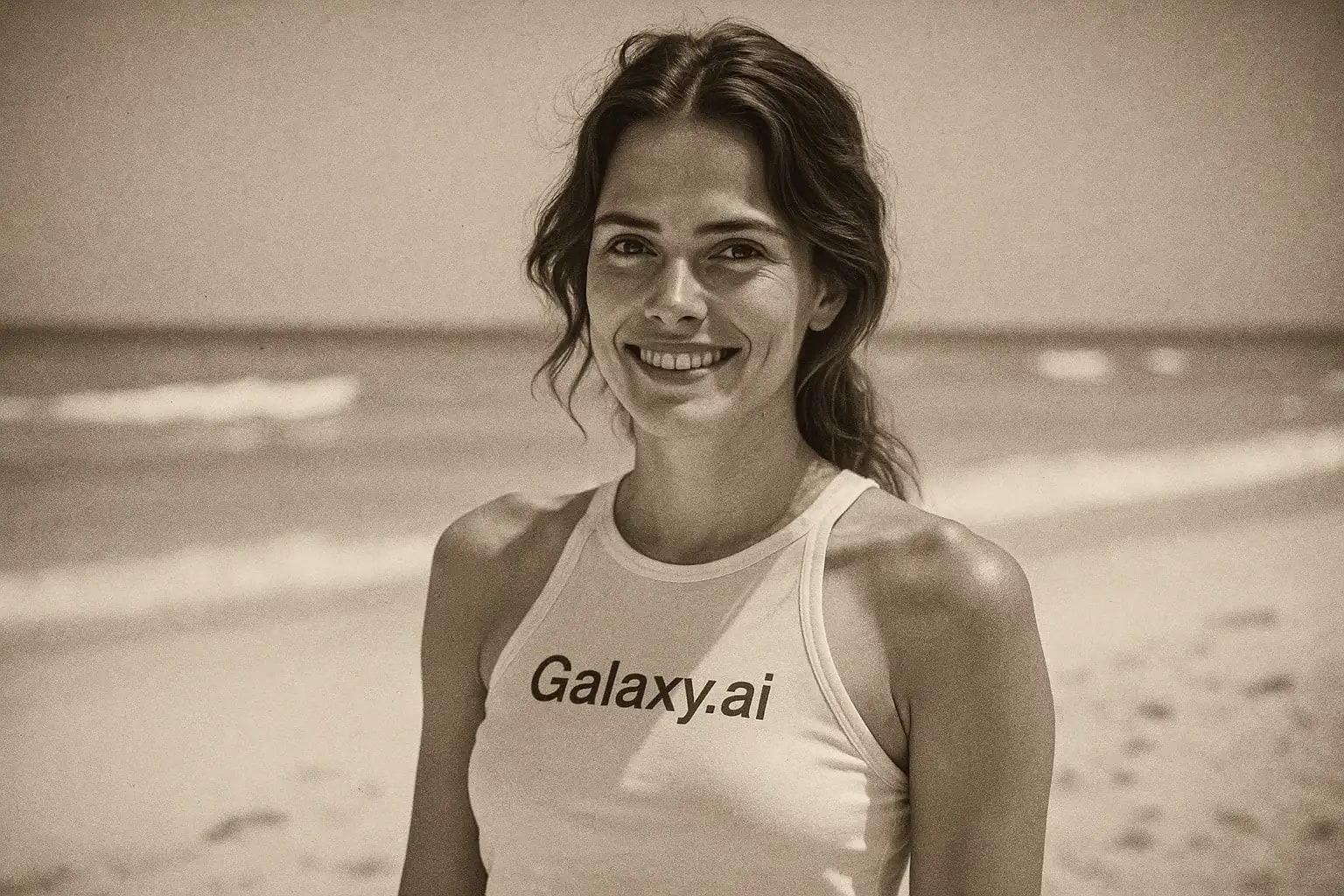
Compare the source image with each finished result.
Source image
Result
What Magica will ask for
The agent gathers these inputs and preferences in the conversation before it starts.
Attach Your Photo
attach a photo to apply the 1930s vintage filter
Why Choose Our AI 1930s Filter?
Travel back in time! Instantly give your photos an authentic 1930s vintage look with our sophisticated AI filter. Add timeless charm effortlessly.
Authentic 1930s photo aesthetic (sepia/B&W)
Subtle film grain and classic contrast adjustments
Preserves original image composition and details
Simple one-click operation
Fast AI-powered processing
No photo editing experience needed
Perfect for nostalgic posts and creative projects
How Our 1930s Filter Works
Getting that classic 1930s look for your photos is incredibly easy:
01
Attach Your Photo
Select and upload any photo you want to transform. Clear images work best!
02
Apply the Filter
Click the 'Generate' button. Our AI analyzes your photo and applies the vintage 1930s filter.
03
Download & Share
Preview the charming retro transformation and download your high-resolution vintage image.
Key Features of the AI 1930s Filter
Authentic Vintage Tone
Applies classic sepia or black and white toning, mimicking the photographic processes of the 1930s.
Realistic Film Grain & Texture
Adds subtle, period-appropriate film grain and texture for an authentic vintage feel, avoiding overly digital looks.
Classic Contrast & Lighting
Adjusts contrast and lighting dynamically to match the characteristic look of 1930s photography.
High-Quality Output
Generates high-resolution images while preserving the essential details and composition of your original photo.
Who Can Benefit from the 1930s Filter?
Our AI 1930s Filter is perfect for anyone looking to add a touch of vintage elegance or historical feel to their images.
Social Media Users
Create unique, nostalgic posts for Instagram, Pinterest, or Facebook. Stand out with a classic look.
Graphic Designers & Artists
Quickly generate vintage-style assets for projects, mood boards, or historical composites.
History Enthusiasts
Visualize modern scenes or portraits as if they were captured in the 1930s era.
Photographers
Experiment with a vintage aesthetic or offer clients unique, retro-style photo edits easily.
Bloggers & Content Creators
Enhance blog posts, articles, or videos with historically-styled images for thematic content.
Tips for the Best 1930s Filter Results
Tip 1
Start with Clear Photos
While the filter adds texture, starting with a relatively clear, well-focused image yields better results.
Tip 2
Consider Composition
Photos with compositions that feel somewhat classic or simple often look more authentic after applying the filter.
Tip 3
Works on Various Subjects
Try it on portraits, landscapes, architecture, or objects for interesting vintage transformations.
Tip 4
Experiment and Have Fun
See how different types of modern photos look when given a 1930s twist!
Frequently Asked Questions About Our 1930s Filter
Will the filter make my photo black and white or sepia?
The AI aims for an authentic 1930s look, which could be either black and white or include sepia toning, depending on what best suits the image and mimics the era's photography.
Does it add scratches or damage effects?
Currently, the filter focuses on tonal adjustments, contrast, and subtle film grain typical of the era, rather than heavy damage effects like scratches or tears.
Can I use very colorful modern photos?
Yes, you can upload any photo. The AI will convert the colors to a vintage palette (B&W or sepia) as part of the 1930s transformation process.
Is the output resolution the same as the input?
The tool aims to maintain high quality and resolution, similar to your original photo, after applying the filter effect.
Are my uploaded photos stored?
We prioritize your privacy. Original photos are processed for the filter effect and not stored long-term. You download the generated vintage-style image.