Source image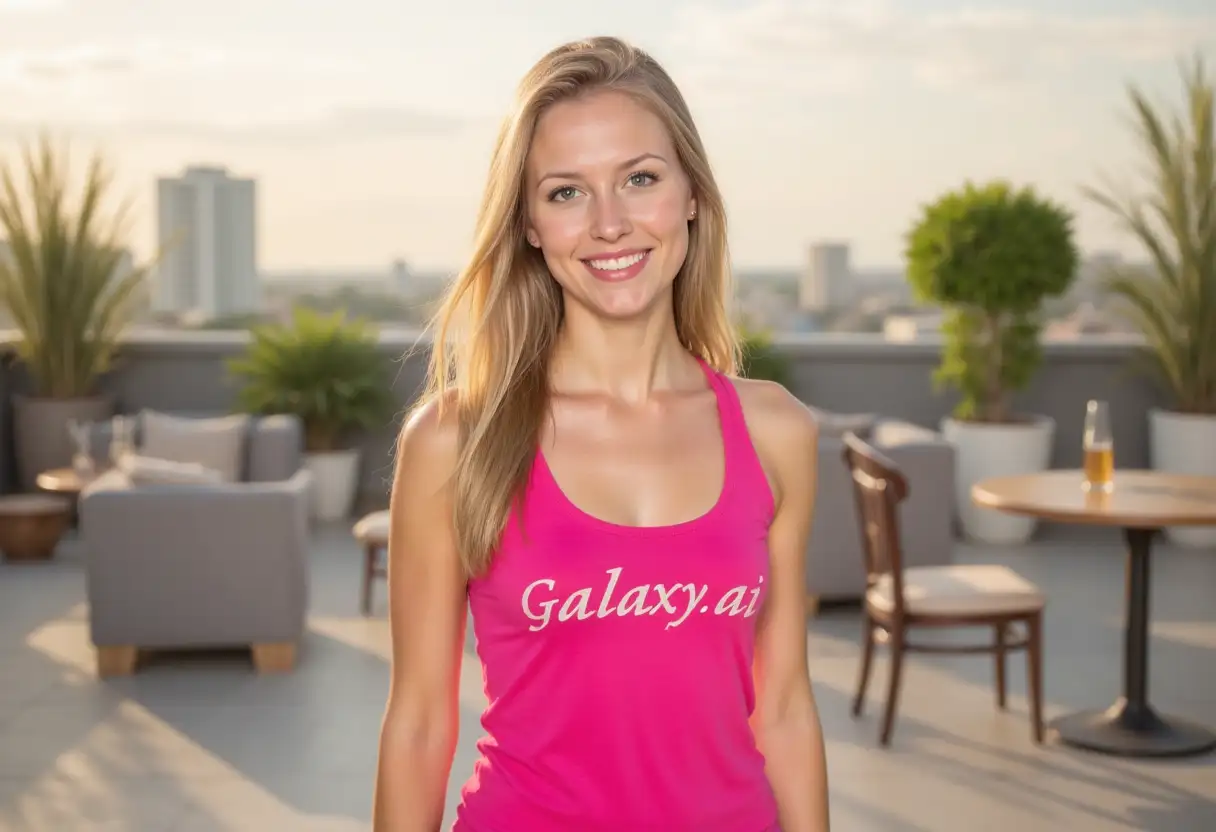
Result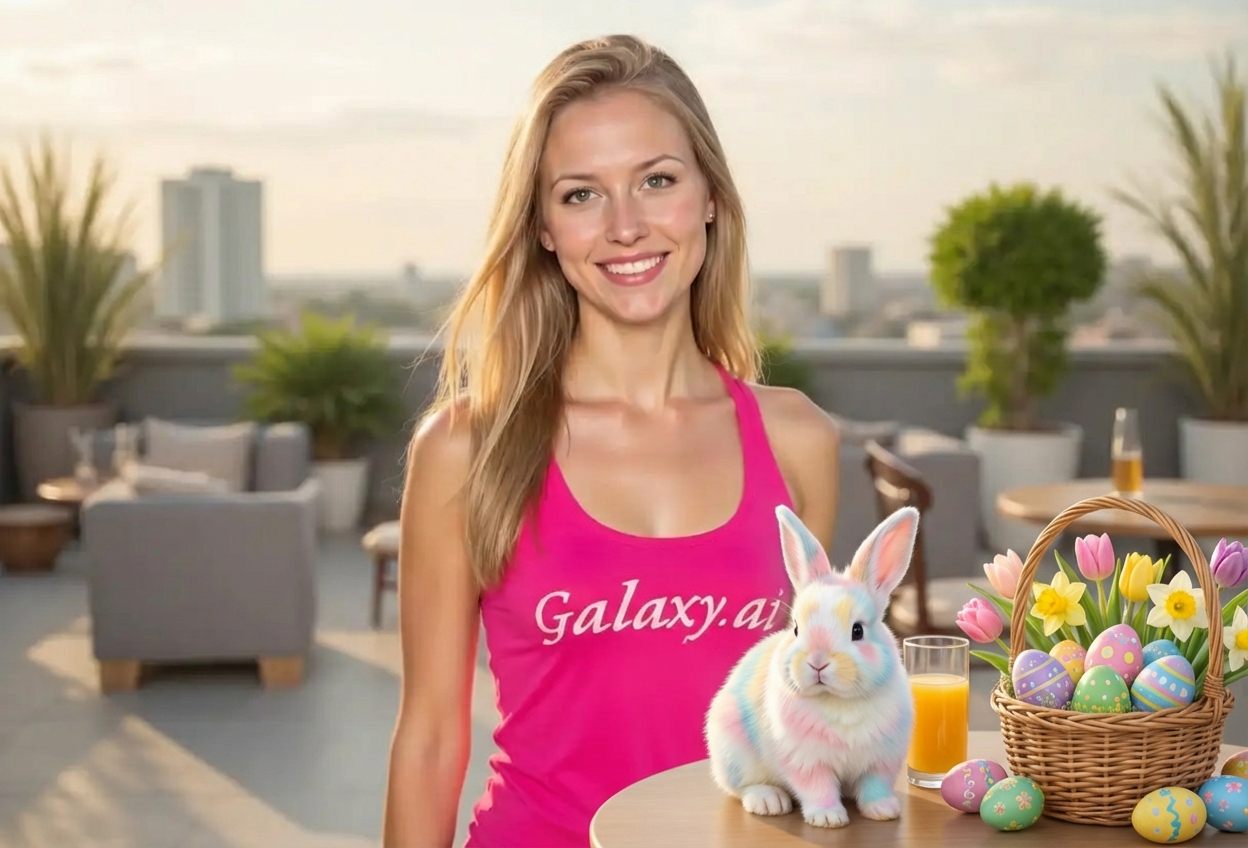

Create magical Easter photos with cute bunnies
Compare the source image with each finished result.
The agent gathers these inputs and preferences in the conversation before it starts.
Describe what you want to create...
Choices: Any Style, Realistic Bunny, Cartoon Bunny, Cute Chibi Bunny, Standing Bunny Character, Fluffy Bunny, Watercolor Bunny
Choices: Any Size, Small, Medium, Large
Choices: Any Accessories, Bow Tie, Flower Crown, Easter Basket, Decorated Eggs, Vest and Bow Tie, No Accessories
Choices: Any Theme, Spring Garden, Egg Hunt, Pastel Colors, Flowers & Blooms, Festive Celebration
Create enchanting Easter memories with AI-generated bunny characters.
Create Easter magic in three simple steps:
Upload any photo and describe where you'd like the Easter bunny to appear.
Choose bunny style, size, accessories, and Easter theme elements.
Let AI add an adorable Easter bunny to your photo and download for cards or social media.
Choose realistic, cartoon, chibi, or anthropomorphic bunny characters.
Add bow ties, flower crowns, Easter baskets, and decorated eggs.
Bunnies blend seamlessly with lighting, shadows, and perspective.
Spring gardens, egg hunts, pastel colors, and festive decorations.
Perfect resolution for Easter cards, invitations, and prints.
Adjust bunny size from small accent to large focal point.
Perfect for creating memorable Easter celebrations and content.
Create magical Easter memories and family photos with adorable bunnies.
Offer Easter bunny photo packages without needing costume props.
Create engaging Easter content and festive posts for followers.
Design professional Easter cards with cute bunny illustrations.
Create promotional materials for Easter egg hunts and events.
Make Easter educational materials and activities more engaging.
Outdoor scenes, gardens, and bright settings work best for Easter bunny additions.
Realistic bunnies for adults, cartoon styles for children's photos and materials.
Easter themes work best with pastel colors, spring flowers, and bright natural lighting.
Smaller bunnies for accent elements, larger bunnies as focal points in family photos.
Combine bunnies with Easter baskets, decorated eggs, and spring flowers for complete holiday atmosphere.
Position bunnies where they naturally belong - in gardens, near children, or as part of egg hunt scenes.
Create and share Easter photos in March-April for maximum seasonal relevance.
Choose from realistic bunnies, cartoon styles, cute chibi bunnies, standing anthropomorphic characters, fluffy bunnies, and watercolor-style illustrations.
Yes! Add bow ties, flower crowns, Easter baskets, decorated eggs, vests, or keep the bunny simple without accessories.
Yes, the AI ensures the bunny matches your photo's lighting, shadows, perspective, and overall composition for realistic integration.
Absolutely! Choose from small (accent), medium (balanced), or large (focal point) sizes based on your needs.
Options include spring gardens, egg hunts, pastel color schemes, flower blooms, and festive celebration themes.
Yes, the high-quality output is perfect for Easter greeting cards, invitations, and printable materials.
Yes, you can process the same photo multiple times or describe multiple bunnies in your initial prompt.
Outdoor photos, garden scenes, family portraits, and bright indoor settings work best. Spring and pastel backgrounds are ideal.
Absolutely! The cartoon and chibi bunny styles are perfect for children's content, educational materials, and family-friendly posts.
Typically 30-60 seconds depending on image complexity and bunny style selected.


