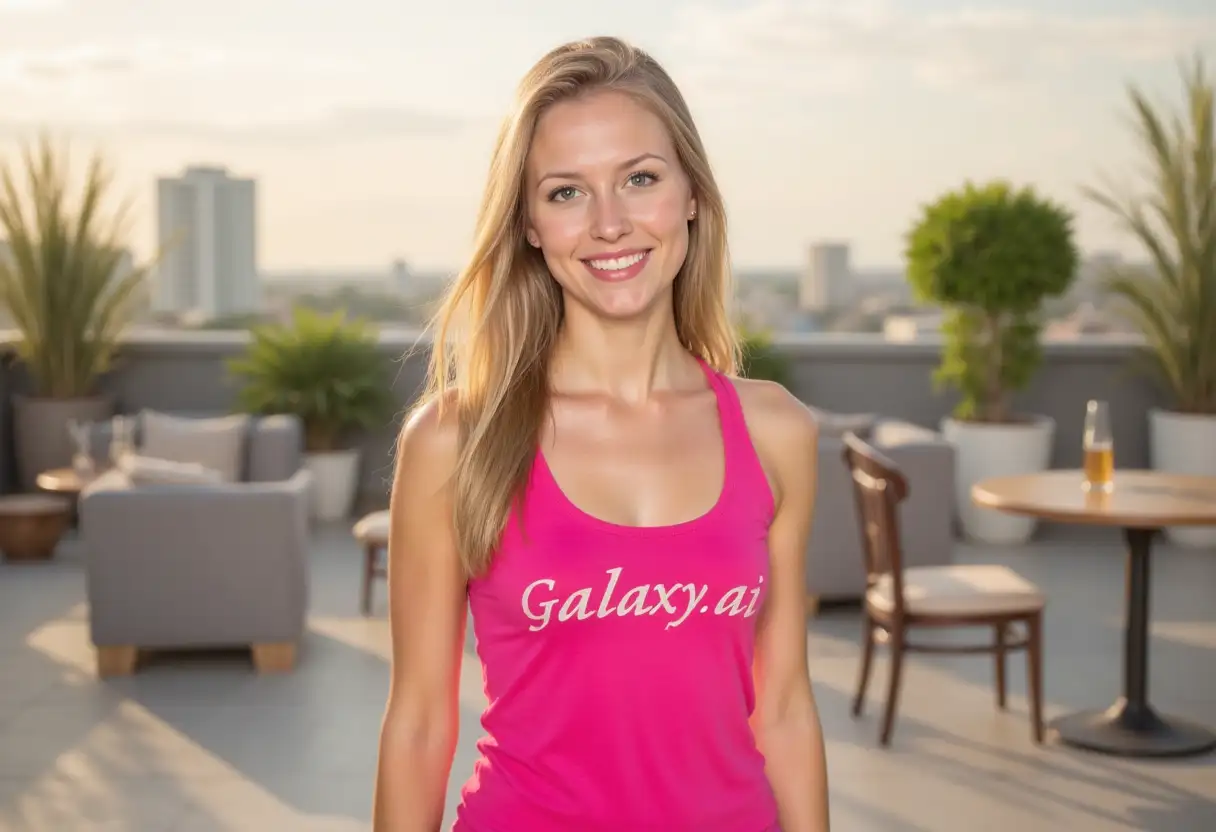
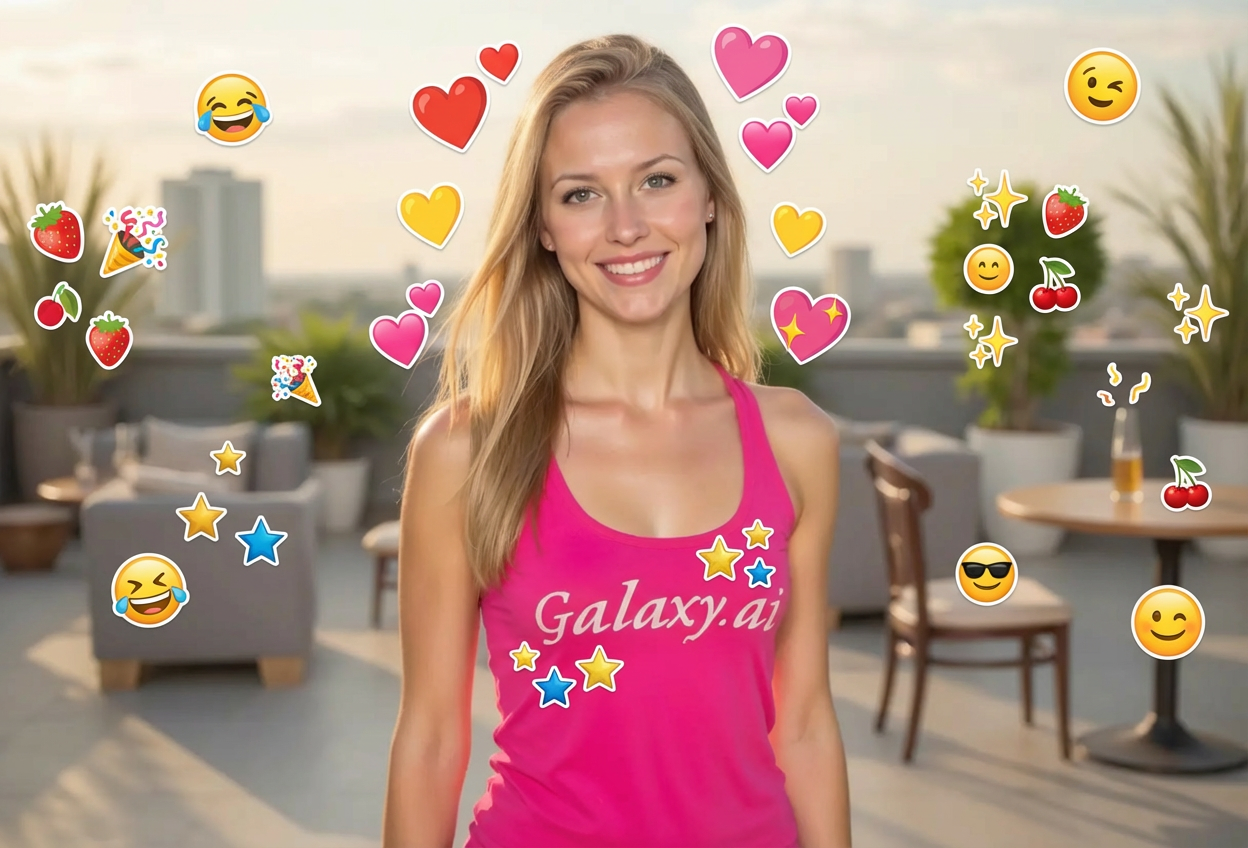
Add expressive emojis to your photos in three simple steps:
01
Attach Your Photo
Upload any photo you want to enhance with emojis. Works with selfies, group photos, or any image.
02
Choose Emoji Settings
Select your preferred emoji type, style, and placement. Pick from happy, love, celebration, and more.
03
Generate & Share
Get your emoji-enhanced photo instantly. Download and share on social media or messaging apps.
Key Features of Add Emoji to Photo
Diverse Emoji Selection
Choose from happy, love, celebration, funny, cool, animal, food, nature, and activity emojis.
Multiple Emoji Styles
Apply emojis in various styles including 3D, flat design, gradient, animated look, and realistic.
Smart Placement
AI intelligently positions emojis around subjects, in corners, scattered, as borders, or centered.
Perfect Integration
Emojis blend naturally with your photos, maintaining appropriate size and positioning.
Instant Results
Get emoji-enhanced photos in seconds without complex editing software.
Social Media Ready
Perfect output format for Instagram, Snapchat, WhatsApp, and all social platforms.
Who Can Benefit from Our Add Emoji to Photo Tool?
This tool is perfect for anyone looking to add fun and expression to their photos:
Social Media Users
Create engaging, fun posts with emoji-enhanced photos that stand out in feeds.
Content Creators
Add personality to thumbnails, covers, and visual content with creative emoji overlays.
Marketing Professionals
Make promotional content more relatable and engaging with emoji-enhanced visuals.
Teenagers & Young Adults
Express yourself with fun emoji additions to selfies and group photos.
Brand Managers
Create more approachable, friendly brand content with emoji-enhanced imagery.
Event Photographers
Add themed emojis to event photos for birthdays, parties, and celebrations.
Tips for Better Emoji Results
Tip 1
Match Emoji Mood to Photo
Choose emoji types that complement the emotion and theme of your photo for cohesive results.
Tip 2
Consider Photo Composition
Use 'around subject' placement for portraits and 'scattered' for wider shots with more space.
Tip 3
Select Appropriate Style
Use 3D emojis for modern looks, flat design for minimalist aesthetics, and animated for dynamic feel.
Tip 4
Keep It Balanced
Don't overcrowd your photo with too many emojis - sometimes less is more for impact.
Tip 5
Use Theme-Specific Emojis
Choose love emojis for romantic photos, celebration for parties, or food emojis for culinary content.
Tip 6
Test Different Placements
Experiment with various placement options to find which best enhances your specific photo.
Tip 7
Consider Your Audience
Choose emoji styles and types that resonate with your target audience or social media followers.
Frequently Asked Questions About Add Emoji to Photo
What types of emojis can I add to my photos?
You can add various emoji types including happy/smile, love/heart, celebration, funny, cool, animals, food, nature, and activity emojis. Each category offers multiple emoji options.
Can I choose where emojis appear on my photo?
Yes! You can select from multiple placement options: around subject, in corners, scattered, as border, center overlay, or let the AI choose naturally based on your photo.
What emoji styles are available?
We offer several emoji styles including standard, 3D, flat design, gradient, animated look, and realistic. Each style creates a different visual effect.
Will emojis work with selfies and portraits?
Absolutely! The tool works excellently with selfies, portraits, and group photos. The AI positions emojis to complement faces without covering important features.
Can I use this for social media posts?
Yes! This tool is perfect for creating engaging social media content for Instagram, Snapchat, TikTok, Facebook, WhatsApp, and other platforms.
Do I need design experience?
No design skills required! Simply attach your photo, choose your preferences, and get emoji-enhanced results instantly.
How many emojis will be added to my photo?
The AI determines the optimal number of emojis based on your photo size and composition, ensuring a balanced and visually appealing result.
Can I add emojis to professional photos?
While emojis are typically used for casual and social content, you can add them to any photo. Consider your context and audience when using for professional purposes.
What image formats are supported?
The tool supports all common image formats including JPG, PNG, WebP, and more. Upload any photo format you have.
Are the emojis customizable in size?
The AI automatically determines appropriate emoji sizes based on your photo dimensions and composition for optimal visual balance.
Can I add specific individual emojis?
You choose the category of emojis (like love, celebration, etc.), and the AI selects appropriate emojis from that category that work well with your photo.
How quickly can I get my emoji-enhanced photo?
Processing is instant! You'll get your emoji-enhanced photo in just a few seconds, ready to download and share.