Source image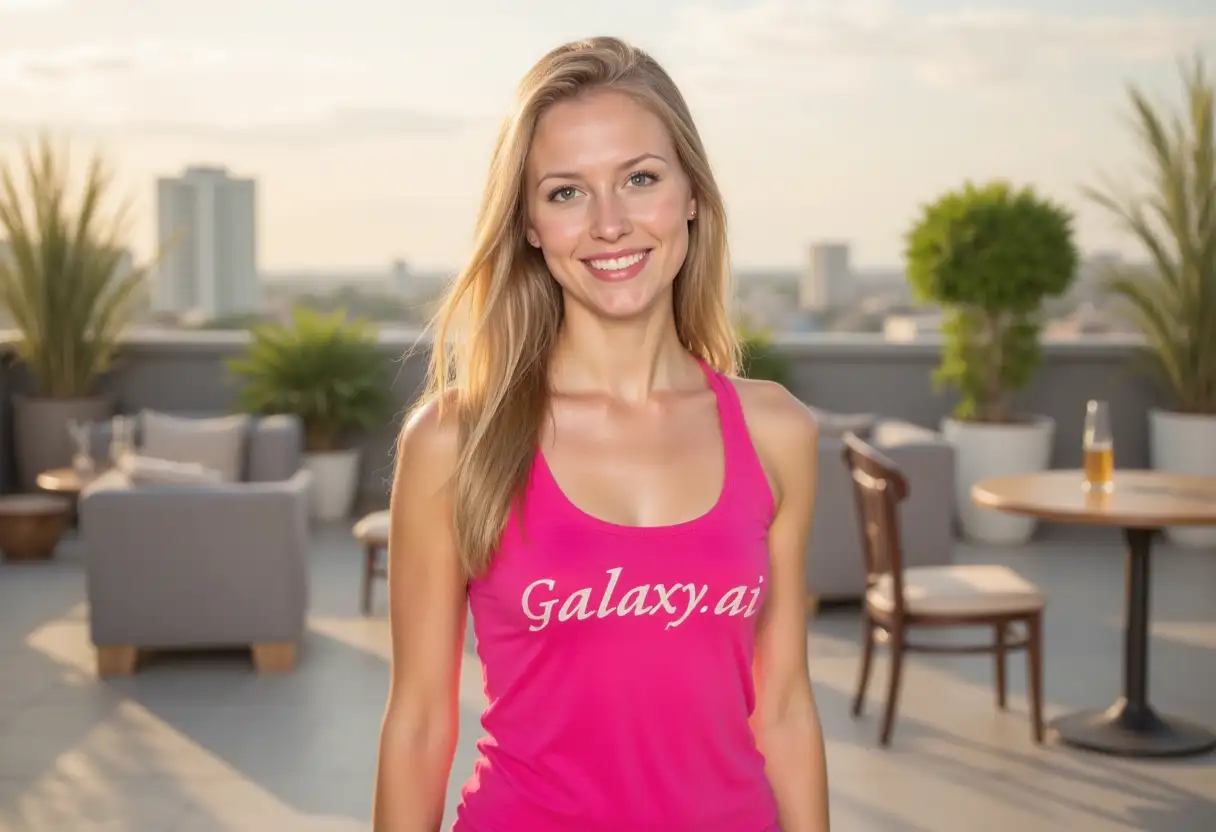
Result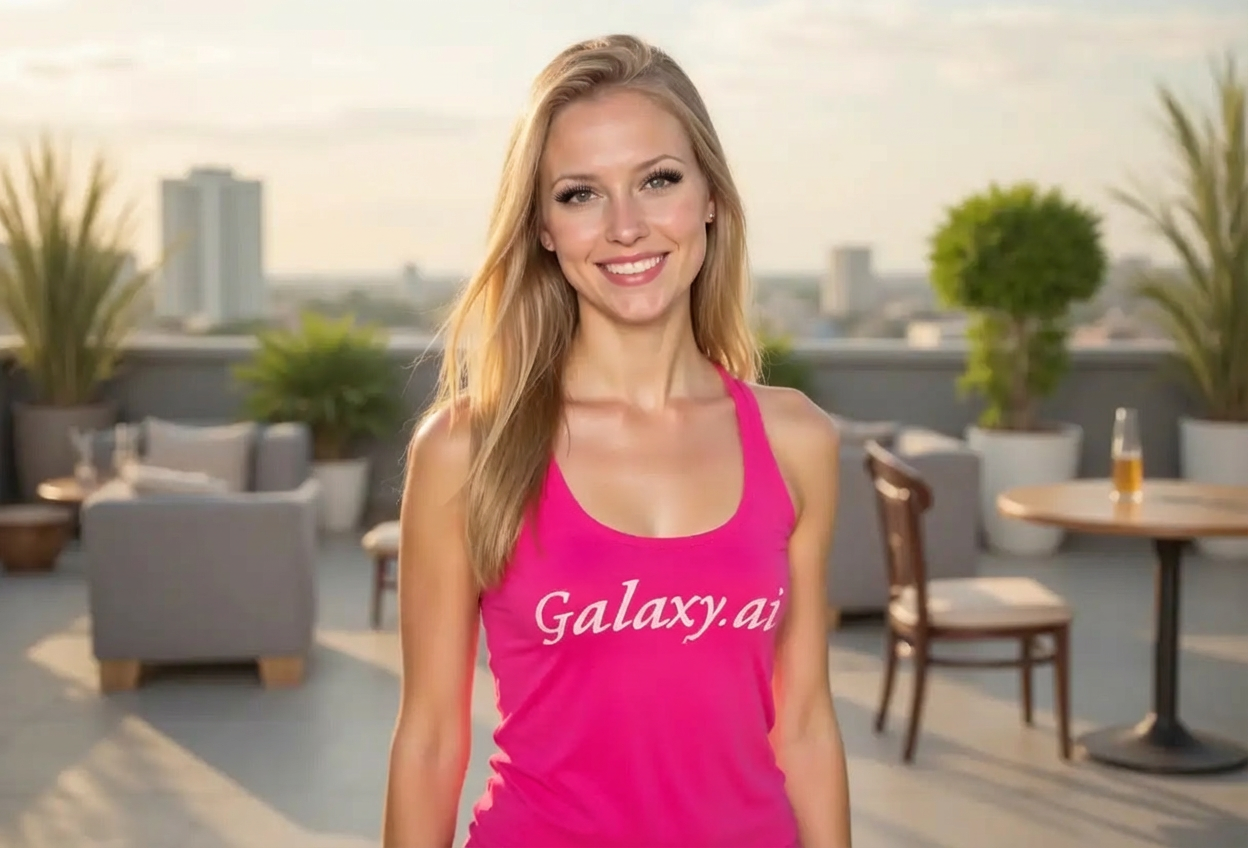

Enhance eyes with beautiful dramatic eyelashes
Compare the source image with each finished result.
The agent gathers these inputs and preferences in the conversation before it starts.
Describe what you want to create...
Choices: Any Style, Natural, Dramatic, Glamorous, Cat Eye, Doll Eye, Wispy, Volume Lashes
Choices: Any Length, Short, Medium, Long, Extra Long
Choices: Any Volume, Light/Sparse, Medium, Full, Mega Volume
Choices: Any Curl, Natural Curl, Medium Curl, Dramatic Curl
Enhance eyes with professional-quality eyelash enhancements using AI.
Enhance your eyes in three simple steps:
attach a clear portrait photo with visible eyes and describe the desired eyelash look.
Select style, length, volume, and curl to create your perfect eyelash look.
Let AI add realistic eyelashes that enhance your eyes naturally and download the result.
Natural, dramatic, glamorous, cat eye, doll eye, wispy, and volume styles.
Eyelashes blend perfectly with eye shape, skin tone, and lighting.
Choose from short natural lashes to extra-long dramatic extensions.
Adjust density from light sparse lashes to mega volume looks.
Professional-grade results with individual lash definition.
Select natural, medium, or dramatic curl for your desired eye opening effect.
Perfect for enhancing portraits with beautiful eye-catching lashes.
Enhance client photos with professional eyelash retouching.
Create stunning beauty content and makeup-free enhancements.
Enhance selfies and profile pictures with beautiful lashes.
Preview different eyelash looks for clients before application.
Enhance portfolio photos with perfect eyelash looks.
Create flattering profile pictures with enhanced eye appeal.
Upload photos with good lighting and clearly visible eyes for best eyelash placement and realism.
Natural styles for everyday photos, dramatic for special events, glamorous for beauty content.
Cat eye styles elongate eyes, doll eye creates rounder appearance, wispy adds softness.
Extra-long lashes look best with medium volume. Mega volume works better with medium length.
If unsure, start with natural or wispy styles with medium length and adjust from there.
Photos where you're looking at the camera produce the most realistic eyelash additions.
Dramatic lashes suit bold makeup looks, natural lashes for minimal makeup photos.
Choose from natural, dramatic, glamorous, cat eye, doll eye, wispy, and volume lashes. Each can be customized for length, volume, and curl.
Yes, the AI creates photorealistic eyelashes with individual lash definition, proper curl, and natural integration with your eye shape and lighting.
Absolutely! Choose from short (natural), medium, long, or extra-long eyelashes based on your desired look.
Light creates sparse natural lashes, medium is everyday fullness, full is noticeable density, and mega volume is dramatic full coverage.
No, the tool works on any portrait. It's perfect for enhancing makeup-free photos or adding to existing makeup looks.
Yes, the AI automatically enhances both eyes equally for balanced, symmetrical results.
Use clear, well-lit portraits with visible eyes. Front-facing photos produce the best results.
Yes, makeup artists and photographers use this tool to preview different eyelash styles before actual application or purchase.
The AI generates photorealistic lashes with proper texture, individual strand definition, curl pattern, and natural shadowing on eyelids.
Natural curl for subtle enhancement, medium curl for open eye effect, dramatic curl for maximum eye-opening impact.


