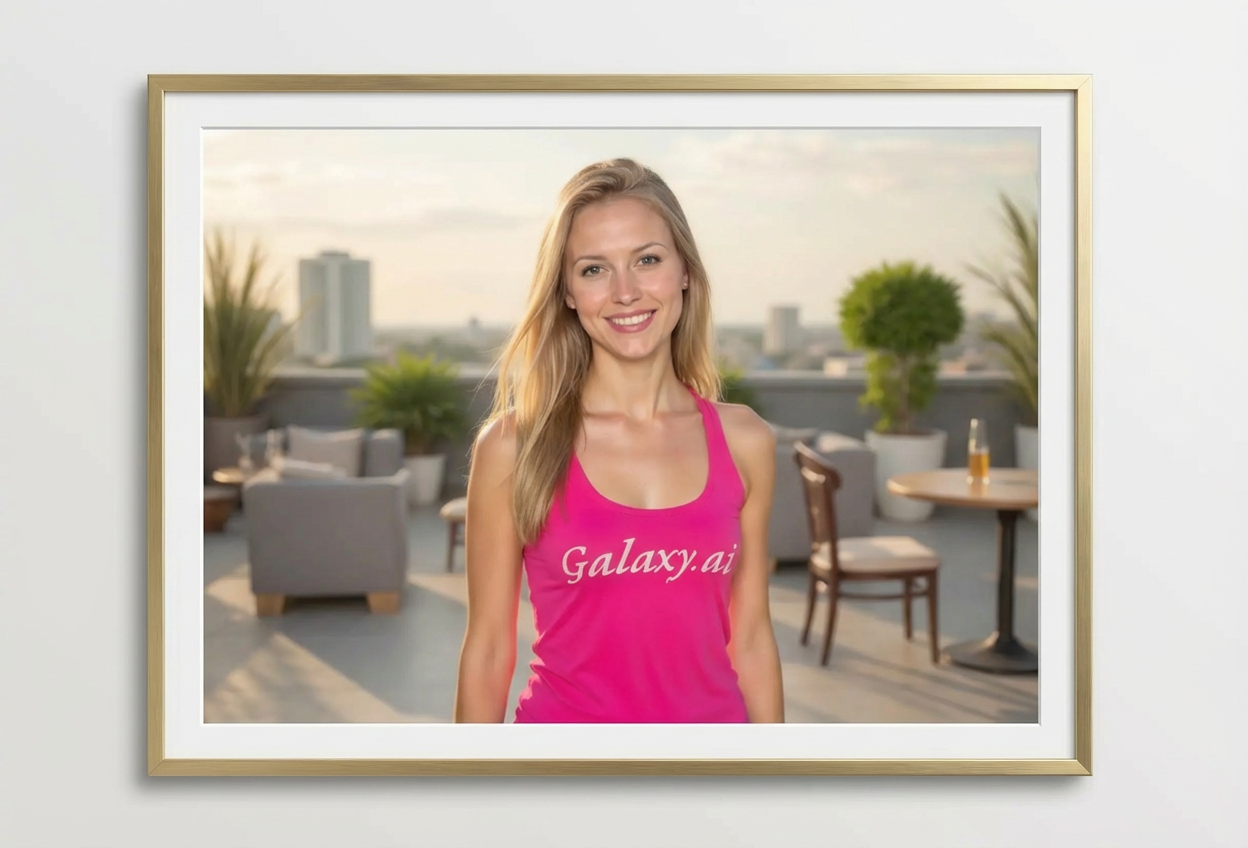
Add professional frames to your photos in three steps:
01
Attach Your Photo
Upload any photo you want to frame. Works with portraits, landscapes, artwork, or any image.
02
Choose Frame Settings
Select your preferred frame style, color, and width. Options from modern minimal to vintage ornate.
03
Generate & Download
Get your beautifully framed photo instantly. Perfect for printing, displays, or digital galleries.
Key Features of Add Frame to Photo
Multiple Frame Styles
Choose from classic, modern minimal, vintage ornate, rustic wood, elegant gold, gallery mat, and more.
Color Customization
Select from natural wood, black, white, gold, silver, dark/light wood, and bronze finishes.
Adjustable Width
Control frame thickness from thin borders to extra thick gallery frames for different effects.
Realistic 3D Effect
Frames include realistic depth, texture, shadows, and highlights for authentic appearance.
Gallery-Quality Output
Professional framing effects suitable for printing, wall displays, and presentations.
Instant Processing
Get professionally framed photos in seconds without physical frames or mounting costs.
Who Can Benefit from Our Add Frame to Photo Tool?
This tool is perfect for anyone looking to enhance photos with frames:
Photographers
Present photos professionally with frame mockups for clients and portfolio displays.
Artists
Showcase artwork with gallery-style framing for online portfolios and prints.
Print Shops
Show customers how prints will look framed before ordering physical frames.
Home Decorators
Visualize photos with different frames before purchasing to match home decor.
Event Photographers
Add elegant frames to event photos for premium packages and wall art offers.
Gift Creators
Create framed photo gifts digitally for printing or digital display.
Tips for Better Framed Photos
Tip 1
Match Frame to Photo Style
Use modern frames for contemporary photos, vintage for old photos, rustic for nature scenes, elegant for portraits.
Tip 2
Consider Color Harmony
Choose frame colors that complement, not clash with, the dominant colors in your photo.
Tip 3
Adjust Width Appropriately
Thin frames for small photos, medium for standard prints, thick/extra thick for large statement pieces.
Tip 4
Use Gallery Mat for Portraits
Gallery mat style with white border creates professional, museum-quality presentation for portraits.
Tip 5
Choose Gold or Silver for Elegance
Metallic frames in gold or silver add sophistication to formal portraits and special occasions.
Tip 6
Try Polaroid Style for Nostalgia
Polaroid-style frames create fun, retro effects perfect for casual photos and memories.
Tip 7
Test Multiple Frame Options
Experiment with different styles, colors, and widths to find the perfect frame for your specific photo.
Frequently Asked Questions About Add Frame to Photo
What frame styles are available?
We offer classic, modern minimal, vintage ornate, rustic wood, elegant gold, simple border, gallery mat, and Polaroid-style frames. Each creates different aesthetic effects.
Can I customize the frame color?
Yes! Choose from natural wood, black, white, gold, silver, dark wood, light wood, or bronze finishes to match your preference.
How do I control the frame thickness?
Select from thin, medium, thick, or extra thick options. Thicker frames create more dramatic effects and work well for larger prints.
Will frames look realistic?
Yes! Frames include realistic 3D depth, texture, shadows, and highlights that make them look like professional physical frames.
What's a gallery mat frame?
A gallery mat includes a white or cream-colored border (mat) between the photo and frame, creating professional museum-style presentation.
Can I use framed photos for printing?
Absolutely! The framed photos are high-resolution and perfect for printing. They show how the final framed print will look.
Do frames work with all photo orientations?
Yes! The tool automatically adjusts frame proportions for portrait, landscape, and square photos.
What's the difference between modern and vintage styles?
Modern frames are minimal and clean with simple lines. Vintage frames feature ornate details, decorative corners, and elaborate designs.
Can I preview frames before ordering physical prints?
Perfect for that! Use this tool to visualize how different frames will look before investing in physical framing.