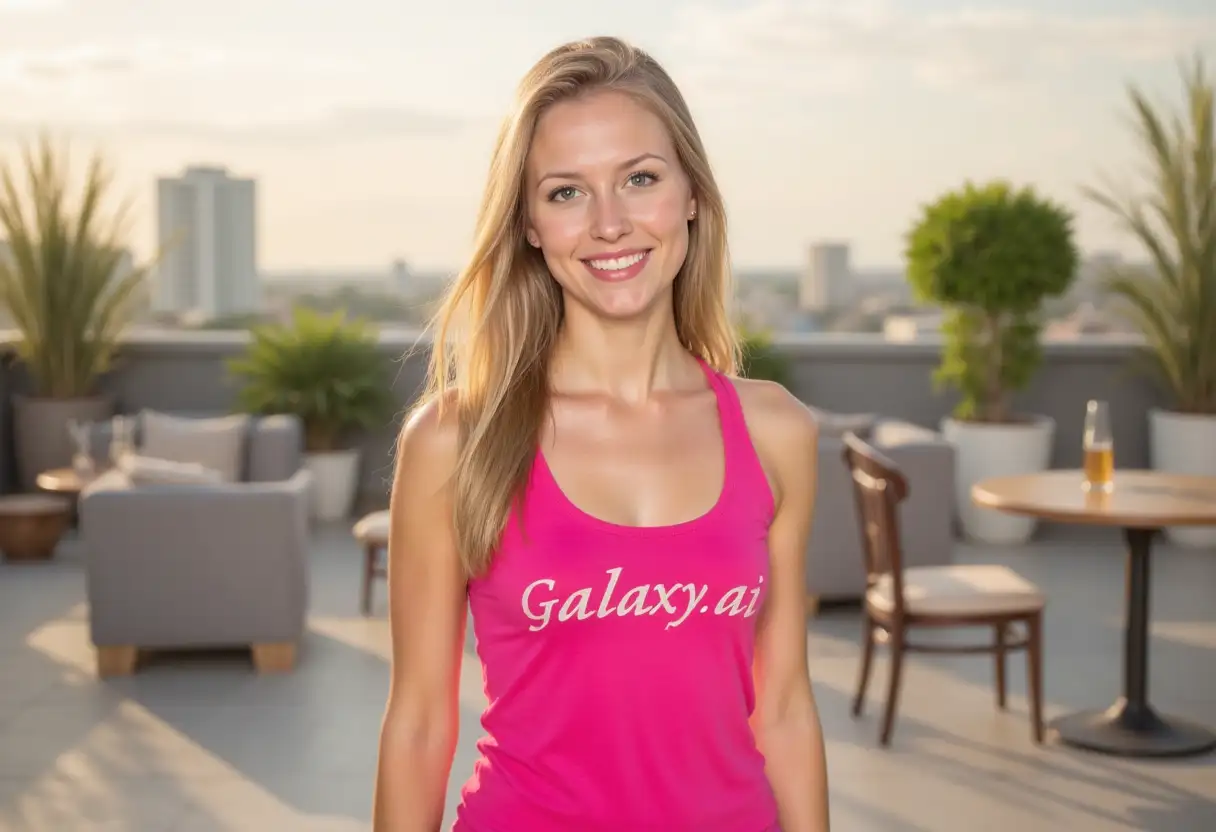
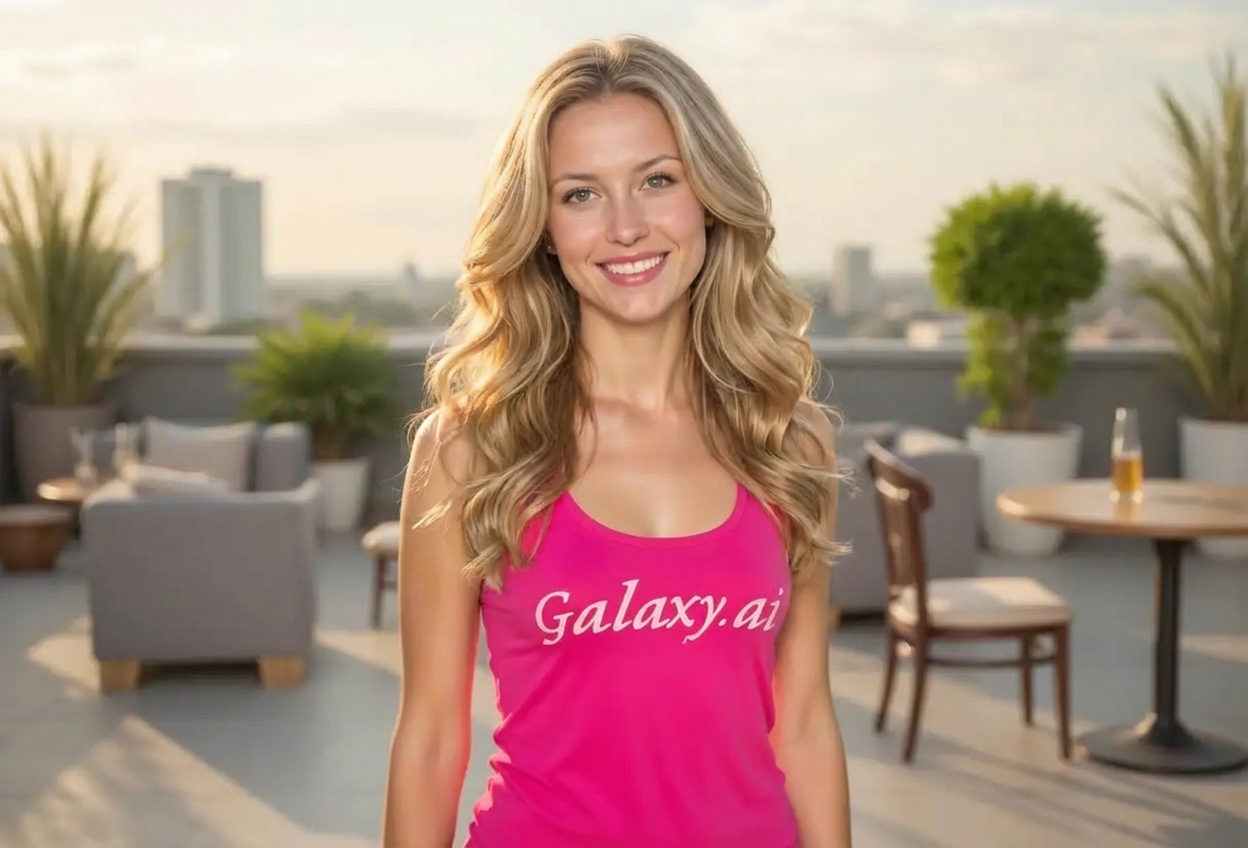
Choices: Any Length, Bald to Short (Hair Restoration), Short, Medium, Long, Very Long
Hair Color
Choices: Any Color, Black, Dark Brown, Brown, Light Brown, Blonde, Red/Ginger, Grey, White
Hair Volume
Choices: Any Volume, Thin/Fine, Medium, Thick/Voluminous
Why Choose Our Add Hair to Photo Tool?
Visualize different hairstyles and hair restoration possibilities with AI.
AI-powered realistic hair generation
Multiple styles from straight to coily
Natural hair restoration visualization
Customizable length, color, and volume
Photorealistic texture and flow
Perfect lighting and shadow integration
Useful for hair loss solutions preview
Try new styles before cutting or styling
How Our Add Hair to Photo Tool Works
Transform your look in three simple steps:
01
Attach Your Photo
attach a clear photo of your face or head and describe the desired hairstyle.
02
Choose Hair Characteristics
Select style, length, color, and volume to create your ideal look.
03
Generate & Preview
Let AI add realistic hair that matches your head shape and download the result.
Key Features of Add Hair to Photo Tool
Multiple Hair Styles
Straight, wavy, curly, coily, buzz cut, slicked back, and more options.
Hair Restoration Preview
Visualize hair loss solutions and restoration results before treatment.
Length Flexibility
From bald-to-short restoration to very long hairstyles.
Color Variety
Black, brown, blonde, red, grey, and white hair color options.
Realistic Results
Photorealistic hair with proper texture, volume, and natural flow.
Volume Control
Adjust from thin/fine to thick/voluminous hair density.
Who Can Benefit from Our Add Hair to Photo Tool?
Perfect for visualizing new hairstyles or hair restoration options.
People Considering Hair Restoration
Preview how hair transplants or restoration treatments might look.
Hair Stylists & Salons
Show clients how different hairstyles and colors would look on them.
Photo Editors
Add or modify hair in photos for creative projects and retouching.
Costume & Character Designers
Visualize character looks with different hairstyles for productions.
Social Media Creators
Create before/after hair transformation content for engagement.
People Trying New Styles
Experiment with different hairstyles before making a commitment.
Tips for Better Hair Results
Tip 1
Use Clear Head Photos
Upload photos with good lighting and clear view of the head for best hair placement and realism.
Tip 2
Match Hair Color Naturally
Choose colors that complement your skin tone. Warm skin tones suit warm colors, cool tones suit ash/cool shades.
Tip 3
Consider Face Shape
Long hair softens angular faces, short styles emphasize features. Wavy/curly adds volume to narrow faces.
Tip 4
Start with Similar Styles
If you have some hair, start with styles similar to your natural texture for most realistic results.
Tip 5
Volume Matches Style
Curly/coily hair naturally has more volume. Straight hair looks more realistic with medium volume.
Tip 6
Front-Facing Photos Work Best
Photos where you're facing the camera directly produce the most natural-looking hair additions.
Tip 7
Hair Restoration Visualization
For bald-to-short restoration preview, use recent photos and realistic short to medium lengths.
Frequently Asked Questions About Add Hair to Photo
What hair styles can I try?
Choose from straight, wavy, curly, coily/kinky, buzz cut, crew cut, slicked back, and messy/textured styles. Each can be customized for length, color, and volume.
Can this help visualize hair restoration?
Yes, use the 'bald-to-short' length option to preview how hair transplants or restoration treatments might look before undergoing procedures.
How realistic does the hair look?
The AI generates photorealistic hair with proper texture, volume, strand definition, natural flow, and accurate shadows and highlights matching your lighting.
Can I choose hair color?
Yes, select from black, dark brown, brown, light brown, blonde, red, grey, or white hair colors.
What photo quality do I need?
Use clear, well-lit photos with visible head and face. Front-facing photos produce the best results.
Can I add long hair to short haircuts?
Yes, you can add any length from short to very long regardless of your current hairstyle.
How do I choose the right volume?
Thin/fine for natural subtle hair, medium for average density, thick for voluminous full coverage. Curly styles naturally appear more voluminous.
Is this useful for trying styles before cutting?
Absolutely! Try shorter styles virtually before committing to a haircut, or experiment with different colors before dyeing.
Can hair stylists use this for consultations?
Yes, many stylists use this tool to show clients how different styles, lengths, and colors would look before actual cutting or coloring.
Does this work on all ethnicities?
Yes, the tool supports all hair types including coily/kinky textures and works naturally with all skin tones and face shapes.