Source image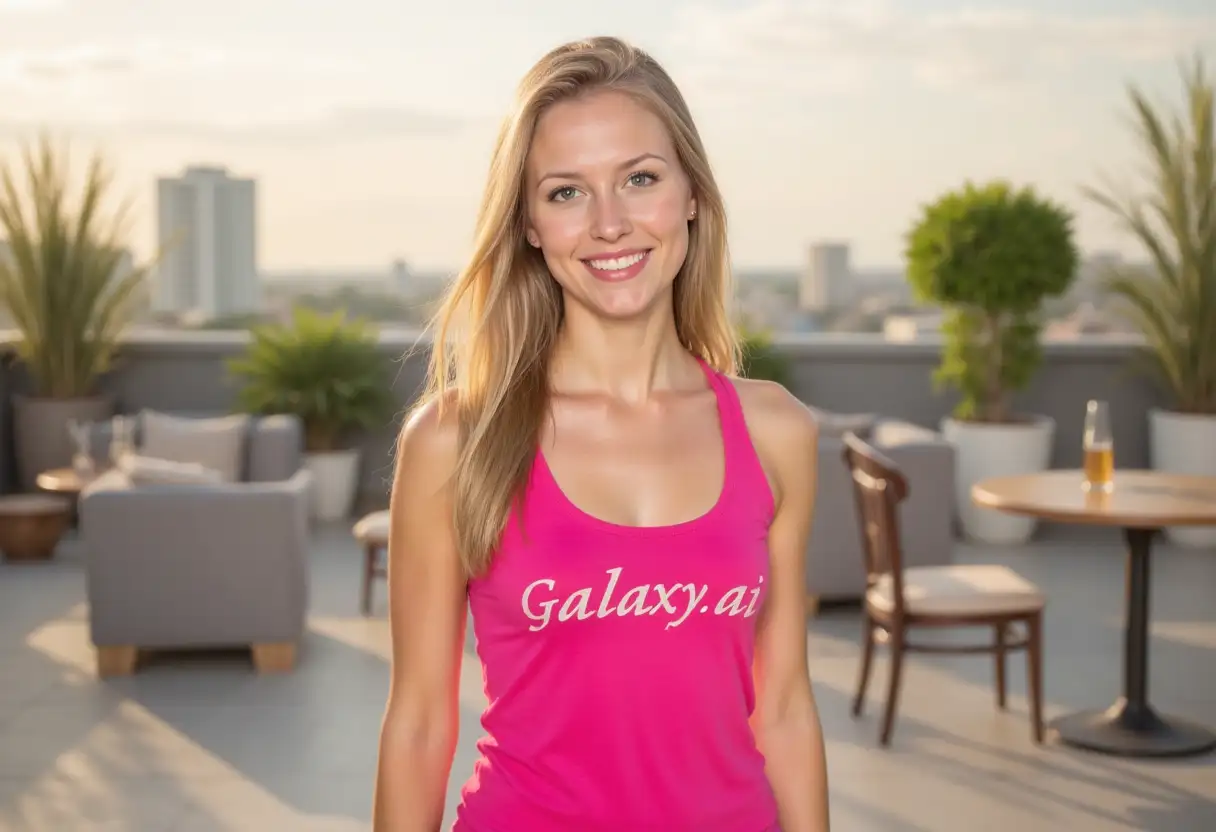
Result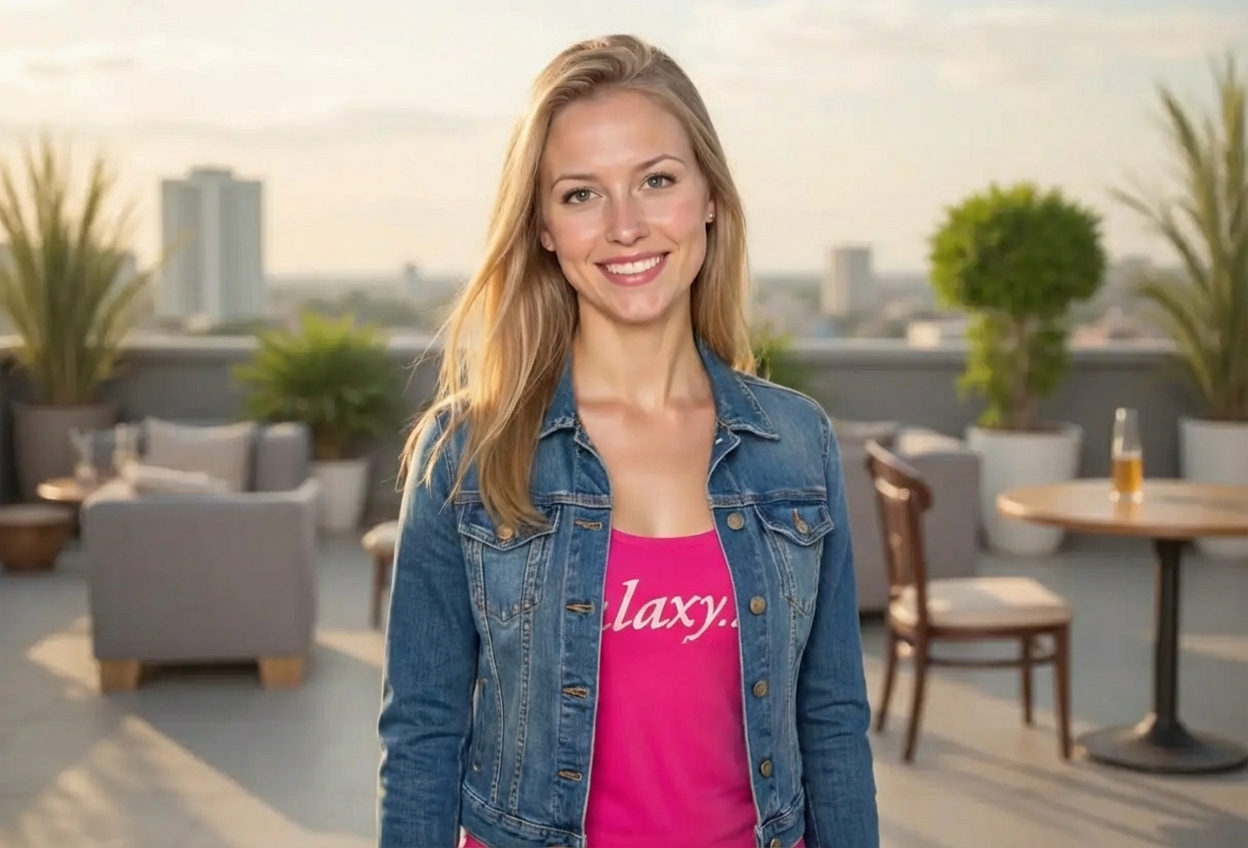

Add stylish jackets to any photo
Compare the source image with each finished result.
The agent gathers these inputs and preferences in the conversation before it starts.
Describe what you want to create...
Choose the type of jacket to add
Choices: Any Type, Leather Jacket, Denim Jacket, Blazer, Bomber Jacket, Varsity Jacket, Trench Coat, Suit Jacket, Windbreaker, Parka, Hoodie Jacket
Choose the jacket color
Choices: Any Color, Black, Brown, Blue, Navy, Gray, White, Red, Green, Beige, Camel
Virtually try on jackets and visualize different styles before purchasing or creating content.
Add jackets to photos in three simple steps:
Select a photo where you want to add a jacket. Full-body or upper-body shots work best.
Select jacket type, color, and style to match your fashion preference or creative vision.
AI adds the jacket naturally with proper fit, draping, and lighting integration.
Choose from leather, denim, blazers, bombers, trench coats, and many more styles.
AI ensures jackets fit naturally with proper draping, wrinkles, and body contouring.
Select from classic colors like black and brown to bold choices like red and green.
From casual streetwear to formal business attire, find the perfect style aesthetic.
Visualize how jackets look before purchasing from online stores or boutiques.
Generate styled photos in seconds without physical try-ons or photo shoots.
Perfect for fashion enthusiasts, shoppers, and content creators.
Visualize how jackets would look on you before making online purchase decisions.
Experiment with different jacket styles and create outfit inspiration boards.
Create fashion content and style guides without purchasing multiple jackets.
Show jacket products on models for online stores without expensive photo shoots.
Visualize jacket designs on models before creating physical samples.
Create style recommendations and outfit combinations for clients virtually.
Start with well-lit photos showing full upper body or torso for best jacket placement.
Match jacket formality to the photo setting—blazers for professional, leather for edgy looks.
Front-facing or slight angle poses work best for natural jacket draping and fit.
Select jacket colors that complement or contrast nicely with the current clothing.
Choose jacket weight appropriate to photo setting—light jackets for summer, heavy for winter.
Try multiple jacket types and styles to find what best matches your aesthetic vision.
Choose from leather jackets, denim jackets, blazers, bomber jackets, varsity jackets, trench coats, suit jackets, windbreakers, parkas, and hoodie jackets.
Yes, AI ensures jackets have natural fit, proper draping, realistic wrinkles, and integrate seamlessly with your photo's lighting.
Yes, select from black, brown, blue, navy, gray, white, red, green, beige, camel, and more color options.
Upper-body or full-body photos with clear subject visibility and good lighting produce the most realistic jacket additions.
Absolutely! Visualize how jackets would look on you before purchasing from online stores, saving time and returns.
Yes, perfect for creating style guides, outfit inspiration posts, and fashion content without buying multiple jackets.
Choose from casual, formal, streetwear, vintage, modern, classic, sporty, and edgy styles to match your aesthetic.
Yes, great for creating product visualization images showing jackets on models without expensive photo shoots.
AI processing typically takes 30-60 seconds to analyze your photo and add the jacket with realistic fit and integration.
Best results come from individual photos. For group photos, each person may need to be processed separately for optimal fit.


