Source image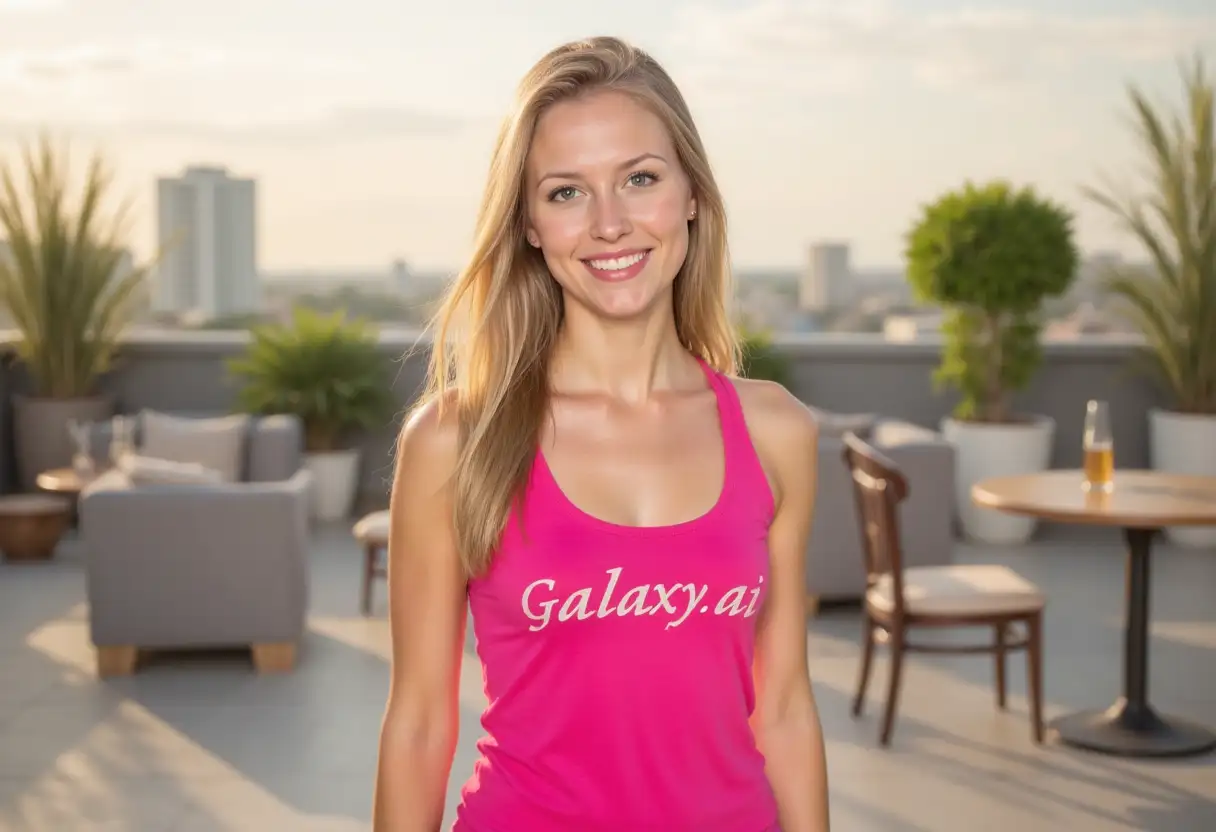
Result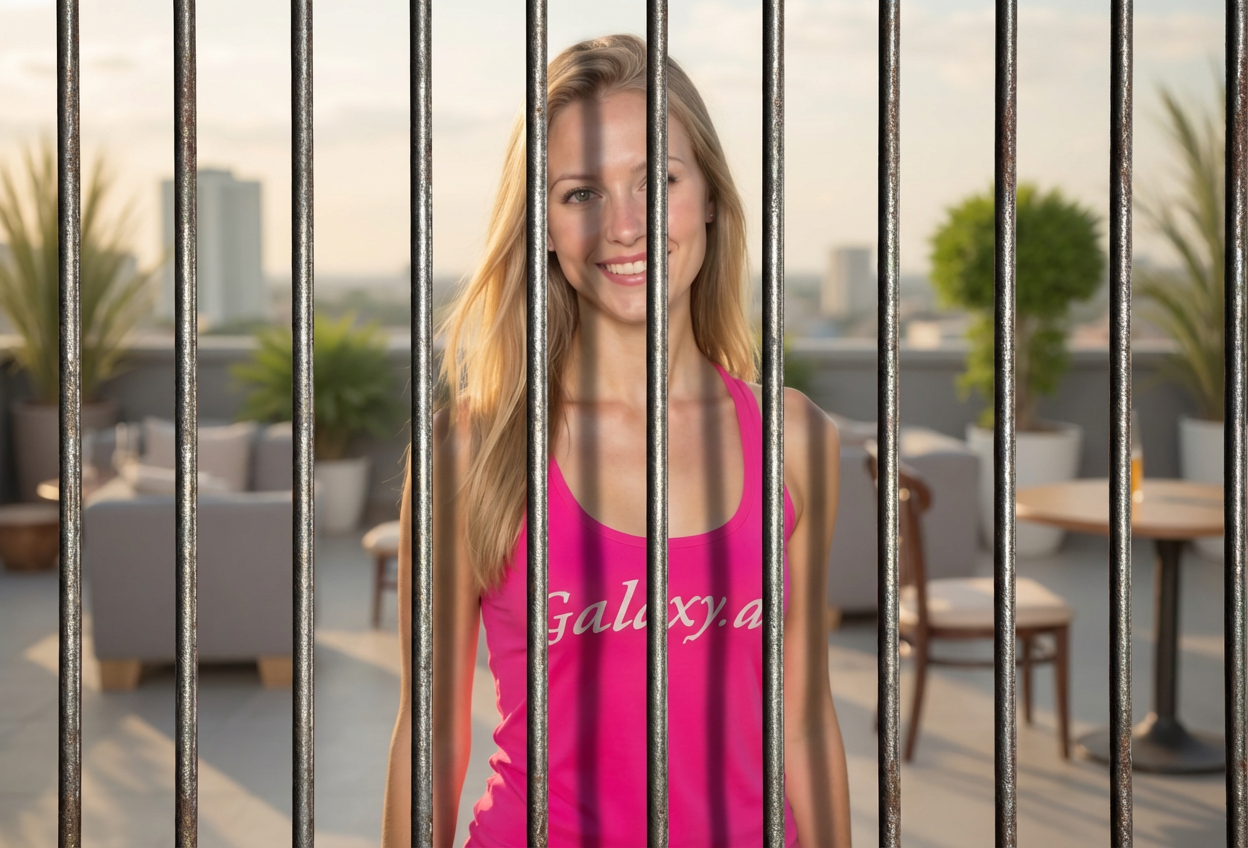

Add realistic jail bars to images
Compare the source image with each finished result.
The agent gathers these inputs and preferences in the conversation before it starts.
Describe what you want to create...
Choose the style of jail bars
Choices: Any Style, Classic Prison, Modern Cell, Medieval Dungeon, Rusty Old, Polished Metal, Western Jail
Choose the viewing angle
Choices: Any Perspective, Inside Looking Out, Outside Looking In, Close-up, Wide Angle
Choose the lighting mood
Choices: Any Lighting, Dramatic Shadows, Dim Prison, Harsh Fluorescent, Sunlight Through Bars, Dark and Moody
Create hilarious memes, dramatic scenes, and creative content with realistic jail bar effects.
Add jail bars to any photo in three simple steps:
Select the photo you want to add jail bars to. Works with any image type.
Choose bar style, perspective, and lighting to match your creative vision.
AI adds realistic jail bars with proper depth, shadows, and integration.
Choose from classic prison, modern cell, medieval dungeon, and more unique styles.
AI ensures bars appear natural with proper depth, shadows, and perspective.
View from inside looking out, outside looking in, or various angles for creative control.
Add dramatic shadows, harsh lighting, or sunlight effects for mood control.
Perfect tool for creating funny memes and social media content quickly.
Create dramatic, movie-quality scenes for storytelling and creative projects.
This tool is perfect for creators looking to add drama or humor to their images.
Generate hilarious jail-themed memes for social media virality and engagement.
Create engaging, funny content that stands out in feeds and stories.
Add dramatic effects to storytelling content, videos, and creative projects.
Create conceptual art and dramatic portraits with jail bar effects.
Develop attention-grabbing campaigns with unique visual metaphors.
Have fun with friends' photos by creating humorous jailed scenarios.
Photos with clear subjects and good lighting work best for adding jail bars.
Use classic bars for comedy, rusty bars for drama, and modern bars for serious content.
Inside-looking-out creates empathy, while outside-looking-in adds judgment or humor.
Dramatic shadows add seriousness, while bright lighting keeps it light-hearted.
Try different perspectives to find what best conveys your intended message or humor.
Pair your jailed photo with funny captions for maximum meme impact.
Choose from classic prison bars, modern cell bars, medieval dungeon bars, rusty old bars, polished metal, and western jail styles.
Yes, you can choose perspectives like inside looking out, outside looking in, close-up, or wide angle for different creative effects.
Absolutely! This tool is perfect for creating funny memes about being in jail, time-outs, or humorous punishment scenarios.
Yes, AI technology ensures bars are added with realistic depth, shadows, and proper integration with your photo's lighting.
Yes, choose from dramatic shadows, dim prison lighting, harsh fluorescent, sunlight through bars, or dark moody options.
Any photo works, but images with clear subjects, good lighting, and portraits tend to produce the most effective results.
Yes, great for conceptual photography, album covers, movie posters, book covers, and creative marketing campaigns.
Use photos of pets, friends making funny faces, or ironic situations. Pair with witty captions about being caught or punished.
Yes, options include rusty old bars for vintage feel, polished metal for modern look, or weathered bars for dramatic effect.
Absolutely! Perfect for visual storytelling, graphic novels, social commentary art, and creative narrative projects.


