Source image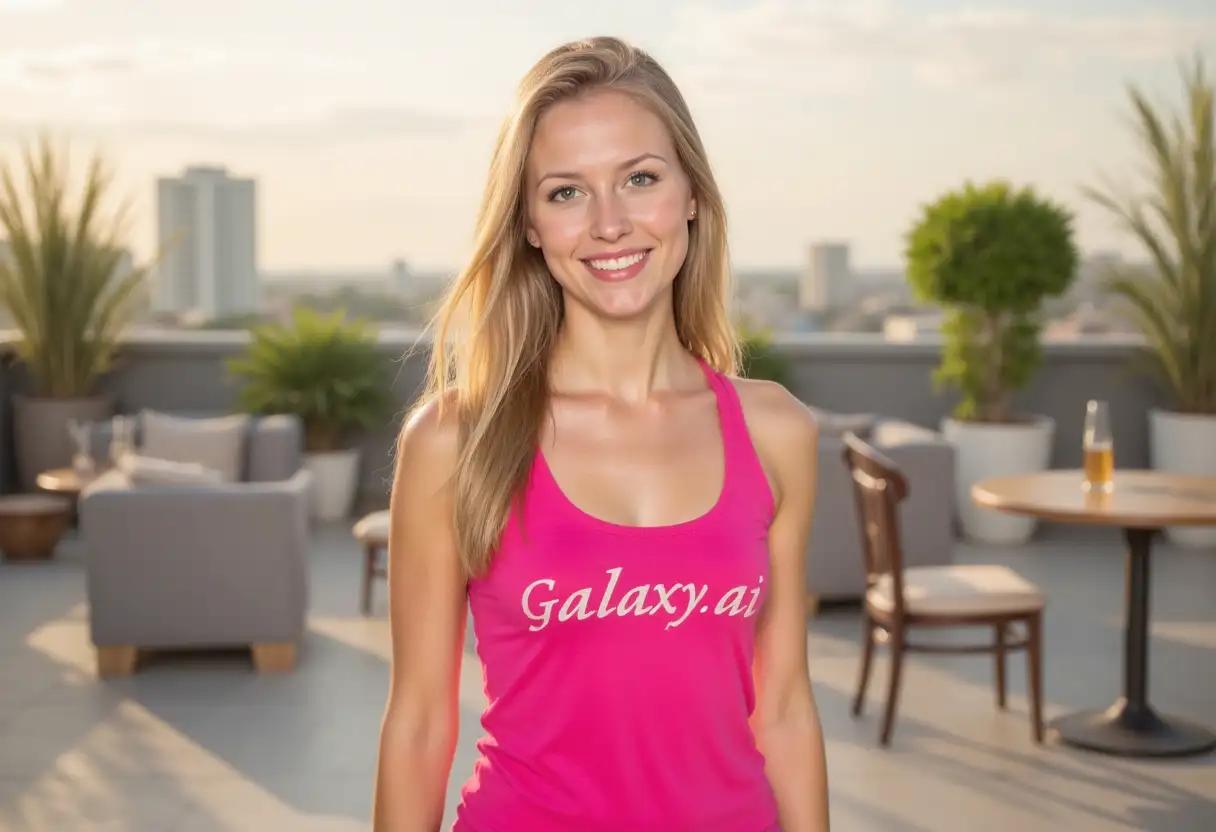
Result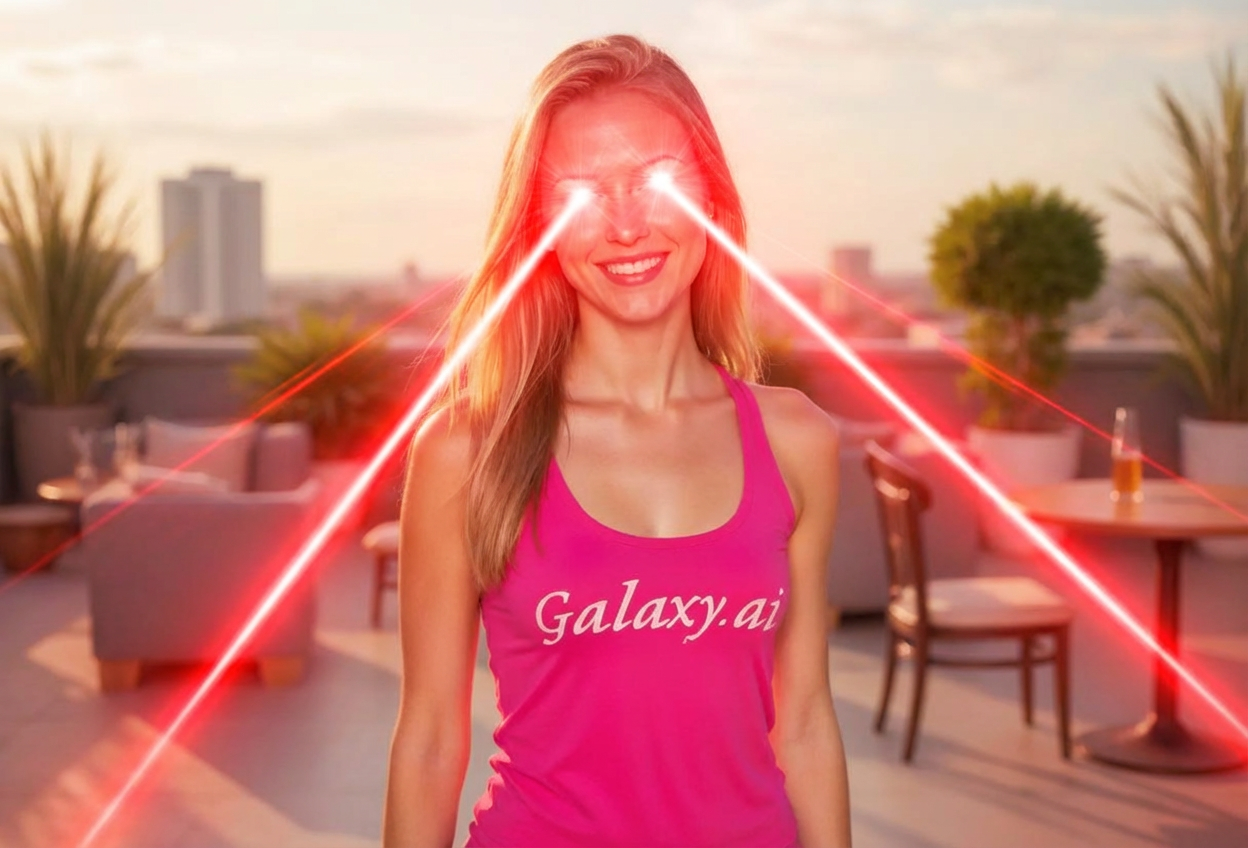

Add epic laser eyes to images
Compare the source image with each finished result.
The agent gathers these inputs and preferences in the conversation before it starts.
Describe what you want to create...
Choose the color of the laser beams
Choices: Any Color, Red, Blue, Green, Yellow, Purple, Orange, Cyan, White, Rainbow
Choose how powerful the lasers look
Choices: Any Intensity, Subtle, Moderate, Strong, Extreme, Explosive
Create epic, viral-worthy images with dramatic laser eye effects instantly.
Add laser eyes to photos in three simple steps:
Select any photo where you want to add laser beam eyes. Works with people, pets, or any subject with visible eyes.
Choose laser color, intensity, and style to create your desired dramatic or comedic effect.
AI adds realistic laser beams emanating from the eyes with proper glow and dramatic flair.
Choose from red, blue, green, purple, rainbow, and more vibrant laser beam colors.
Adjust from subtle glow to explosive, eye-catching laser beam intensity.
From classic superhero to anime and cyberpunk aesthetic options.
Perfect tool for creating viral memes and humorous social media content.
AI ensures natural eye glow, beam direction, and proper light dispersion.
Add laser eyes to people, pets, objects, or anything with visible eyes.
Perfect for meme creators, content makers, and anyone wanting epic photo effects.
Create viral, shareable memes with laser eye effects for social media platforms.
Make your photos stand out with dramatic, attention-grabbing laser eye effects.
Add superhero vibes to thumbnails, profile pictures, and video content.
Create hilarious photos of pets with laser eyes for maximum cuteness and humor.
Create attention-grabbing campaign visuals with dramatic laser eye effects.
Enhance gaming profile pictures and streaming content with epic laser eyes.
Photos where eyes are clearly visible and facing forward produce the most dramatic laser effects.
Red for intensity, blue for cool effect, green for sci-fi, purple for mystical vibes.
Use subtle for comedic effect, extreme for epic superhero vibes, and explosive for maximum drama.
Serious photos become funny with laser eyes, while action shots become more epic.
Try different styles—comic book for cartoonish, realistic for dramatic, anime for stylized effects.
Pair laser eye photos with funny or epic captions for maximum meme potential.
Choose from red, blue, green, yellow, purple, orange, cyan, white, and even rainbow laser beams for varied effects.
Yes, select from subtle, moderate, strong, extreme, or explosive intensity levels to match your desired dramatic effect.
Absolutely! Laser eyes work great on pets, making for hilarious and adorable content that's highly shareable.
Choose from classic superhero, sci-fi, comic book, cyberpunk, anime, and realistic styles for different aesthetic vibes.
Yes, laser eyes are one of the most popular meme effects, perfect for creating viral, funny social media content.
AI ensures natural eye glow, proper beam direction, light dispersion, and integration with existing photo lighting.
Yes, works on portraits, group photos, pet pictures, or even objects—anything with visible eyes or eye-like features.
Photos with clear, visible eyes facing forward or at slight angles produce the most dramatic and effective laser beam effects.
AI processing typically takes 15-30 seconds to add laser beams with proper glow, direction, and dramatic effects.
Definitely! Laser eye profile pictures are popular on gaming platforms, social media, and streaming services for epic presence.


