Source image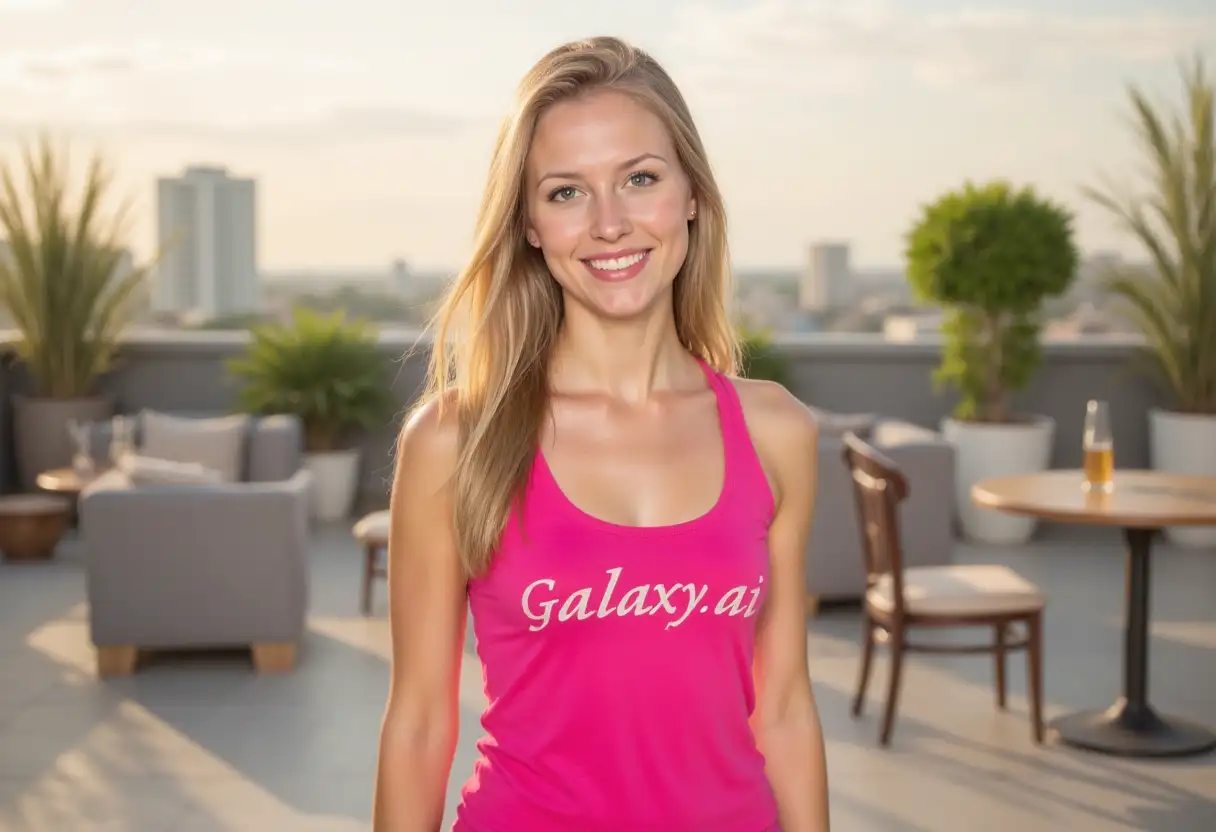
Result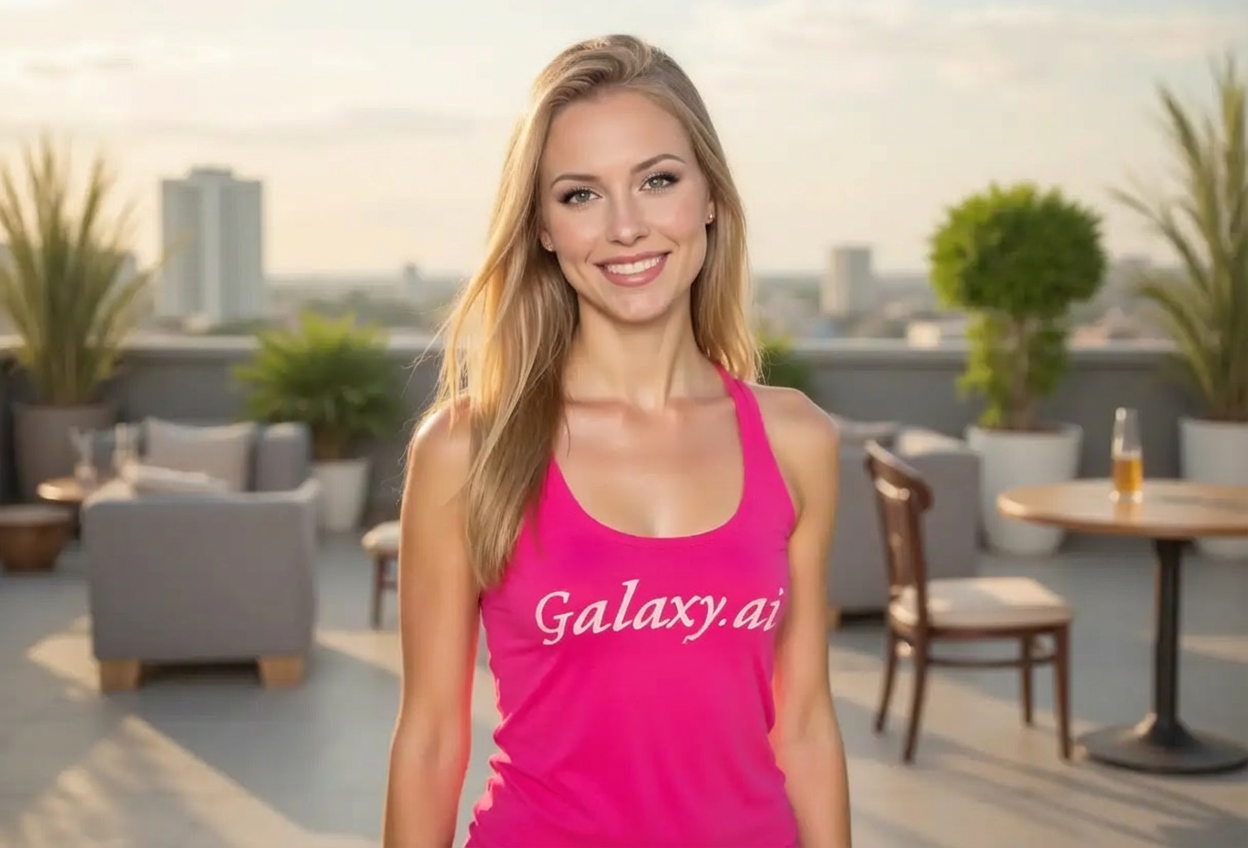

Compare the source image with each finished result.
The agent gathers these inputs and preferences in the conversation before it starts.
Describe what you want to create...
Choose the makeup style
Choices: Any Style, Natural, Glamorous, Smokey Eye, Bold, Soft Glam, Vintage, Editorial, Bridal, No-Makeup Makeup
Choose makeup intensity
Choices: Any Intensity, Light, Medium, Full, Dramatic
Choose the occasion type
Choices: Any Occasion, Everyday, Office, Evening, Party, Wedding, Photoshoot, Special Event
Experiment with different makeup looks and find your perfect style virtually.
Apply makeup to photos in three simple steps:
Select a clear portrait photo. Face-on photos with good lighting work best for makeup application.
Select makeup style, intensity, and occasion to match your desired look.
AI applies professional makeup with natural blending, proper shading, and beautiful enhancement.
From natural everyday looks to dramatic evening makeup, explore various professional styles.
Includes foundation, eyeshadow, eyeliner, mascara, blush, highlighter, and lipstick.
Adjust from light everyday makeup to full dramatic looks based on your preference.
AI ensures seamless makeup blending with realistic texture and proper facial contouring.
Experiment with different makeup styles before real application or purchasing products.
Choose makeup appropriate for everyday, office, parties, weddings, or special events.
Perfect for anyone wanting to visualize makeup looks before application.
Visualize different makeup styles to learn what looks work best for your features.
Create content showing various makeup looks without spending hours on application.
Show clients different makeup options and styles before actual application.
Preview bridal makeup styles to choose perfect look for your wedding day.
Visualize how makeup products would look before purchasing beauty items.
Plan perfect makeup for graduations, parties, proms, and other important occasions.
Clear, evenly-lit photos produce the most realistic makeup application results.
Match makeup style to occasion—natural for everyday, glamorous for events, bridal for weddings.
Begin with medium intensity for balanced results, then adjust lighter or bolder as needed.
Natural and soft glam styles adapt well to all skin tones for universally flattering results.
Try different makeup styles to discover new looks you might not have considered before.
High-resolution photos allow for more detailed, realistic makeup application.
Choose from natural, glamorous, smokey eye, bold, soft glam, vintage, editorial, bridal, and no-makeup makeup styles.
Yes, includes foundation, eyeshadow, eyeliner, mascara, blush, highlighter, and lipstick for complete looks.
Absolutely! Select from light, medium, full, or dramatic intensity levels to match your preference.
Yes, especially with natural, soft glam, and no-makeup makeup styles. AI ensures realistic blending and application.
Clear, front-facing portraits with good, even lighting and visible facial features produce the best results.
Yes, select occasion types like weddings, parties, photoshoots, or special events for appropriate makeup styles.
Absolutely! Great for showing clients different makeup options before actual application during consultations.
Yes, bridal makeup style is perfect for visualizing your wedding day look and planning with makeup artists.
AI processing typically takes 40-60 seconds to apply full face makeup with professional blending and natural results.
Yes, perfect for beauty blogs, makeup tutorials, product recommendations, and social media beauty content creation.


