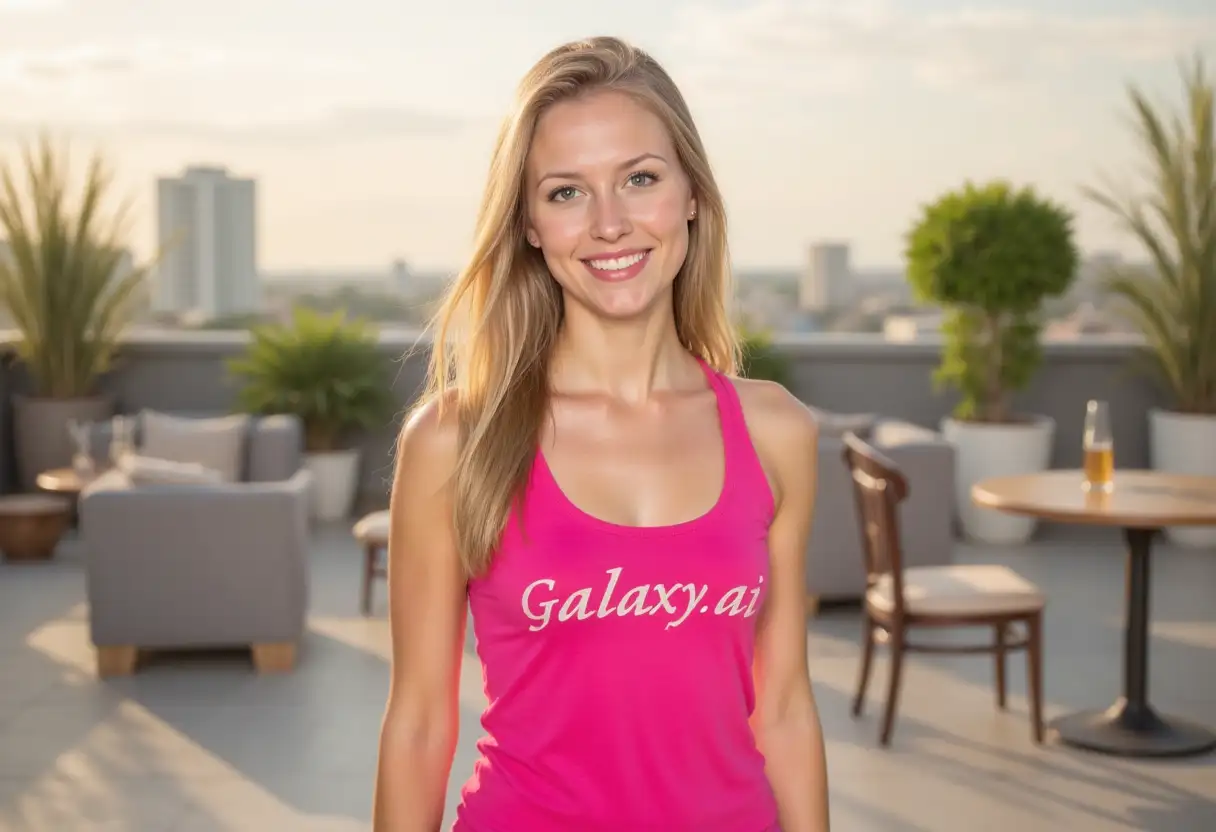
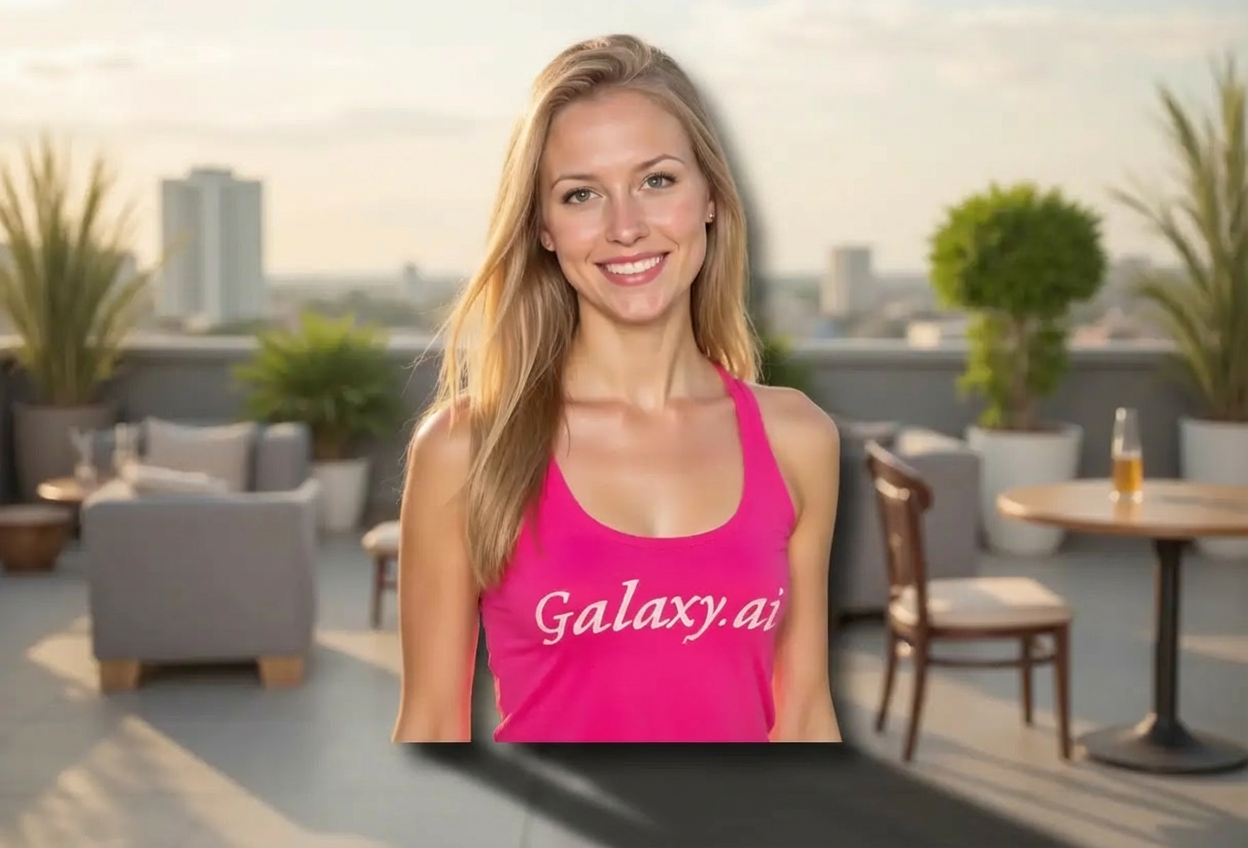
Add professional shadows to your images in three simple steps:
01
Attach Your Image
attach the image you want to add shadows to. Works with products, objects, or any photo.
02
Choose Shadow Settings
Select your preferred shadow type, direction, and intensity. Our AI will handle the rest.
03
Generate & Download
Get your enhanced image with realistic shadows in seconds. Download and use immediately.
Key Features of Add Shadow to Image
Multiple Shadow Types
Choose from drop shadows, cast shadows, soft shadows, hard shadows, and more for different effects.
Natural Depth Effect
Add realistic depth to flat images, making objects appear three-dimensional and grounded.
Instant Processing
Get professional shadow effects in seconds without manual editing or complex software.
Adjustable Direction
Control shadow direction from any angle to match your desired lighting scenario.
Customizable Intensity
Fine-tune shadow darkness from subtle to dramatic for perfect results.
High-Quality Output
Download images with professional-grade shadows suitable for any project.
Who Can Benefit from Our Add Shadow to Image Tool?
This tool is perfect for anyone looking to enhance their images with professional shadow effects:
E-commerce Sellers
Create professional product photos with realistic shadows for online stores and marketplaces.
Photographers
Enhance product photography and studio shots with perfect shadow placement.
Graphic Designers
Add depth to design elements and create more realistic compositions quickly.
Marketing Teams
Create eye-catching visuals for campaigns, ads, and promotional materials.
Social Media Managers
Produce engaging content with professional-looking shadows for better visual appeal.
Content Creators
Enhance thumbnails, covers, and visual content with realistic shadow effects.
Tips for Better Shadow Results
Tip 1
Choose Appropriate Shadow Type
Use drop shadows for floating objects, cast shadows for grounded items, and soft shadows for natural lighting.
Tip 2
Match Original Lighting
Consider the existing lighting in your image when selecting shadow direction for consistency.
Tip 3
Start with Medium Intensity
Begin with medium shadow intensity and adjust based on your specific needs and image style.
Tip 4
Consider Background Color
Darker shadows work better on light backgrounds, while lighter shadows suit darker backgrounds.
Tip 5
Use Perspective Shadows for Realism
For objects on surfaces, perspective shadows create the most realistic grounding effect.
Tip 6
Maintain Consistent Light Source
If adding shadows to multiple objects, keep the same direction for all to maintain realism.
Tip 7
Test Different Shadow Types
Experiment with various shadow styles to find which best enhances your specific image.
Frequently Asked Questions About Add Shadow to Image
What types of shadows can I add to my images?
You can add various shadow types including drop shadows, cast shadows, soft shadows, hard shadows, perspective shadows, and reflection shadows. Each type serves different purposes and creates unique effects.
Can I control the direction of the shadow?
Yes! You can specify shadow direction from eight different angles (top, top-right, right, bottom-right, bottom, bottom-left, left, top-left) or let the AI choose naturally based on your image.
How do I adjust shadow intensity?
You can choose from three intensity levels: light (subtle), medium (balanced), or heavy (dramatic). This controls how dark and prominent the shadow appears.
What image formats are supported?
The tool supports all common image formats including JPG, PNG, WebP, and more. Upload any image and add professional shadows instantly.
Will the shadows look realistic?
Yes! Our AI analyzes your image and generates shadows that match natural lighting conditions, creating realistic depth and dimension.
Can I use this for product photography?
Absolutely! This tool is perfect for product photography. It helps create professional-looking product images with realistic shadows for e-commerce and marketing.
Do I need design experience to use this tool?
No design skills required! Simply attach your image, select your preferences, and our AI handles all the technical aspects of shadow generation.
What's the difference between drop and cast shadows?
Drop shadows create the effect of an object floating above a surface, while cast shadows show an object resting on a surface with the shadow extending away from it.
Can I add shadows to transparent PNG images?
Yes! The tool works excellently with transparent PNG images, making it ideal for creating product cutouts with realistic shadows.
Is there a limit to image size?
The tool handles standard image sizes efficiently. For best results, use images with clear subjects where you want shadows added.
Can I add multiple shadows to one image?
Each generation adds one shadow effect. For multiple shadows, you can process the same image multiple times with different settings.
How long does it take to generate shadows?
Shadow generation is typically instant, taking just a few seconds to process and add realistic shadows to your image.