Choices: Any Intensity, Subtle, Moderate, Strong, Dramatic, Ultra Bright
Sparkle Distribution
Choices: Any Distribution, Evenly Spread, Concentrated Center, Scattered Randomly, Edge Focused, Clustered, Flowing Trail
Color Scheme
Choices: Any Color, Gold & Silver, Rainbow, White & Blue, Pink & Purple, Emerald Green, Rose Gold, Cool Blue
Animation Effect
Choices: Any Effect, Twinkling, Pulsing, Floating, Cascading, Radiating, Static Glow
Why Choose Our Add Sparkle to Photo Tool?
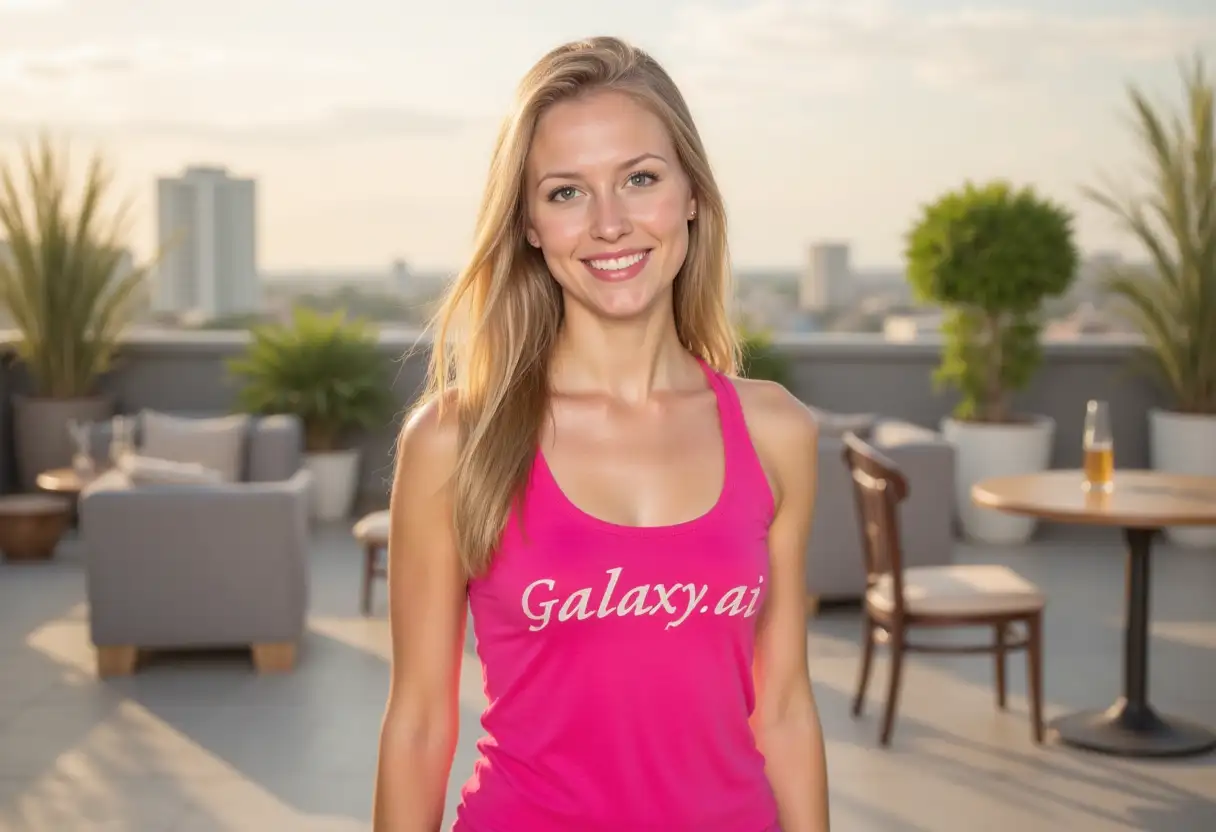
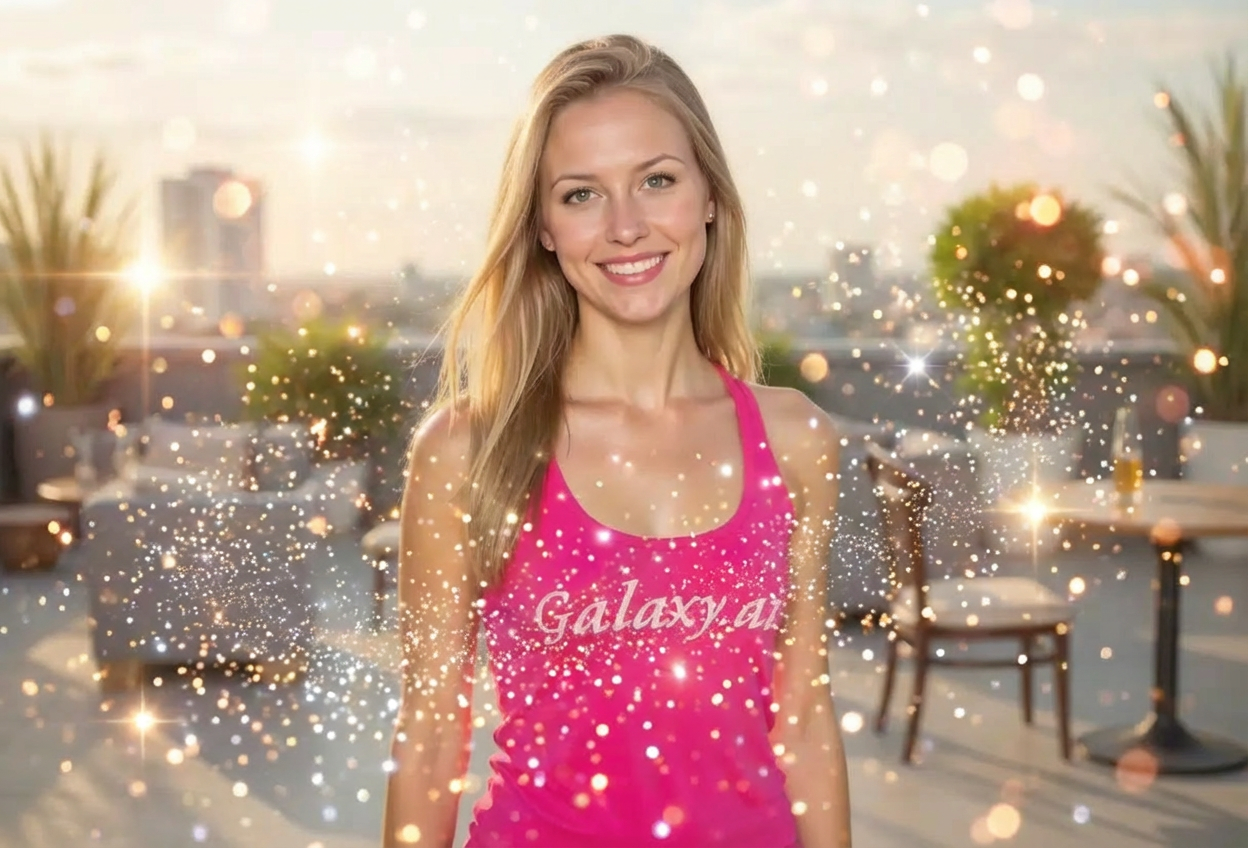
Transform ordinary photos into magical, eye-catching masterpieces with our AI-powered sparkle generator. Perfect for celebrations, social media, and creative projects.
Advanced AI for realistic sparkle integration
Multiple sparkle styles from subtle to dramatic
Customizable colors and intensity levels
Natural blending with photo lighting
High-resolution output quality
Instant results with professional finish
Perfect for portraits, events, and products
No photo editing experience needed
Multiple distribution patterns available
Ideal for social media and marketing
How Our Add Sparkle to Photo Tool Works
Create dazzling, sparkle-enhanced photos in three simple steps:
01
Attach Your Photo
Upload any photo you want to enhance with sparkles. Works great with portraits, products, and event photos.
02
Customize Sparkle Effects
Choose your sparkle style, intensity, distribution, color scheme, and animation effect from our extensive options.
03
Generate & Download
Let AI add beautiful sparkles to your photo with perfect integration and lighting. Download your sparkling creation instantly.
Key Features of Add Sparkle to Photo Tool
Multiple Sparkle Styles
Choose from diamond glitter, star-shaped, bokeh lights, fairy dust, crystal shimmer, and more unique styles.
Instant Processing
Get professional sparkle effects in seconds with our advanced AI technology and efficient processing.
Custom Color Palettes
Select from gold & silver, rainbow, pink & purple, and other beautiful color schemes to match your vision.
Adjustable Intensity
Control sparkle brightness from subtle enhancement to dramatic effects for complete creative control.
Smart Distribution
Choose how sparkles are placed - evenly spread, concentrated, scattered, or flowing for perfect composition.
High-Quality Export
Download sparkle-enhanced photos in high resolution suitable for printing and professional use.
Who Can Benefit from Our Add Sparkle to Photo Tool?
Perfect for anyone wanting to add magic and glamour to their photos:
Photographers
Enhance portrait and event photography with magical sparkle effects that clients love.
Social Media Influencers
Create eye-catching posts that stand out in feeds and increase engagement with sparkling visuals.
Event Planners
Add sparkle to wedding photos, birthday celebrations, and special occasion images for extra magic.
Marketing Professionals
Create attention-grabbing product photos and promotional materials with dazzling sparkle effects.
Digital Artists
Enhance artwork and create fantasy-themed compositions with professionally rendered sparkle effects.
Content Creators
Produce unique visual content for videos, blogs, and digital media with magical sparkle enhancements.
Tips for Better Results
Tip 1
Start with Good Lighting
Photos with good lighting show sparkles better. Well-lit images allow sparkles to shine and create more dramatic effects.
Tip 2
Choose Appropriate Intensity
Match sparkle intensity to your photo's mood - subtle for elegant looks, dramatic for festive or party photos.
Tip 3
Consider Your Subject
Use concentrated sparkles to highlight specific areas like eyes, jewelry, or products for focused attention.
Tip 4
Match Colors to Theme
Select sparkle colors that complement your photo's existing color palette for harmonious results.
Tip 5
Experiment with Distribution
Try different distribution patterns - evenly spread for all-over glamour, clustered for focal points.
Tip 6
Use Animation Effects Wisely
Twinkling and pulsing effects work great for festive photos, while static glow suits elegant portraits.
Tip 7
Test Multiple Versions
Generate several versions with different settings to find the perfect sparkle combination for your photo.
Frequently Asked Questions About Add Sparkle to Photo Tool
What types of photos work best with sparkle effects?
Portraits, event photos, product images, and celebration pictures work excellently. Photos with good lighting and clear subjects produce the most stunning sparkle effects. The tool enhances any photo where you want to add magic and glamour.
Can I control where sparkles appear on my photo?
Yes! You can choose distribution patterns like evenly spread, concentrated center, scattered randomly, edge focused, or flowing trail to control where sparkles appear in your image.
What sparkle styles are available?
We offer diamond glitter, star-shaped sparkles, bokeh lights, fairy dust, crystal shimmer, magical particles, lens flare sparkles, and glitter confetti. Each style creates a unique magical effect.
Can I customize the sparkle colors?
Absolutely! Choose from gold & silver, rainbow, white & blue, pink & purple, emerald green, rose gold, and cool blue color schemes to match your photo's theme.
Will sparkles look natural on my photo?
Yes! Our AI ensures sparkles blend naturally with your photo's lighting and colors, creating realistic magical effects that enhance rather than overwhelm your image.
How do I adjust sparkle intensity?
Select from subtle, moderate, strong, dramatic, or ultra bright intensity levels. This controls how prominent and eye-catching the sparkles appear in your photo.
What are animation effects?
Animation effects determine how sparkles appear - twinkling creates a shimmering look, pulsing adds rhythm, floating gives movement, cascading creates flow, and static glow provides consistent brilliance.
Can I use sparkled photos for commercial purposes?
Yes! All generated images can be used for both personal and commercial purposes. You have full rights to use your sparkle-enhanced photos however you wish.
How long does it take to add sparkles to a photo?
Processing takes just a few seconds. Our AI quickly analyzes your photo and applies sparkle effects with all your customizations almost instantly.
Will sparkles work on dark or low-light photos?
Yes! Sparkles actually show up beautifully on darker photos, creating dramatic contrast. However, photos with some lighting work best for natural-looking sparkle integration.
Can I add different sparkle effects to the same photo?
Yes! You can generate multiple versions with different sparkle styles, colors, and intensities to explore various creative possibilities.
Do I need photo editing skills?
No experience necessary! Simply attach your photo, select your preferences, and our AI handles all the technical work. The interface is designed for users of all skill levels.