Description
Describe what you want to create...

Create stunning 3d image with AI
Reference media and sample results for this task.
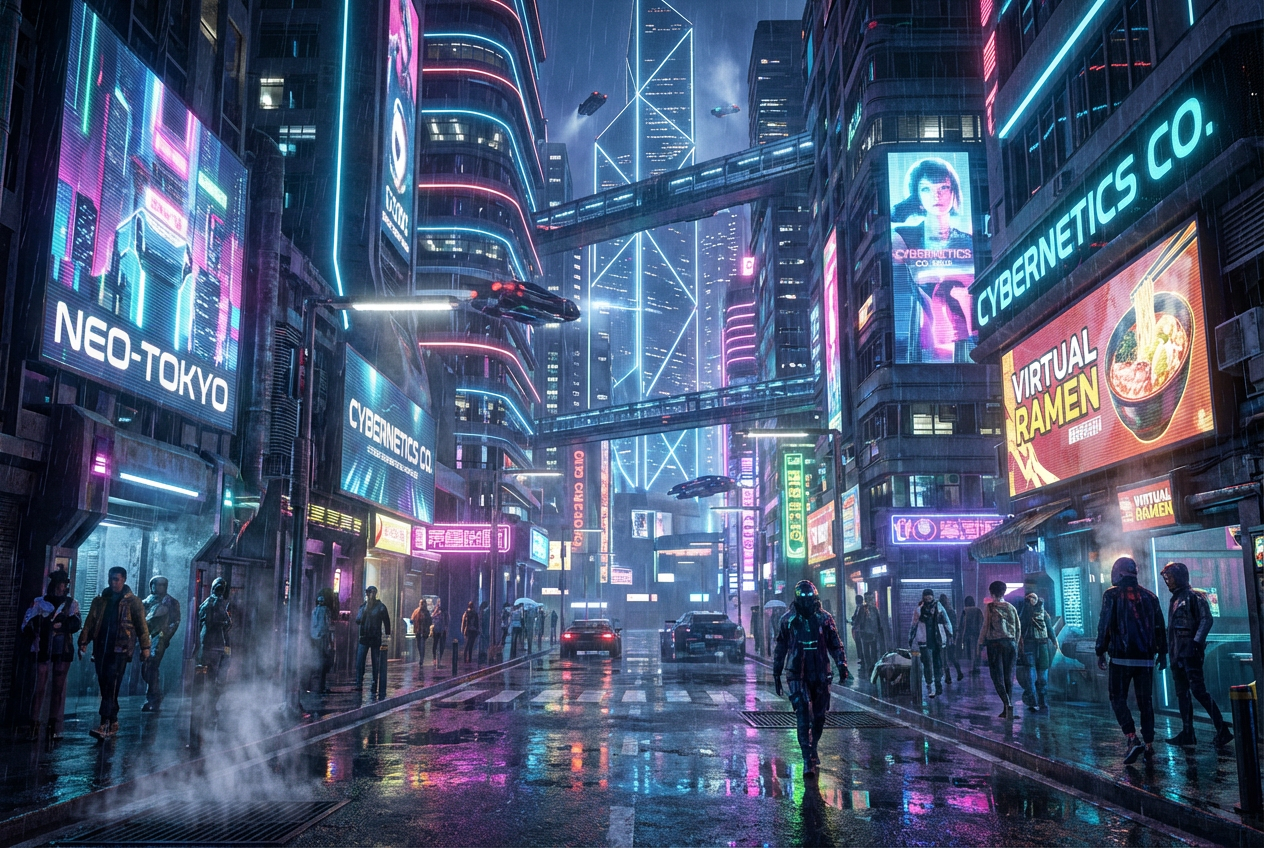
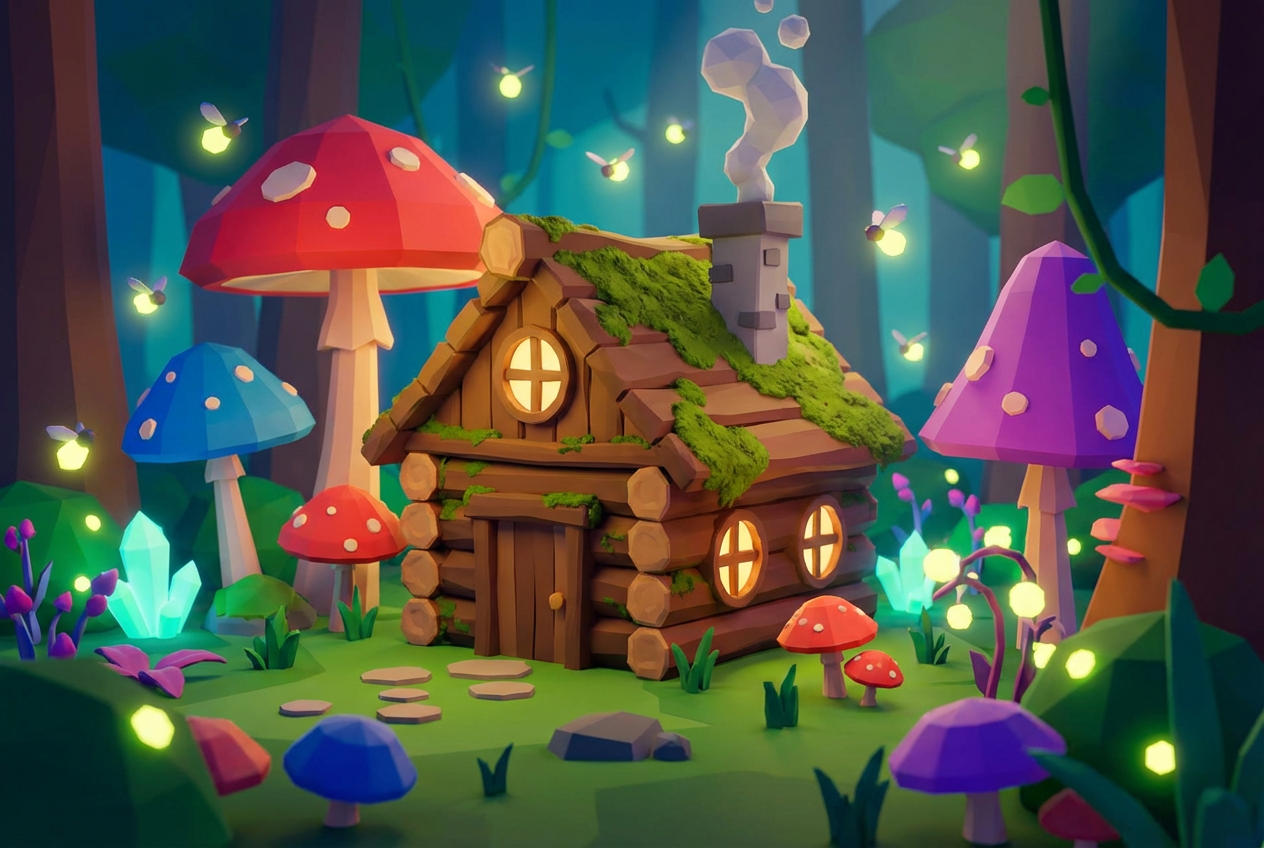
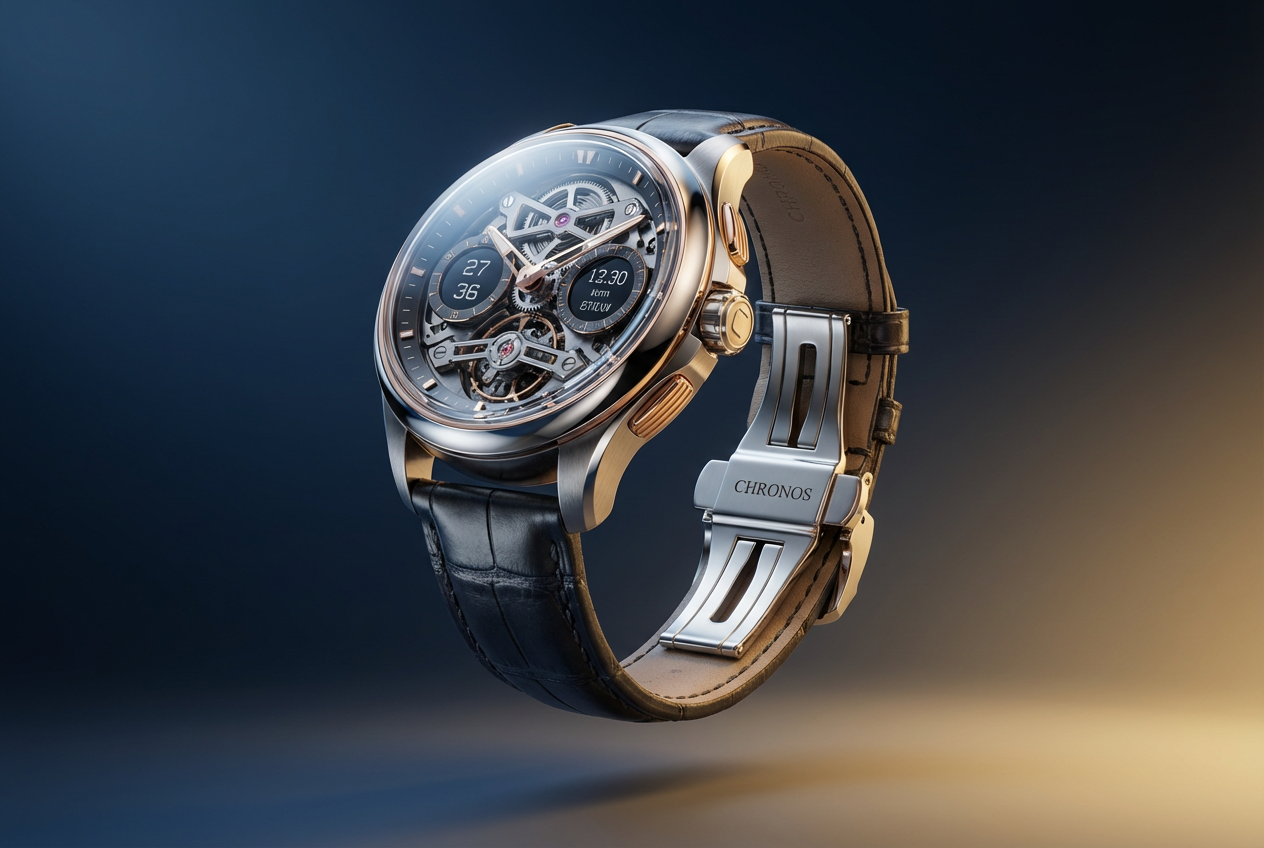
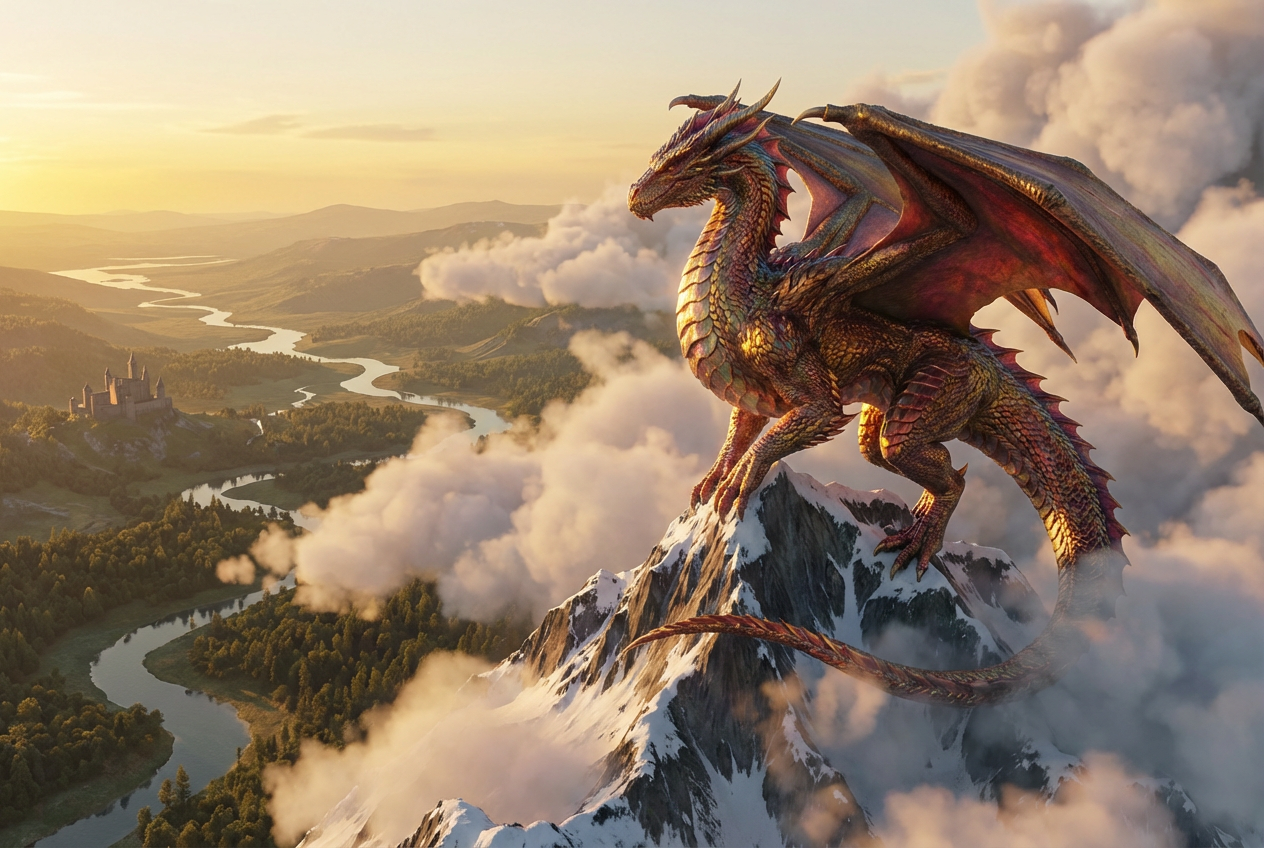
The agent gathers these inputs and preferences in the conversation before it starts.
Describe what you want to create...
Choices: Auto Lighting, Studio, Natural, Dramatic, Soft, Harsh, Ambient, Spotlight, Backlit, Volumetric
Choices: Auto Material, Plastic, Metal, Glass, Wood, Ceramic, Fabric, Rubber, Marble, Concrete
Choices: Auto Angle, Front View, Side View, Top View, Perspective, Isometric, Low Angle, High Angle, Dutch Angle, Bird
Choices: Auto Environment, Studio, Nature, Urban, Indoor, Abstract, Space, Underwater, Desert, Void
Create stunning 3D visuals and renders with advanced AI technology.
Create professional 3D images in three simple steps:
Enter a detailed description of the 3D image you want to create.
Select style, lighting, materials, camera angle, and environment preferences.
Let AI create stunning 3D renders based on your specifications.
Choose from various perspectives to showcase your 3D creation.
Control the mood with different lighting setups and effects.
Apply various materials from metal to glass for realistic renders.
Place your 3D objects in different contexts and backgrounds.
Create quick 3D prototypes and product visualizations.
Generate reference images and explore new creative directions.
Visualize architectural concepts and interior designs.
Create engaging 3D visuals for marketing materials.
Generate quick 3D assets and concept art.
Create unique 3D visuals for social media and content.
Include detailed descriptions of materials, textures, and lighting you want.
Choose camera angles that best showcase your 3D object's features.
Use lighting to enhance the mood and depth of your render.
Select appropriate styles for your intended use (e.g., realistic for product shots).
Choose environments that complement your 3D object and enhance its presentation.
We support multiple styles including realistic, cartoon, low-poly, isometric, clay render, wireframe, stylized, minimalist, and sci-fi.
Yes! You can choose from various lighting setups and material types to achieve your desired look.
We offer multiple camera angles including front view, side view, top view, perspective, isometric, and more.
Yes, you can generate multiple versions of your 3D image to explore different interpretations and styles.
Provide detailed descriptions, choose appropriate styles and lighting, and experiment with different camera angles and environments.
Include details about the object's shape, material, lighting preferences, and any specific style or mood you want to achieve.
Yes! All images generated by our AI 3D Image Generator are 100% free for commercial use. You can use them in your projects, portfolios, or any commercial work without any licensing restrictions.
No, there are no restrictions on how you can use the generated images. You own full rights to the images you generate and can modify, share, or sell them as you wish.


