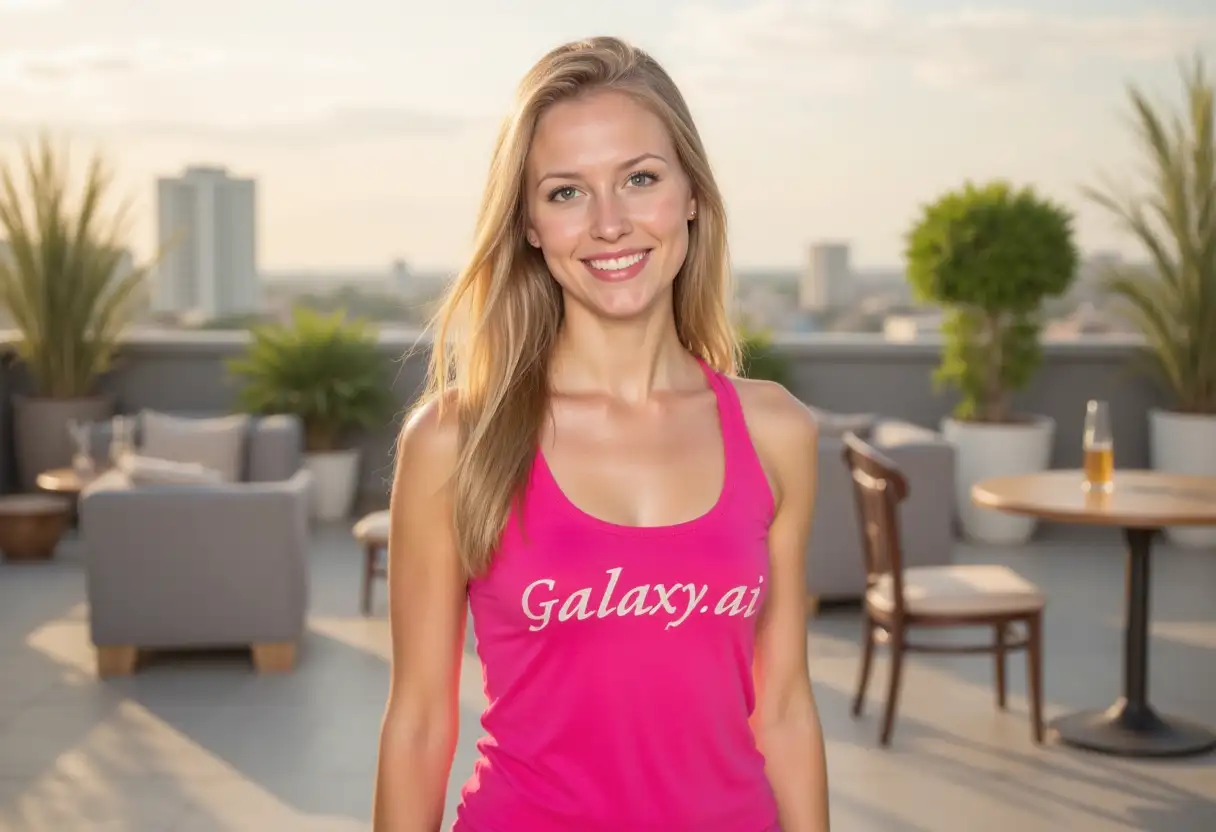
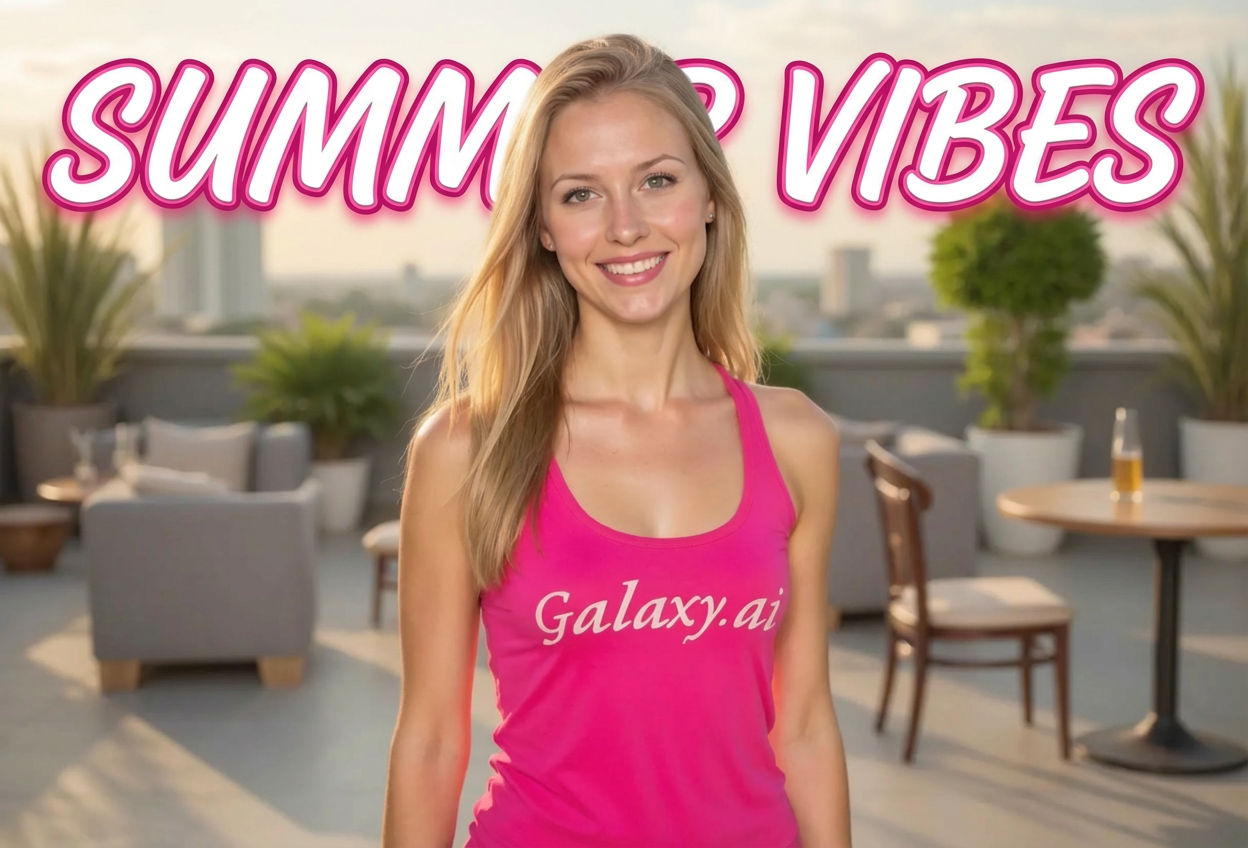
Create professional text overlays on images with AI-powered design assistance.
Advanced AI models for perfect text placement and styling
Multiple font styles from modern to decorative
Customizable text effects including shadows, glows, and 3D
Smart background adaptation for optimal readability
How Our AI Add Text to Image Generator Works
Add stunning text to your images in three simple steps:
01
Attach Your Image
attach the image you want to add text to.
02
Enter Your Text
Type the text you want to overlay and customize its appearance.
03
Generate
Let AI add your text to the image with perfect styling and placement.
Key Features of AI Add Text to Image Generator
Multiple Font Styles
Choose from modern, classic, script, decorative, and more font styles.
Color Customization
Apply various color schemes including gradients and neon effects.
Text Effects
Add shadows, outlines, glows, 3D effects, and more to your text.
Smart Positioning
Place text anywhere on the image with intelligent positioning options.
Who Can Benefit from Our AI Add Text to Image Generator?
Social Media Marketers
Create eye-catching posts with compelling text overlays.
E-commerce Sellers
Add product information and promotional text to product images.
Content Creators
Design thumbnails, quotes, and branded content with text.
Bloggers
Create featured images and Pinterest graphics with text overlays.
Graphic Designers
Quickly prototype text-based designs and layouts.
Small Businesses
Create promotional materials and announcements with professional text.
Tips for Better Text on Images
Tip 1
Keep It Readable
Choose text colors and effects that contrast well with your background.
Tip 2
Less Is More
Use concise text that delivers your message without cluttering the image.
Tip 3
Consider Hierarchy
Use different sizes and styles to create visual hierarchy in your text.
Tip 4
Match the Mood
Select font styles and effects that complement your image's tone.
Tip 5
Test Positioning
Try different text positions to find the most impactful placement.
Frequently Asked Questions About AI Add Text to Image Generator
What font styles are available?
We offer various font styles including modern sans-serif, classic serif, script, bold display, minimalist, decorative, retro, futuristic, graffiti, and calligraphy styles.
Can I position text anywhere on the image?
Yes! You can place text at the center, corners, edges, or let AI automatically choose the best position for readability and visual appeal.
What text effects can I apply?
You can add drop shadows, outlines, glows, 3D effects, embossing, metallic finishes, neon glows, distressed textures, and watercolor effects.
Can I use multiple colors in my text?
Yes, you can choose from solid colors, gradients, rainbow effects, and various color schemes including vibrant, pastel, and neon options.
What background styles are supported?
We support transparent backgrounds, blurred effects, solid colors, gradients, patterns, textures, photographic, abstract, and minimal backgrounds.
How do I ensure my text is readable?
Our AI automatically optimizes text placement and styling for readability. You can also manually adjust colors, effects, and positioning to ensure maximum clarity.
Can I use the generated images commercially?
Yes! All images generated by our AI Add Text to Image Generator are 100% free for commercial use. You can use them in your marketing materials, products, or any commercial projects without restrictions.
Are there any usage restrictions?
No, there are no restrictions. You own full rights to the images you generate and can modify, share, or sell them as you wish.