Description
Describe what you want to create...

Transform your ideas into stunning artwork with AI
Reference media and sample results for this task.
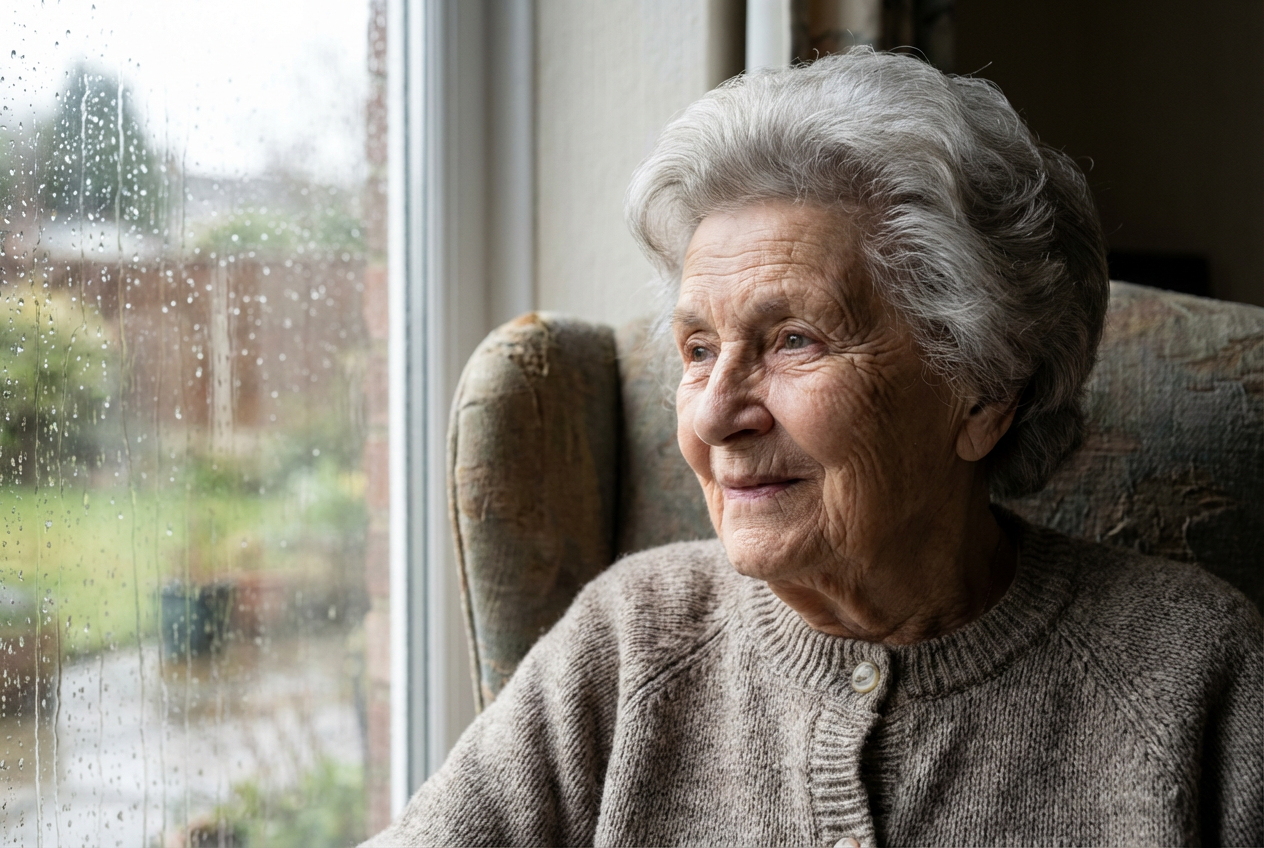
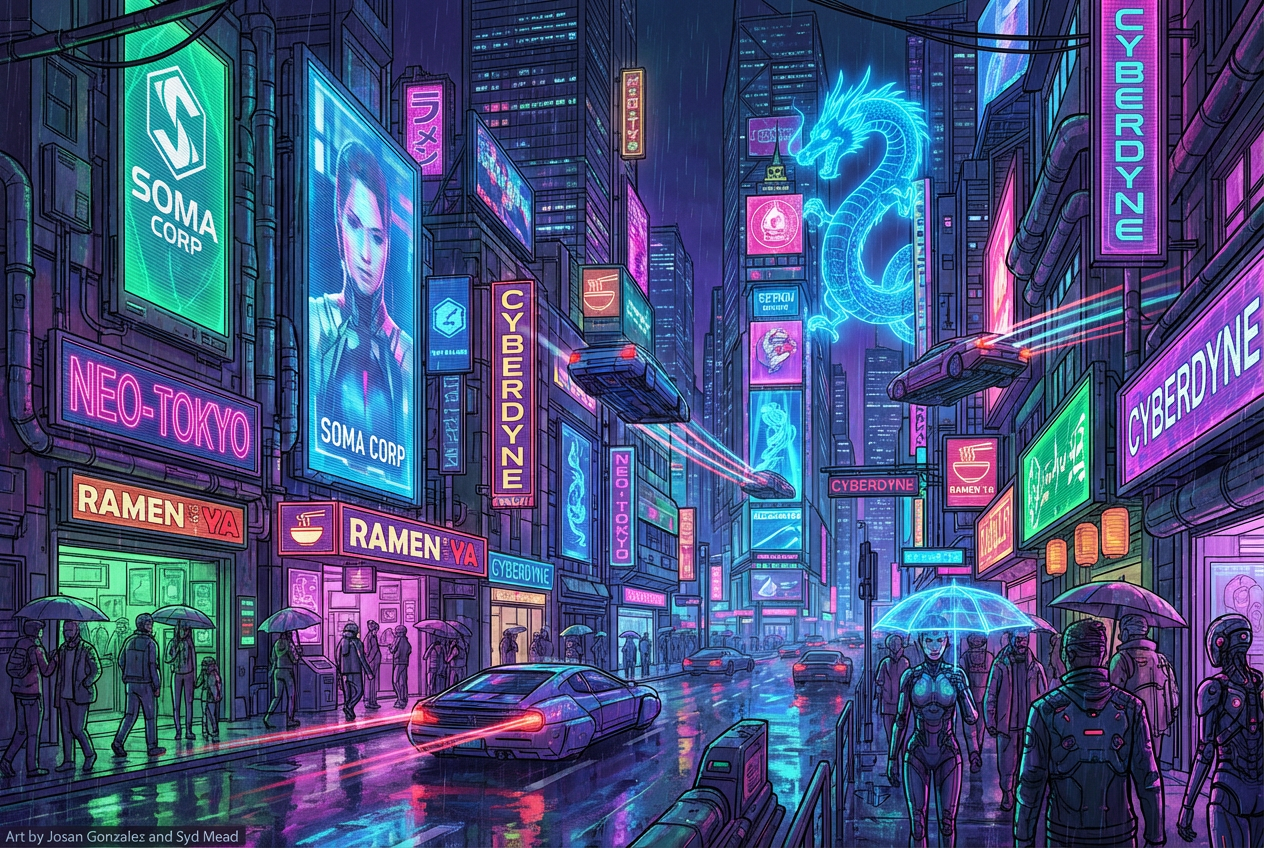
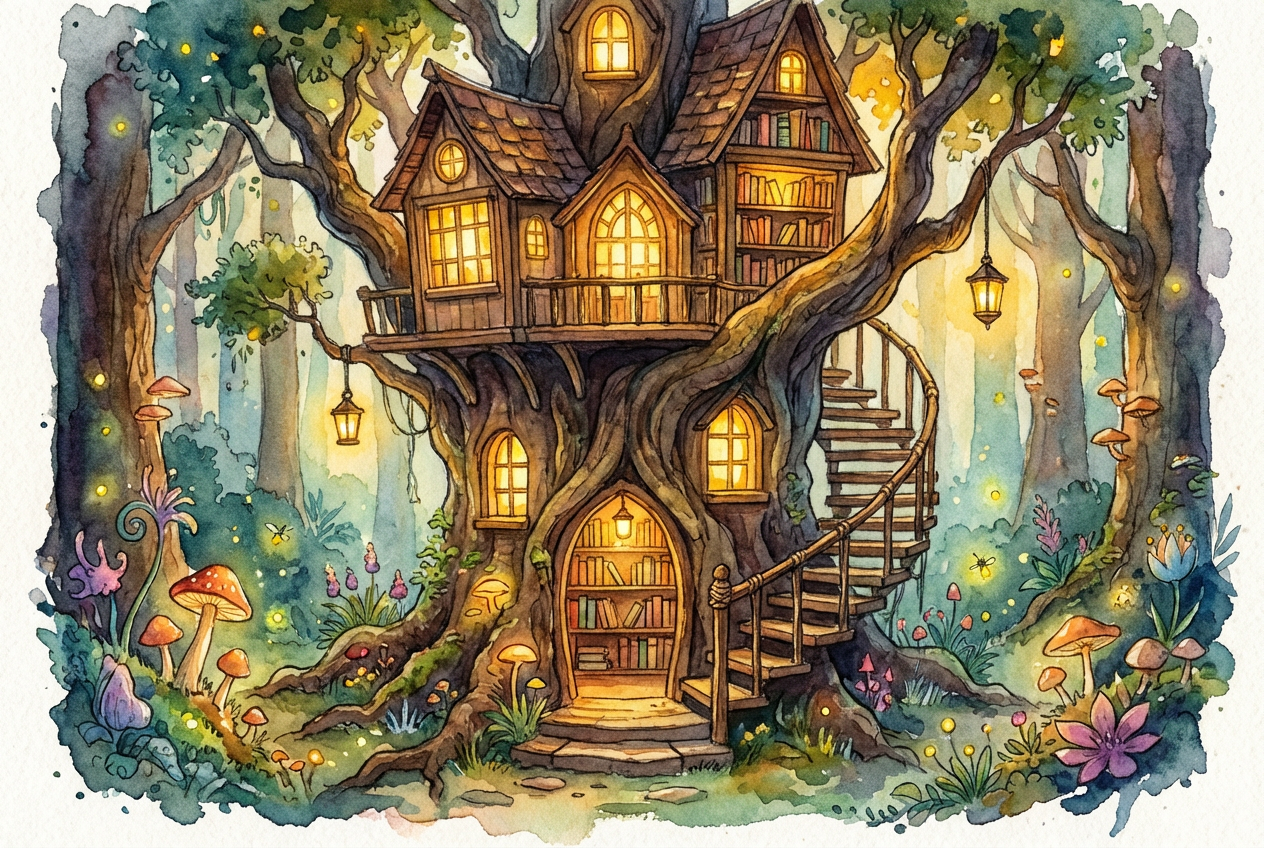
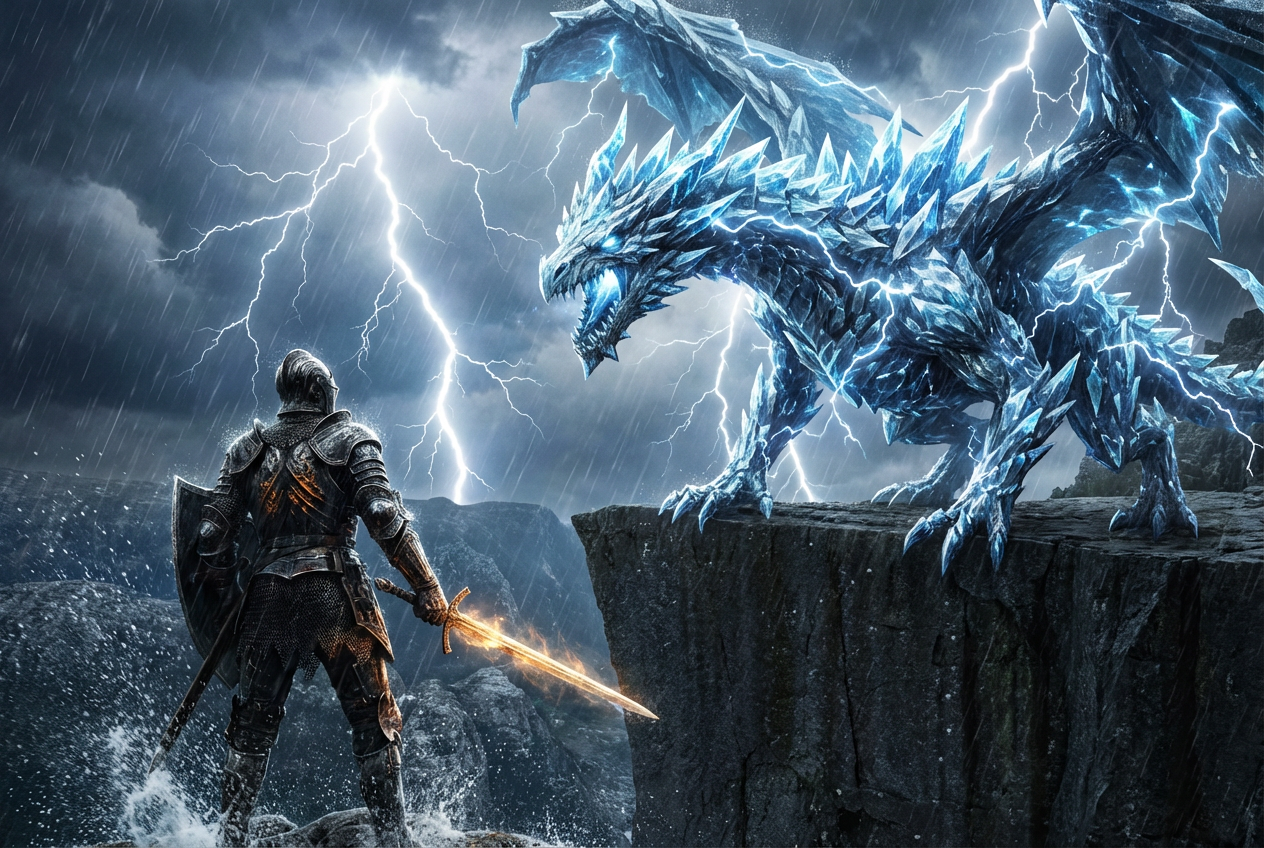
The agent gathers these inputs and preferences in the conversation before it starts.
Describe what you want to create...
Choices: Any Medium, Oil Painting, Watercolor, Acrylic, Digital, Pencil, Charcoal, Mixed Media
Choices: Any Colors, Vibrant, Pastel, Monochromatic, Warm, Cool, Dark, Light
Choices: Any Mood, Peaceful, Dramatic, Mysterious, Energetic, Melancholic, Whimsical
Choices: Any Composition, Symmetrical, Asymmetrical, Rule of Thirds, Centered, Diagonal, Golden Ratio
Create stunning, professional artworks in any style.
Create your masterpiece in three simple steps:
Enter a detailed description of your desired artwork.
Select art style, medium, genre, and other preferences.
Let AI create unique artworks based on your specifications.
Choose from digital, traditional, and mixed media styles.
Control the mood with various color palette options.
Download your artworks in high resolution.
Combine different styles for unique results.
Perfect for creators at all skill levels
Generate inspiration and explore new styles.
Create unique visuals for projects and clients.
Generate engaging visual content quickly.
Explore creativity without technical barriers.
Create custom artwork for branding and marketing.
Generate unique visuals for posts and campaigns.
Include details about style, mood, and composition.
Try different combinations of styles and mediums.
Choose color schemes that match your intended mood.
Specify focal points and arrangement of elements.
Use generated results to inspire better prompts.
Our AI supports a wide range of styles including digital art, oil painting, watercolor, pencil drawing, and more. You can also mix styles for unique results.
Yes! All artworks generated with this Magica workflow can be used for both personal and commercial purposes, subject to our terms of service.
Provide detailed descriptions, experiment with different styles and settings, and use the advanced options to fine-tune your results.
Yes, you can download the artwork and edit it using your preferred image editing software.
Our AI generates high-resolution images suitable for both digital and print use.
You can generate up to 4 variations per prompt, allowing you to explore different interpretations of your idea.


