Describe your artwork
Sunset over mountains, city skyline at night, portrait of a person...

Transform ideas into stunning artwork with various artistic styles from classical to modern
Reference media and sample results for this task.
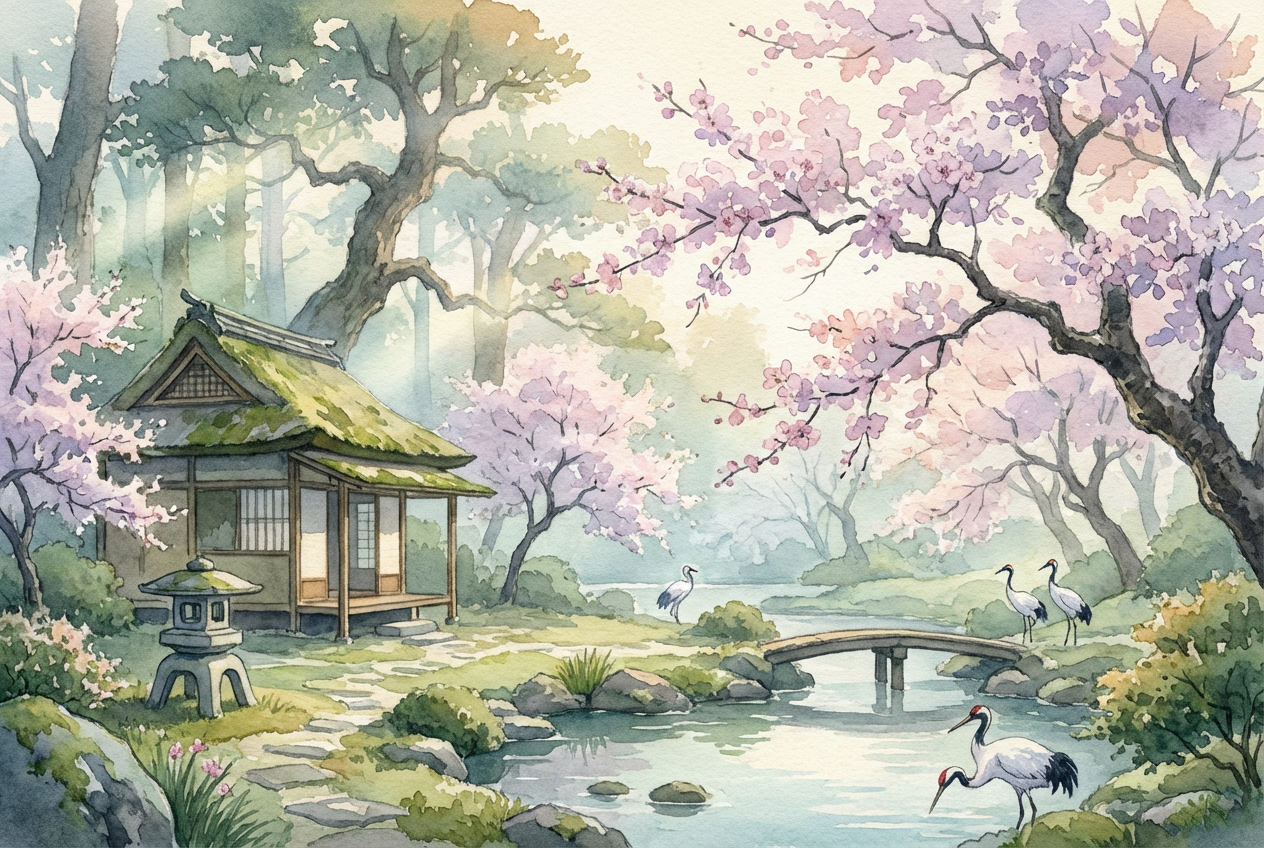
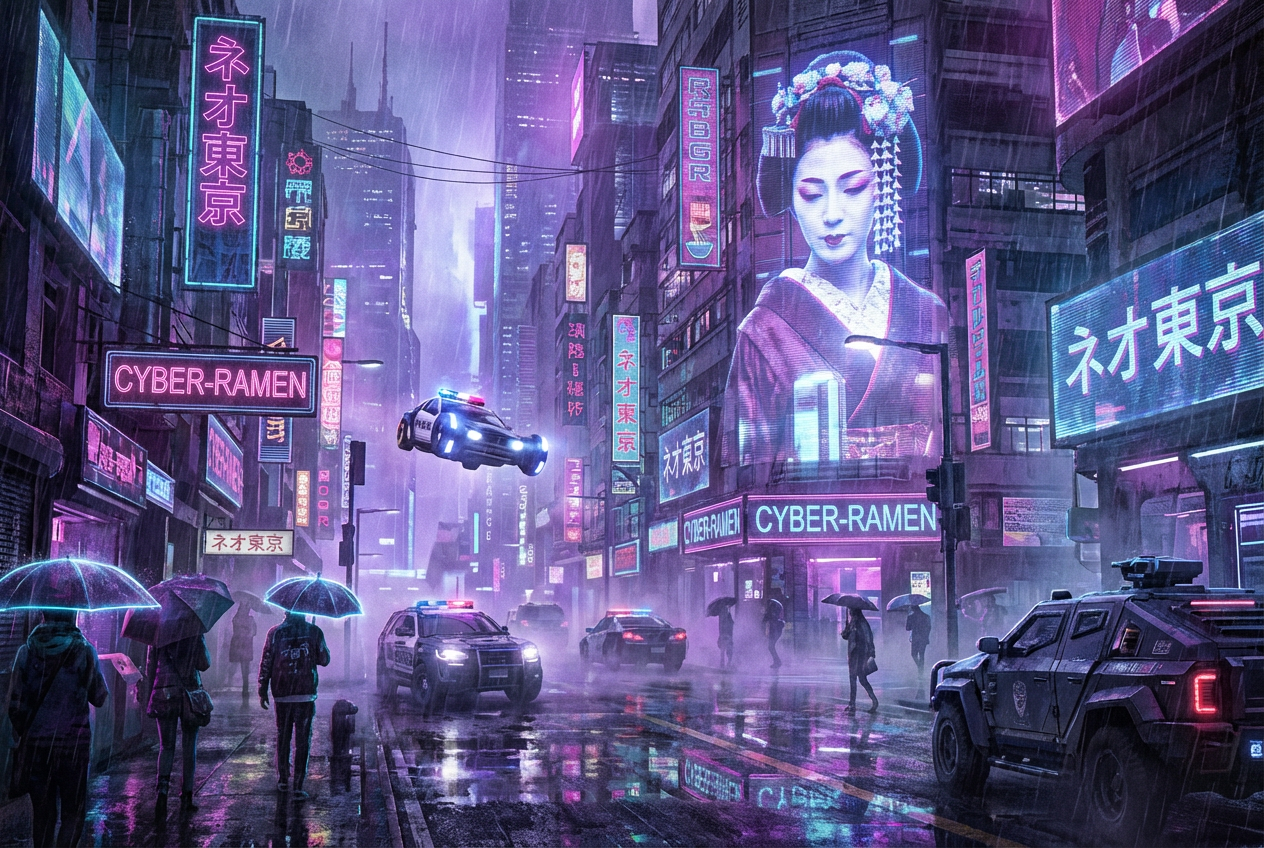
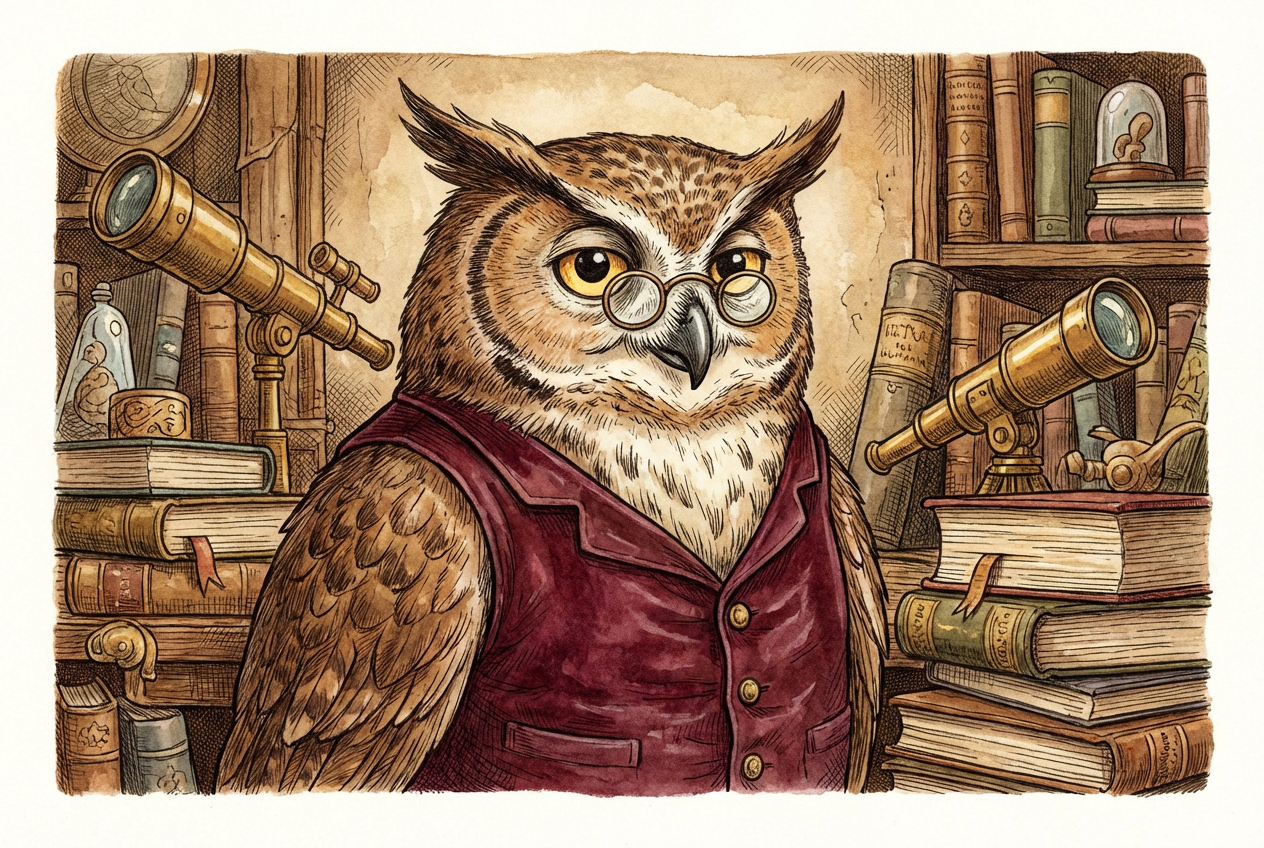
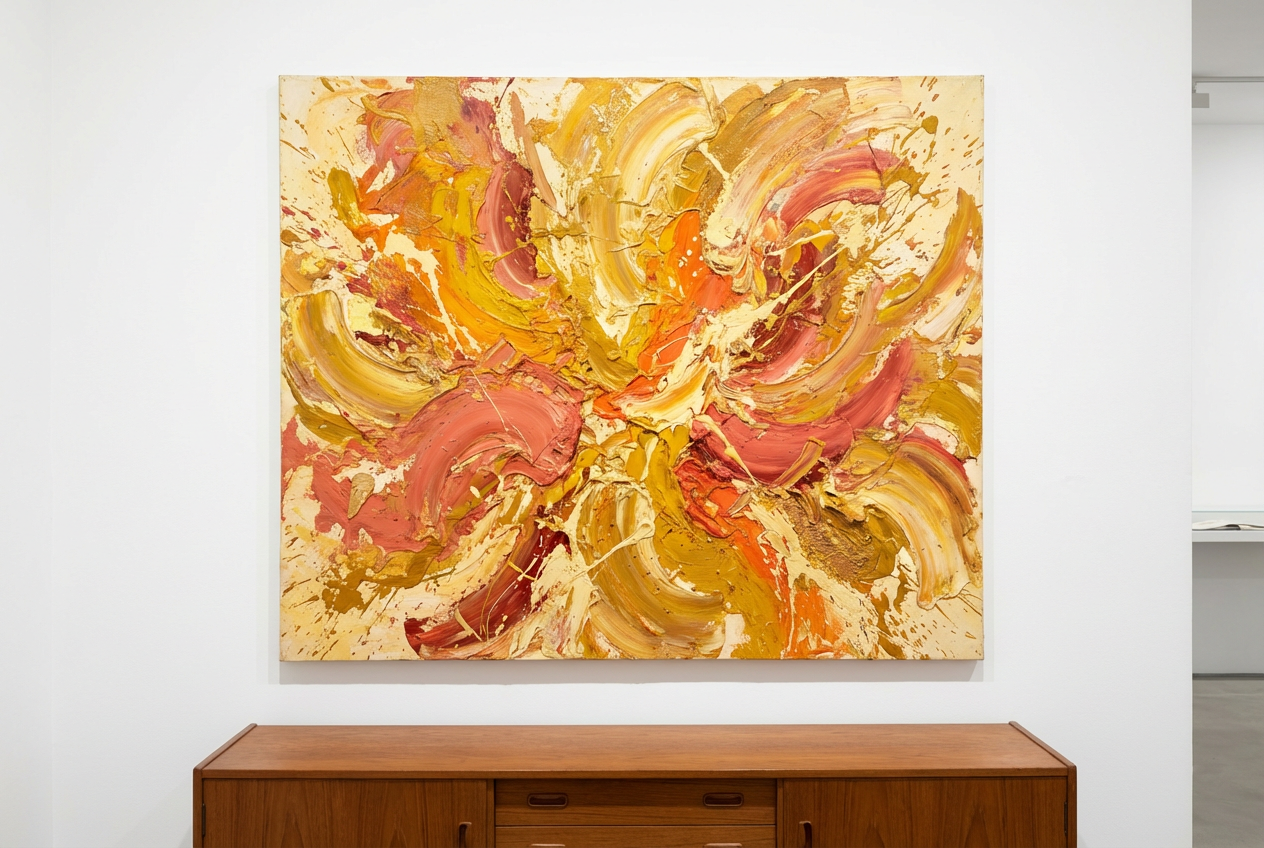
The agent gathers these inputs and preferences in the conversation before it starts.
Sunset over mountains, city skyline at night, portrait of a person...
Choose the artistic style for your generation
Choices: Any Style, Impressionist, Cubist, Abstract, Surrealist, Expressionist, Baroque, Renaissance, Art Deco, Art Nouveau, Minimalist, Pop Art, Ukiyo-e (Japanese), Watercolor, Oil Painting
Choices: Any Colors, Vibrant, Pastel, Monochrome, Warm Tones, Cool Tones, Earthy Tones, Neon
Choices: Any Composition, Centered, Rule of Thirds, Symmetrical, Asymmetrical, Dynamic/Diagonal
Choices: Any Mood, Peaceful, Dramatic, Mysterious, Joyful, Melancholic, Energetic, Dreamy
Choices: Any Detail Level, Loose Strokes, Detailed, Heavy Impasto, Smooth Blending
Choices: Any Texture, Canvas, Paper, Wood Panel, Smooth
Include an artistic signature element
Add aged or vintage appearance
Create museum-quality artwork in any artistic style with our advanced AI, perfect for artists, designers, and art enthusiasts.
Create professional artwork in three simple steps
Enter what you want to create, from landscapes to portraits to abstract concepts.
Choose from impressionist, cubist, abstract, baroque, and many more artistic styles.
Our AI creates your artwork with authentic techniques and professional quality.
From impressionist to cubist, abstract to baroque - explore all major art movements.
Realistic brushwork, impasto effects, and authentic artistic techniques for each style.
Control color palettes from vibrant to pastel, monochrome to neon combinations.
Choose centered, rule of thirds, symmetrical, or dynamic compositions.
Add realistic canvas, paper, wood panel, or smooth surface textures.
Add aged or vintage appearance to create timeless masterpieces.
Perfect for various creative professionals and art lovers
Explore different styles, create concept art, or generate inspiration for your work.
Create custom artwork that matches specific decor styles and color schemes.
Generate unique artwork for prints, canvases, and wall decor products.
Create artistic backgrounds, illustrations, and stylized imagery for projects.
Demonstrate different art styles and movements with visual examples.
Create personalized artwork in your favorite artistic styles for your home.
Some styles work better with certain subjects - impressionism for landscapes, cubism for portraits, abstract for emotions.
Try different color palettes to dramatically change the mood and impact of your artwork.
Use symmetrical composition for formal pieces, dynamic for action, rule of thirds for balance.
Canvas and paper textures make digital art look more authentic and painterly.
Vintage effects work great for classical styles like baroque and renaissance but may clash with modern styles.
You can generate artwork in 15+ styles including impressionist, cubist, abstract, surrealist, expressionist, baroque, renaissance, art deco, art nouveau, minimalist, pop art, ukiyo-e, watercolor, and oil painting styles.
Yes, all generated artwork is available for commercial use including prints, products, marketing materials, and digital media.
The AI reproduces authentic artistic techniques including brushwork, color theory, and composition principles specific to each art movement.
Yes, the high-resolution output is suitable for large format printing including canvas prints, posters, and gallery displays.
All subjects work well, but consider matching the subject to the style - landscapes for impressionism, geometric shapes for cubism, emotions for abstract.
Yes, you can choose from vibrant, pastel, monochrome, warm, cool, earthy, or neon color palettes to match your vision.
Impasto creates thick, textured brushstrokes where paint appears to stand off the canvas, common in expressionist and some impressionist works.
Yes, you can add realistic canvas, paper, wood panel, or smooth surface textures to enhance authenticity.
Most artwork is generated in 15-45 seconds, depending on complexity and style choice.
Absolutely! The museum-quality output is suitable for gallery exhibitions, art shows, and professional displays.


