Baby Description
Describe the baby

Create adorable and realistic baby face images with AI
Reference media and sample results for this task.
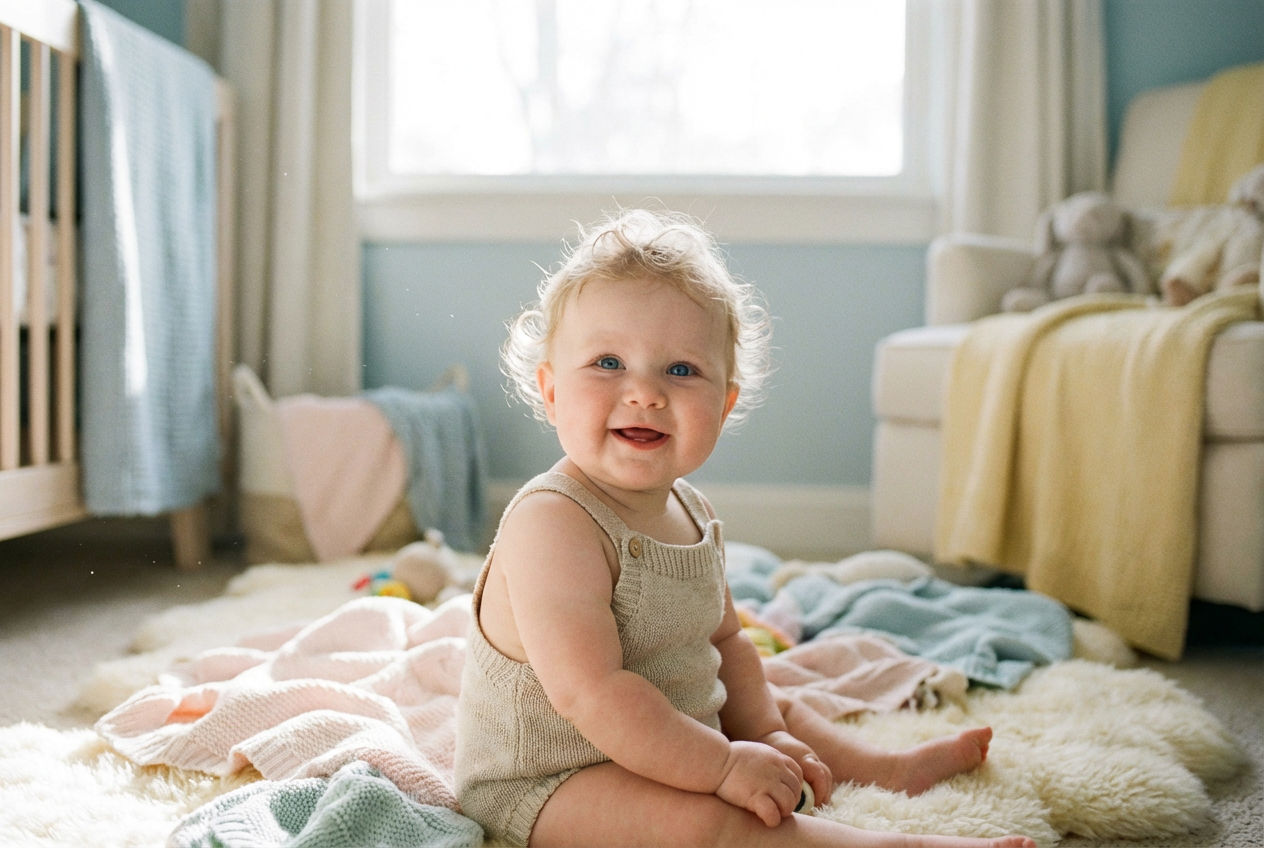
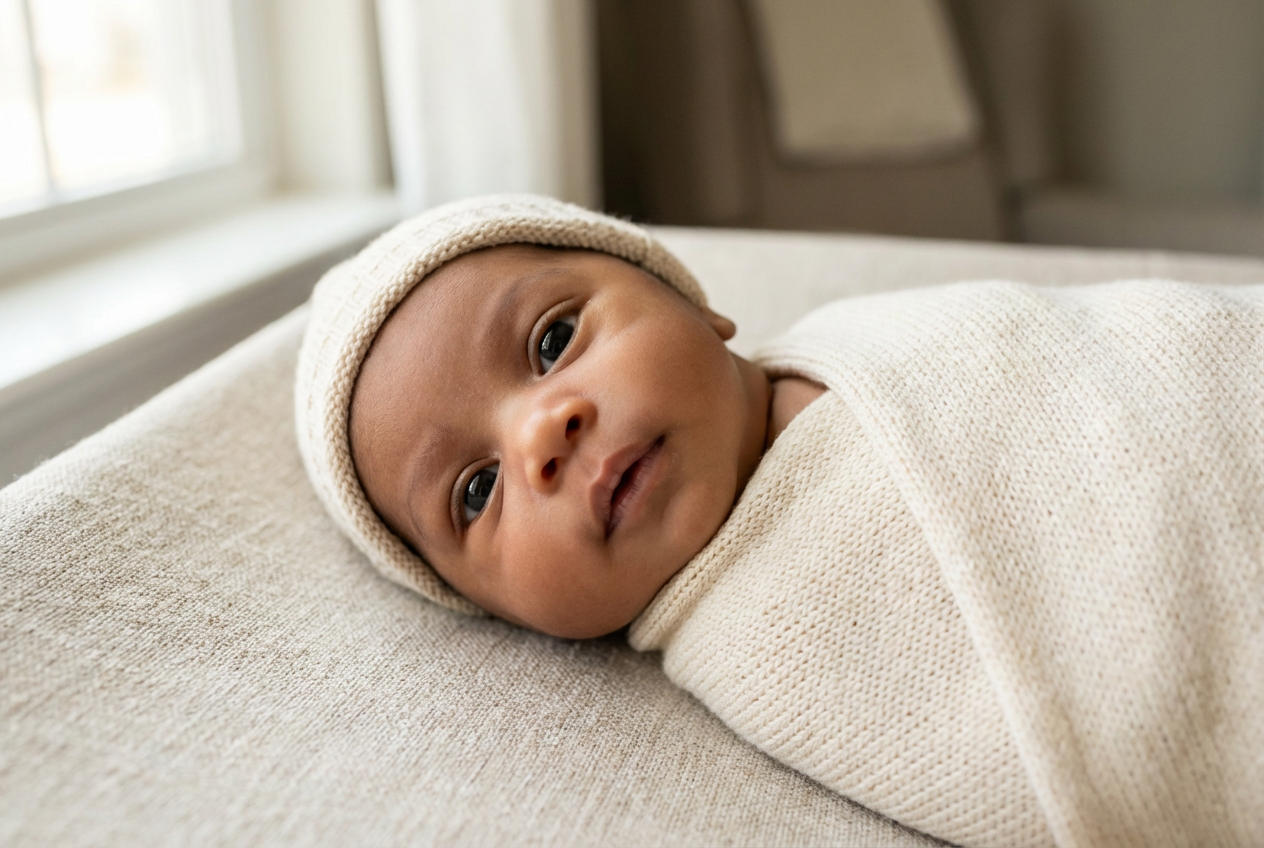
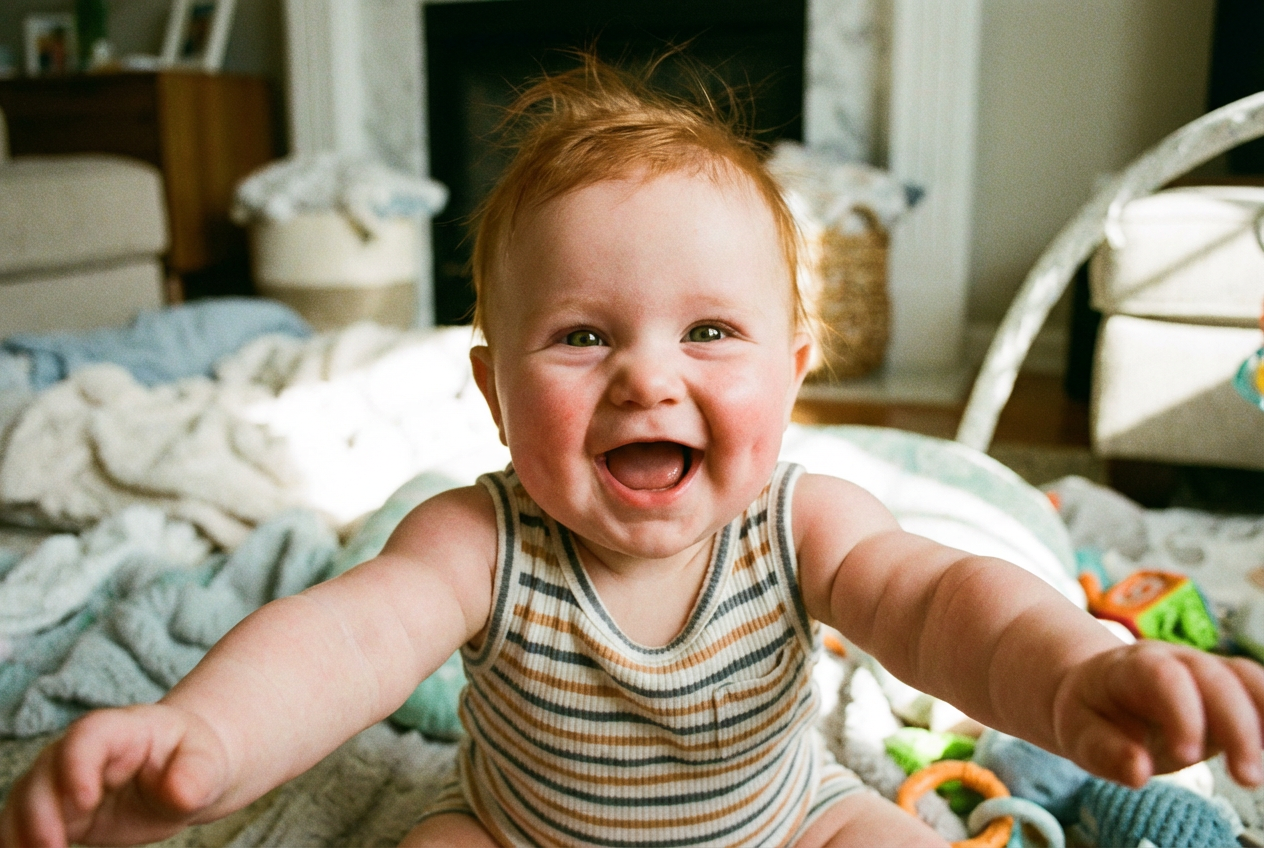
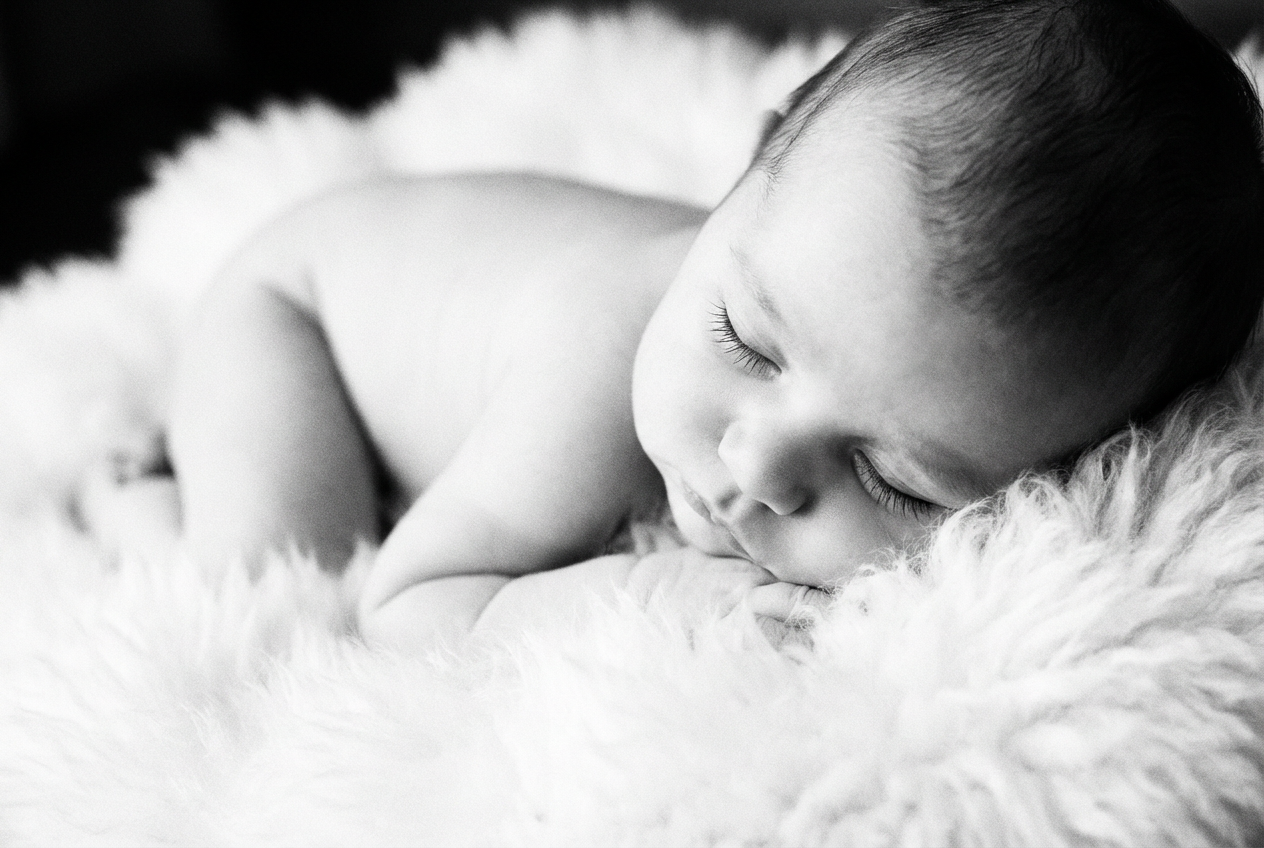
The agent gathers these inputs and preferences in the conversation before it starts.
Describe the baby
Choices: Any Gender, Male, Female
Choices: Any Age, Newborn (0-1 month), 3 months, 6 months, 9 months, 12 months
Choices: Any Ethnicity, Asian, African, European, Hispanic, Middle Eastern, Mixed
Choices: Any Features, Chubby Cheeks, Curly Hair, Dimples, Bright Eyes, Rosy Cheeks
Create adorable, realistic baby faces with advanced AI technology.
Generate beautiful baby faces in three simple steps:
Enter a description of the baby's desired appearance and features.
Select age, gender, ethnicity, and specific facial features.
Let AI create realistic baby faces based on your specifications.
Generate faces for different baby ages from newborn to 12 months.
Customize specific facial features like cheeks, eyes, and hair.
Download generated images instantly in high resolution.
Create babies of various ethnicities and appearances.
Visualize how future children might look or create keepsakes.
Generate reference images for baby photography sessions.
Create reference images for baby portraits and illustrations.
Generate diverse baby images for marketing materials.
Create baby-related content for social media and blogs.
Design product mockups with diverse baby representations.
Include detailed descriptions of desired features and characteristics.
Specify the age range for more accurate developmental features.
Mention specific features like eye color or hair type.
Reference common baby features or characteristics for better results.
Try different combinations of features and settings for variety.
Our AI generates highly realistic baby faces with natural features, expressions, and skin tones, though results may vary based on your specifications.
Yes! You can specify features like cheeks, eyes, hair, and more through our advanced customization options.
Yes, all generated images are royalty-free and can be used for commercial purposes without attribution.
Yes, you can generate multiple versions with the same parameters to explore different possibilities.
This Magica workflow includes options for various ethnicities and features to ensure inclusive representation in generated images.
Include specific details about age, features, expressions, and any distinct characteristics you want to see in the generated image.
Yes! The generated images are perfect for social media, marketing materials, and other digital content.
Our AI generates high-resolution images suitable for both digital and print use, ensuring clarity and detail.


