Background Description
Describe your desired background design...

Create stunning background designs with AI
Reference media and sample results for this task.
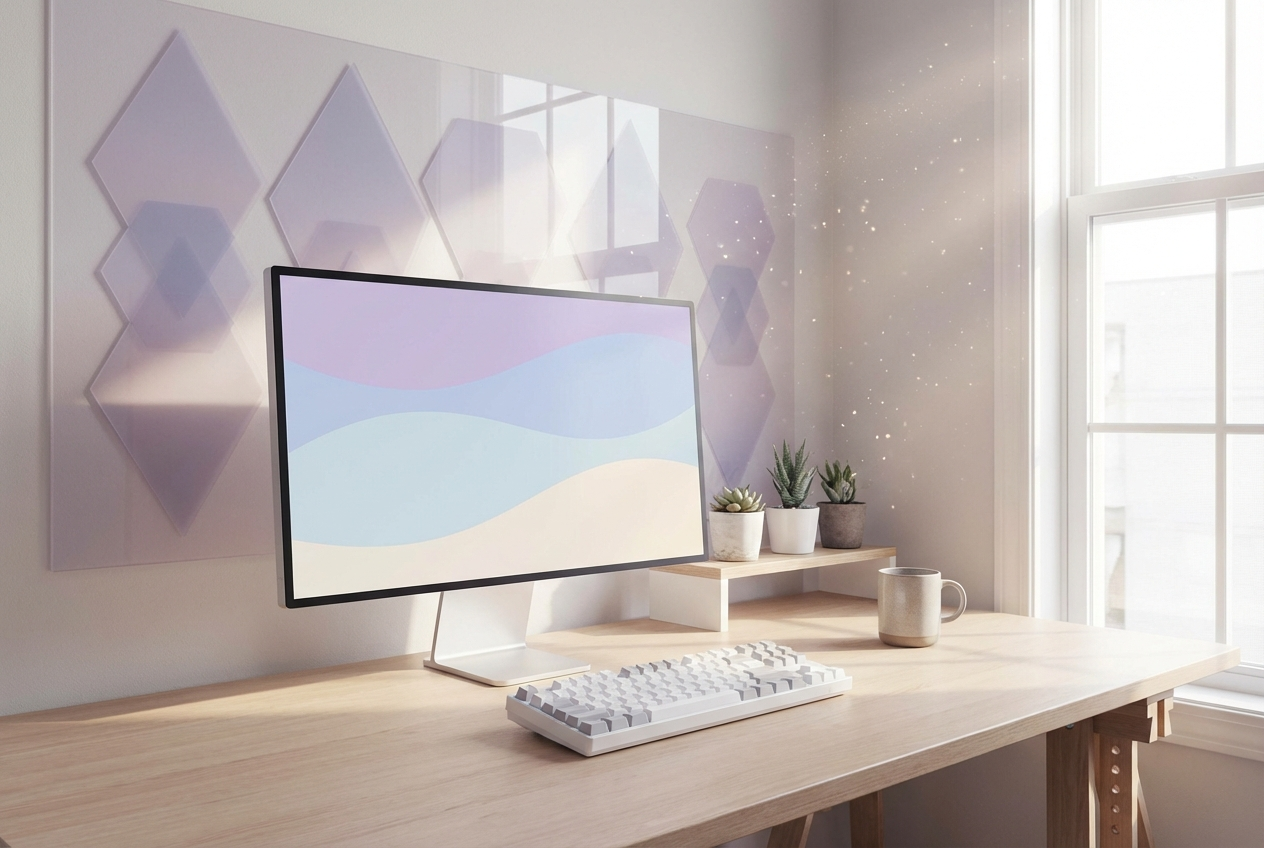
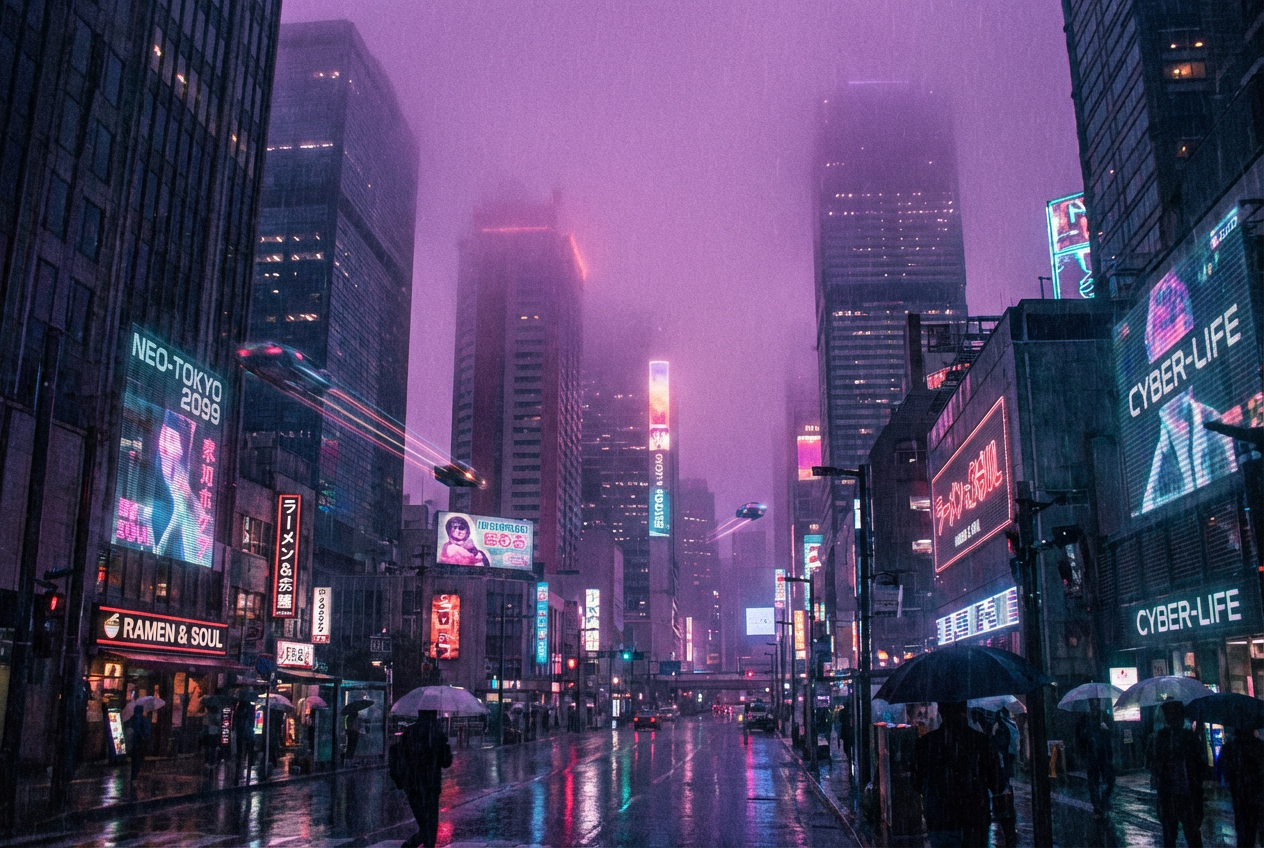
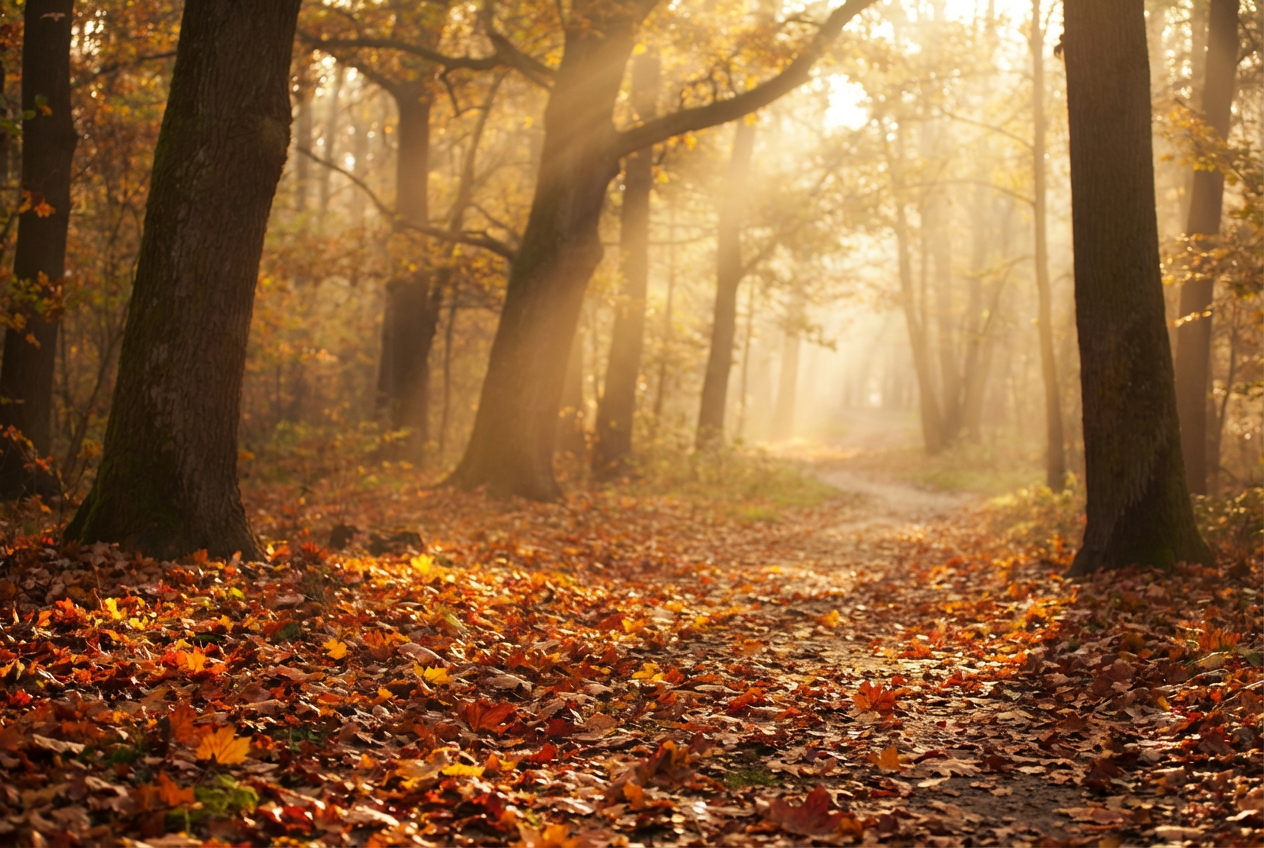
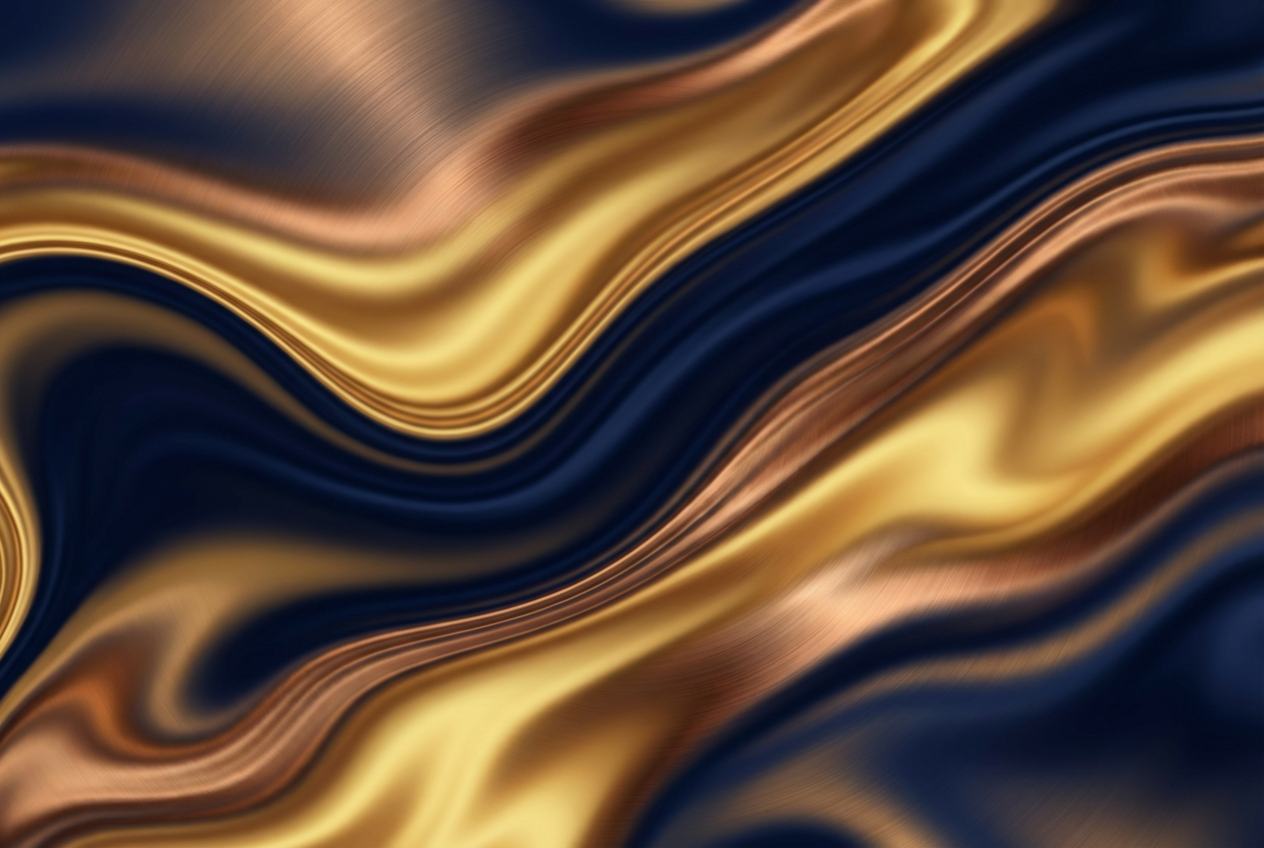
The agent gathers these inputs and preferences in the conversation before it starts.
Describe your desired background design...
Choices: Auto Resolution, 4K Ultra HD, Full HD, 8K
Choices: Any Mood, Calm, Energetic, Professional, Playful, Mysterious, Elegant
Choices: Auto Lighting, Bright, Dark, Ambient, Dramatic, Soft
Choices: Any Colors, Monochrome, Warm, Cool, Pastel, Vibrant, Earth Tones
Choices: Any Texture, Smooth, Rough, Metallic, Glass, Fabric, Paper
Create stunning, professional backgrounds for any digital need.
Create perfect backgrounds in three simple steps:
Enter a detailed description of your desired background design.
Select style, resolution, mood, lighting, and texture preferences.
Let AI create unique background designs based on your specifications.
Choose from minimalist, abstract, geometric, and other popular styles.
Select from various color schemes to match your brand or preference.
Download backgrounds in high quality for professional use.
Add depth with various texture options for unique designs.
Create stunning website backgrounds and hero sections.
Generate professional backgrounds for social media content.
Create unique backgrounds for various design projects.
Generate base backgrounds for digital artwork.
Create backgrounds for presentations and marketing.
Generate virtual backgrounds for photo sessions.
Include detailed elements and themes you want in your background.
Think about where the background will be used to guide your choices.
Ensure your description creates a balanced and harmonious design.
Consider contrast levels for text overlay compatibility.
Experiment with various styles and moods for optimal results.
We offer multiple styles including minimalist, abstract, geometric, nature-inspired, futuristic, vintage, gradient, pattern-based, and artistic designs.
Our generator supports various resolutions including Full HD, 4K Ultra HD, and 8K, suitable for different use cases.
Yes! You can choose from various color schemes including monochrome, warm, cool, pastel, vibrant, and earth tones.
Yes, all generated backgrounds are royalty-free and can be used for both personal and commercial purposes.
Yes, you can generate multiple versions of your background to explore different interpretations and styles.
Include details about the style, mood, colors, and any specific elements you want. Also mention the intended use of the background.
Yes! You can download and edit the backgrounds using any image editing software to further customize them.
Backgrounds are generated in high-quality PNG format, ensuring maximum quality and flexibility for various uses.


