Describe your battle map
Forest clearing with ruins, rocky battlefield with trenches...

Create tactical battle maps for tabletop RPGs, wargames, and strategy games
Reference media and sample results for this task.
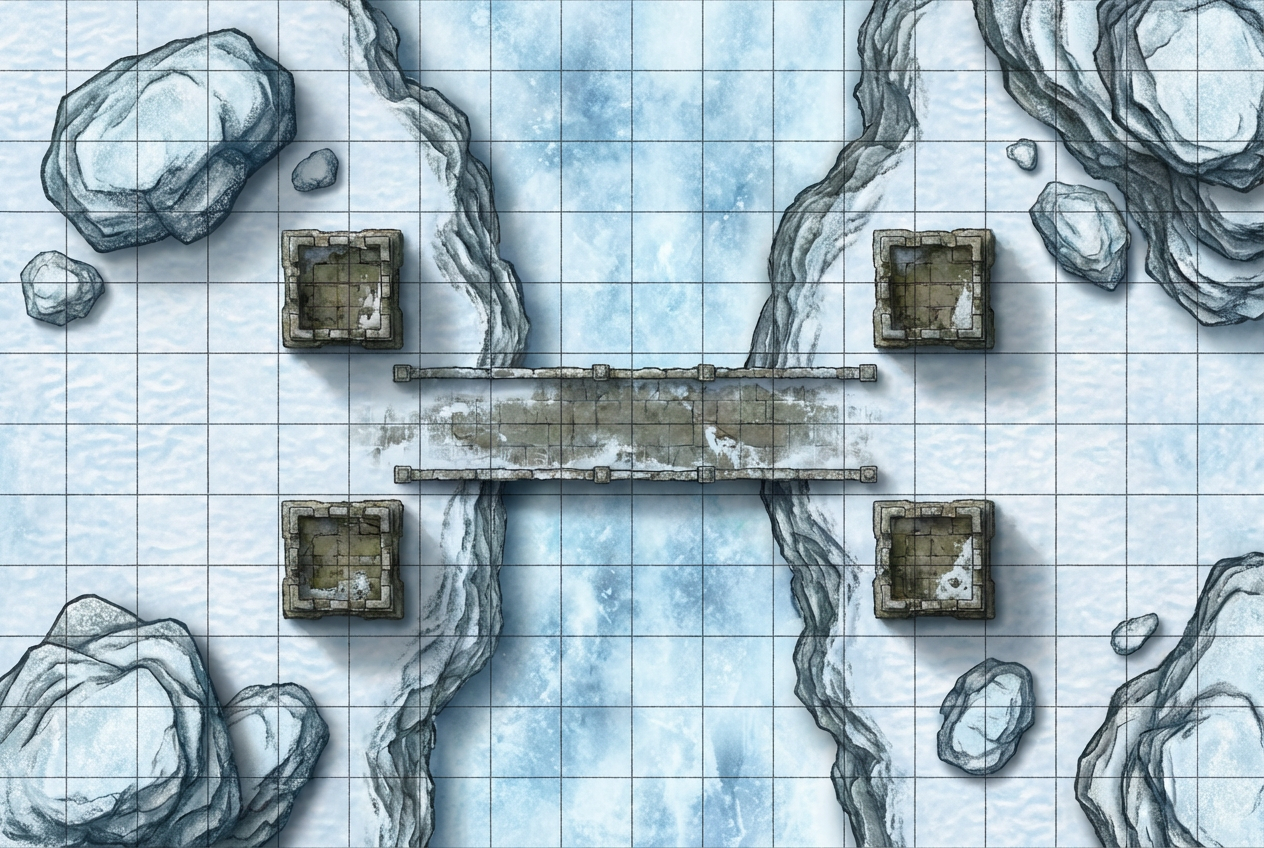
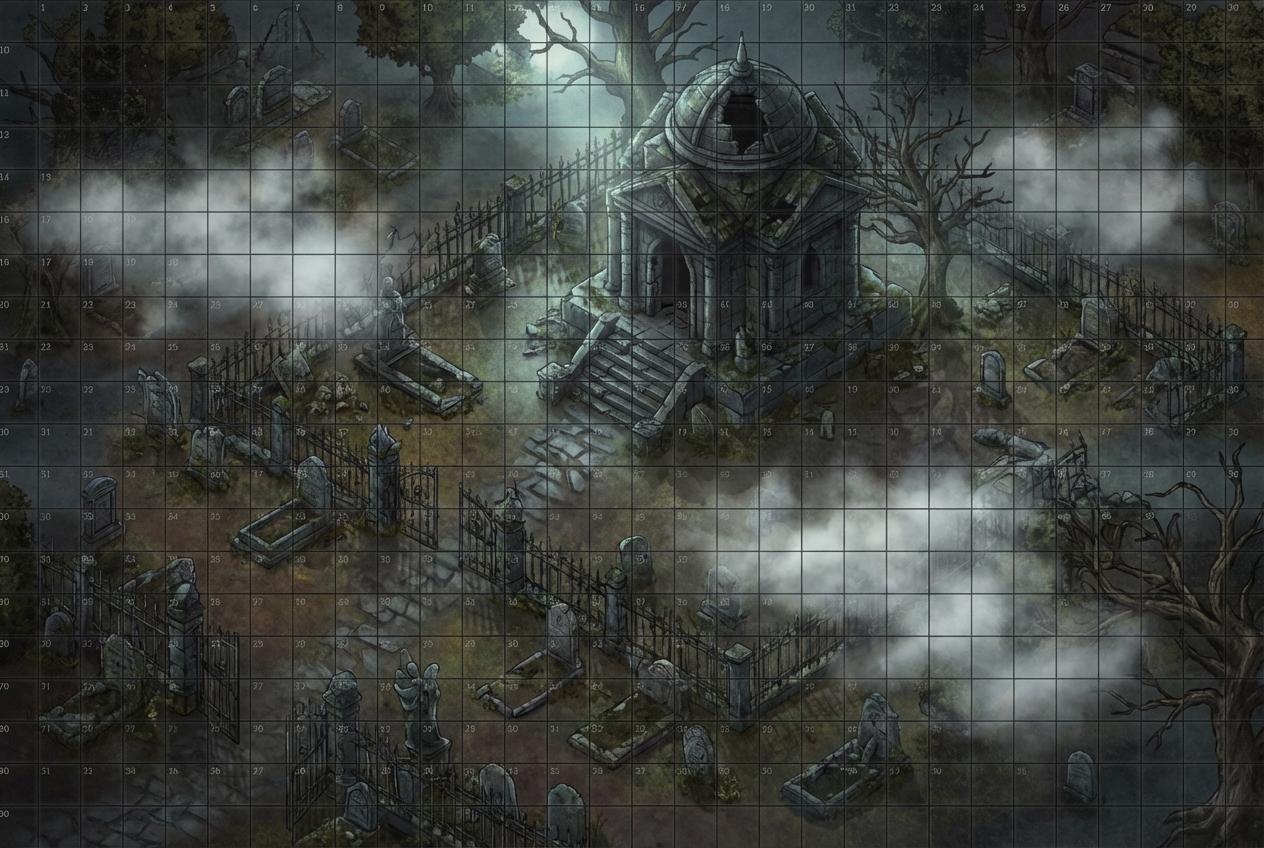
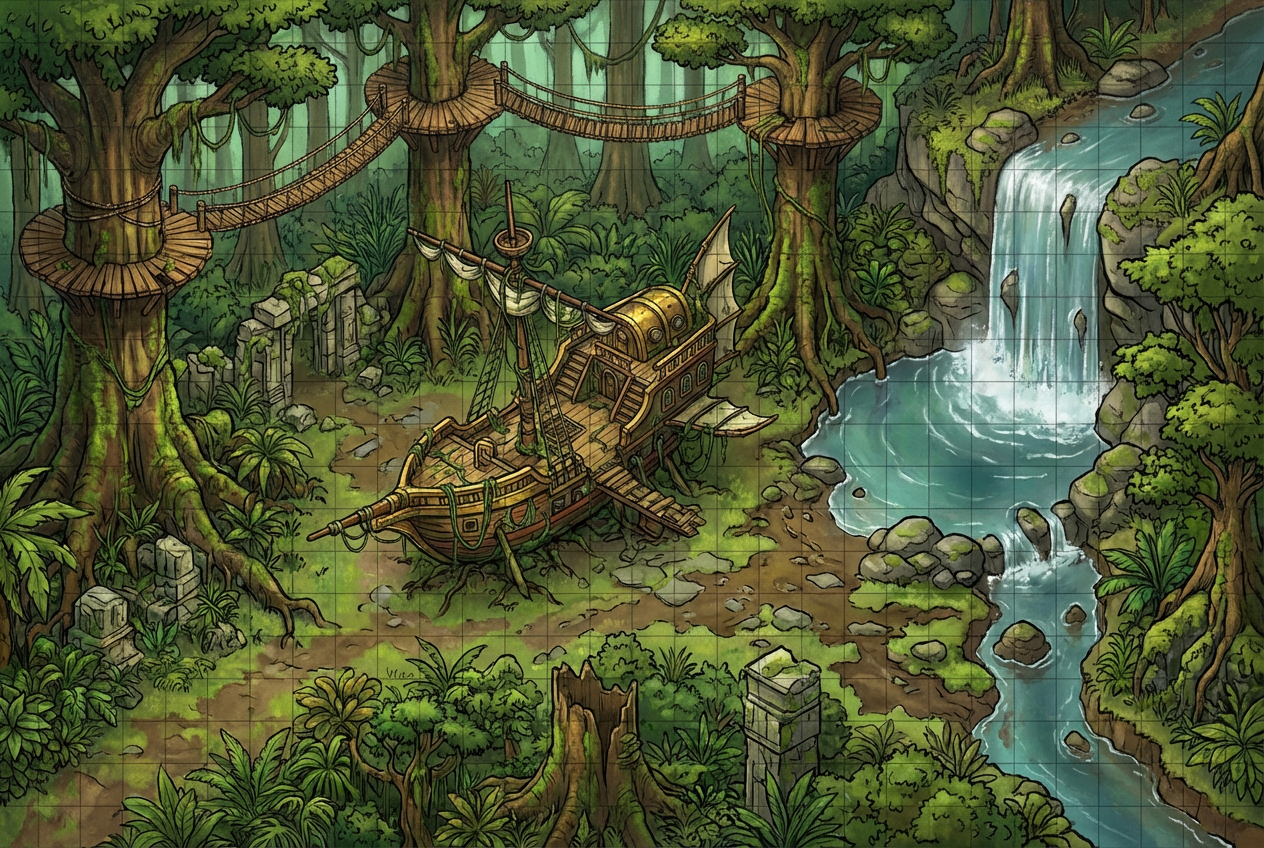
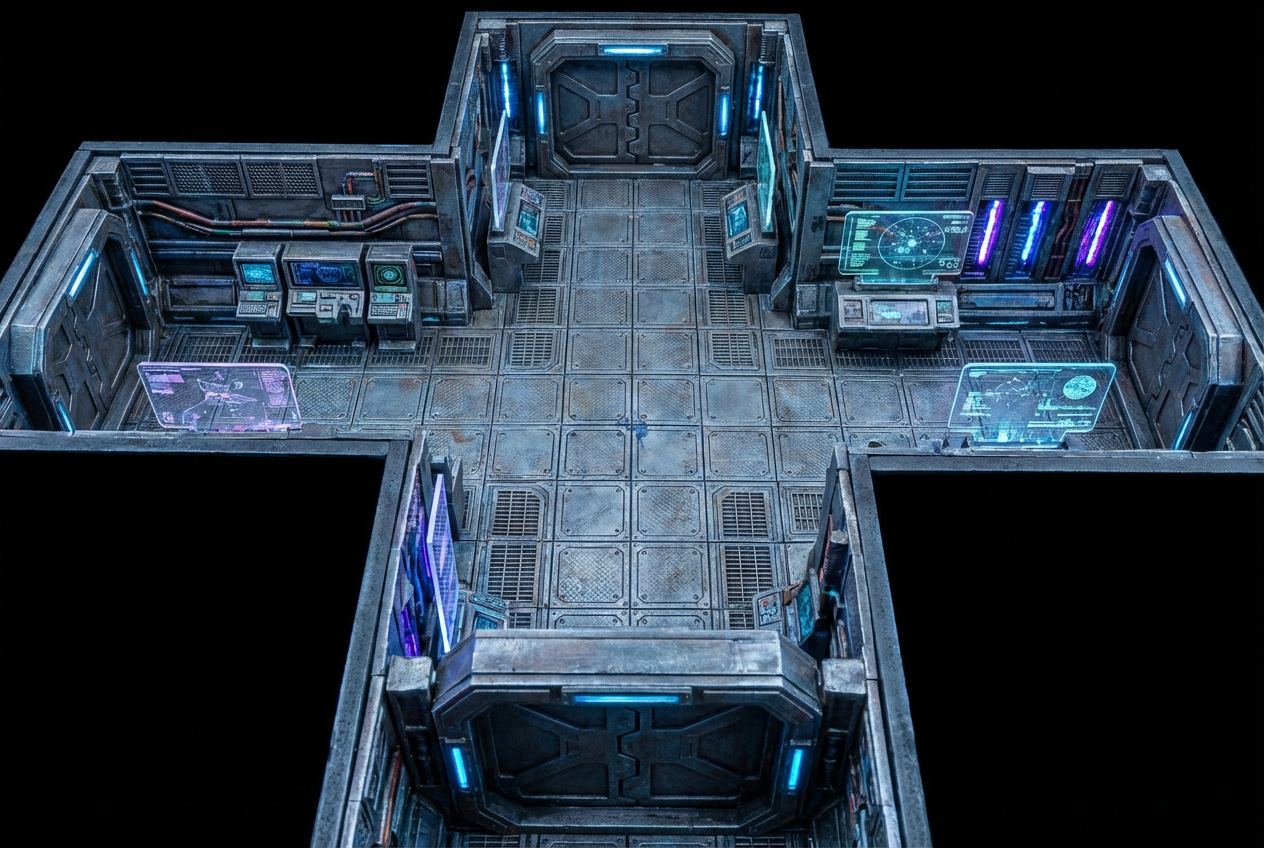
The agent gathers these inputs and preferences in the conversation before it starts.
Forest clearing with ruins, rocky battlefield with trenches...
Choose the primary terrain for the battlefield
Choices: Any Terrain, Forest, Grassland/Plains, Rocky Terrain, Desert, Snow/Ice, Swamp, Ancient Ruins, Urban/Streets
Choices: Standard Size, Small (Skirmish), Medium (Squad), Large (Battle)
Choices: Flat Terrain, Hills, Cliffs/Ledges, Multi-Level
Choices: Any Features, Cover/Obstacles, Water Features, Structures/Buildings, Environmental Hazards
Include tactical grid overlay
Include starting position indicators
Create professional tactical battle maps instantly with AI, perfect for D&D, Pathfinder, wargames, and all tabletop RPGs.
Create tactical battle maps in three simple steps
Enter terrain type, key features, and tactical elements you want.
Choose map size, elevation, features, style, and add grid or position markers.
Download and use in Roll20, Fantasy Grounds, or print for tabletop battles.
Forest, grassland, rocky, desert, snow, swamp, ancient ruins, and urban battlefields.
Optional battle grid overlay perfect for D&D combat and measuring movement.
Flat terrain, hills, cliffs/ledges, or multi-level maps for tactical depth.
Add cover/obstacles, water features, structures, or environmental hazards.
Realistic, hand-drawn, token-friendly, or tactical/clean visual styles.
Optional starting position indicators for organized encounters.
Perfect for tabletop gamers and game masters needing tactical maps
Create battle maps for D&D and Pathfinder encounters without hours of preparation.
Design tactical maps for Warhammer, Bolt Action, and other tabletop wargames.
Generate maps optimized for Roll20, Fantasy Grounds, and Foundry VTT.
Create tactical encounter maps for published adventures and one-shots.
Design professional battle maps for actual play streams and YouTube content.
Generate tactical maps for indie RPG games and digital tabletop projects.
Describe cover positions, chokepoints, and tactical features like 'rocks for cover, narrow pass'.
Enable the battle grid for tactical RPG combat to measure movement and ranges accurately.
Include elevation changes with hills, cliffs, or multi-level terrain for interesting tactics.
Mix open areas for movement with cover and obstacles for tactical positioning.
Choose small for skirmishes (2-4 combatants), large for epic battles (10+ units).
A battle map is a tactical map used in tabletop RPGs and wargames to track combat positions, movement, and terrain features during encounters.
Yes, all battle maps work perfectly for D&D, Pathfinder, and other tabletop RPGs. The grid aligns with standard 5ft squares.
Forest, grassland, rocky, desert, snow, swamp, ancient ruins, and urban street terrains are all available.
Yes, you can enable the tactical battle grid overlay for measuring movement and combat ranges.
You can create small (skirmish), medium (squad), large (battle) maps, or standard size for typical encounters.
Yes, you can add hills, cliffs/ledges, or create multi-level maps for tactical depth.
Yes, the maps work great on Roll20, Fantasy Grounds, Foundry VTT, and other virtual tabletop platforms.
You can add cover/obstacles, water features, structures/buildings, and environmental hazards.
Yes, the battle maps work perfectly for miniature wargames like Warhammer, Bolt Action, and others.
Yes, all generated battle maps are available for commercial use including published adventures and game products.


