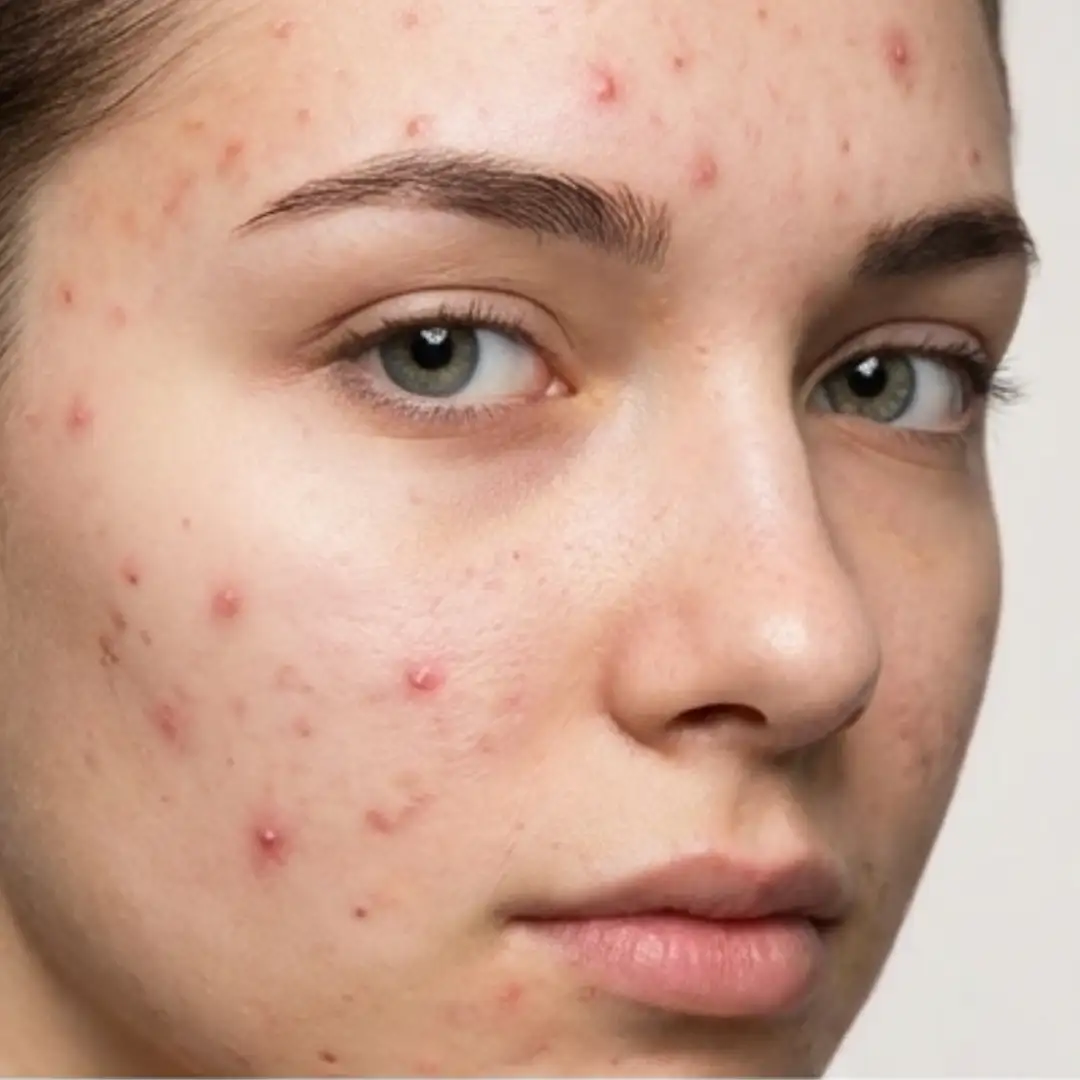
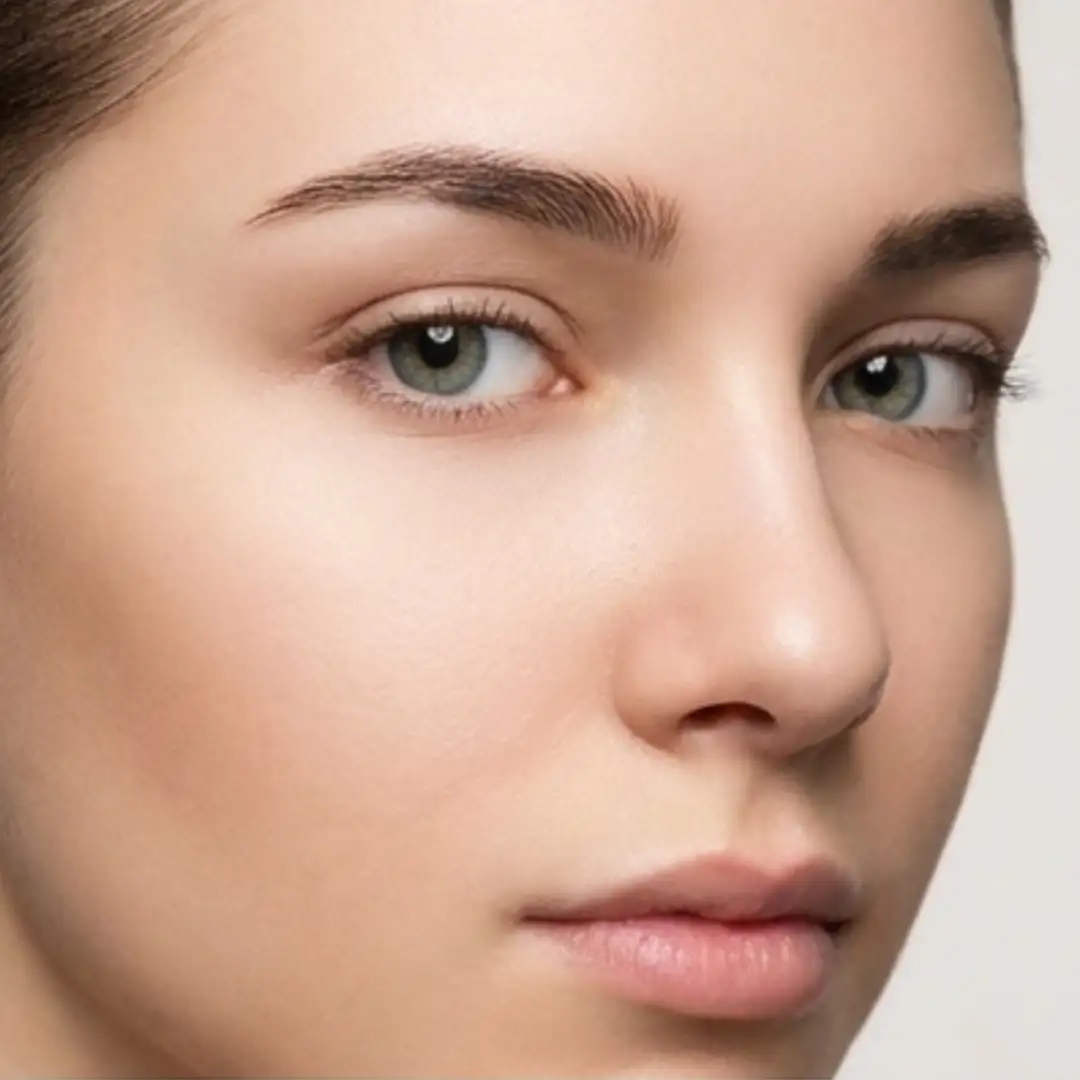
Compare the source image with each finished result.
Source image
Result
Why Choose Our AI Blemish Remover?
Transform your photos with professional-grade blemish removal powered by advanced AI technology that preserves your natural skin texture.
AI-powered precise blemish detection and removal
Preserves natural skin texture and tone
Works with all skin types and tones
Professional-quality retouching
Natural-looking results
Instant transformation
High-resolution output
Non-destructive editing
How Our Blemish Remover Works
Remove blemishes from your photos in just a few simple steps:
01
Attach Your Photo
attach a clear photo showing the areas with blemishes
02
Describe Blemishes
Specify which types of blemishes you want to remove
03
AI Processing
Our AI removes blemishes while preserving skin texture
04
Download Result
Get your enhanced photo instantly
Key Features of Our AI Blemish Remover
Smart Blemish Detection
Advanced AI identifies and removes various types of skin blemishes while preserving natural features
Texture Preservation
Maintains natural skin texture and tone while removing imperfections
Natural Results
Creates professional-looking results that appear natural and unedited
Instant Processing
Get professional-quality retouching in seconds with our optimized AI
Who Can Benefit from Our AI Blemish Remover?
This Magica workflow is perfect for anyone looking to enhance their photos by removing skin imperfections.
Professional Photographers
Quick and efficient photo retouching for client deliverables
Content Creators
Enhance photos for social media and professional content
Personal Use
Perfect photos for special occasions, profiles, or personal memories
Tips for Best Results with AI Blemish Remover
Tip 1
Use Clear Photos
Upload well-lit photos where blemishes are clearly visible
Tip 2
Be Specific
Clearly describe the types of blemishes you want to remove
Tip 3
High Resolution
Use high-quality images for the best results
Frequently Asked Questions
What types of blemishes can this tool remove?
Our AI can remove various types of blemishes including acne, dark spots, age spots, freckles, and other skin imperfections. It's designed to handle both temporary and permanent skin marks while maintaining a natural look.
Will the results look natural?
Yes! Our AI is specifically trained to maintain natural skin texture and tone while removing blemishes. The results look professional and natural, avoiding the artificial smoothing often seen with basic photo editors.
Does it work with all skin types?
Absolutely! Our AI is trained on diverse skin types and tones. It adapts its processing to work effectively with any skin color or texture while preserving natural features.
How long does the process take?
The blemish removal process typically takes 15-30 seconds, depending on the image size and number of blemishes to be removed. The AI works quickly while ensuring high-quality results.
Can I specify which blemishes to remove?
Yes! You can describe specific types of blemishes you want to remove in the description field. This helps the AI focus on particular areas or types of skin imperfections.