Cover Description
Describe your book cover design...

Create professional book covers with AI
Reference media and sample results for this task.
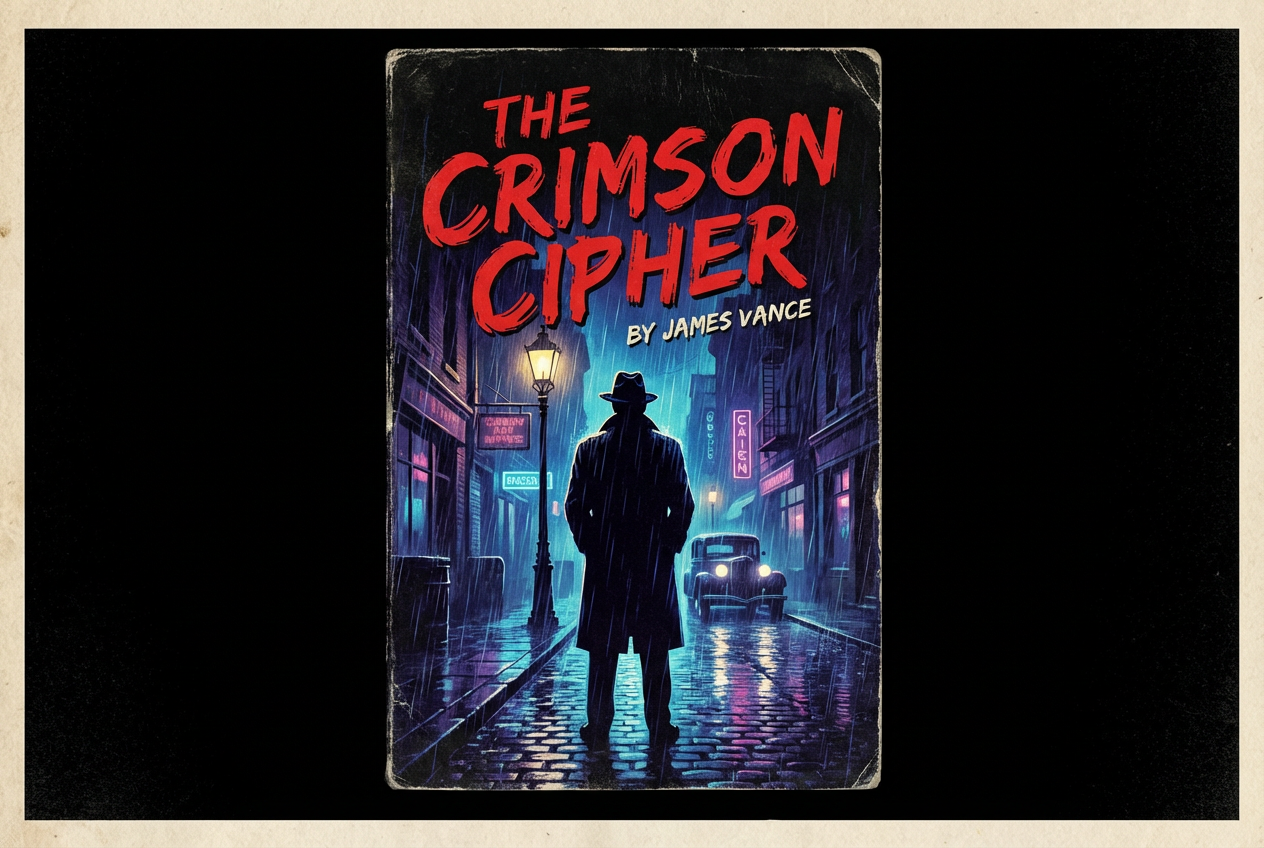
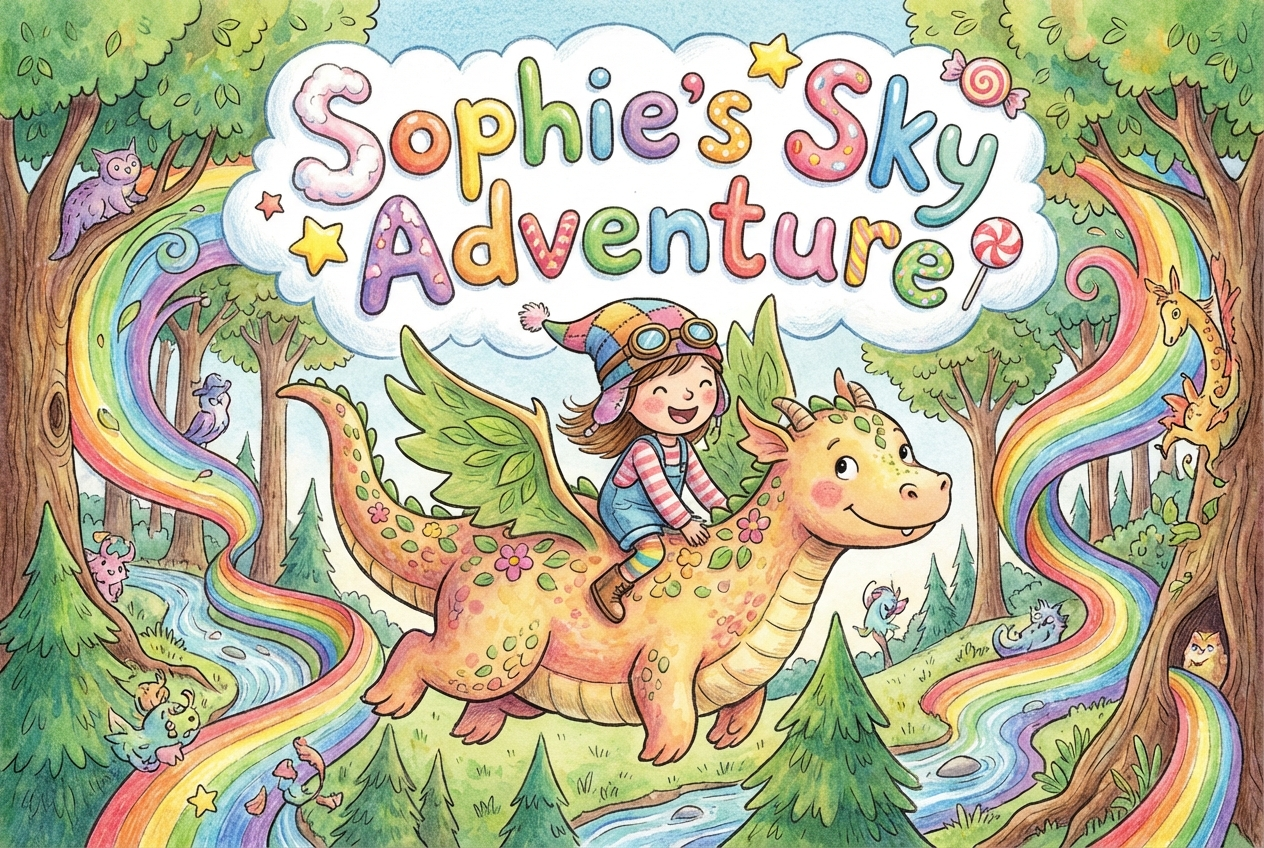
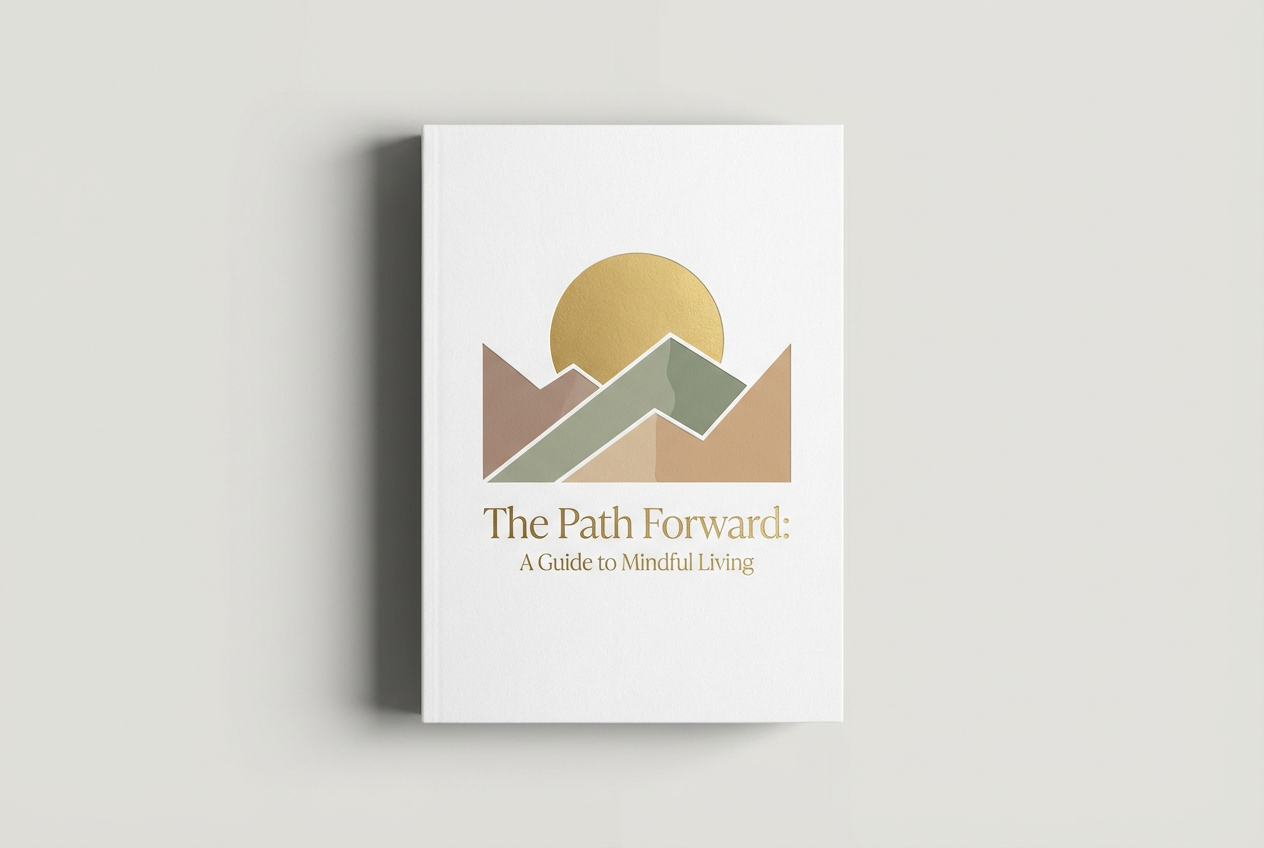
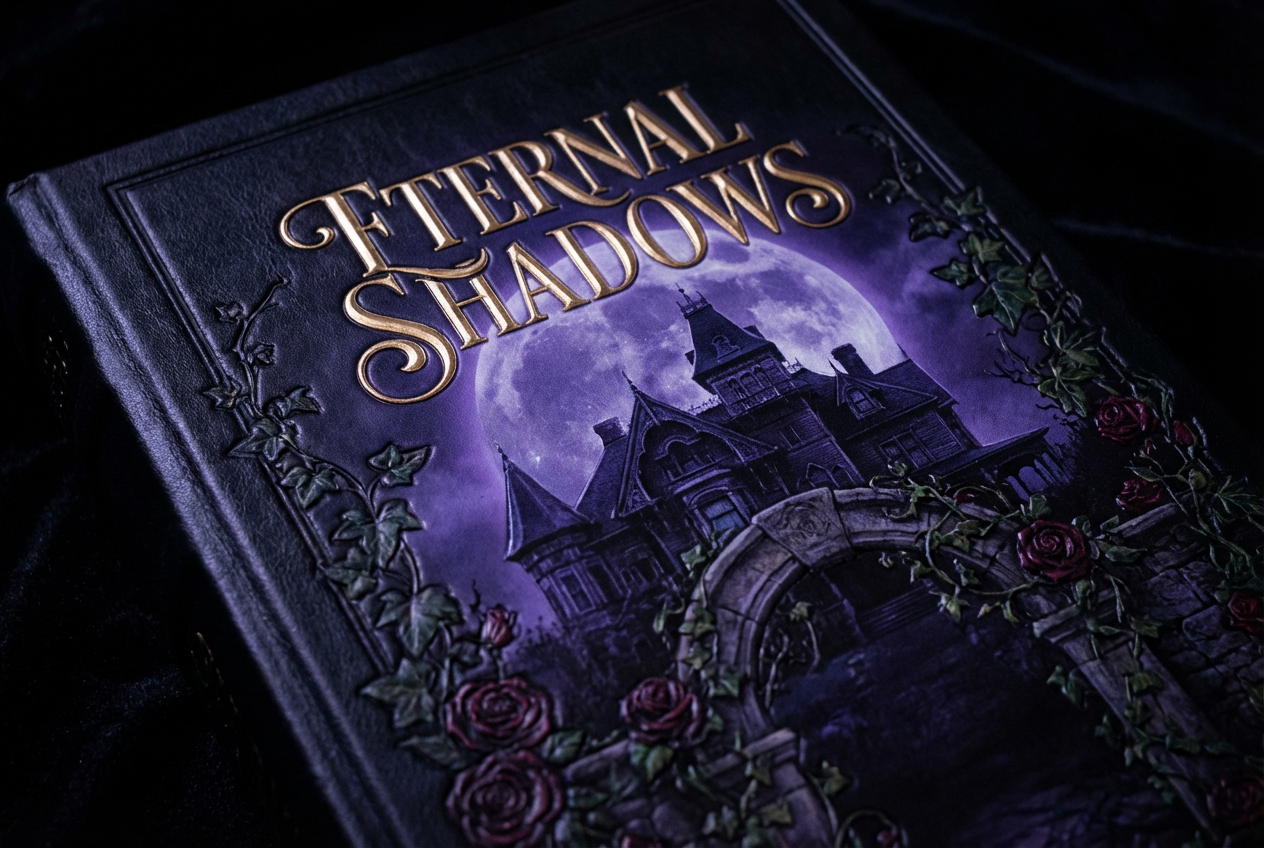
The agent gathers these inputs and preferences in the conversation before it starts.
Describe your book cover design...
Choices: Any Genre, Fiction, Non-Fiction, Mystery, Romance, Science Fiction, Fantasy, Thriller, Horror, Children, Biography
Choices: Any Mood, Dramatic, Mysterious, Romantic, Dark, Uplifting, Whimsical, Serious
Choices: Any Colors, Vibrant, Muted, Monochromatic, Dark, Light, Warm, Cool
Choices: Any Typography, Serif, Sans Serif, Decorative, Handwritten, Bold, Elegant
Create professional, eye-catching book covers tailored to your genre and style.
Create your perfect book cover in three simple steps:
Enter a detailed description of your desired book cover design.
Select genre, style, mood, and other design preferences.
Let AI create unique book cover designs based on your specifications.
Industry-standard layouts optimized for both print and digital.
Various typography styles to match your book's genre and mood.
Customizable color palettes to create the perfect atmosphere.
Download your designs instantly in high resolution.
Create professional covers for self-published books.
Generate quick mockups for book cover concepts.
Get inspiration and starting points for cover designs.
Create compelling covers for marketing materials.
Design covers for anthologies and collections.
Visualize cover concepts for works in progress.
Consider genre conventions and reader expectations in your design.
Ensure your title is readable and properly hierarchical.
Choose colors that match your book's mood and genre.
Avoid cluttering the design with too many elements.
Ensure your design works at both thumbnail and full size.
Our generator creates high-resolution images suitable for both print and digital publishing, including ebook formats.
Yes! You can specify different typography styles to match your book's genre and mood.
While our AI generates high-quality designs, we recommend working with a professional designer for final print preparation.
Yes, you can generate multiple versions of your cover to explore different design directions.
Include details about genre, mood, key visual elements, and any specific symbolism you want to incorporate.
Yes! All covers generated are 100% free for commercial use, including self-publishing and traditional publishing.
Focus on clear typography, strong imagery, and appropriate genre styling. Test your cover at thumbnail size.
Yes, you can download and edit the covers using your preferred image editing software.


