Building Description
Describe your desired building design...

Create stunning architectural building designs with AI
Reference media and sample results for this task.
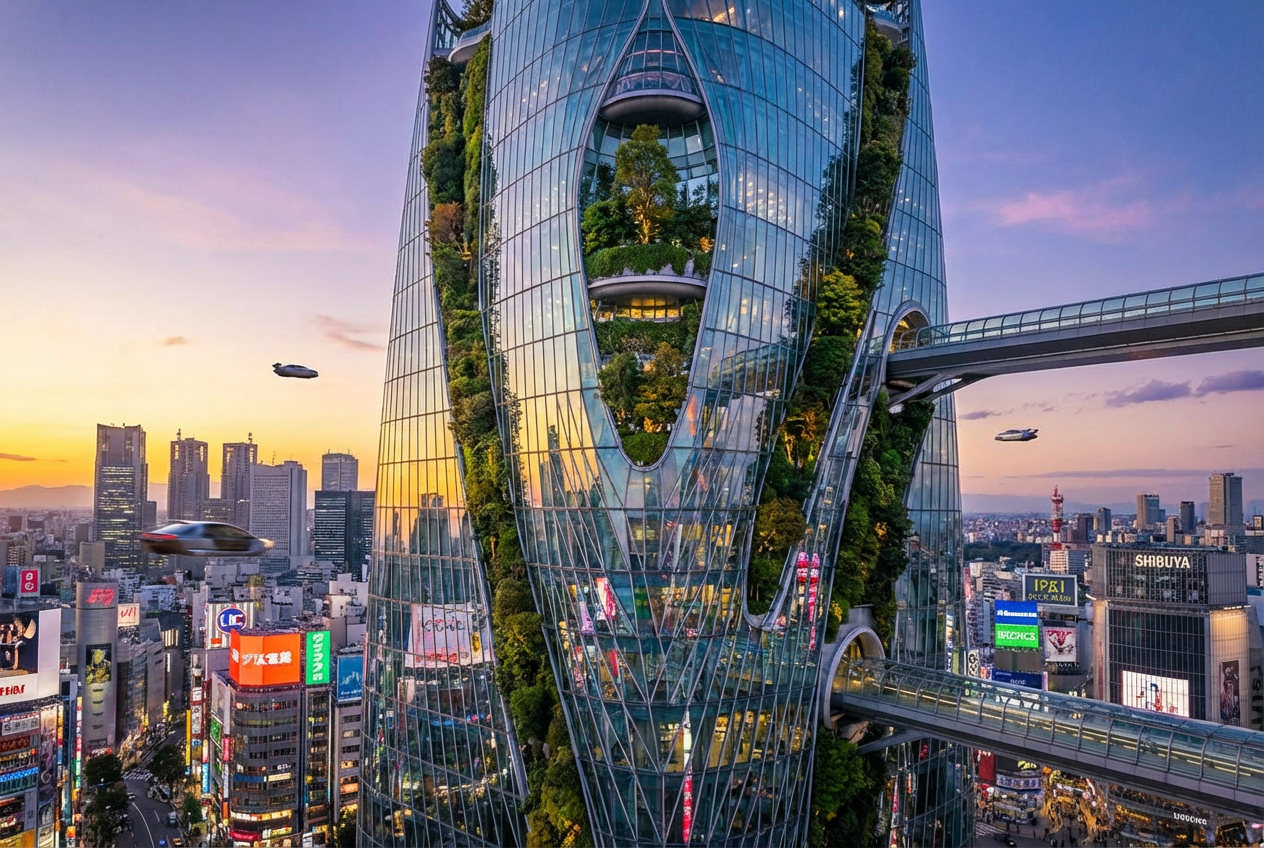
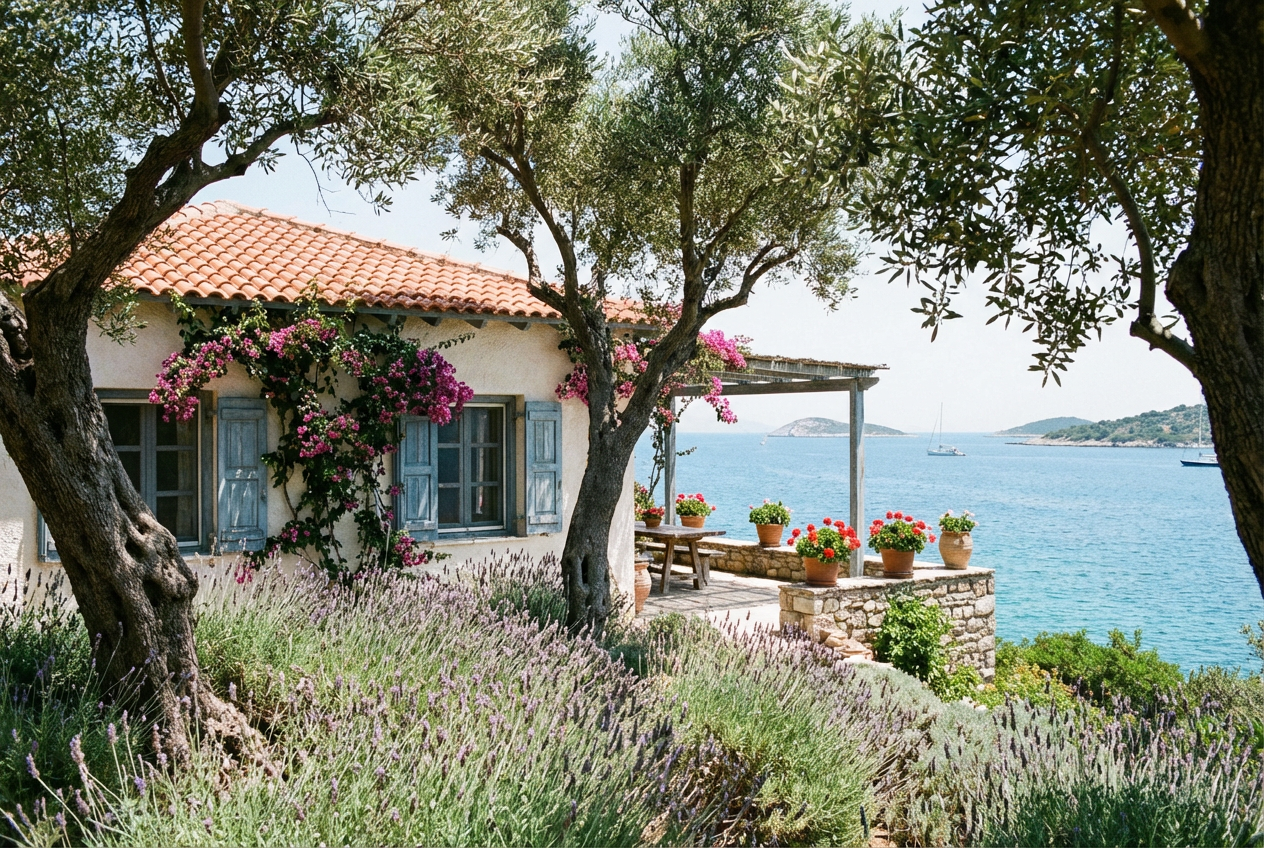
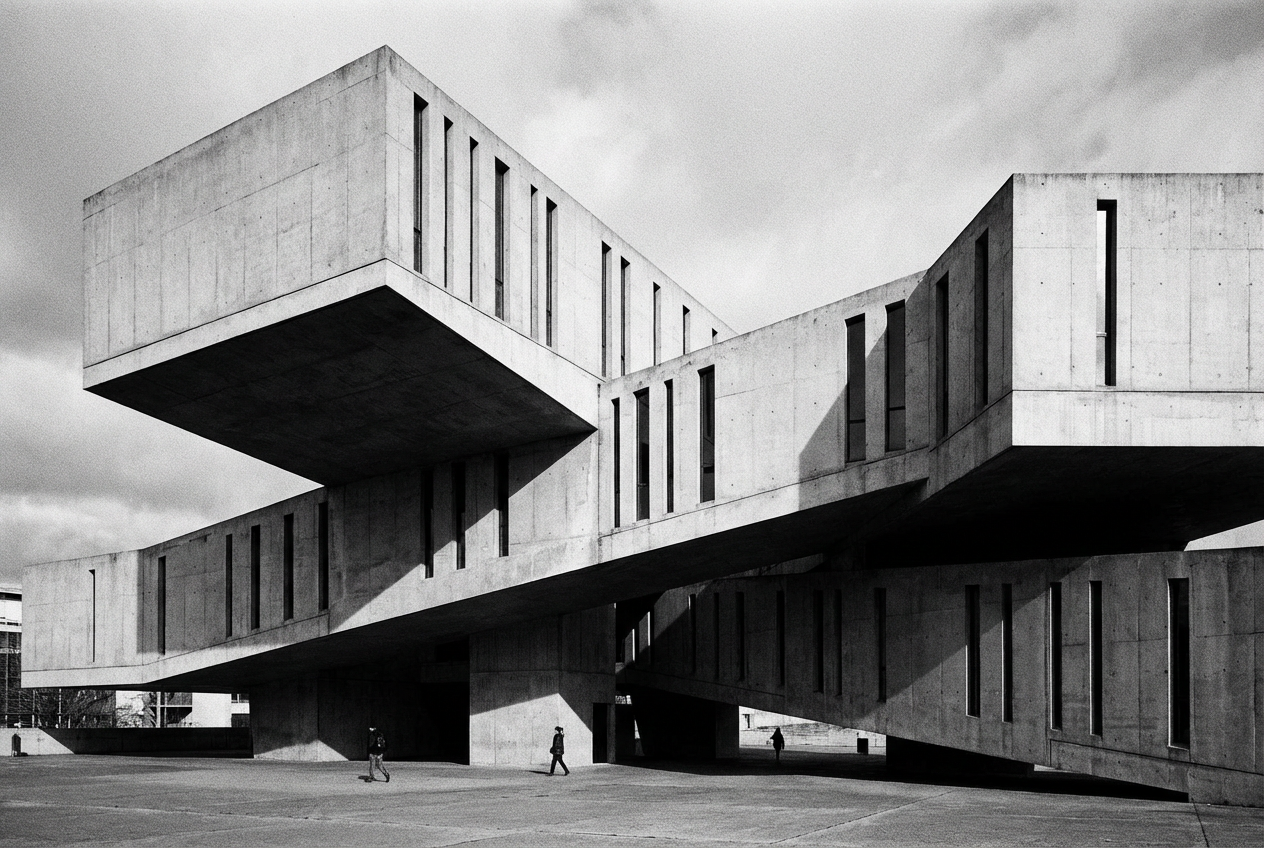
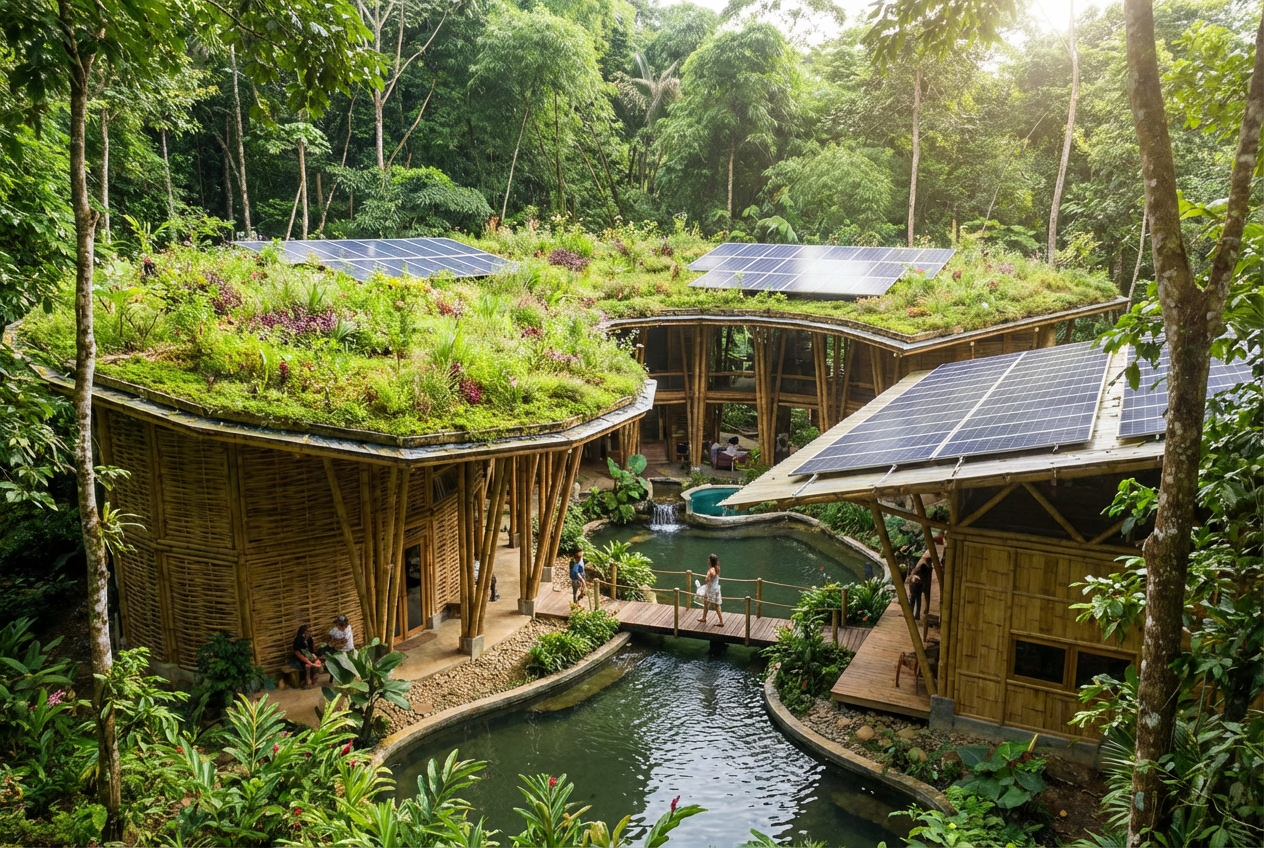
The agent gathers these inputs and preferences in the conversation before it starts.
Describe your desired building design...
Choose the type of building
Choices: Any Type, Residential, Commercial, Office Building, Skyscraper, Apartment Complex, Retail Store, Industrial, Mixed-Use, Educational, Government
Choose the architectural style
Choices: Any Style, Modern, Contemporary, Minimalist, Classical, Gothic, Art Deco, Brutalist, Industrial, Futuristic, Traditional
Choose the building size
Choices: Any Size, Small, Medium, Large, High-Rise, Low-Rise
Choose primary building materials
Choices: Any Materials, Glass & Steel, Concrete, Brick, Wood, Stone, Mixed Materials
Create professional building designs and architectural visualizations with cutting-edge AI technology.
Create professional building designs in three simple steps:
Enter details about the building you want to create, including purpose, features, and design elements.
Select building type, architectural style, size, and primary materials for your design.
Let AI create stunning building visualizations based on your specifications. Download instantly.
Generate residential, commercial, office, skyscraper, apartment, retail, industrial, and more building types.
Create buildings in modern, contemporary, minimalist, classical, gothic, art deco, brutalist, and other styles.
Generate buildings from small structures to high-rise skyscrapers with precise size control.
Choose from glass & steel, concrete, brick, wood, stone, or mixed materials for realistic designs.
Generate high-resolution, photorealistic building visualizations suitable for presentations and portfolios.
Perfect for architecture, real estate, urban planning, game development, and creative projects.
This tool is perfect for various professionals and creative purposes:
Quickly visualize building concepts, explore design ideas, and create preliminary renderings for clients.
Generate visualization for property developments, showcase future projects, and create marketing materials.
Create conceptual designs for city developments, visualize building placements, and plan urban spaces.
Generate building imagery for videos, presentations, social media, and digital storytelling projects.
Create concept art for game environments, design virtual buildings, and develop architectural assets.
Explore architectural concepts, experiment with different styles, and create portfolio pieces.
Include details about windows, doors, balconies, roofing, and other architectural features for more accurate designs.
Mention the surrounding environment - urban, suburban, rural - and how the building fits into its context.
Describe the building's purpose and how design elements support its function for more realistic results.
When combining architectural styles, be specific about which elements come from each style for coherent designs.
Specify natural lighting, time of day, or artificial lighting to enhance the mood and realism of your building.
You can generate residential homes, commercial buildings, office towers, skyscrapers, apartment complexes, retail stores, industrial facilities, mixed-use developments, educational buildings, government structures, and more.
Yes! Choose from modern, contemporary, minimalist, classical, gothic, art deco, brutalist, industrial, futuristic, traditional, and many other architectural styles.
The AI creates highly detailed, photorealistic building visualizations with accurate architectural elements, materials, textures, windows, doors, and structural details.
Absolutely! You can specify materials like glass & steel, concrete, brick, wood, stone, or mixed materials to achieve your desired aesthetic.
Yes, the AI generates high-quality, professional-grade visualizations suitable for client presentations, portfolio work, and architectural proposals.
Yes, you can generate buildings of any size from small structures to massive high-rise skyscrapers and everything in between.
Describe specific features like columns, arches, facades, roof styles, window patterns, or other architectural elements in your description for customized results.
The generated images are perfect for conceptual visualization and preliminary design exploration. For actual construction, consult with licensed architects and engineers.
Combine different architectural styles, materials, and features in your description, or specify unique design elements to create distinctive buildings.
Yes, describe the historical period or specific architectural era in your description to create period-appropriate building designs.


