Business Card Content
Enter your business card details (name, title, contact info, etc.)...

Create professional business card designs with AI
Reference media and sample results for this task.
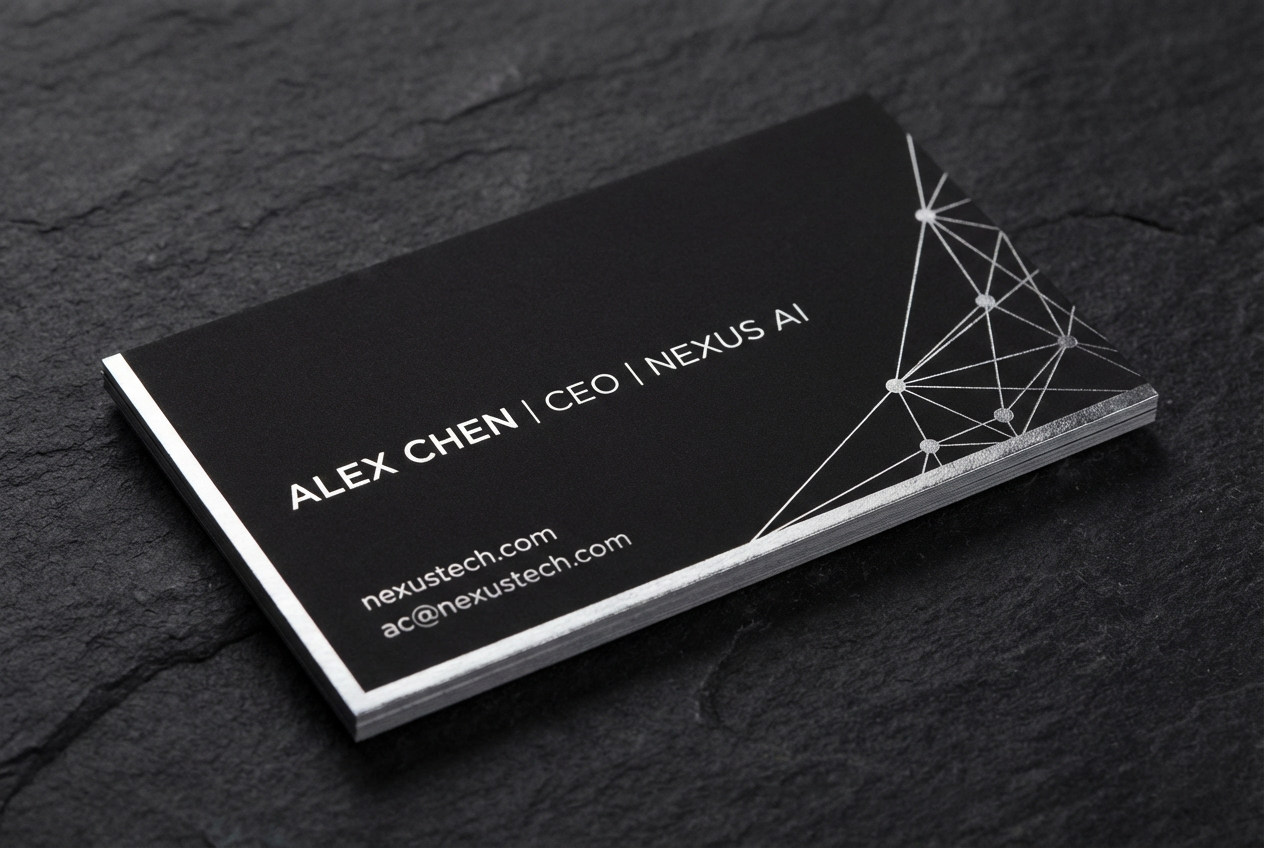
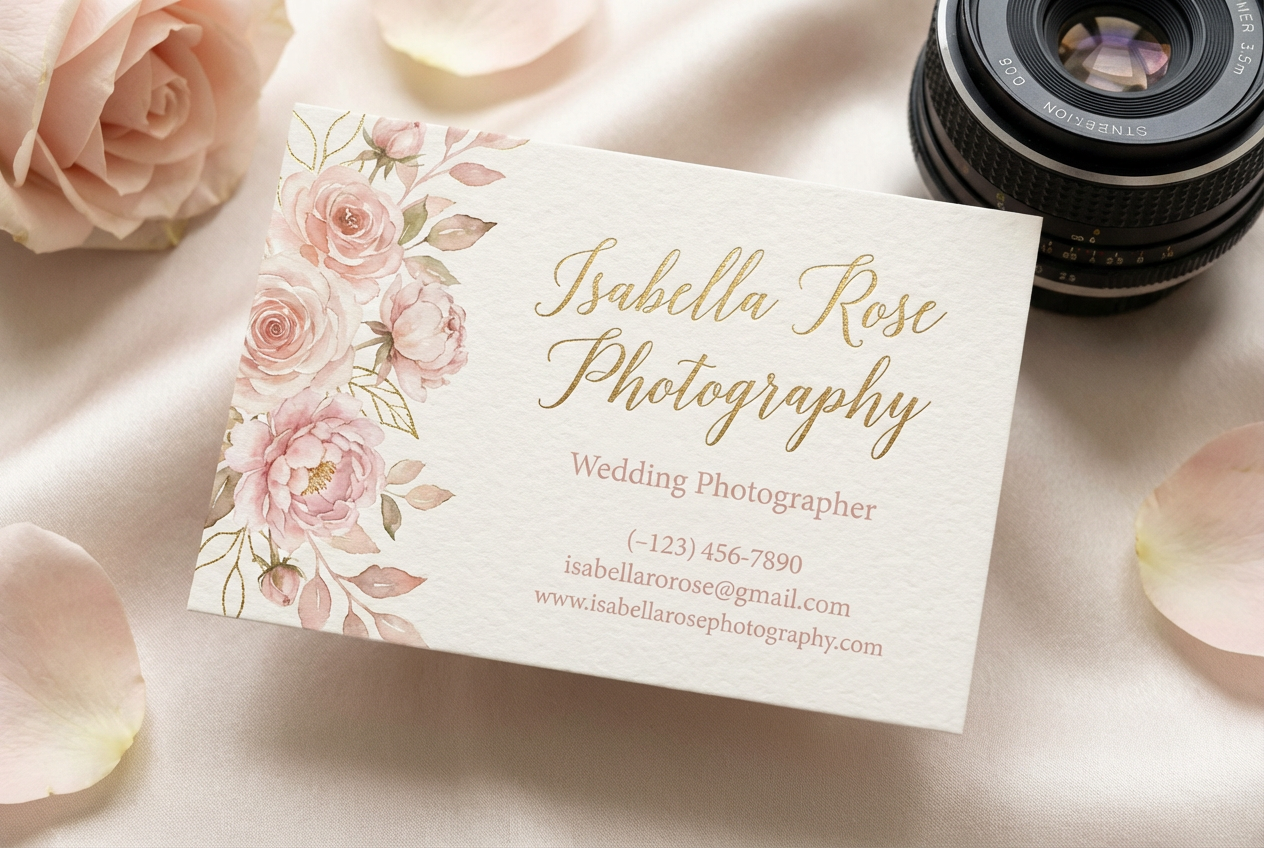
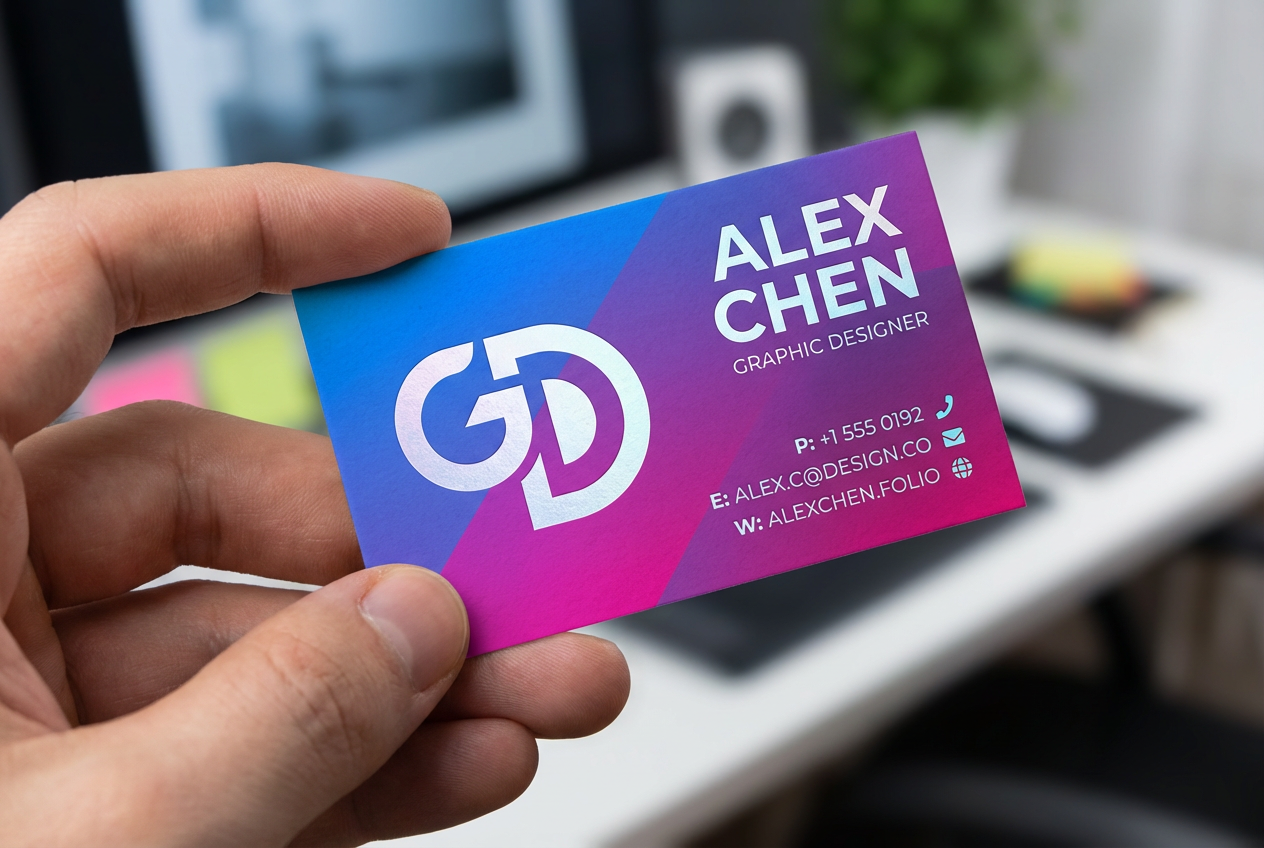
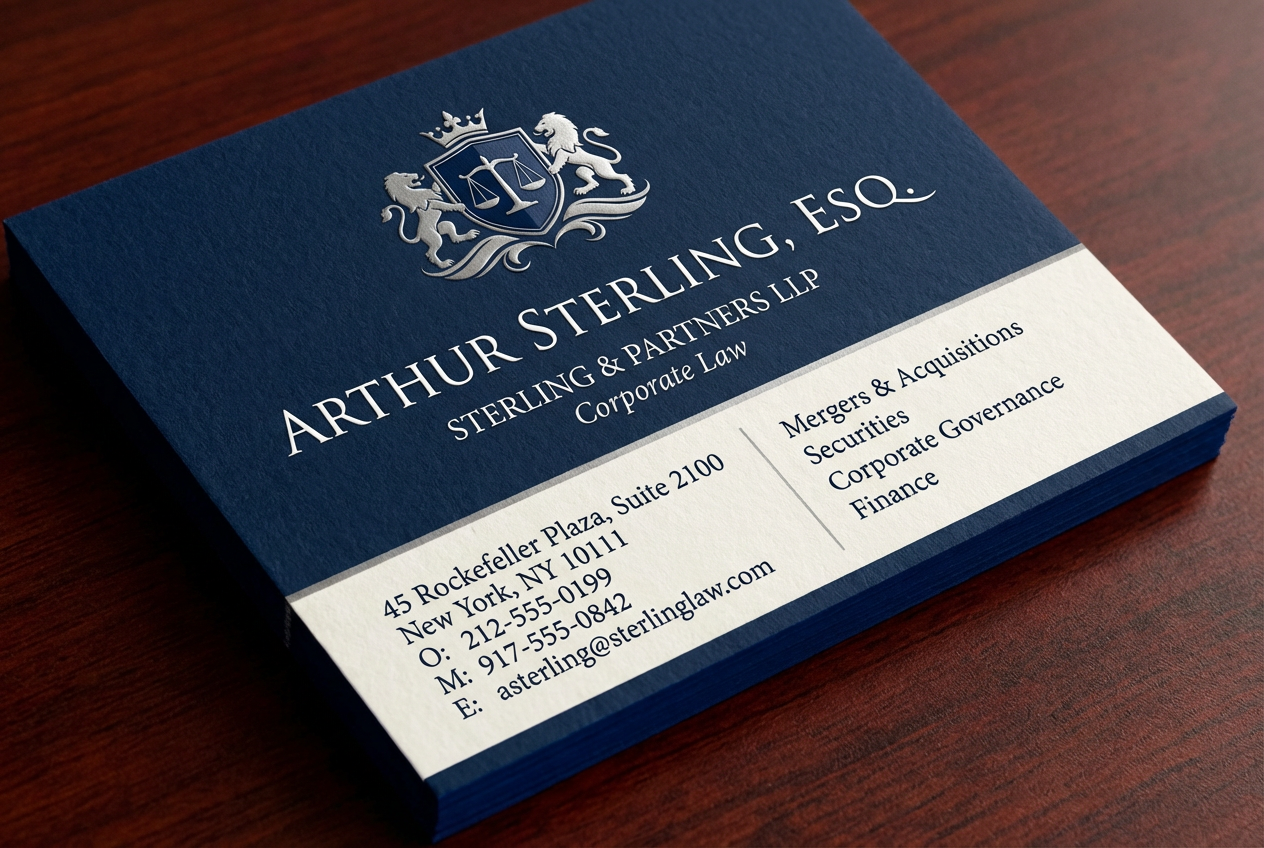
The agent gathers these inputs and preferences in the conversation before it starts.
Enter your business card details (name, title, contact info, etc.)...
Choices: Standard Layout, Horizontal, Vertical, Asymmetric, Centered, Minimalist, Grid, Two-Sided
Choices: Professional (Default), Monochrome, Black & White, Corporate Blue, Warm Colors, Cool Colors, Bold Colors, Pastel, Metallic, Earth Tones
Create professional, unique business card designs tailored to your brand.
Create your perfect business card in three simple steps:
Input your business details including name, title, and contact information.
Choose your preferred style, layout, and color scheme.
Let AI create professional business card designs based on your specifications.
Choose from modern, minimalist, corporate, and other professional styles.
Multiple layout options including horizontal, vertical, and asymmetric designs.
Select from various color schemes to match your brand identity.
High-resolution outputs ready for professional printing.
Create professional business cards for your startup or small business.
Design unique cards that showcase your personal brand.
Generate consistent business cards for your entire team.
Get inspiration and starting points for client projects.
Create impressive cards for networking and client meetings.
Design business cards that align with brand guidelines.
Include essential information only and maintain clean typography.
Use colors and styles that match your brand identity.
Ensure all contact details are clear and accurate.
Don't overcrowd the design; leave room for visual breathing space.
Consider how the design will look when printed professionally.
We offer multiple styles including modern, minimalist, corporate, creative, luxury, and more. Each style has its own unique design elements and aesthetic.
Yes! You can choose from various layouts including horizontal, vertical, asymmetric, and centered designs to best present your information.
Yes, all generated designs are high-resolution and optimized for professional printing services.
Yes, you can generate multiple versions of your business card to explore different designs and styles.
We recommend including your name, title, company, phone number, email, and website. You can also add social media handles or a company logo description.
Use your brand's color scheme and style preferences in the customization options to maintain consistency with your brand identity.
Yes! All designs generated by our AI Business Card Generator are 100% free for commercial use. You can use them for your business without any licensing restrictions.
The designs are available in high-resolution formats suitable for professional printing and digital use.


