Describe your cartoon
Cute animal character, superhero in action, funny scene...

Transform any idea into stunning cartoon-style artwork with various animation and comic styles
Reference media and sample results for this task.
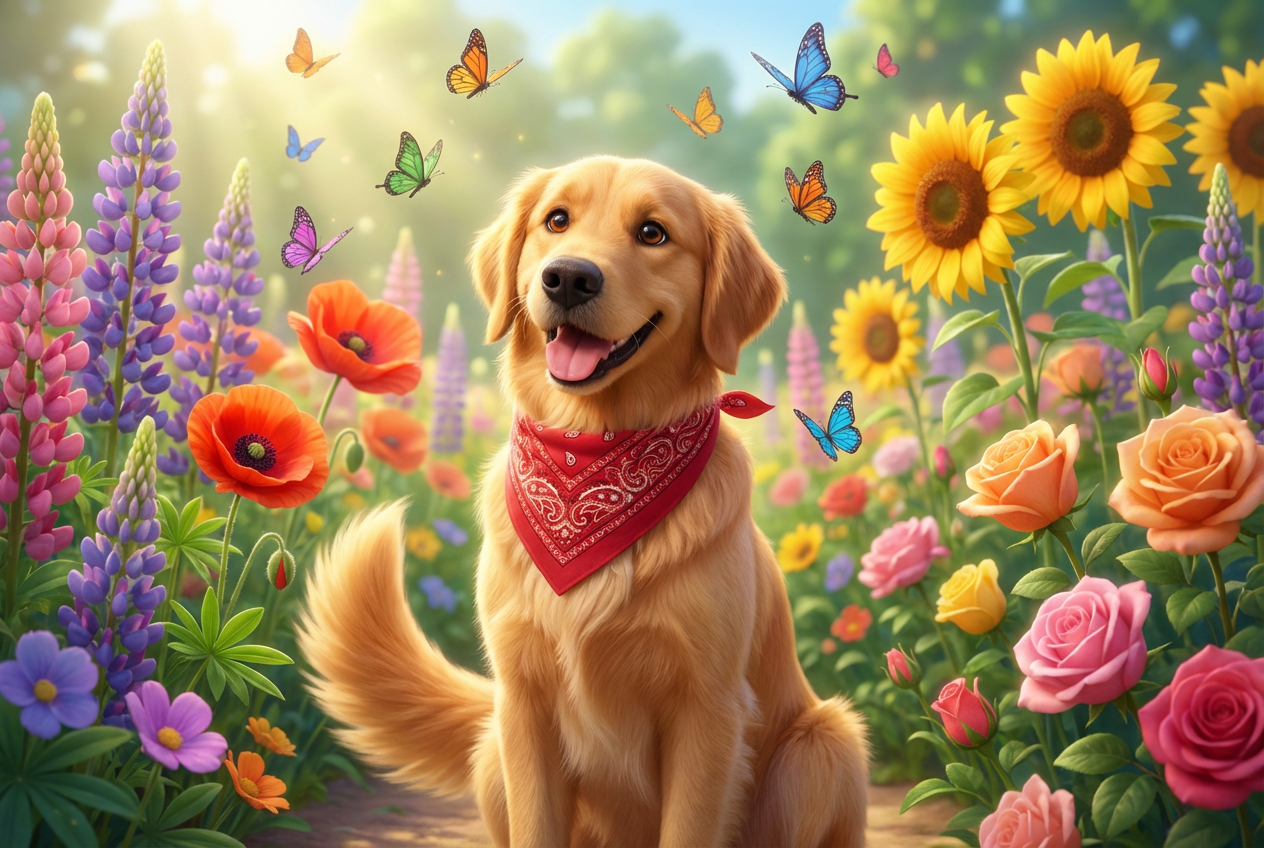
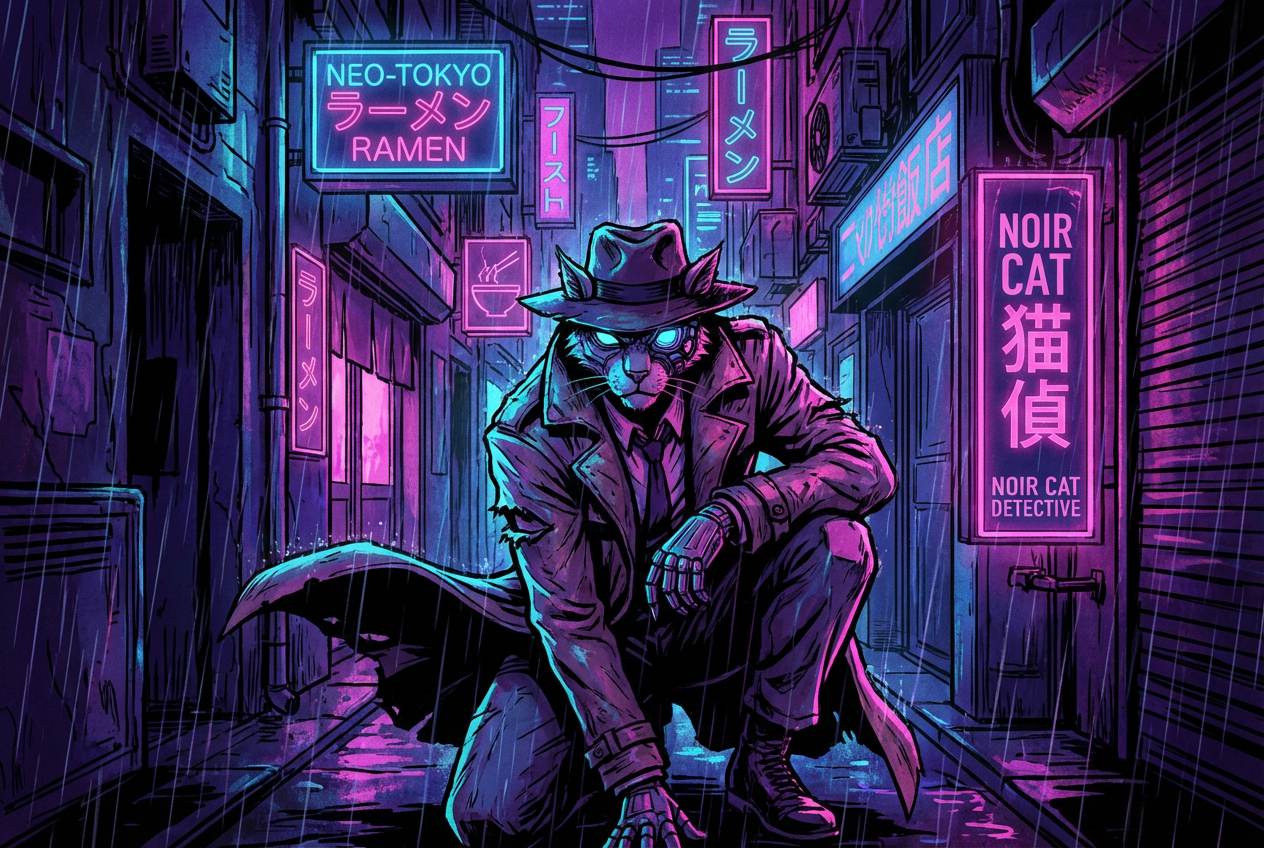
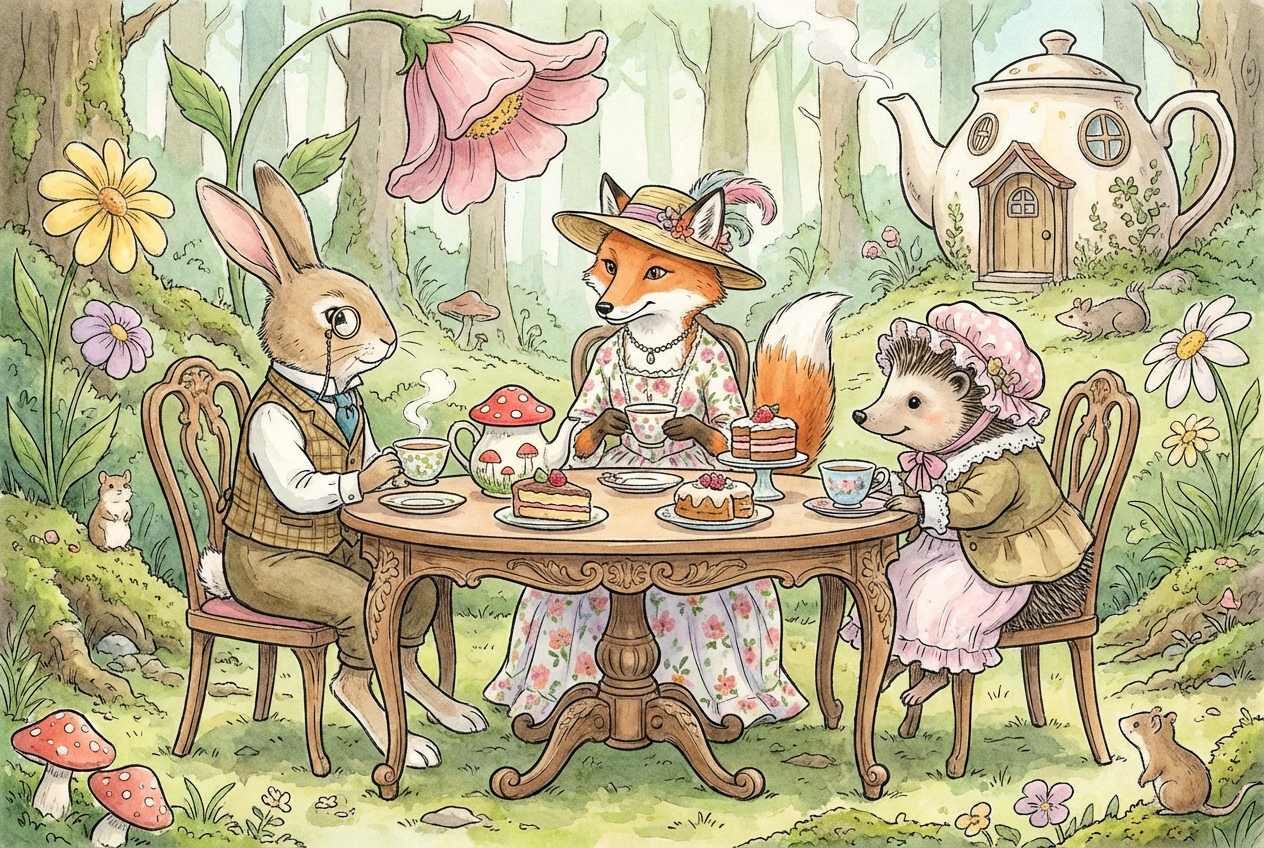
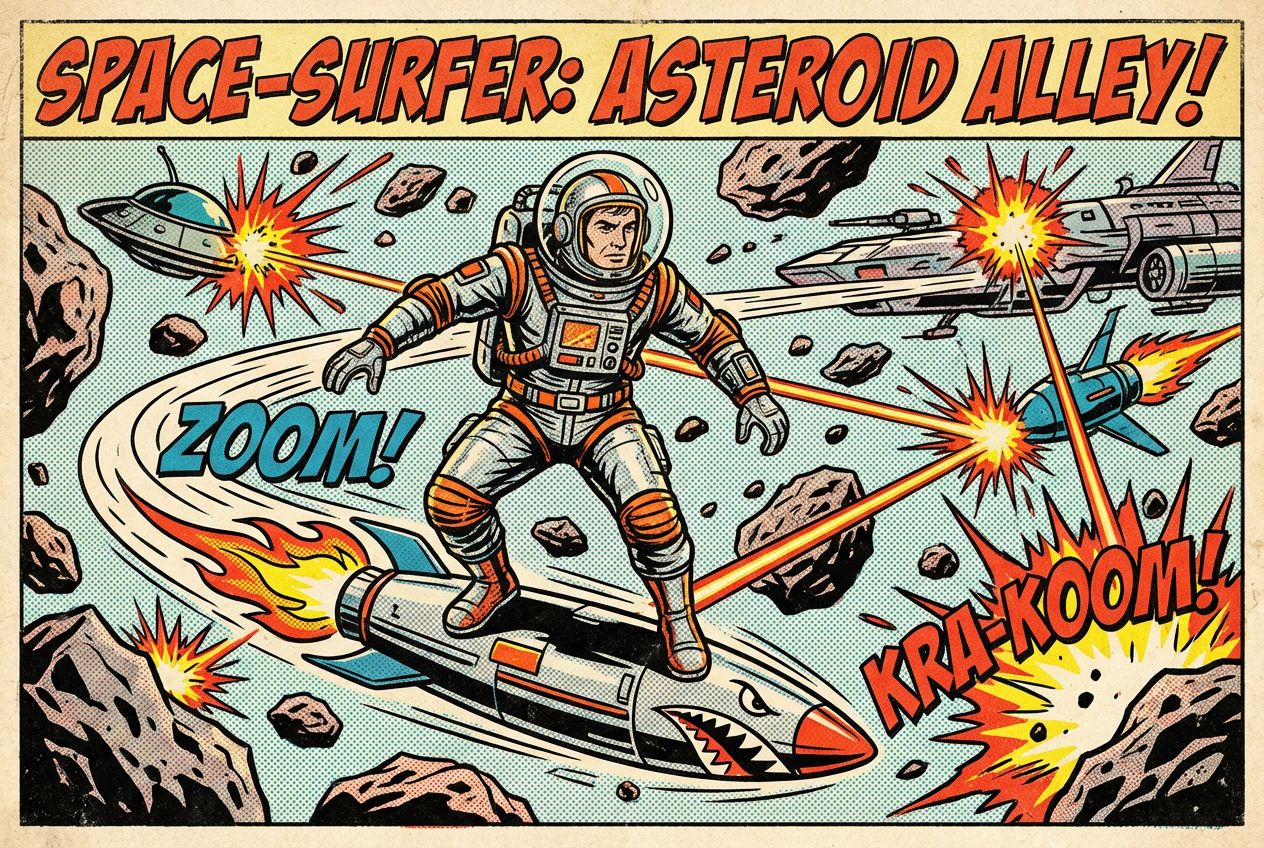
The agent gathers these inputs and preferences in the conversation before it starts.
Cute animal character, superhero in action, funny scene...
Choose the cartoon aesthetic
Choices: Any Cartoon Style, Disney/Pixar Style, Anime, Comic Book, Manga, Cartoon Network Style, South Park Style, Simpsons Style, Chibi, Vintage Cartoon, Rubber Hose (1930s), Modern Webcomic
Choices: Standard Quality, Sketch Style, Clean Lines, Painted/Rendered, Cell Shaded
Choices: Any Colors, Vibrant, Pastel, Neon, Vintage Colors, Limited Palette, Black & White
Choices: Any Character Type, Cute/Kawaii, Heroic, Funny/Comedic, Realistic Proportions, Exaggerated Features, Minimalist
Choices: Any Background, Simple/Flat, Detailed Scene, Gradient, White/Clean, Transparent, Comic Panel
Add thick cartoon outlines
Add cartoon-style shine effects
Create professional cartoon artwork in any animation or comic style with our advanced AI, perfect for animators, comic artists, and content creators.
Create professional cartoon art in three simple steps
Enter what you want to create - characters, scenes, or any cartoon concept.
Select from Disney, anime, comic book, manga, and many more cartoon styles.
Our AI creates your cartoon artwork instantly, ready for use in your projects.
From classic Disney to modern anime, rubber hose to webcomics - all major animation styles.
Choose from sketch, clean lines, painted, or cell-shaded rendering styles.
Select vibrant, pastel, neon, vintage, or monochrome color schemes.
Create cute, heroic, funny, or realistic characters with customizable features.
Simple, detailed, gradient, comic panel, or transparent backgrounds available.
Add bold outlines, anime highlights, and professional cartoon finishing touches.
Perfect for various creative professionals and content creators
Create character concepts, storyboards, and animation reference art quickly.
Generate comic panels, character designs, and illustration concepts.
Create custom thumbnails, channel art, and cartoon avatars for your brand.
Design game characters, concept art, and promotional artwork for indie games.
Create engaging educational cartoons, illustrations, and teaching materials.
Generate cartoon art for t-shirts, stickers, prints, and other products.
Use Disney style for family-friendly content, anime for dramatic scenes, comic book for action, chibi for cute characters.
Vibrant colors work great for children's content, while limited palettes create striking, professional looks.
Be specific about character features - 'brave knight with square jaw' or 'shy girl with big eyes' gets better results.
Use simple backgrounds to focus on characters, detailed scenes for storytelling, transparent for logos.
Sketch style for concepts, clean lines for comics, cell shading for anime, painted for Disney-style quality.
You can generate cartoons in 12+ styles including Disney/Pixar, anime, manga, comic book, Cartoon Network, South Park, Simpsons, chibi, vintage cartoon, rubber hose (1930s), and modern webcomic styles.
Yes, all generated cartoon artwork is available for commercial use including merchandise, marketing, games, and publications.
Sketch style shows rough lines and is great for concepts, while painted/rendered quality creates fully finished, polished artwork like professional animation.
Absolutely! The tool is perfect for creating brand mascots, channel avatars, and character designs for businesses.
Cell shading is the flat, bold coloring technique used in traditional animation and modern anime, creating distinct color zones without gradients.
Yes, select 'Comic Panel' background to create artwork formatted for comic books and graphic novels.
Rubber hose is the 1930s cartoon style used by early Disney and Fleischer Studios, characterized by bendy limbs and simple round shapes.
Yes, select the transparent background option to create characters that can be easily placed on any background.
From simple minimalist designs to highly detailed rendered artwork - you control the complexity and detail level.
Yes, the high-quality output is suitable for animation reference, character sheets, and storyboard development.


