Description
Describe what you want to create...

Create stunning, personalized cat portraits with AI
Reference media and sample results for this task.
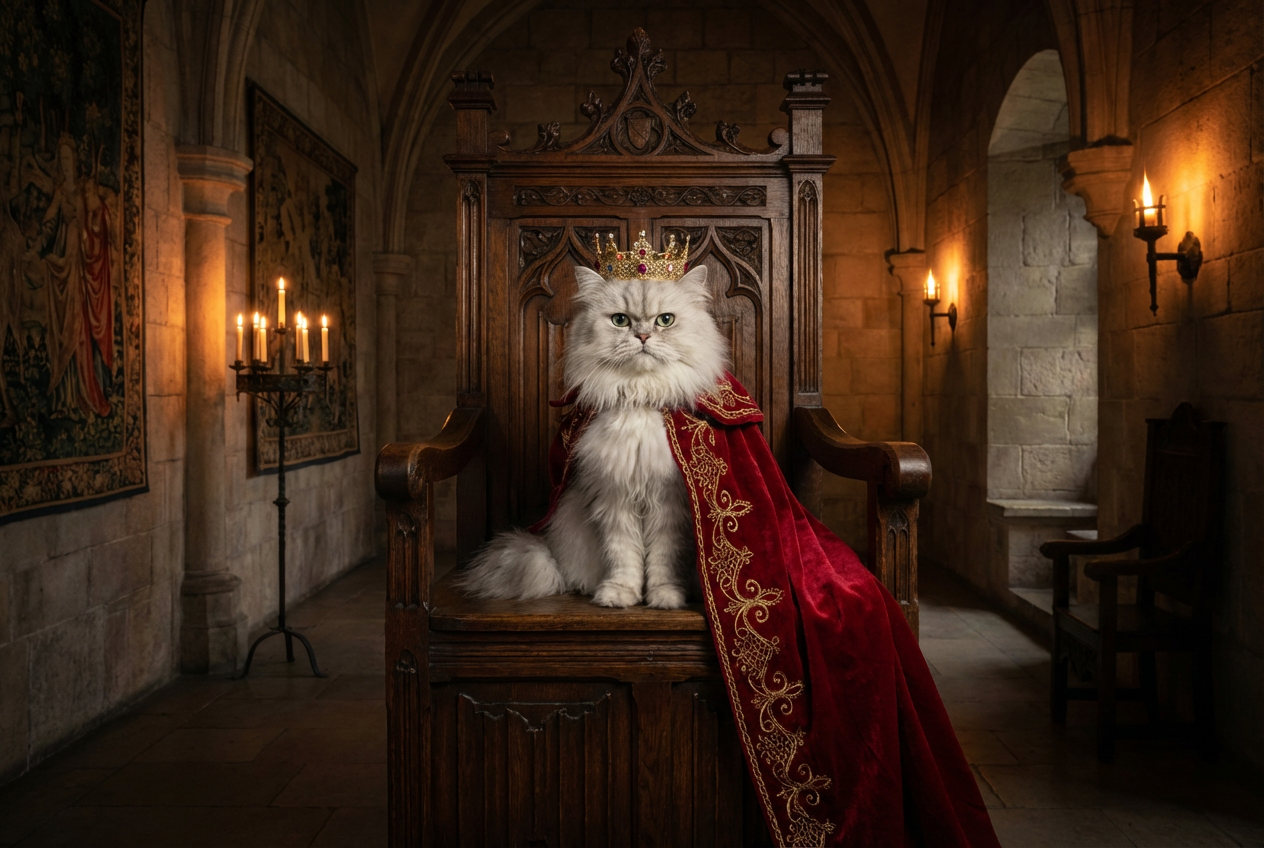
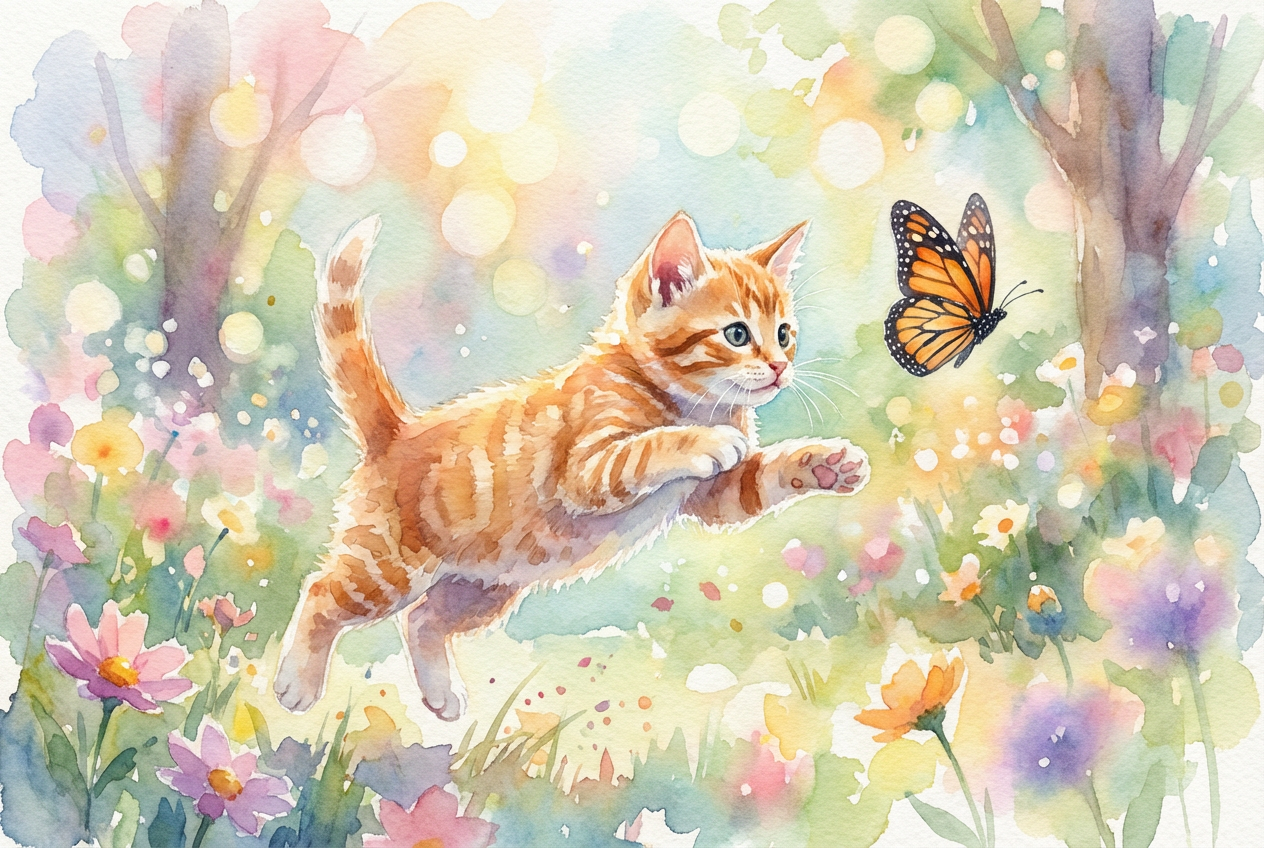
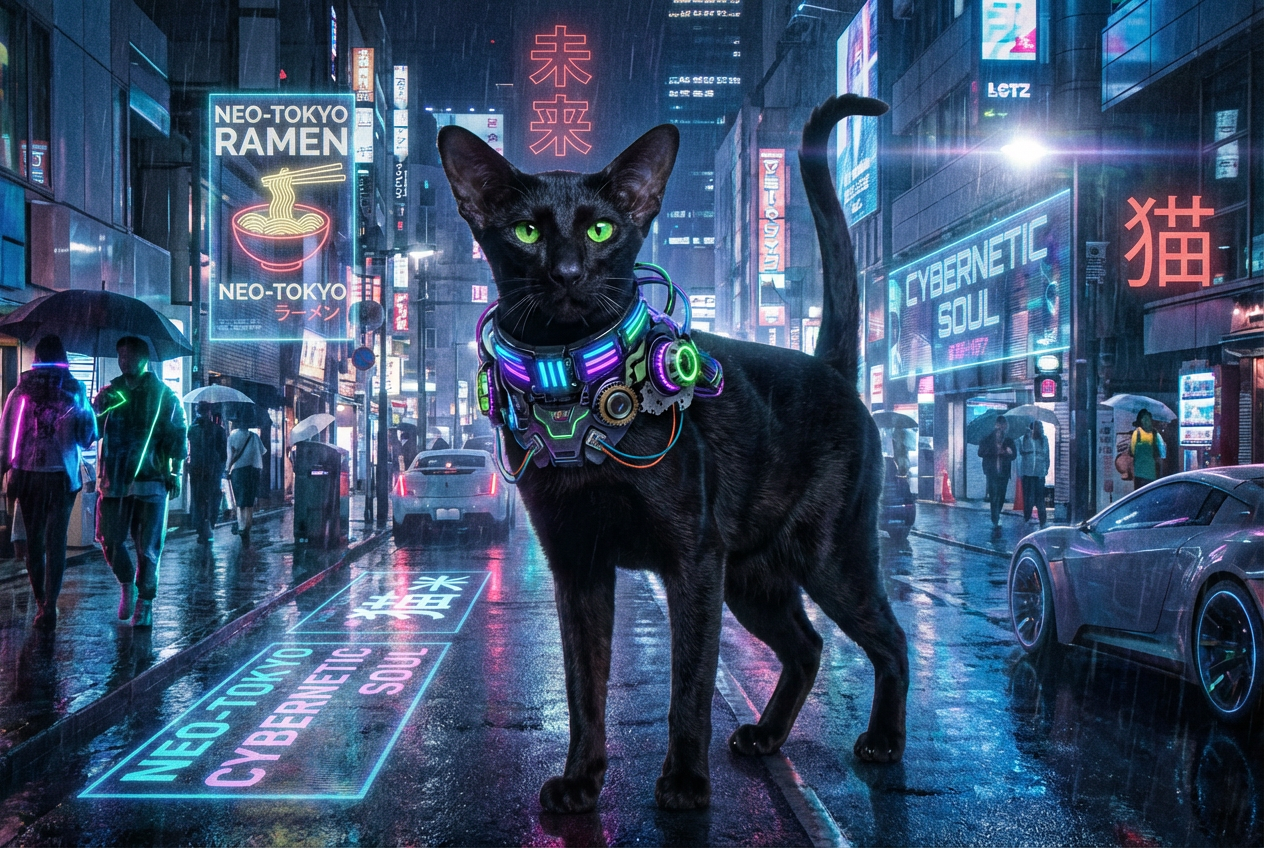
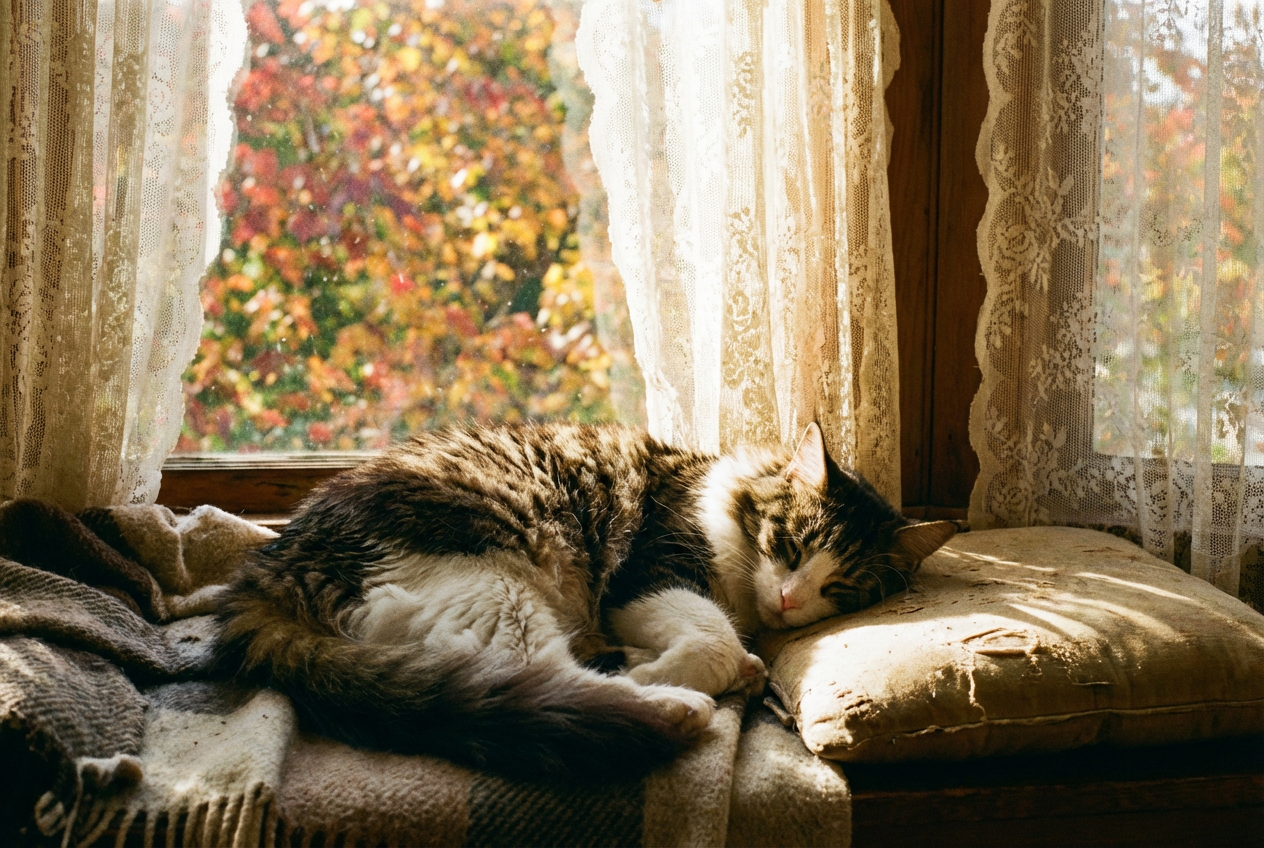
The agent gathers these inputs and preferences in the conversation before it starts.
Describe what you want to create...
Choices: Any Breed, Persian, Siamese, Maine Coon, British Shorthair, Scottish Fold, Ragdoll, Bengal, Sphynx, Russian Blue
Choices: Any Pose, Sitting, Lying Down, Playing, Sleeping, Stretching, Grooming
Choices: Any Environment, Indoor Cozy, Garden, Window Sill, Nature, Studio
Choices: Any Lighting, Natural, Soft, Dramatic, Sunset, Studio
Choices: Any Mood, Playful, Relaxed, Curious, Majestic, Sleepy
Create beautiful, personalized cat portraits with advanced AI technology.
Create your perfect cat portrait in three simple steps:
Enter a detailed description of your desired cat portrait.
Select breed, style, pose, environment, and other preferences.
Let AI create unique cat portraits based on your specifications.
Choose from various popular cat breeds or create custom combinations.
Generate portraits in different styles from realistic to artistic.
Download your portraits instantly in high resolution.
Choose from various settings and lighting conditions.
Create beautiful portraits of your beloved cats.
Generate reference images for cat-related artwork.
Create unique cat images for social media and content.
Generate images for marketing materials.
Create appealing portraits for adoption profiles.
Generate cat-themed designs for various projects.
Include details about breed characteristics and unique features.
Choose an environment that complements your cat's personality.
Match the art style to your intended use.
Describe the mood and personality you want to capture.
Include details about lighting and atmosphere for more impact.
We support all major cat breeds including Persian, Siamese, Maine Coon, and many more. You can also create custom breed combinations.
Yes! You can choose from various styles including realistic, watercolor, cartoon, and more to create the perfect portrait.
You can use the images for personal use, social media, pet profiles, or any commercial purpose. You own full rights to the generated images.
Yes, you can generate multiple versions of your cat portrait to explore different styles and settings.
Include details about the breed, pose, expression, and setting. The more specific you are, the better the results will be.
All generated images are high-resolution and suitable for printing or digital use.
Yes! All portraits generated by our AI Cat Generator are 100% free for commercial use without any licensing restrictions.
Use detailed descriptions, experiment with different styles and settings, and take advantage of our customization options for optimal results.


