City Description
Describe the city scene you want to generate...

Create stunning cityscapes and urban scenes with AI
Reference media and sample results for this task.
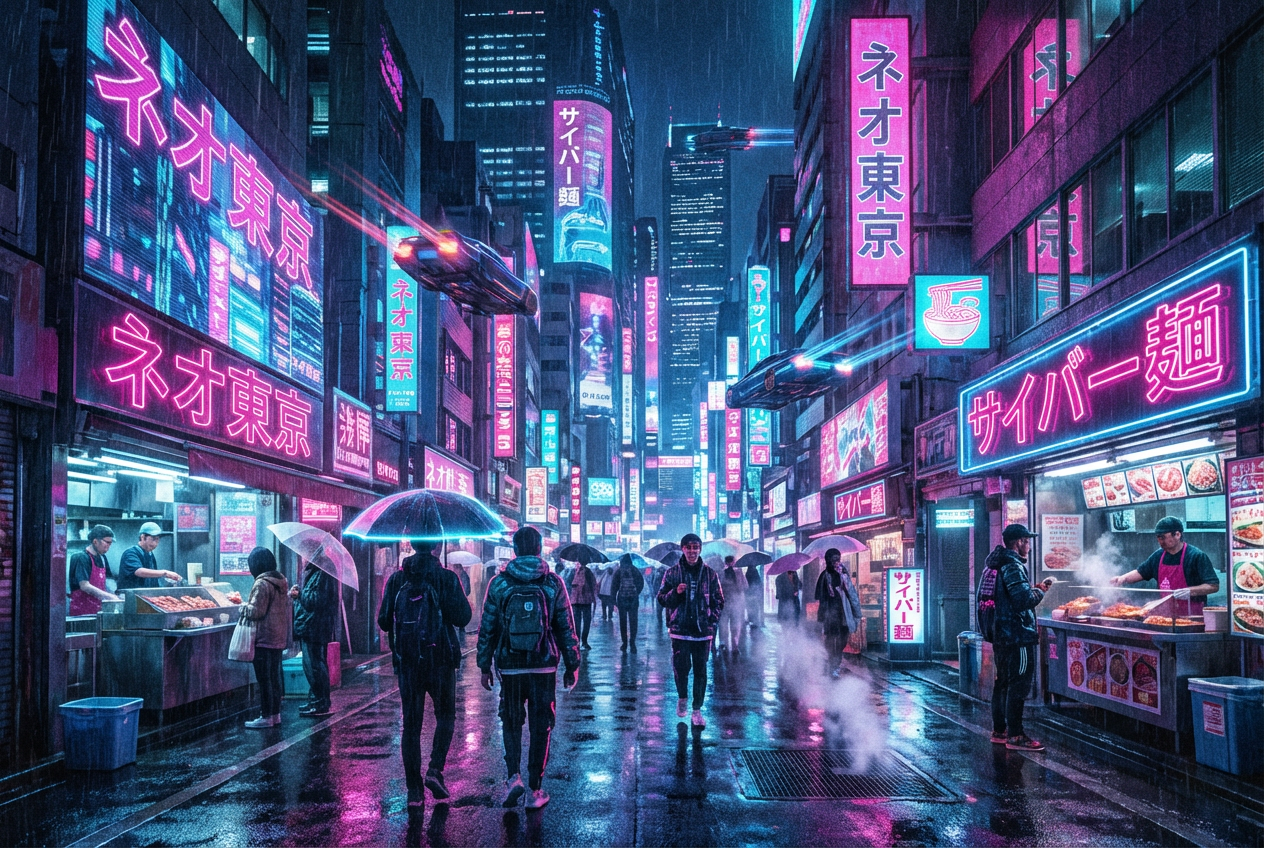
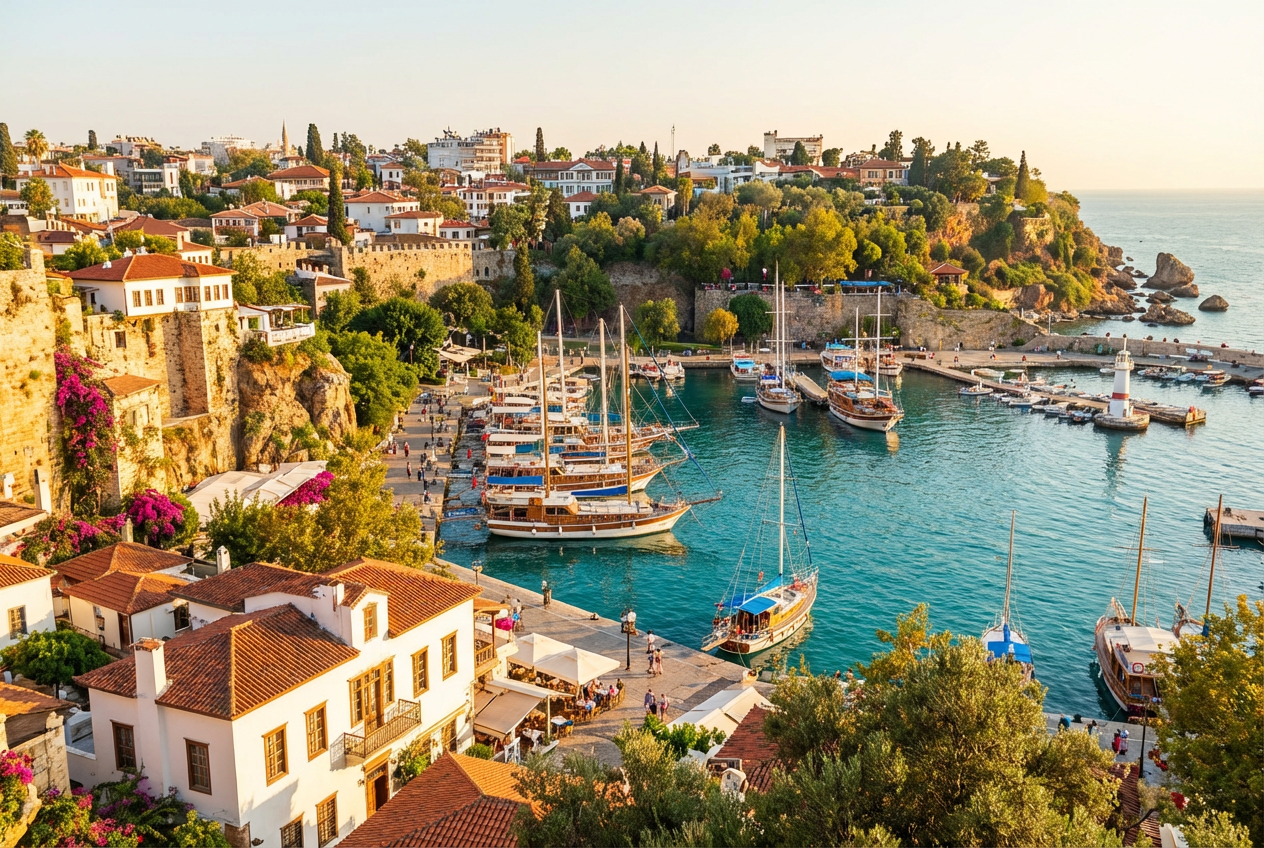
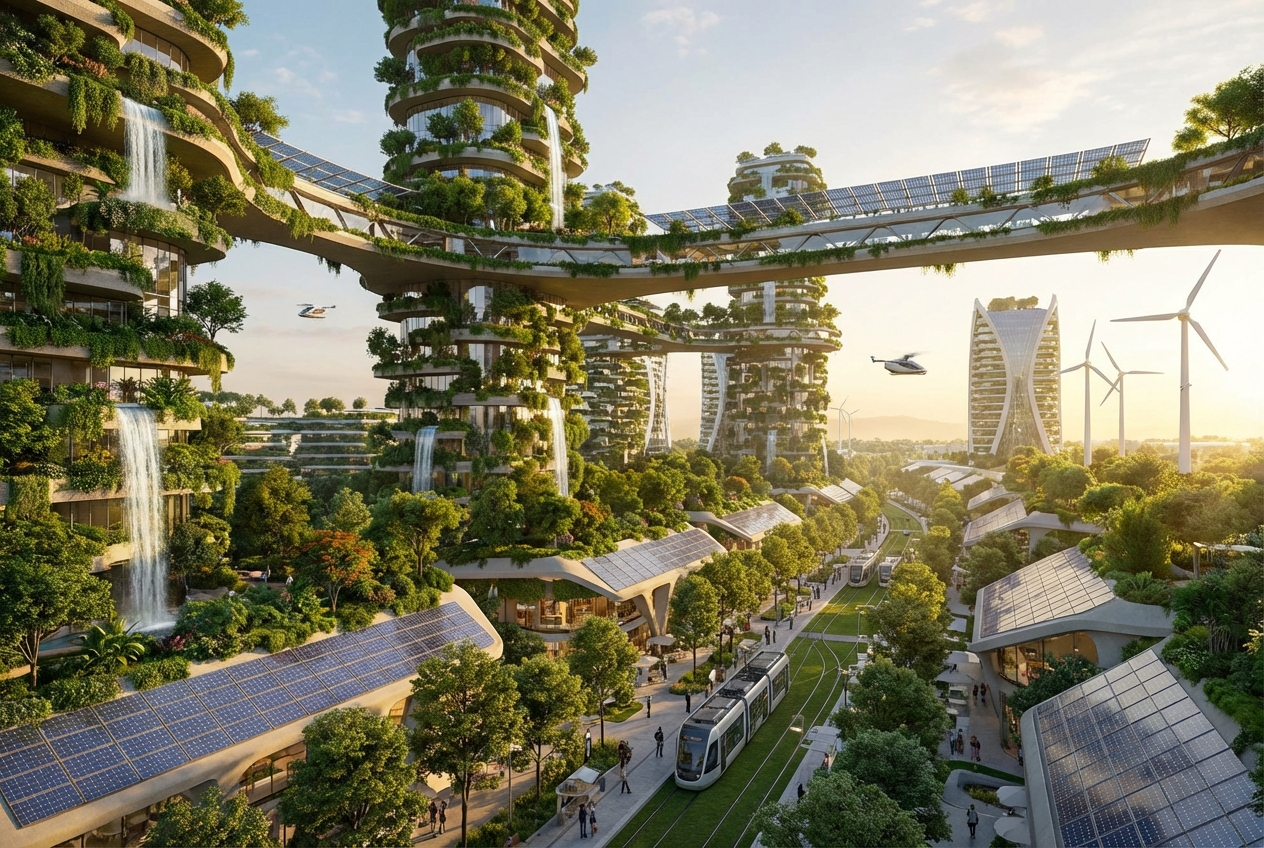
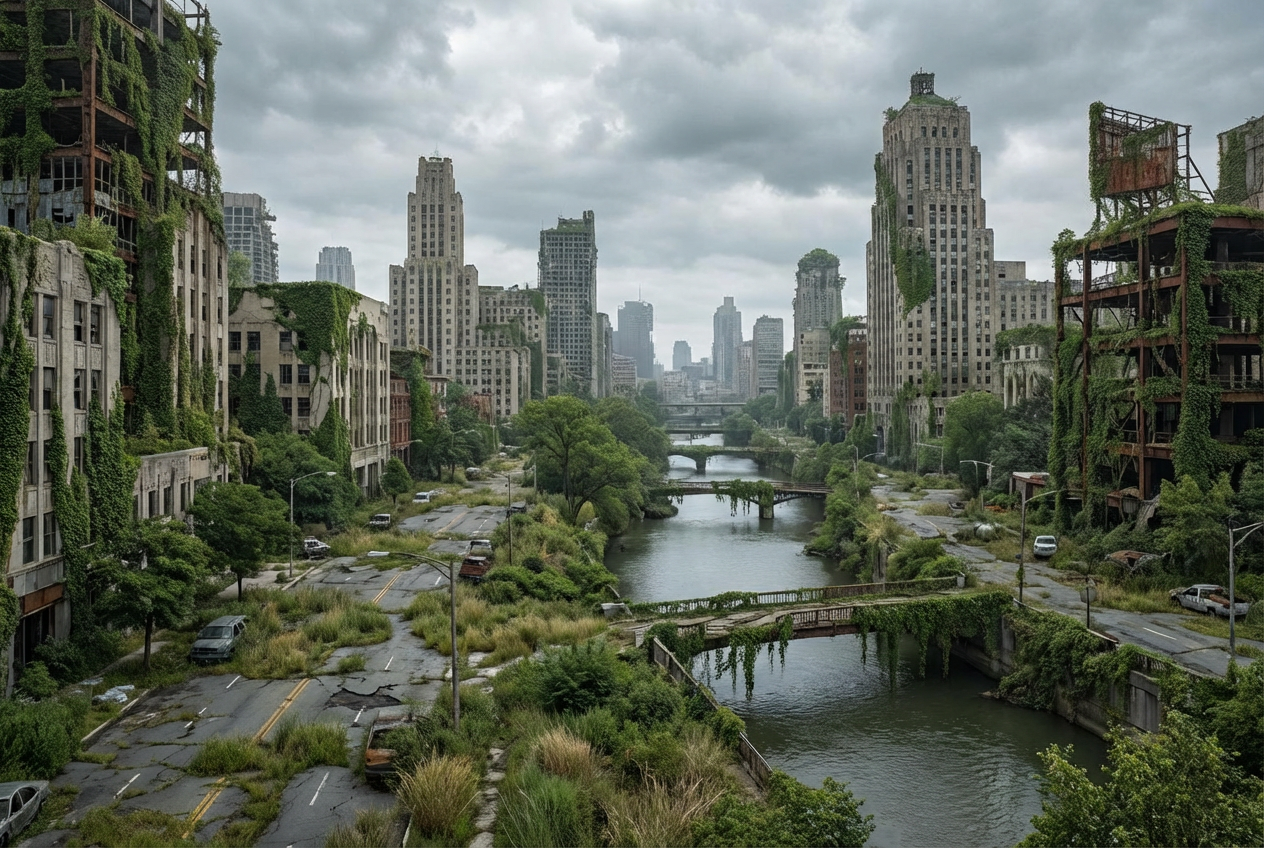
The agent gathers these inputs and preferences in the conversation before it starts.
Describe the city scene you want to generate...
Choices: Any Time, Sunrise, Morning, Noon, Afternoon, Sunset, Dusk, Night, Midnight
Choices: Any Weather, Clear, Cloudy, Rainy, Stormy, Foggy, Snowy
Choices: Any Perspective, Aerial View, Street Level, Bird's Eye View, Panoramic, Isometric
Choices: Any Atmosphere, Bustling, Peaceful, Mysterious, Energetic, Serene, Dramatic
Create stunning, detailed cityscapes and urban scenes with advanced AI technology.
Create your perfect cityscape in three simple steps:
Enter a detailed description of your desired city scene.
Select style, time of day, weather, and perspective preferences.
Let AI create unique city visualizations based on your specifications.
Choose from realistic, futuristic, cyberpunk, and other urban styles.
Customize time of day and weather conditions for perfect ambiance.
Generate scenes from different viewpoints and angles.
Create detailed urban environments with accurate architectural elements.
Visualize urban design concepts and architectural proposals.
Generate reference images for urban game environments.
Create visual representations of urban development projects.
Visualize future development projects and cityscapes.
Create unique urban scenes for artistic projects.
Generate city backgrounds and scenes for various media.
Include details about architecture style, era, and urban elements.
Specify time of day and weather to create the right mood.
Mention the scale and density of the urban environment.
Include unique features that give the city its personality.
Consider the mix of buildings, nature, and urban infrastructure.
We support multiple styles including realistic, futuristic, cyberpunk, modern, vintage, dystopian, utopian, and more. Each style creates unique urban atmospheres.
Yes! You can specify different times of day and weather conditions to create the perfect urban atmosphere.
You can generate city scenes from various viewpoints including aerial, street-level, bird's eye, panoramic, and isometric perspectives.
Yes, you can generate multiple versions of your city scene to explore different interpretations and styles.
Our AI generates high-quality, detailed cityscapes with accurate architectural elements, urban infrastructure, and atmospheric effects.
Include details about the architectural style, time period, atmosphere, and key urban features you want to see in the scene.
Yes! All images generated by our AI City Generator are 100% free for commercial use without any licensing restrictions.
No, there are no restrictions on how you can use the generated images. You own full rights to the images you generate.


