Describe your city map
Medieval walled city with castle, market district, and harbor...

Create detailed city maps, urban layouts, and town plans for RPGs, world-building, and creative projects
Reference media and sample results for this task.
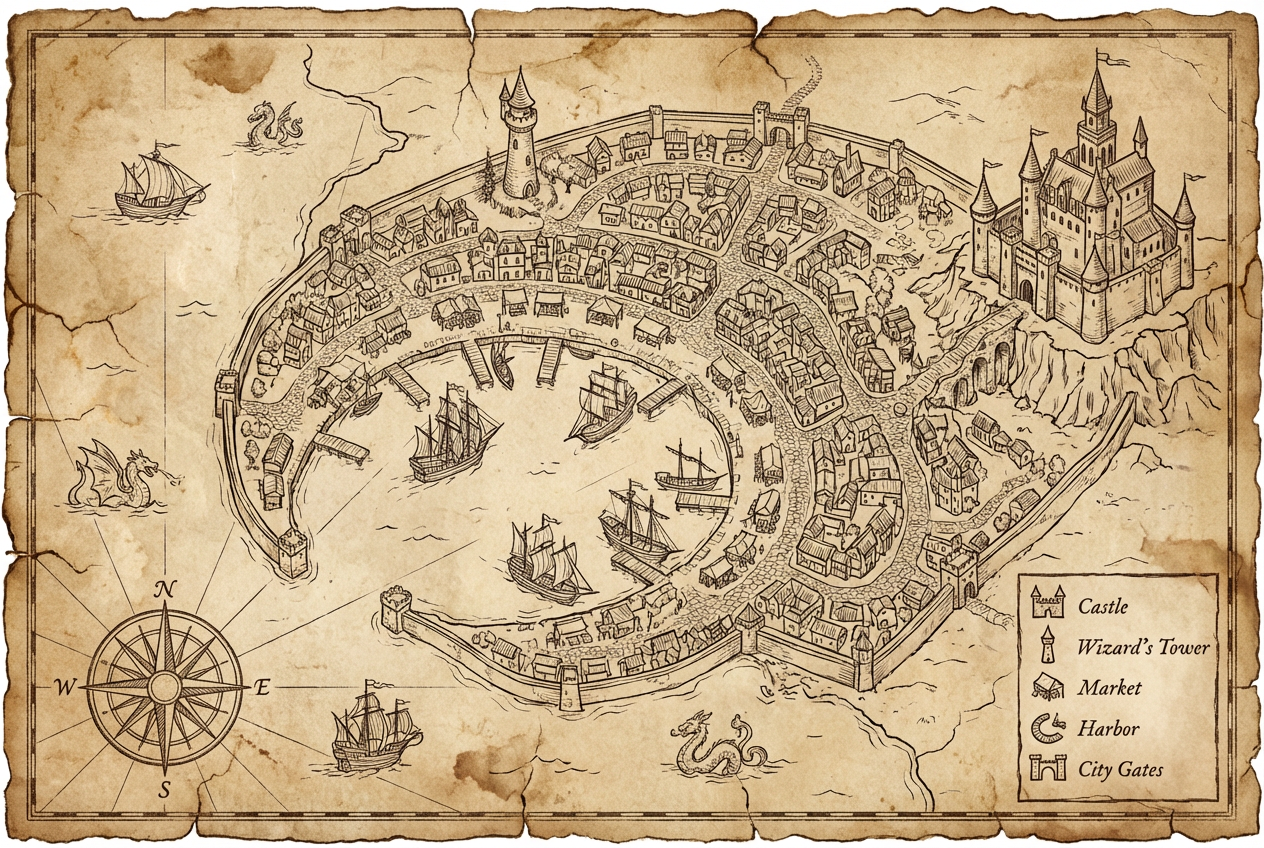
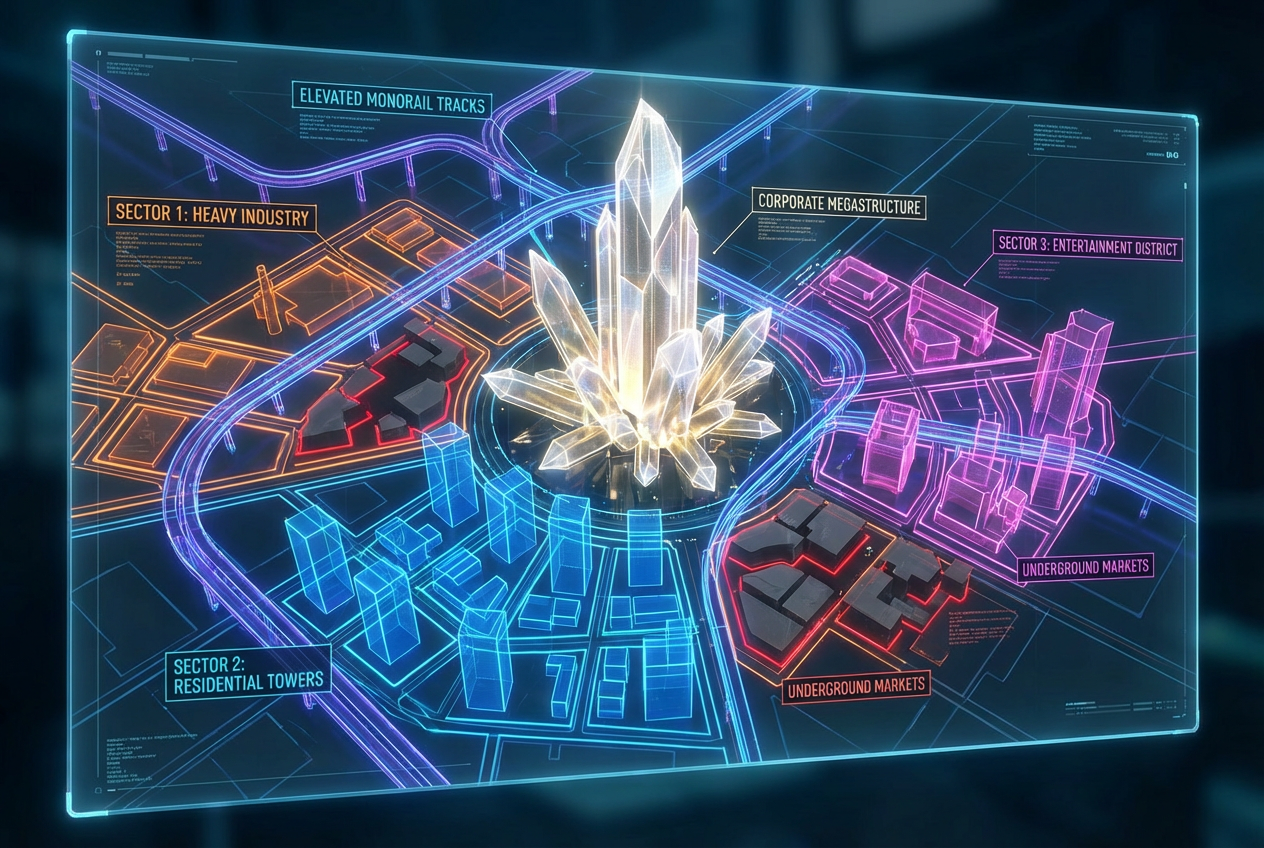
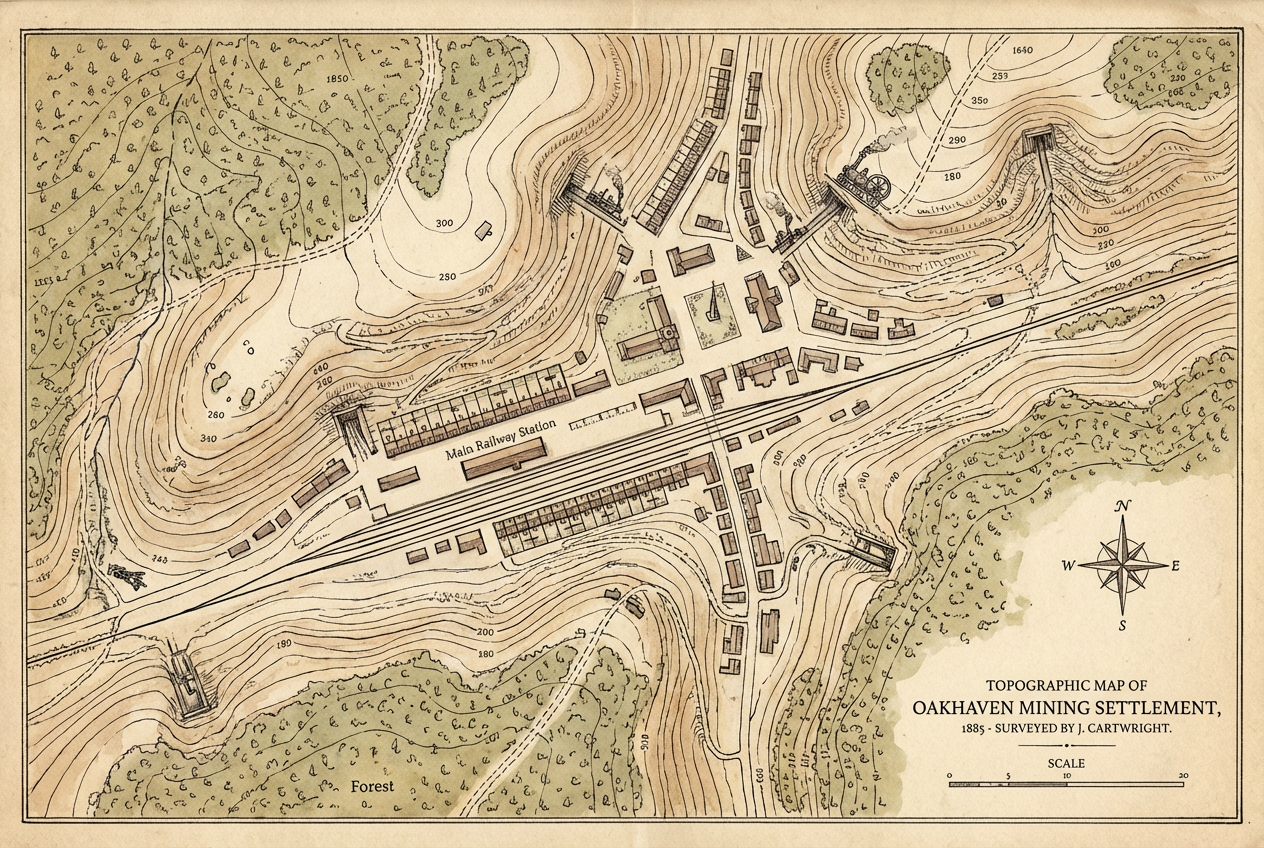
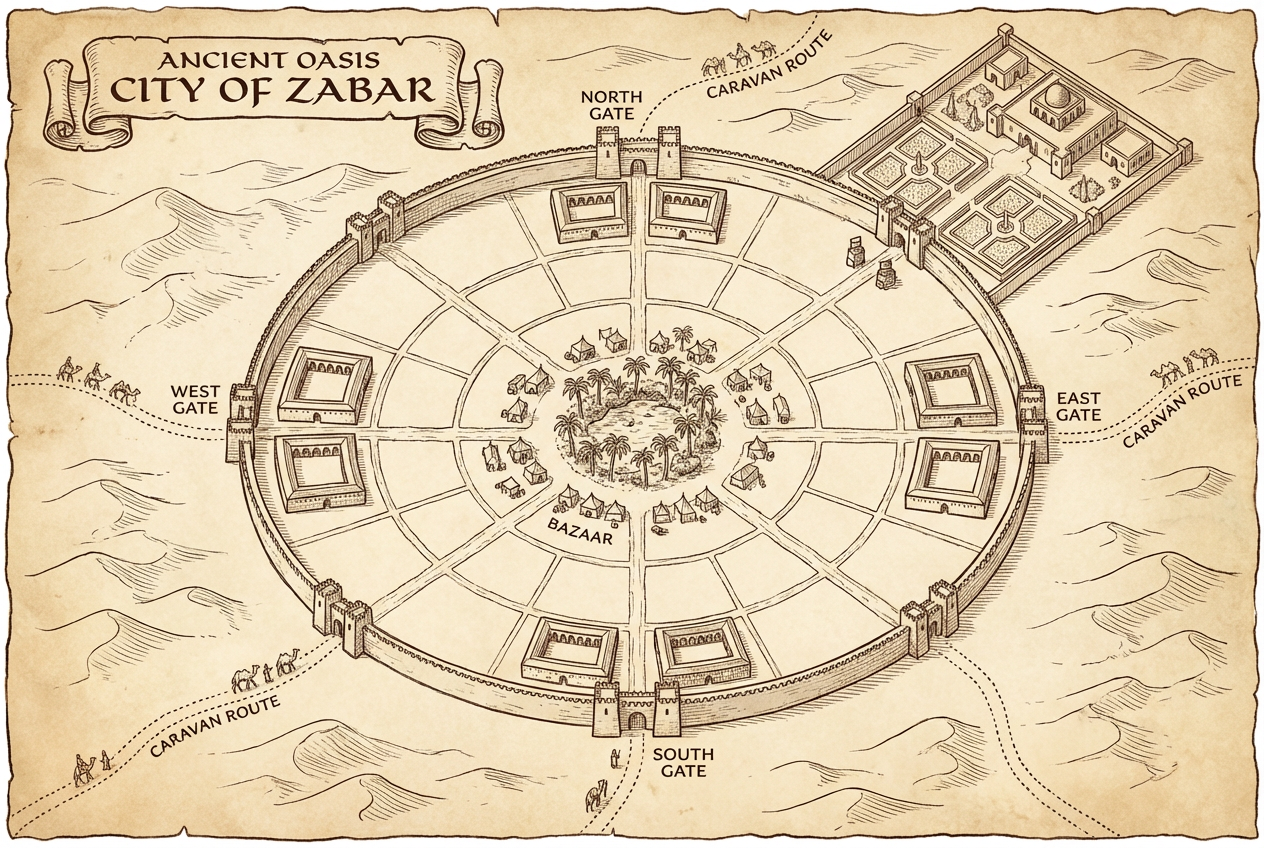
The agent gathers these inputs and preferences in the conversation before it starts.
Medieval walled city with castle, market district, and harbor...
Choose the type of city or settlement
Choices: Any City Type, Medieval City, Fantasy City, Modern City, Steampunk City, Port City, Fortress City, Small Village, Large Metropolis
Choices: Standard Detail, Overview (Simple), Highly Detailed, Strategic Layout
Choices: Any Features, City Walls, River Through City, Central Castle, Distinct Districts, Harbor/Docks
Choices: Any Perspective, Top-Down (Overhead), Isometric View, Oblique/Angled
Include text labels for districts and landmarks
Highlight streets and main thoroughfares
Create professional city maps and urban layouts instantly with AI, perfect for fantasy worlds, RPG campaigns, and creative storytelling.
Create professional city maps in three simple steps
Enter details about your city - size, features, districts, and special landmarks.
Choose city type, map style, perspective, detail level, and key features.
Get your high-quality city map ready for use in campaigns, stories, or projects.
Medieval, fantasy, modern, steampunk, port cities, fortress cities, villages, and metropolises.
Hand-drawn, vintage parchment, blueprint, satellite view, or artistic illustration styles.
Top-down overhead, isometric view, or oblique angled perspectives for different uses.
Add city walls, rivers, castles, distinct districts, harbors, and other landmarks.
Option to add text labels for districts, neighborhoods, and important locations.
Highlight streets and main thoroughfares for clear navigation and urban planning.
Perfect for creators, gamers, and storytellers needing city maps
Create city maps for D&D, Pathfinder, and RPG campaigns without spending hours drawing.
Design detailed cities and settlements for fantasy worlds, novels, and creative projects.
Visualize cities and towns in your stories to help readers understand the setting.
Generate city layouts for video games, board games, and interactive fiction.
Create conceptual city layouts and urban design mockups for presentations.
Design maps for teaching history, geography, urban planning, or creative writing.
Describe key features like 'walled city with central castle, merchant district near harbor, and residential areas'.
Top-down works best for strategic maps, isometric for artistic display, oblique for illustration style.
Parchment style for fantasy RPGs, blueprint for modern planning, hand-drawn for storytelling.
Use overview for regional context, detailed for specific neighborhoods, strategic for planning.
Enable road emphasis and labels for maps that players will use to navigate the city.
You can create medieval cities, fantasy cities, modern cities, steampunk cities, port cities, fortress cities, villages, and large metropolises.
Yes, the maps are perfect for D&D, Pathfinder, and other tabletop RPG campaigns. They work great for both in-person and virtual tabletop play.
Choose from hand-drawn, vintage parchment, blueprint style, satellite view, or artistic/illustrated styles.
Yes, enable location labels to add district names, neighborhood labels, and important landmark names directly on the map.
You can choose top-down (overhead), isometric view, or oblique/angled perspective depending on your needs.
Yes, you can add city walls, rivers, castles, distinct districts, harbors, and other custom features in your description.
Yes, all generated city maps are available for commercial use including published adventures, novels, games, and educational materials.
You can choose overview (simple), standard, highly detailed (individual buildings), or strategic layout (planning focus) detail levels.
Yes, you can describe real cities or create fantasy versions inspired by real-world locations.
Maps are generated in high resolution suitable for both digital display and printing.


