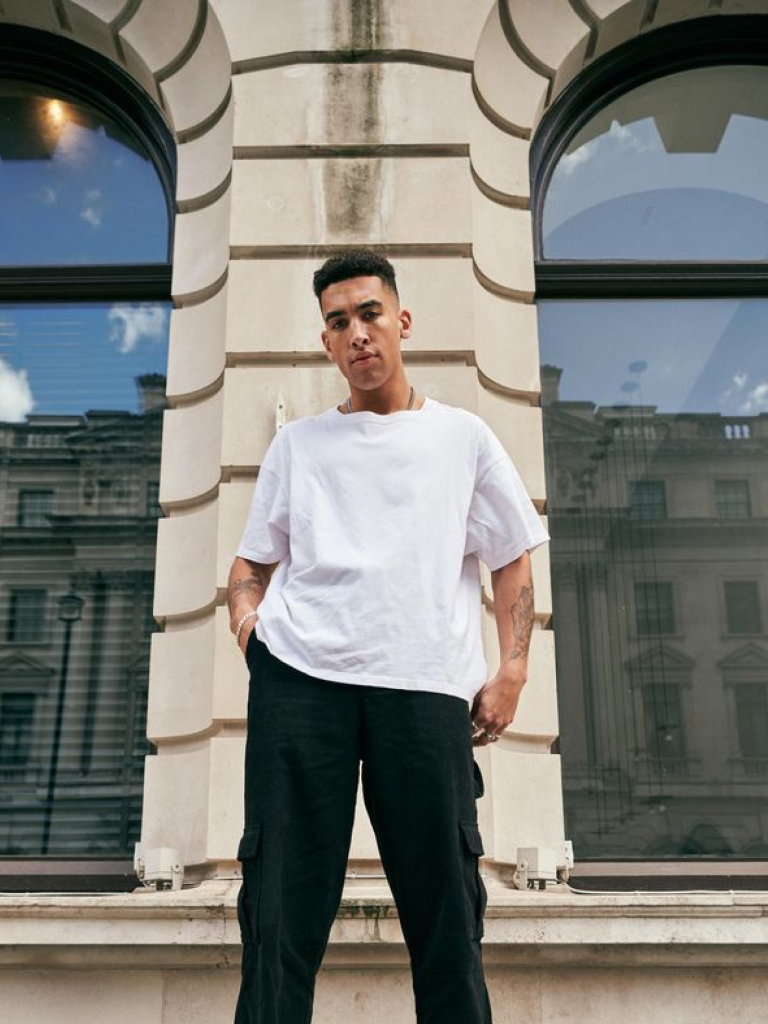
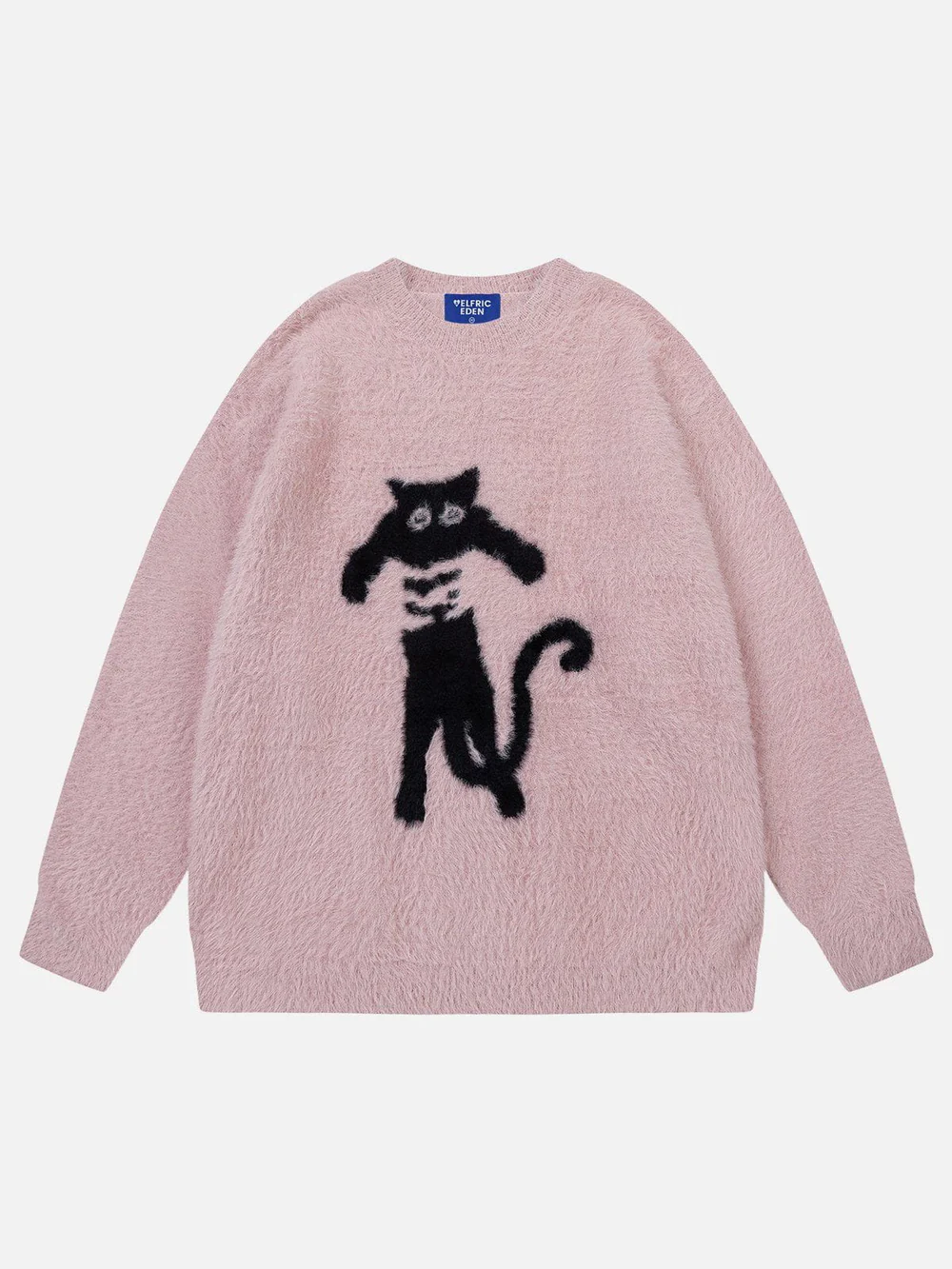
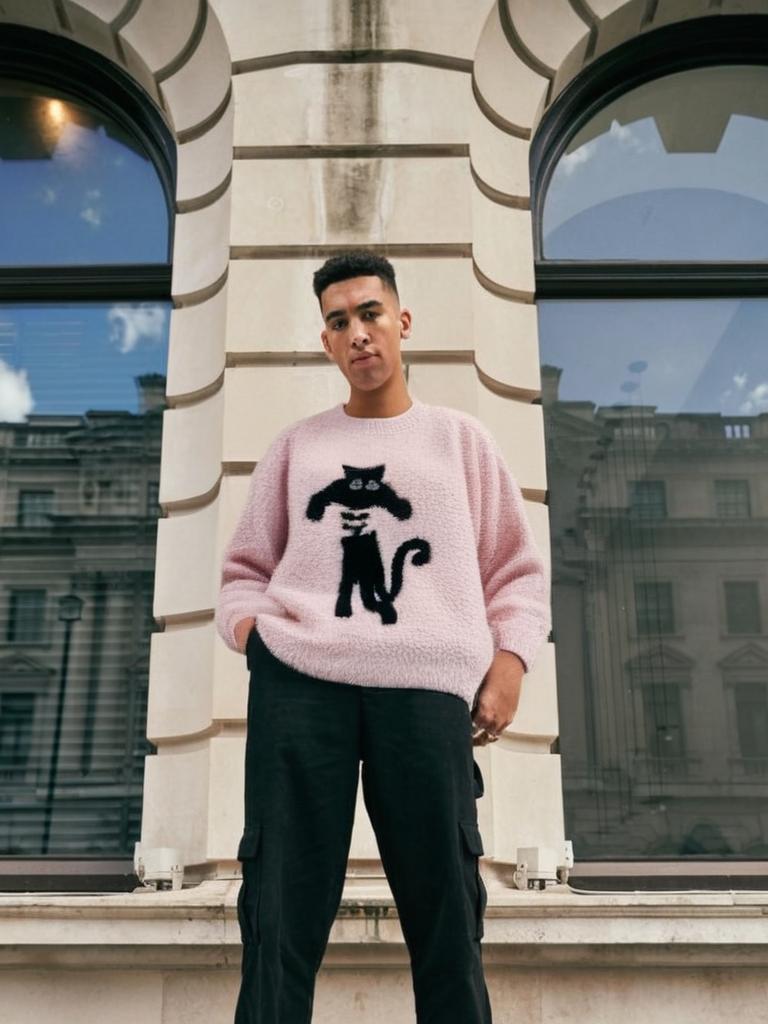
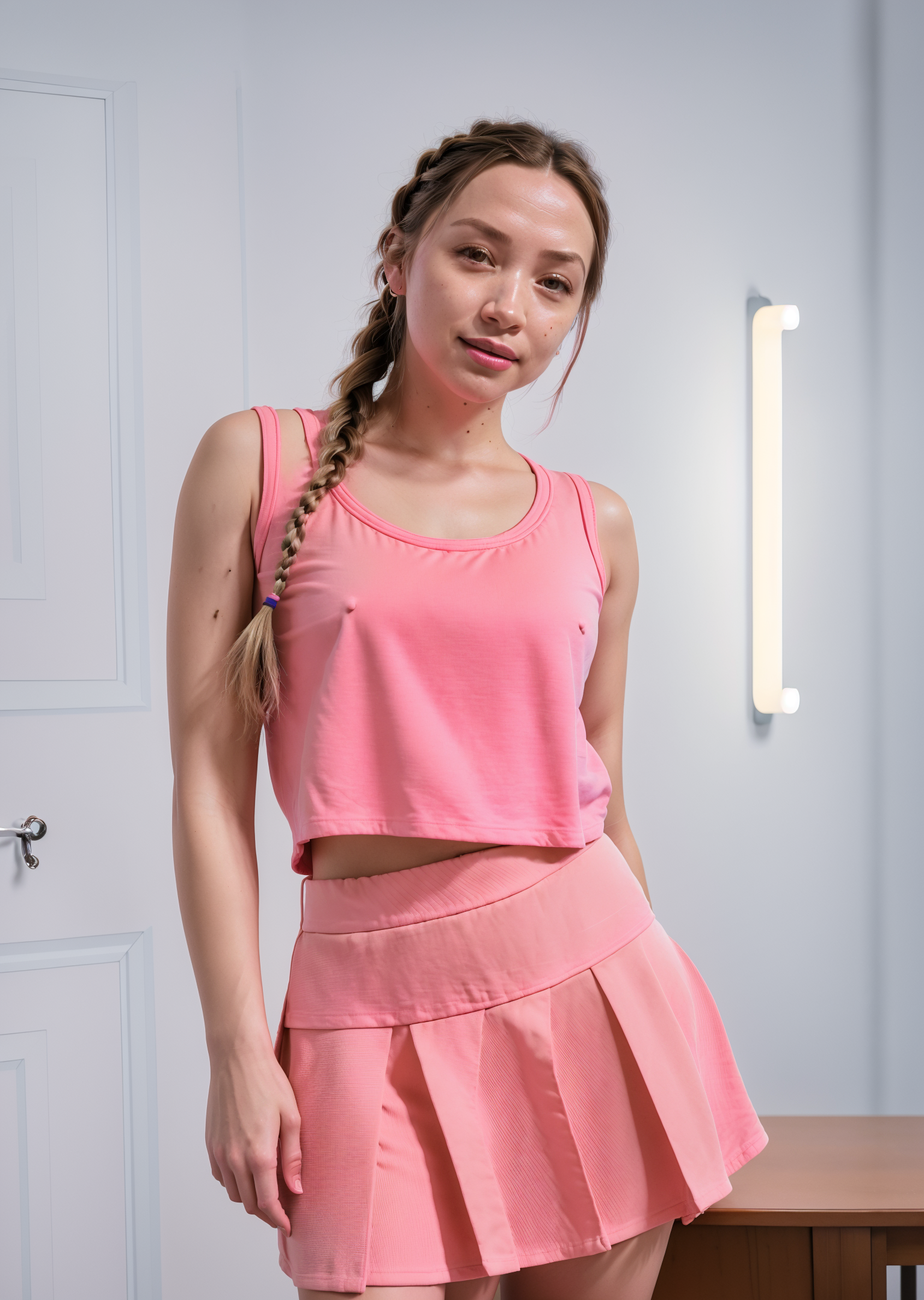
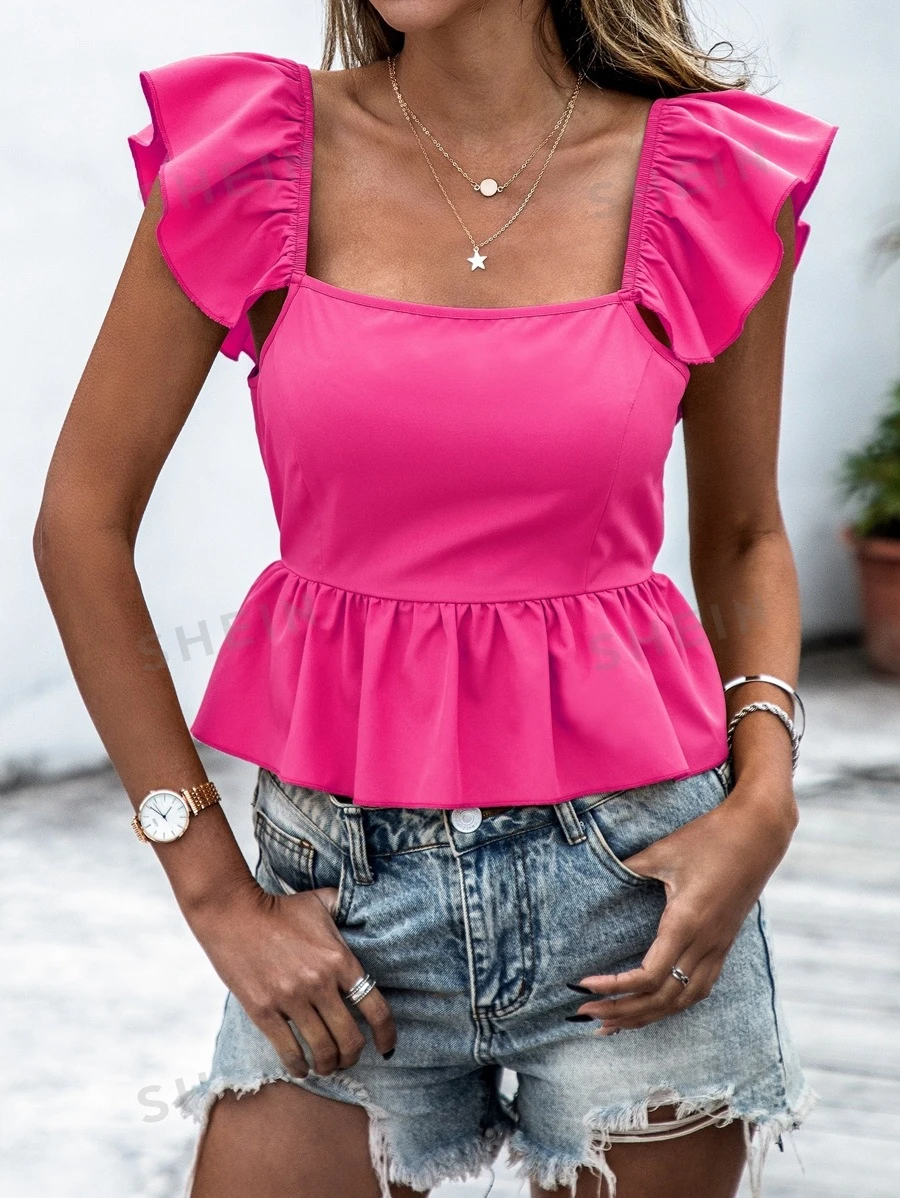
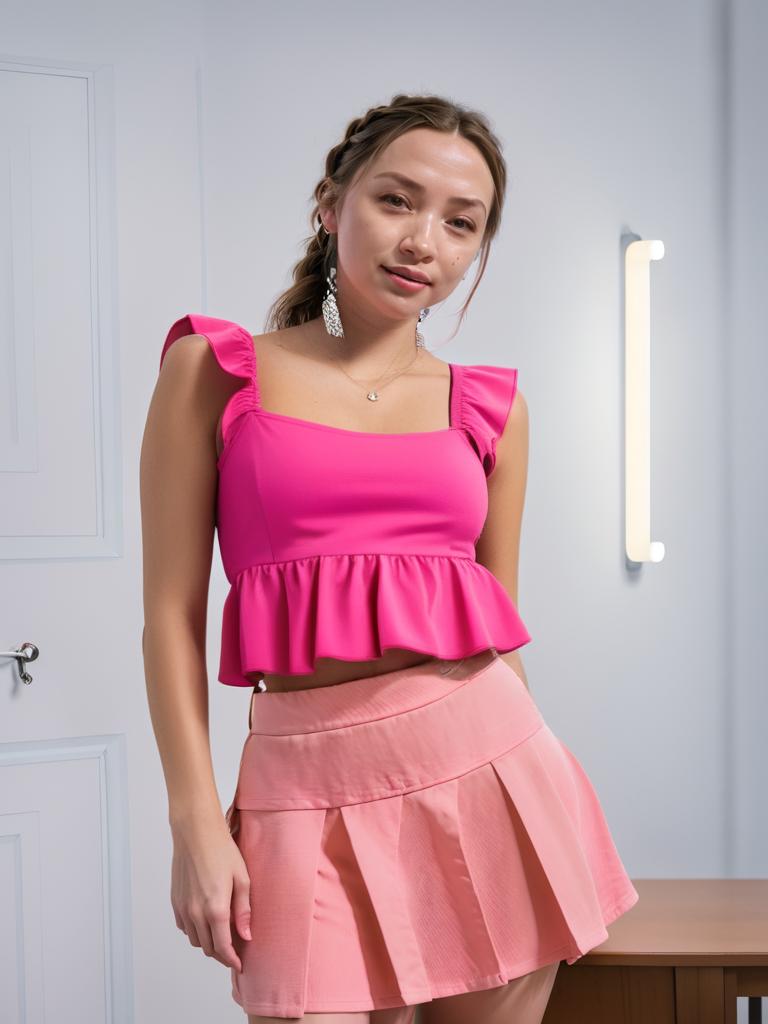
Experience the future of fashion with our advanced AI virtual try-on technology that delivers photorealistic results instantly.
Photorealistic virtual clothing try-on in seconds
Advanced AI body shape and pose recognition
Natural fabric draping and texture simulation
Preserves original lighting and shadows perfectly
Works with all clothing types and styles
Guided try-on with clothing category and style selection
Adjustable fit preferences — true to size, relaxed, oversized, or fitted
Maintains accurate body proportions and fit
Professional e-commerce quality output
High-resolution images for detailed viewing
Smart garment positioning and alignment
Realistic fabric physics and movement
Multiple outfit combinations support
No manual editing or technical skills required
How Our AI Clothes Changer Works
Transform your fashion experience with our intelligent virtual try-on system that seamlessly combines people and clothing.
01
Upload Person Photo
attach a clear, front-facing photo of the person who will model the clothing
02
Upload Clothing Item
Add a photo of the clothing item and select the clothing category, style, and fit preferences
03
AI Processing
Our AI analyzes body shape, pose, and garment to create a perfect virtual fit
04
Get Your Result
Download your photorealistic virtual try-on image instantly
Key Features of AI Virtual Try-On Technology
Smart Body Recognition
Advanced AI accurately detects body shape, pose, and proportions for perfect garment fitting
Realistic Fabric Simulation
Natural draping, texture, and fabric physics that respond to body contours and movement
Color & Lighting Preservation
Maintains original lighting conditions and color accuracy for photorealistic results
Multi-Layer Processing
Handles complex clothing combinations including layers, accessories, and patterns
Precision Alignment
Automatic garment positioning that aligns perfectly with body pose and orientation
Quality Assurance
Professional e-commerce grade output with consistent high-resolution results
Who Can Benefit from Virtual Try-On Technology?
Our AI clothes changer revolutionizes fashion for businesses and individuals across multiple industries.
Online Shoppers
Try before you buy - visualize exactly how clothes will look and fit before purchasing online
E-commerce Retailers
Reduce returns and increase conversions with interactive virtual try-on experiences
Fashion Designers
Rapidly prototype and showcase designs on diverse body types without physical samples
Personal Stylists
Create personalized lookbooks and style recommendations for clients remotely
Fashion Photographers
Generate multiple outfit variations without lengthy photoshoots or model changes
Social Media Influencers
Create diverse fashion content and outfit inspiration posts efficiently
Tips for Perfect Virtual Try-On Results
Tip 1
Use High-Quality Photos
Upload clear, well-lit photos with good resolution. The person should be standing straight with full body visible for best results.
Tip 2
Optimal Clothing Images
Use flat lay photos or clothing on mannequins. Avoid wrinkled, folded, or partially visible garments.
Tip 3
Ideal Body Position
Front-facing poses with arms slightly away from the body and neutral expression work best for natural fitting.
Tip 4
Match Garment Types
For best results, replace similar clothing types (e.g., shirt with shirt, dress with dress) to maintain realistic proportions.
Tip 5
Consider Lighting Consistency
Choose clothing images with similar lighting to the person's photo for more realistic blending.
Frequently Asked Questions About AI Virtual Try-On
How realistic are the virtual try-on results?
Our AI produces photorealistic results that are virtually indistinguishable from actual photos. The technology analyzes body shape, pose, lighting, and fabric properties to create natural-looking garment fits with accurate draping, shadows, and texture preservation.
What types of clothing work with the virtual try-on?
Our system works with all types of clothing including tops, shirts, dresses, jackets, coats, sweaters, and more. Upper body garments typically produce the best results, though full outfits and layered clothing also work well.
Do I need professional photography equipment?
No professional equipment is needed! Regular smartphone photos work perfectly. Just ensure good lighting and clear visibility of both the person and clothing item for optimal results.
How long does the virtual try-on process take?
The AI processing typically takes 30-60 seconds for standard images. Complex outfits or multiple garments may take up to 2 minutes. Results are delivered instantly once processing is complete.
Can I try multiple outfits on the same person?
Yes! You can upload multiple clothing items and generate various outfit combinations on the same person. This is perfect for creating lookbooks or comparing different styles.
Does it work with different body types and sizes?
Absolutely! Our AI accurately recognizes and adapts to all body types, sizes, and poses. The virtual clothing automatically adjusts to fit naturally on any person.
Can I use this for e-commerce product photos?
Yes! This Magica workflow is perfect for e-commerce, allowing you to showcase products on different models without expensive photoshoots. The output quality meets professional e-commerce standards.
Will the original person's features be preserved?
Yes, the person's face, body shape, pose, and all identifying features remain completely unchanged. Only the clothing is replaced while maintaining natural integration.
Can I try on accessories like bags or jewelry?
Yes, you can try on accessories like bags or jewelry. The AI will try to position the accessory naturally on the person's body.
Can I save and download the generated images?
Yes! All generated images are automatically saved to your history and can be downloaded in high resolution for personal or commercial use.
Does it work with patterned or textured clothing?
Yes, our AI excellently handles patterns, textures, prints, and designs. It preserves fabric details including logos, graphics, and intricate patterns.
Can I use images from online stores?
Yes, you can use product images from online stores as long as they clearly show the clothing item. Flat lay or mannequin photos work best.
What makes this better than traditional photo editing?
Unlike manual editing, our AI understands 3D body geometry, fabric physics, and lighting. This creates natural results in seconds that would take hours of professional editing to achieve.
What try-on modes are available?
We offer four modes: Virtual Try-On (replaces clothing on the person), Fashion Editorial (creates a styled photoshoot), Outfit Swap (replaces the entire outfit), and Style Preview (shows how an aesthetic would look). Each mode is optimized for different use cases.