Concept Description
Describe your concept art idea...

Create stunning concept art for games, films, and creative projects with AI
Reference media and sample results for this task.
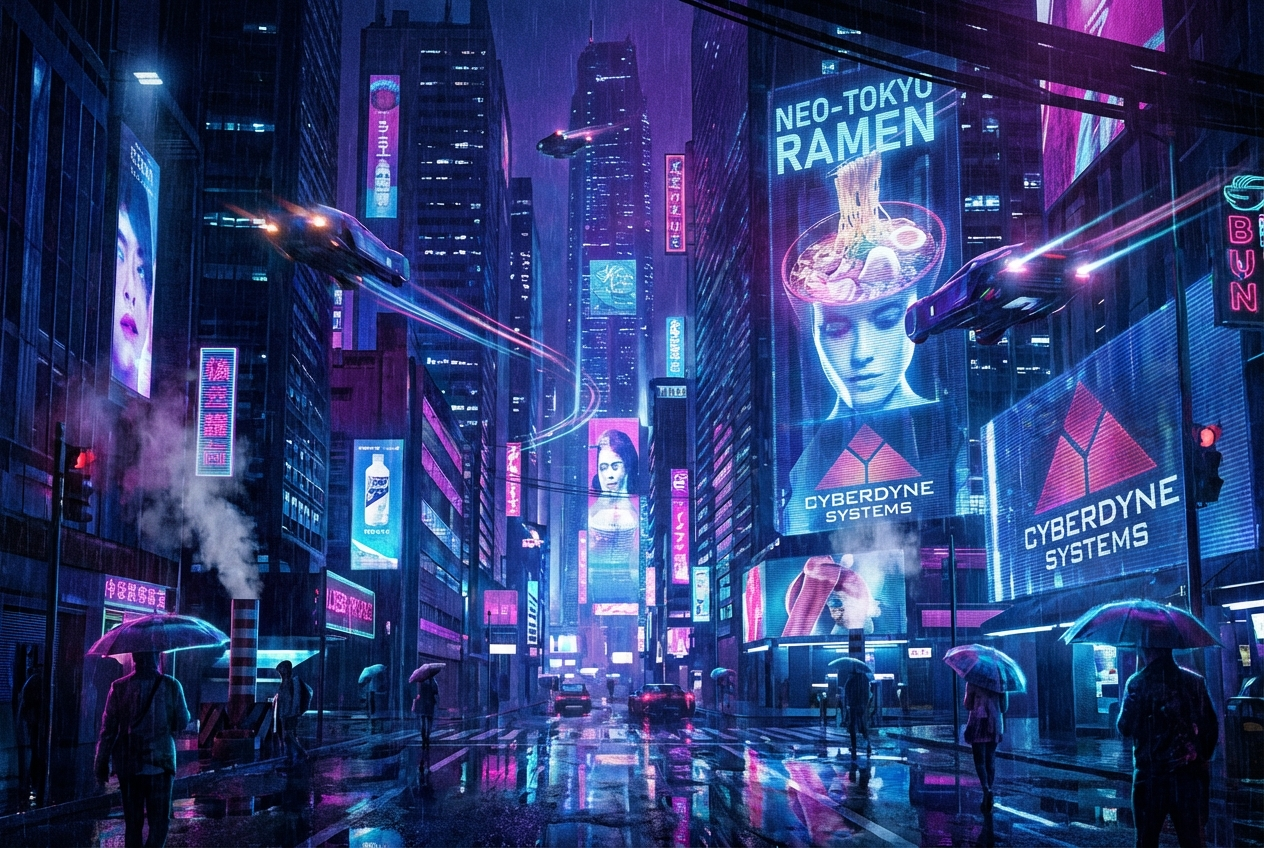
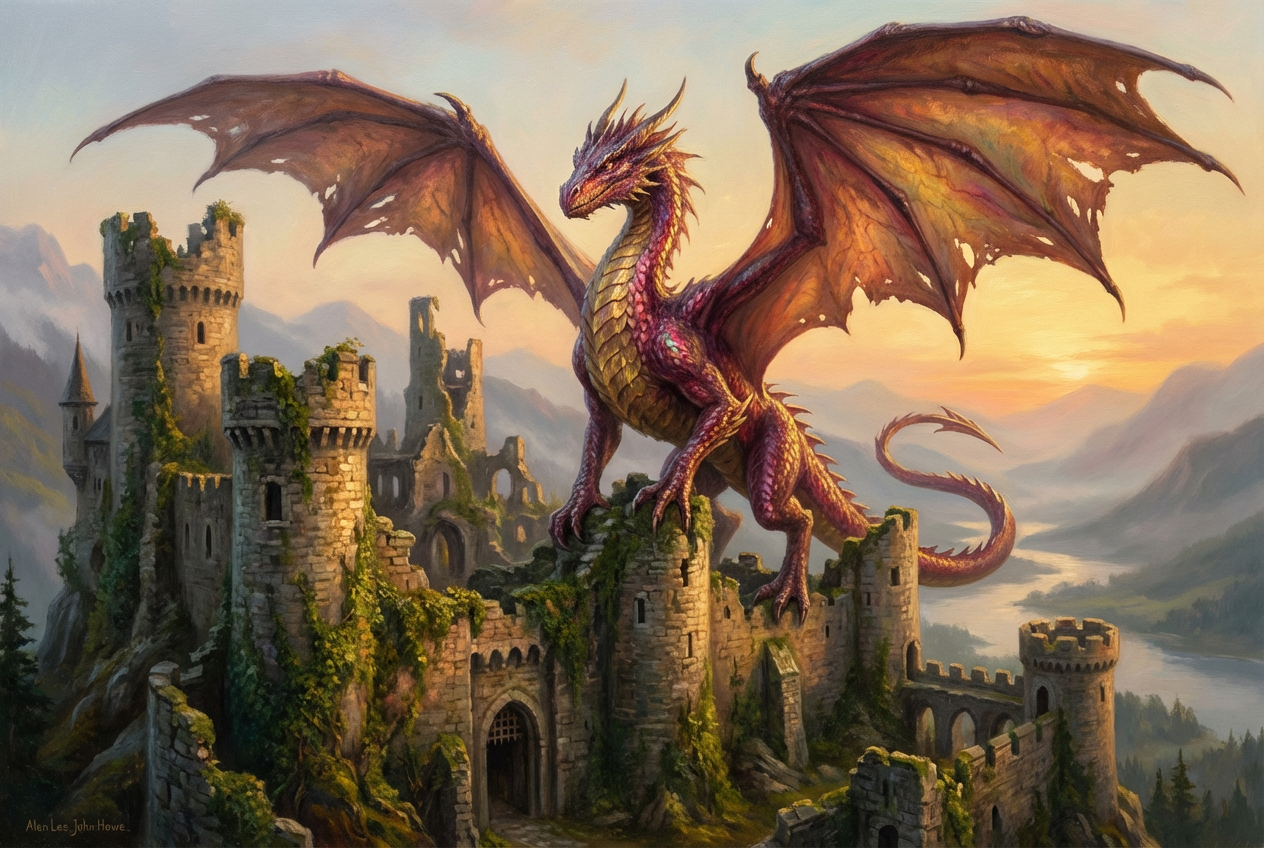
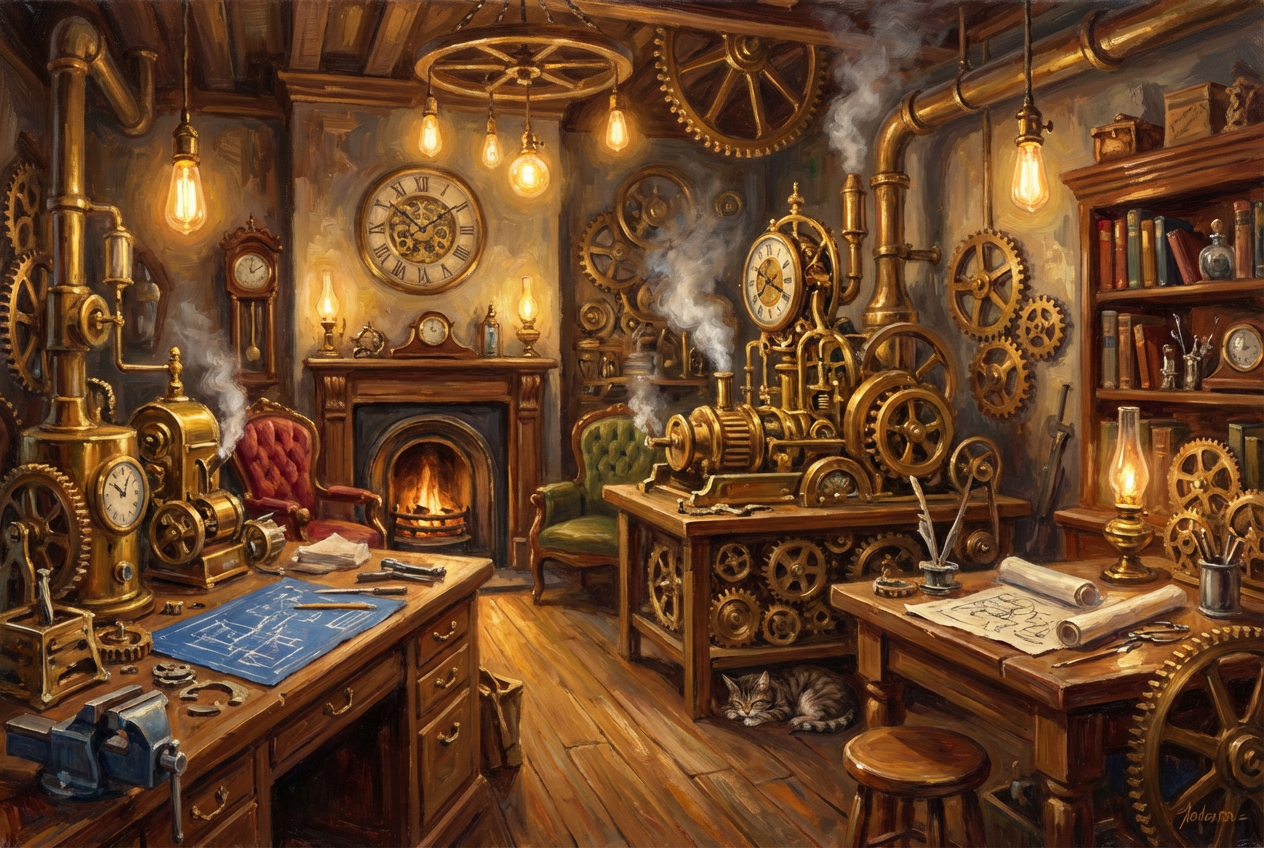
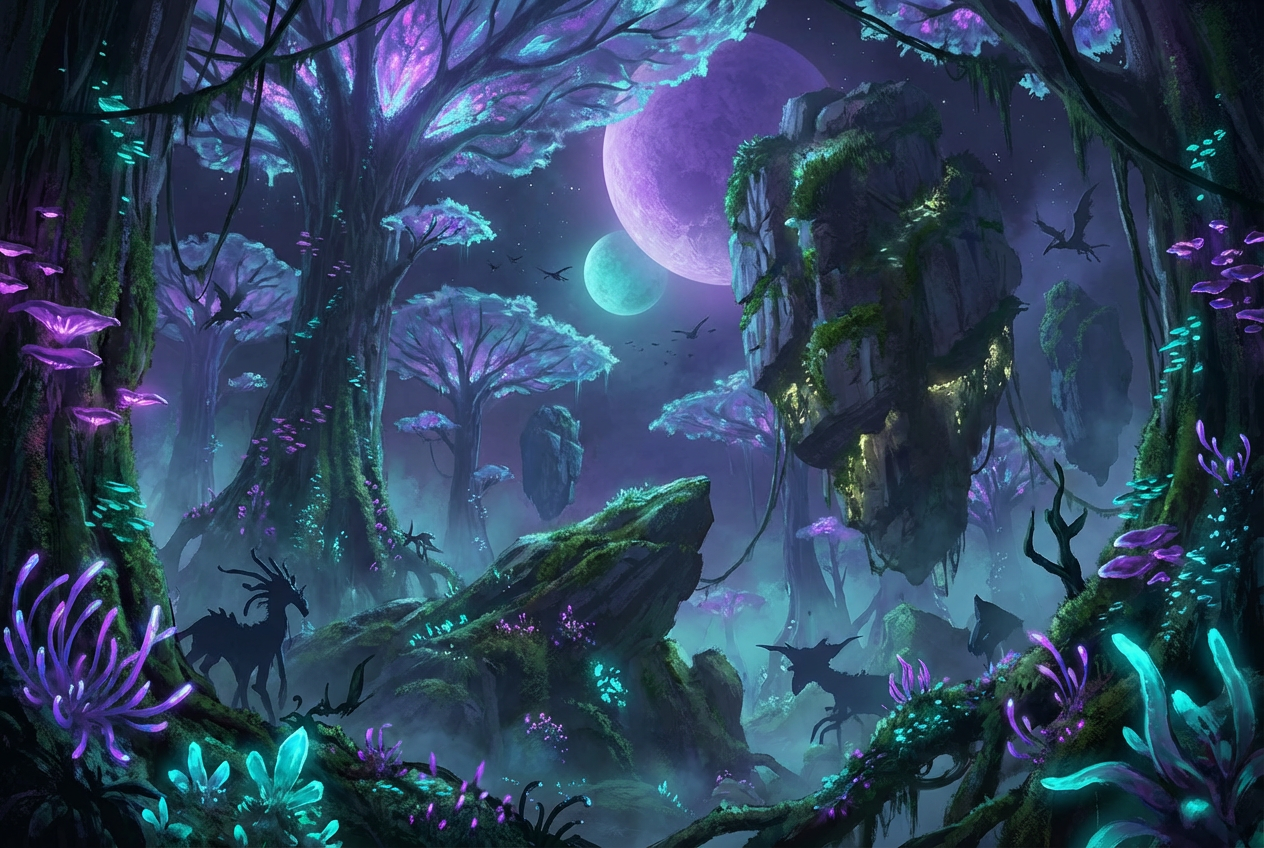
The agent gathers these inputs and preferences in the conversation before it starts.
Describe your concept art idea...
Choices: Any Medium, Digital Painting, Watercolor, Oil Painting, Pencil Sketch, 3D Render, Mixed Media, Photorealistic, Ink Drawing
Choices: Any Mood, Mysterious, Epic, Serene, Dark, Whimsical, Dramatic, Peaceful, Tense, Ethereal
Choices: Any Lighting, Dramatic, Soft, Natural, Neon, Moody, Cinematic, Backlit, Volumetric
Create professional-quality concept art for your creative projects in minutes.
Create stunning concept art in three simple steps:
Enter a detailed description of your concept art idea.
Select style, medium, mood, and lighting preferences.
Let AI create professional concept art based on your specifications.
Choose from sci-fi, fantasy, steampunk, and other popular concept art styles.
Generate art in various mediums from digital painting to 3D renders.
Download production-ready artwork in high resolution.
Fine-tune the atmosphere with advanced mood and lighting options.
Create concept art for characters, environments, and props.
Generate pre-production artwork for scenes and set designs.
Design cover art and interior illustrations.
Quickly prototype visual concepts for client presentations.
Access professional-quality concept art on a budget.
Generate reference images and explore new ideas quickly.
Include detailed descriptions of the environment, characters, or objects you want to create.
Specify the intended use (game, film, book) to get more relevant results.
Mention specific art styles or artists that inspire your vision.
Combine mood and lighting settings to create the right atmosphere.
Try different artistic mediums to find the perfect style for your project.
We support various styles including sci-fi, fantasy, steampunk, cyberpunk, medieval, futuristic, gothic, industrial, and organic designs.
Yes! You can choose from digital painting, watercolor, oil painting, pencil sketch, 3D render, mixed media, and more.
Yes, all generated concept art is royalty-free and can be used for commercial projects including games, films, and publications.
Our AI generates high-resolution images suitable for professional production use, with options to download in various sizes.
Yes, you can generate multiple versions of your concept to explore different interpretations and styles.
Provide detailed descriptions, specify the intended use, and experiment with different style and mood combinations.
Yes! You can use the generated concept art in your portfolio, just make sure to mention it was created using AI assistance if required by your industry standards.
No, there are no restrictions on how you can use the generated concept art. You own full rights to the artwork you generate.


