Concept Description
Describe the topic or concepts you want to map...

Create clear, organized concept maps with AI assistance
Reference media and sample results for this task.
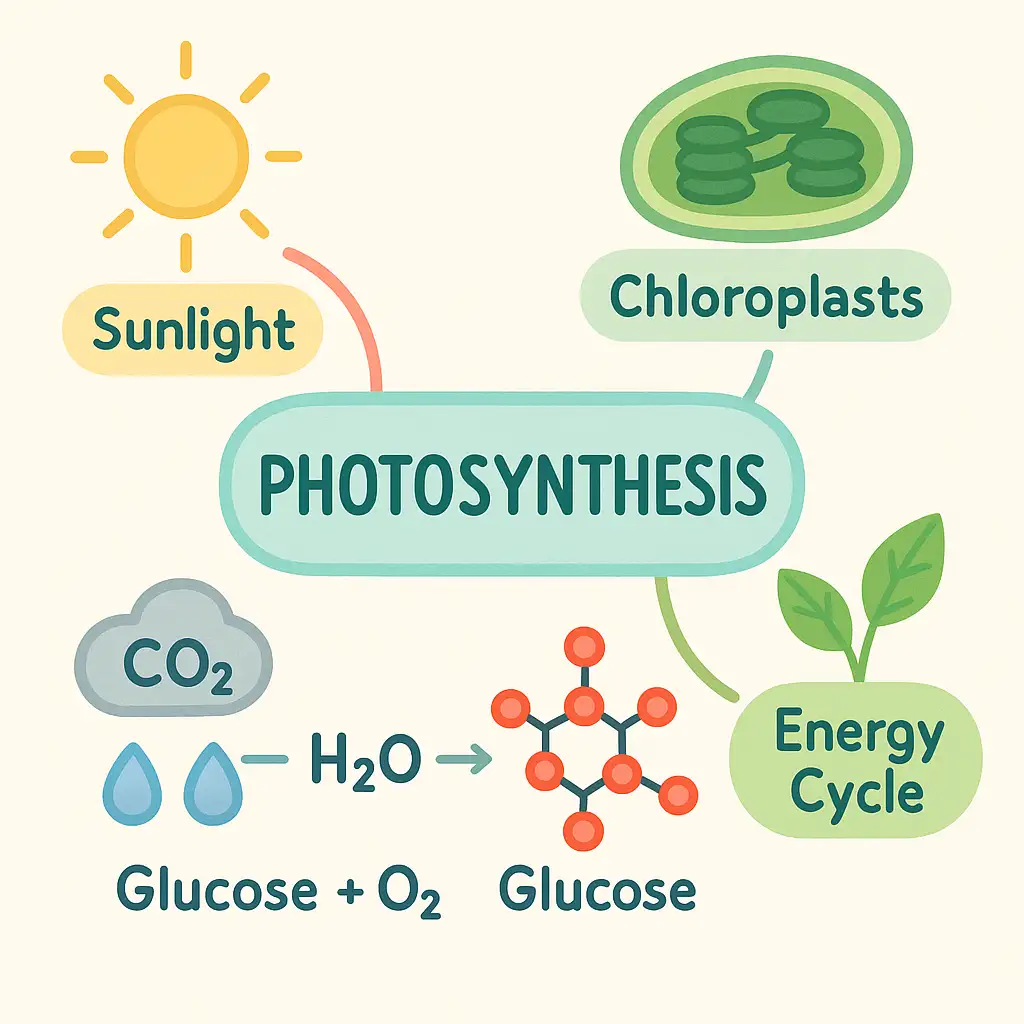
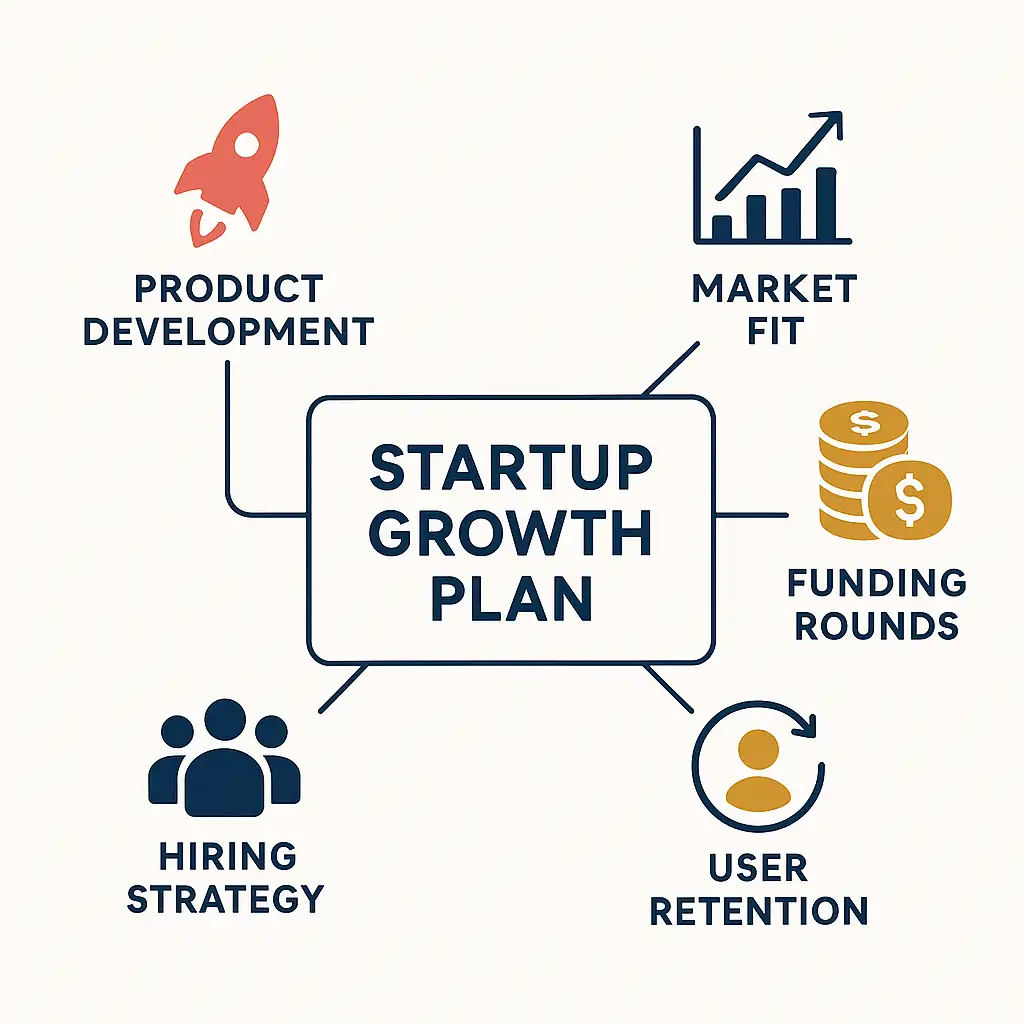
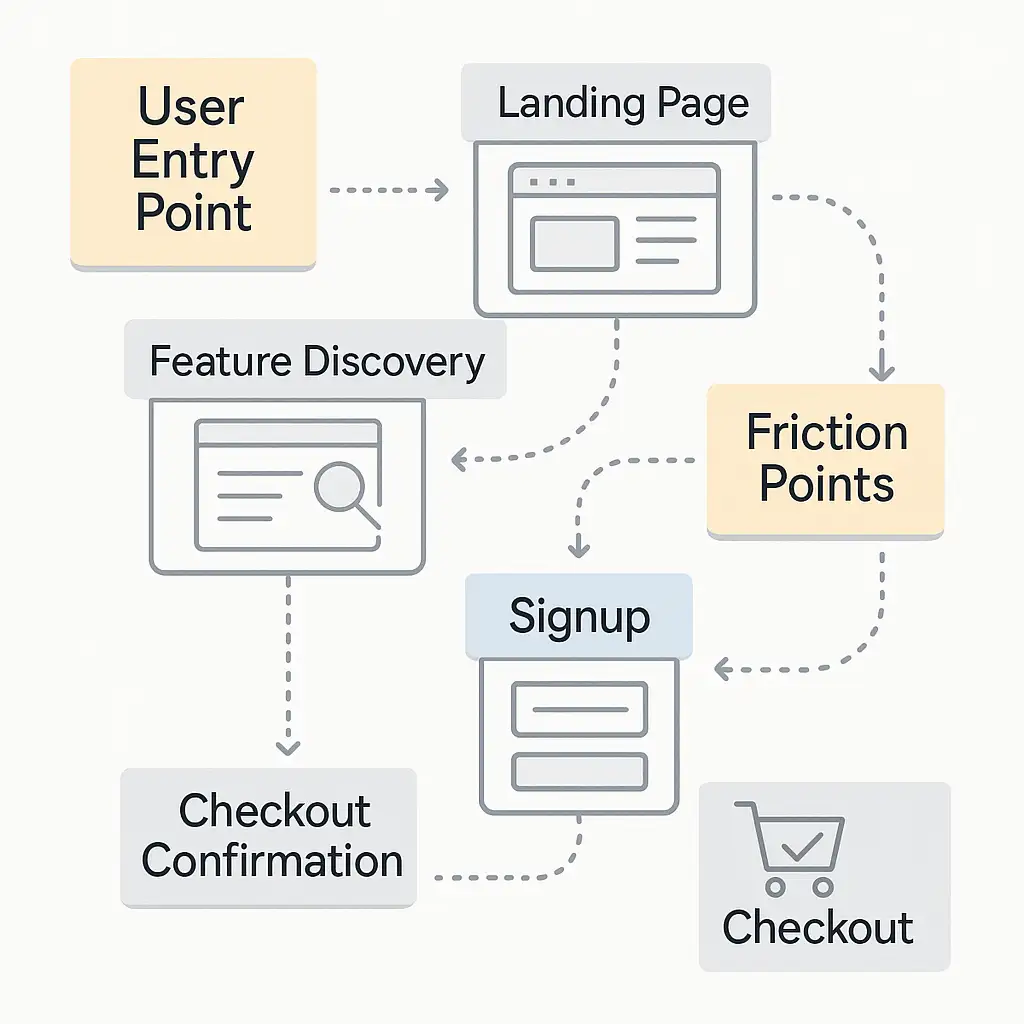
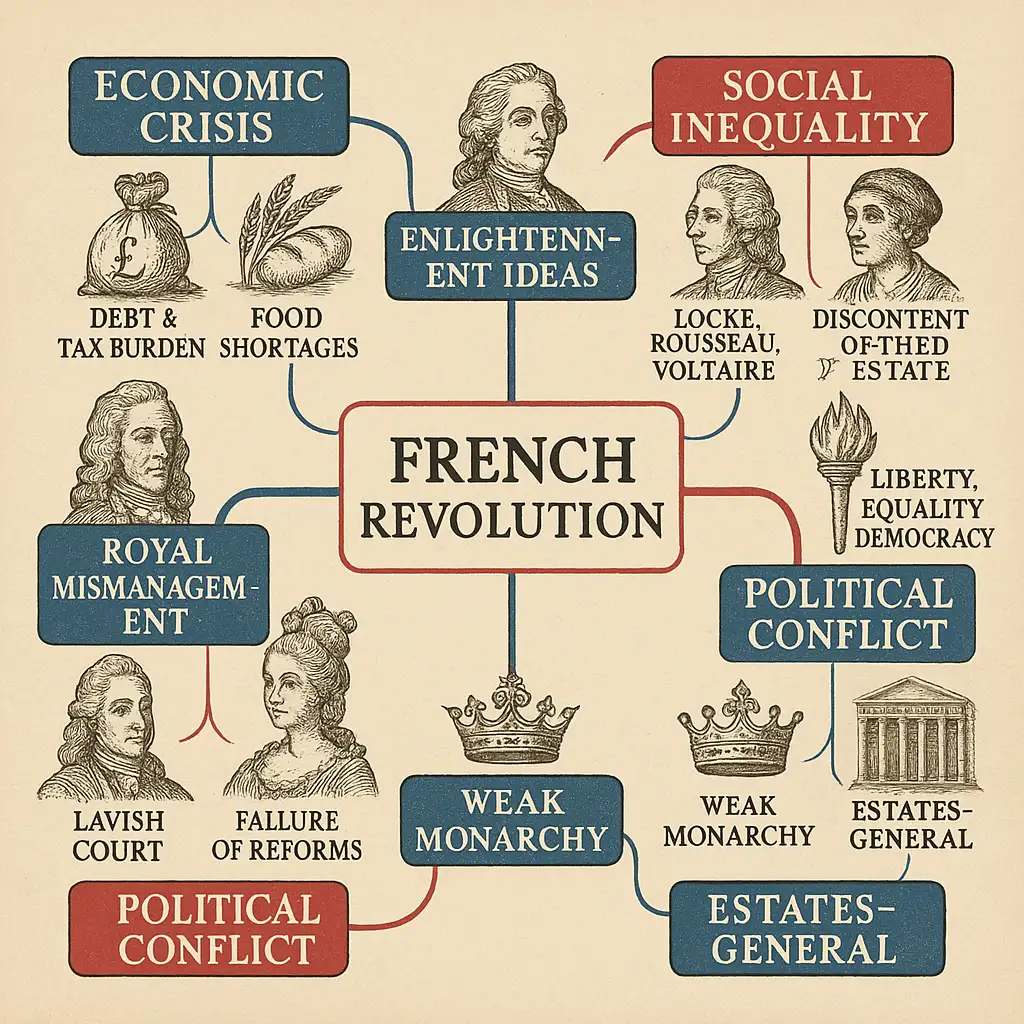
The agent gathers these inputs and preferences in the conversation before it starts.
Describe the topic or concepts you want to map...
Choices: Auto Complexity, Basic (Few Connections), Intermediate, Advanced, Comprehensive
Choices: Auto Theme, Monochromatic, Pastel, Vibrant, Corporate, Grayscale, Nature-inspired
Choices: Auto Layout, Hierarchical, Radial, Circular, Tree, Network, Flowchart
Create professional, clear, and organized concept maps for any topic or subject.
Create your concept map in three simple steps:
Enter a detailed description of the concepts you want to map.
Select style, complexity, color theme, and layout preferences.
Let AI create a clear, organized concept map based on your specifications.
Choose from hierarchical, radial, network, and other professional layouts.
Select from various color schemes to match your presentation style.
Adjust the level of detail and connections to suit your needs.
Download your concept maps instantly for presentations or documents.
Organize study materials and understand complex relationships.
Create clear visual aids for lessons and educational materials.
Map out research concepts and theoretical frameworks.
Visualize content structure and information hierarchy.
Create project maps and process visualizations.
Transform complex information into clear visual representations.
Include key concepts and their relationships in your description.
Match the detail level to your audience and purpose.
Select a layout that best represents your concept hierarchy.
Choose color themes that enhance readability and understanding.
Emphasize the connections between concepts in your description.
You can create concept maps for any topic or subject, from educational content to business processes, research frameworks, and more.
Yes! You can choose from various layouts (hierarchical, radial, network, etc.) and customize the style, complexity, and color theme.
You can adjust the complexity level from basic to comprehensive, allowing you to create maps with varying levels of detail and connections.
Yes, you can download and use the concept maps in presentations, documents, or any other materials.
Include the main concepts, their relationships, and any hierarchical structure you want to represent. Be clear about the connections between ideas.
Consider your content structure: use hierarchical for parent-child relationships, radial for central concepts with related ideas, and network for complex interconnections.
Yes! All concept maps generated by our AI are 100% free for commercial use. You can use them in your presentations, publications, or any other commercial projects.
No, there are no restrictions on how you can use the generated concept maps. You own full rights to the maps you generate and can modify, share, or sell them as you wish.


