Describe the couple you want to create
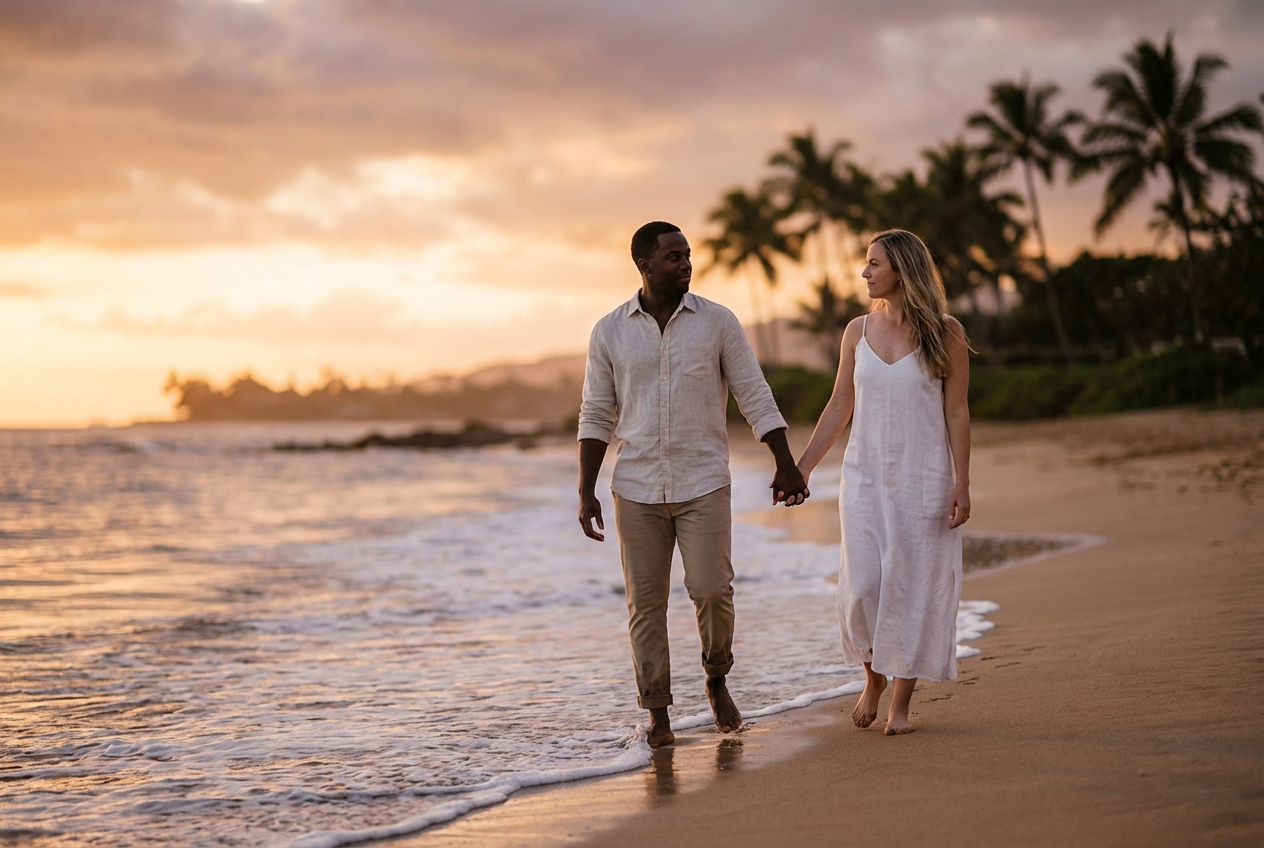
A happy couple walking on the beach at sunset...

Create romantic couple portraits and relationship imagery with AI
Reference media and sample results for this task.
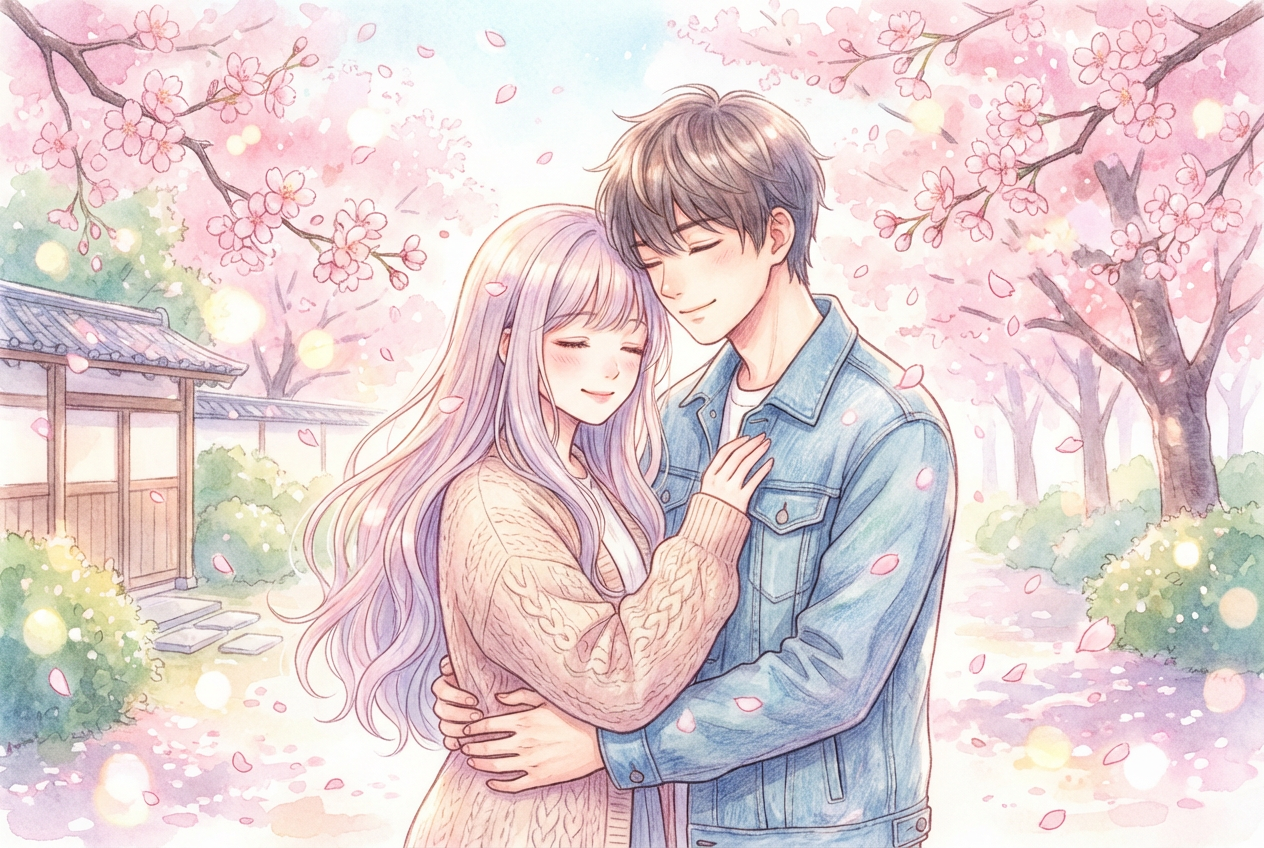
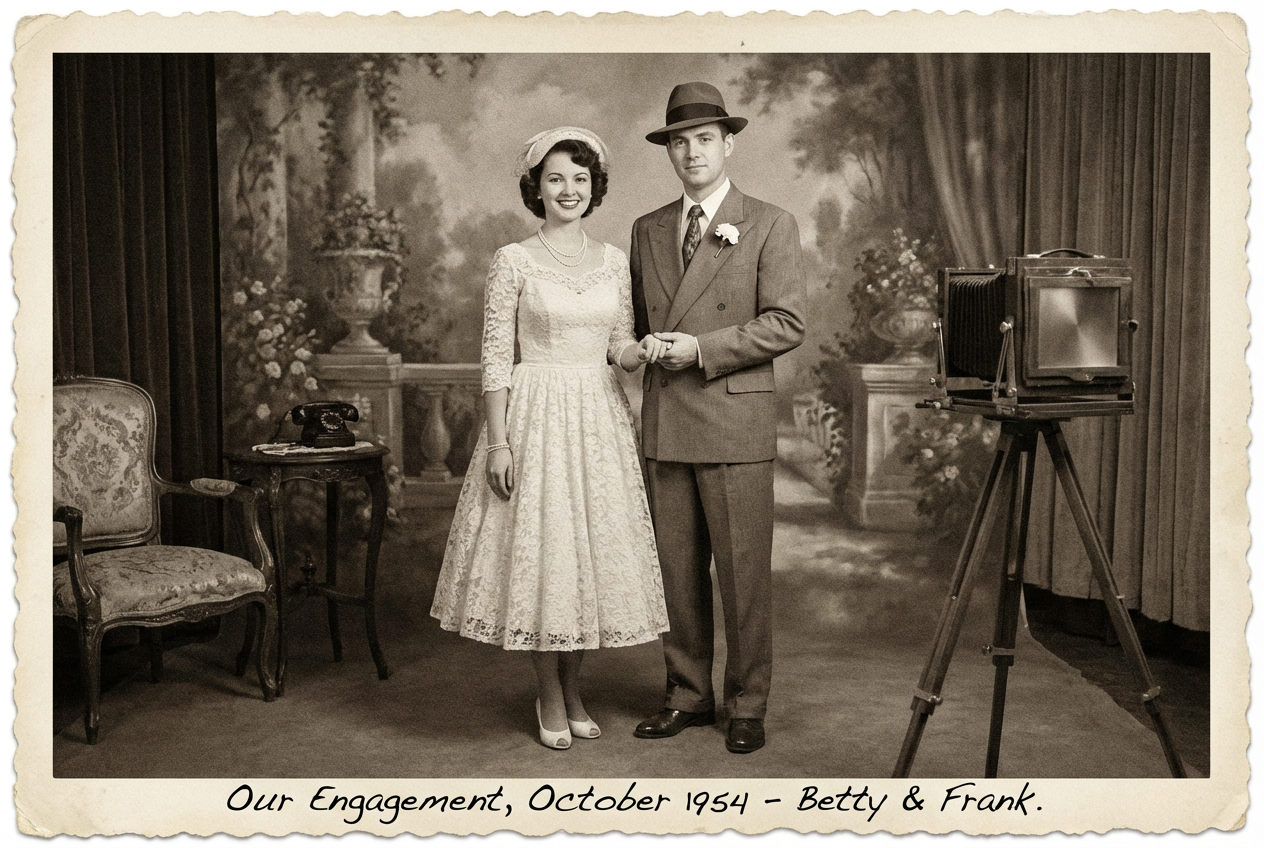
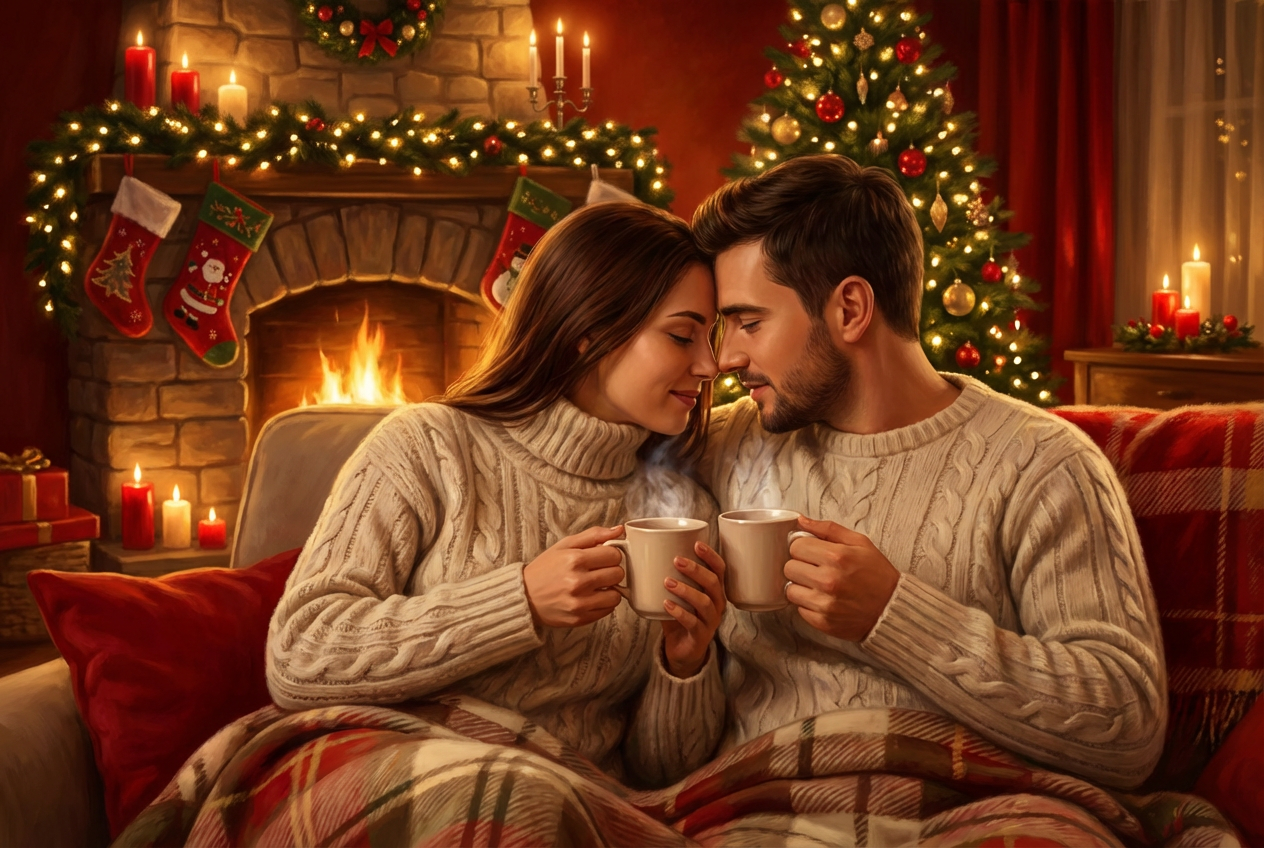
The agent gathers these inputs and preferences in the conversation before it starts.
A happy couple walking on the beach at sunset...
Choices: Any Style, Romantic, Casual, Formal, Vintage, Modern, Bohemian, Elegant, Playful
Choices: Any Setting, Beach, Park, City, Home, Restaurant, Garden, Mountains, Forest, Studio
Choices: Any Age, Young (20s), Adult (30s-40s), Mature (50s+)
Choices: Any Pose, Holding Hands, Hugging, Kissing, Sitting Together, Walking, Dancing, Looking at Each Other
Choices: Any Mood, Happy & Joyful, Romantic & Intimate, Playful & Fun, Serene & Peaceful, Passionate & Intense, Dreamy & Soft
Choices: Any Lighting, Golden Hour, Sunset, Soft Natural, Studio Lighting, Candlelight, Backlit
Choices: Any Composition, Close-up, Medium Shot, Full Body, Wide Shot
Create stunning romantic imagery and couple portraits with advanced AI technology
Create beautiful couple imagery in three simple steps
Enter details about the couple and romantic scene you want to create
Choose style, pose, setting, mood, and lighting preferences
Get your beautiful couple portrait ready for use
From romantic to casual, formal to bohemian - choose the perfect style for your couple
Beach sunsets, urban cityscapes, cozy homes, or professional studios
Natural poses from holding hands to dancing, kissing to walking together
Set the emotional tone from joyful and playful to romantic and intimate
Golden hour, candlelight, studio lighting, and natural soft lighting
Generate beautiful couple portraits in seconds with high-quality output
Perfect for anyone looking to create romantic and relationship imagery
Create beautiful portraits for social media, anniversaries, and keepsakes
Generate reference images and inspiration for couple photography sessions
Create romantic imagery for wedding invitations, cards, and marketing materials
Design personalized romantic gifts, cards, and anniversary presents
Generate romantic content for blogs, social media, and relationship advice
Create mood boards and romantic imagery for wedding planning and inspiration
Include details about clothing, hair color, and specific romantic scenarios for better results
Match your pose and mood with appropriate settings - beach for romantic, city for modern
Golden hour for warmth, candlelight for intimacy, studio for professional looks
Try different poses to find the perfect romantic expression for your couple
Match the couple style and setting to the age range for more realistic results
Yes! Include specific details about appearance, ethnicity, hair color, and clothing in your description for more accurate results.
Beach sunsets, gardens, and parks work great for romantic moods. For modern couples, try city or studio settings. The key is matching the setting to your desired mood.
Absolutely! Choose from holding hands, hugging, kissing, dancing, walking, or sitting together. Each pose creates a different romantic atmosphere.
Be specific about age, clothing style, and setting. Use natural lighting options like golden hour or soft natural light for more realistic results.
Yes! Select 'formal' style and 'studio' setting with professional lighting for elegant, formal couple portraits perfect for announcements or professional use.
Use 'happy & joyful' for engagement photos, 'romantic & intimate' for anniversaries, 'playful & fun' for casual dating profiles, and 'serene & peaceful' for wedding imagery.
Yes! Select 'vintage' style and combine it with appropriate settings and lighting. Add vintage clothing descriptions for authentic retro couple imagery.
Choose 'close-up' for intimate portraits, 'full body' for fashion or dance poses, and 'wide shot' to include beautiful background settings.
Yes! Select from young (20s), adult (30s-40s), or mature (50s+) age ranges to generate age-appropriate couple imagery.
Golden hour and sunset lighting create the most romantic atmosphere. Candlelight works great for intimate indoor scenes, while soft natural light is perfect for gentle, loving portraits.


