Description
Describe what you want to create...

Create stunning crochet pattern with AI
Reference media and sample results for this task.
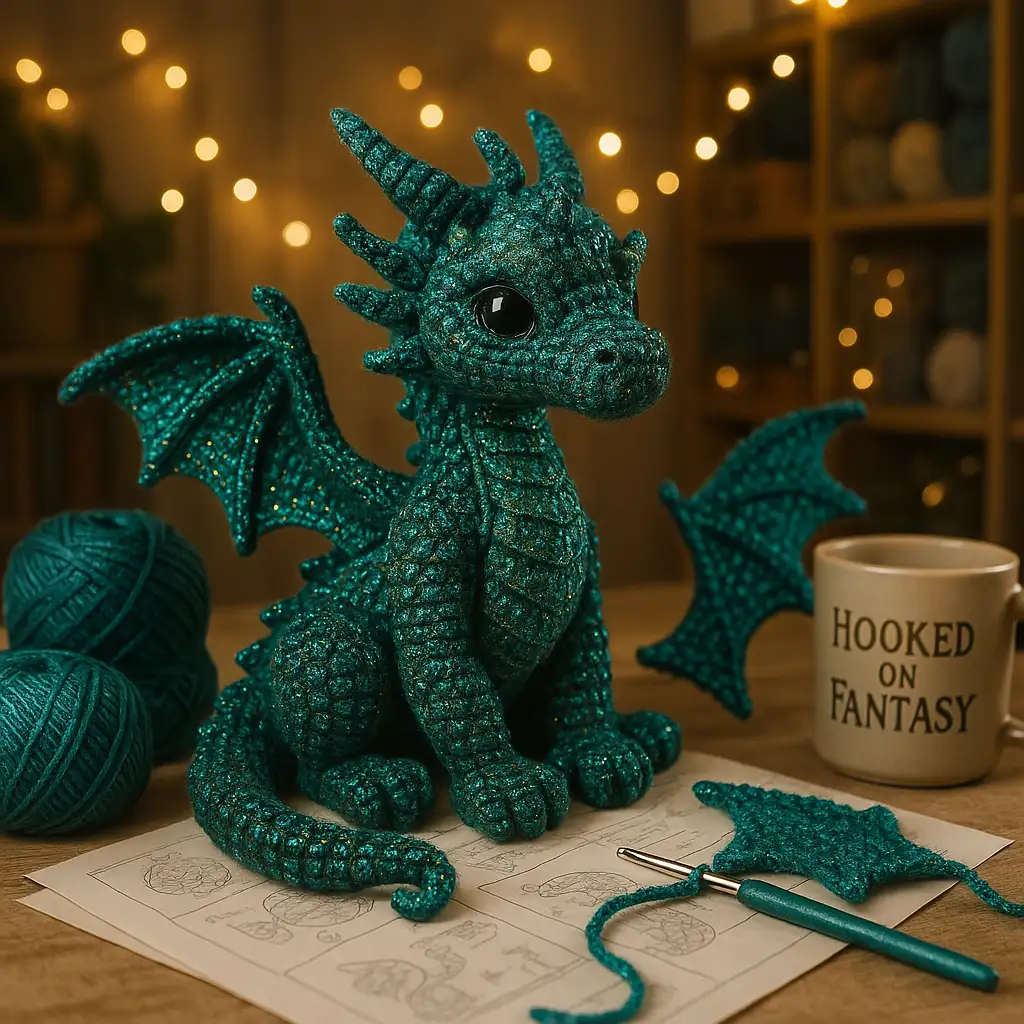
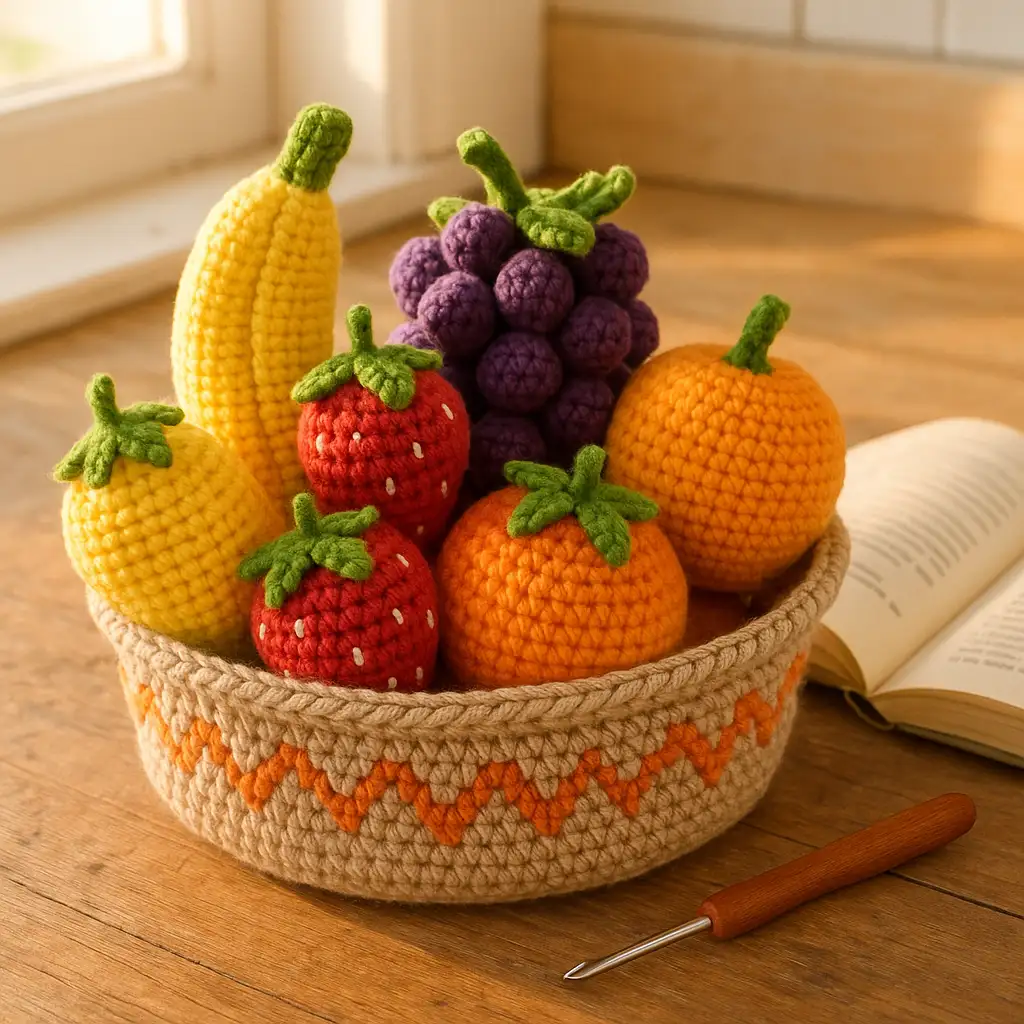
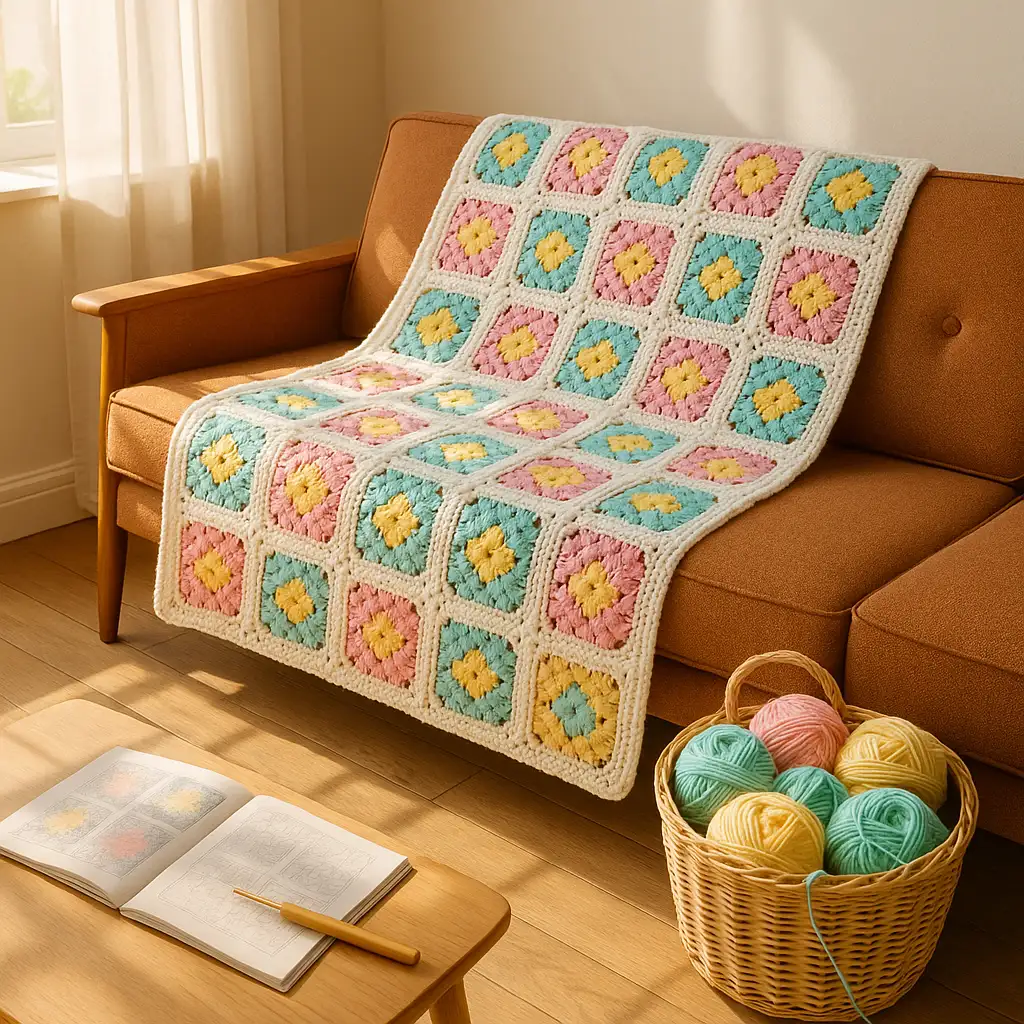
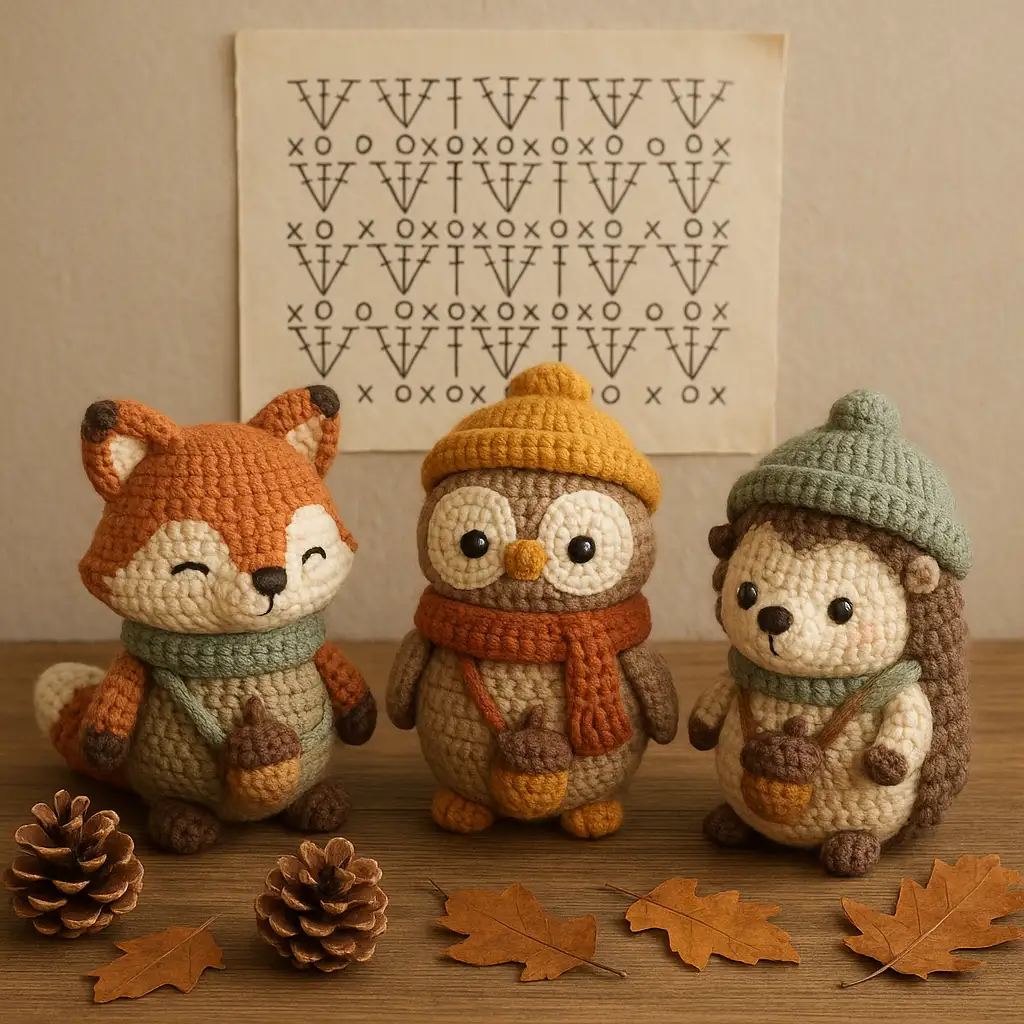
The agent gathers these inputs and preferences in the conversation before it starts.
Describe what you want to create...
Choices: Any Difficulty, Beginner, Easy, Intermediate, Advanced
Choices: Any Item Type, Blanket, Scarf, Sweater, Hat, Amigurumi, Shawl, Bag, Home Decor
Choices: Any Yarn Weight, Lace (0), Fingering (1), Sport (2), DK (3), Worsted (4), Bulky (5), Super Bulky (6)
Choices: Any Colors, Monochrome, Pastel, Rainbow, Earth Tones, Jewel Tones
Create unique, professional crochet patterns tailored to your skill level and style.
Design your perfect crochet pattern in three simple steps:
Enter a detailed description of your desired crochet project.
Select yarn weight, stitch type, color scheme, and other preferences.
Let AI create unique crochet patterns based on your specifications.
Choose from various crochet stitches and techniques.
Explore designs with different color combinations.
Download your patterns instantly to start crocheting.
Preview how different stitches and techniques will look.
Create unique patterns for personal projects.
Generate custom patterns for customers and classes.
Get inspiration for new crochet pattern designs.
Create visual aids for crochet tutorials.
Design unique patterns for digital marketplaces.
Generate visuals for crochet pattern tutorials.
Include details about stitch type, yarn weight, and finished size.
Match the pattern difficulty to your skill level.
Choose appropriate yarn weights for your project type.
Consider how different stitches work together.
Consider how stitch size affects the final project.
Our AI supports various crochet projects including garments, accessories, home decor, amigurumi, and more. You can specify the type of project you want to create.
Yes! You can specify different stitch types, from basic single crochet to more complex patterns like shell stitch or granny squares.
You can generate patterns for any skill level. Be sure to specify your experience level in the description for appropriate pattern complexity.
Yes, you can generate multiple versions of your pattern to explore different stitch combinations and designs.
The generated images serve as visual references for your crochet projects. Use them alongside written patterns or as inspiration for your own designs.
Include details about the project type, desired stitches, yarn weight, color scheme, and any specific features you want. The more detailed your description, the better the results.


