Art Description
Describe your D&D artwork idea...

Create stunning fantasy artwork for your D&D campaigns with AI
Reference media and sample results for this task.
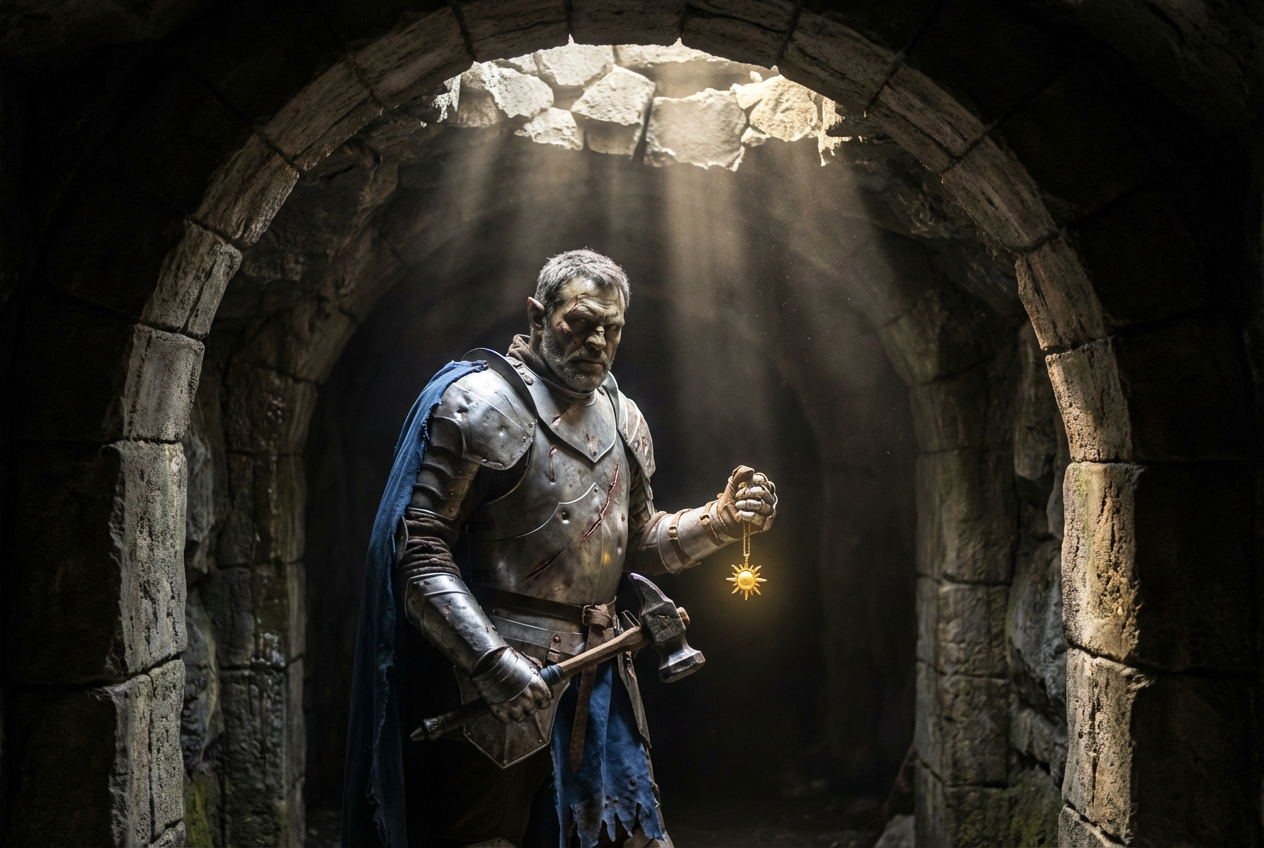
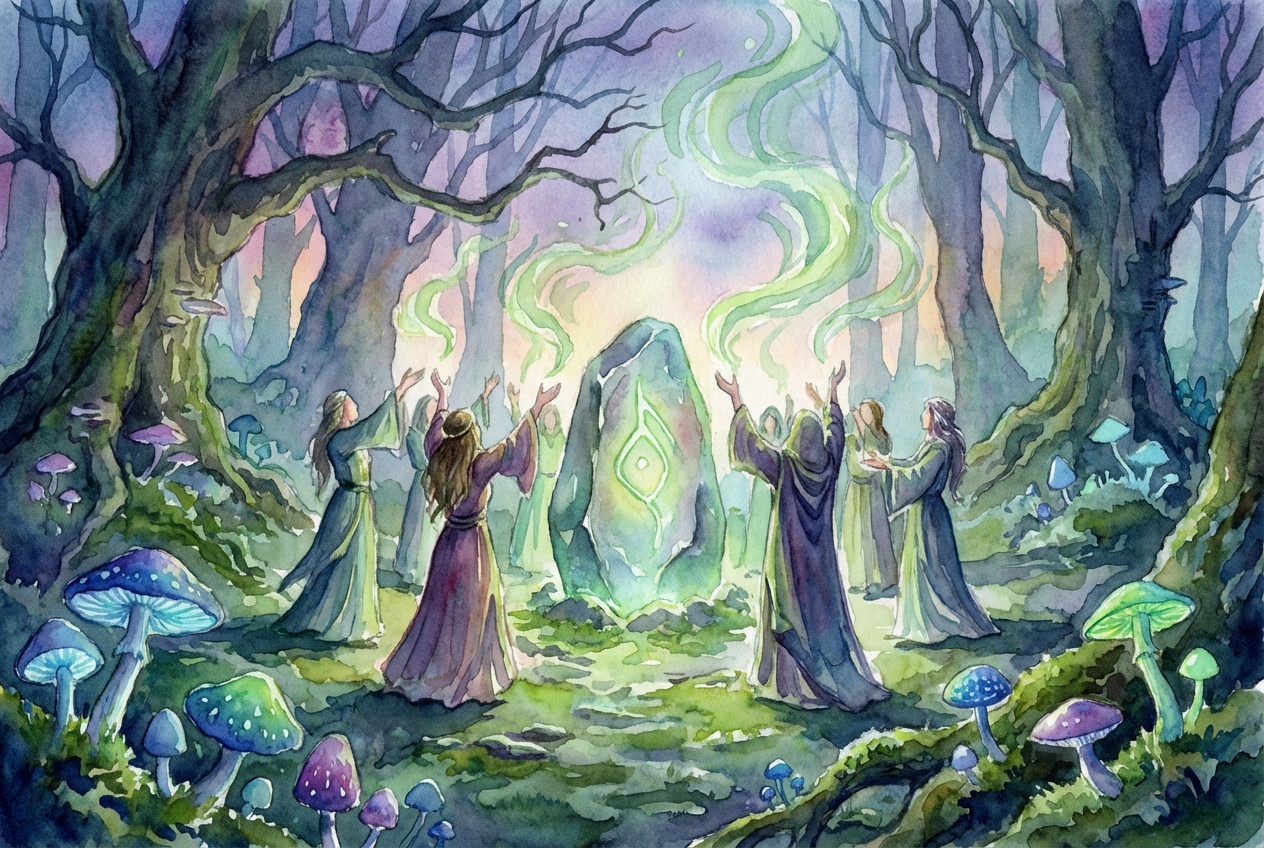
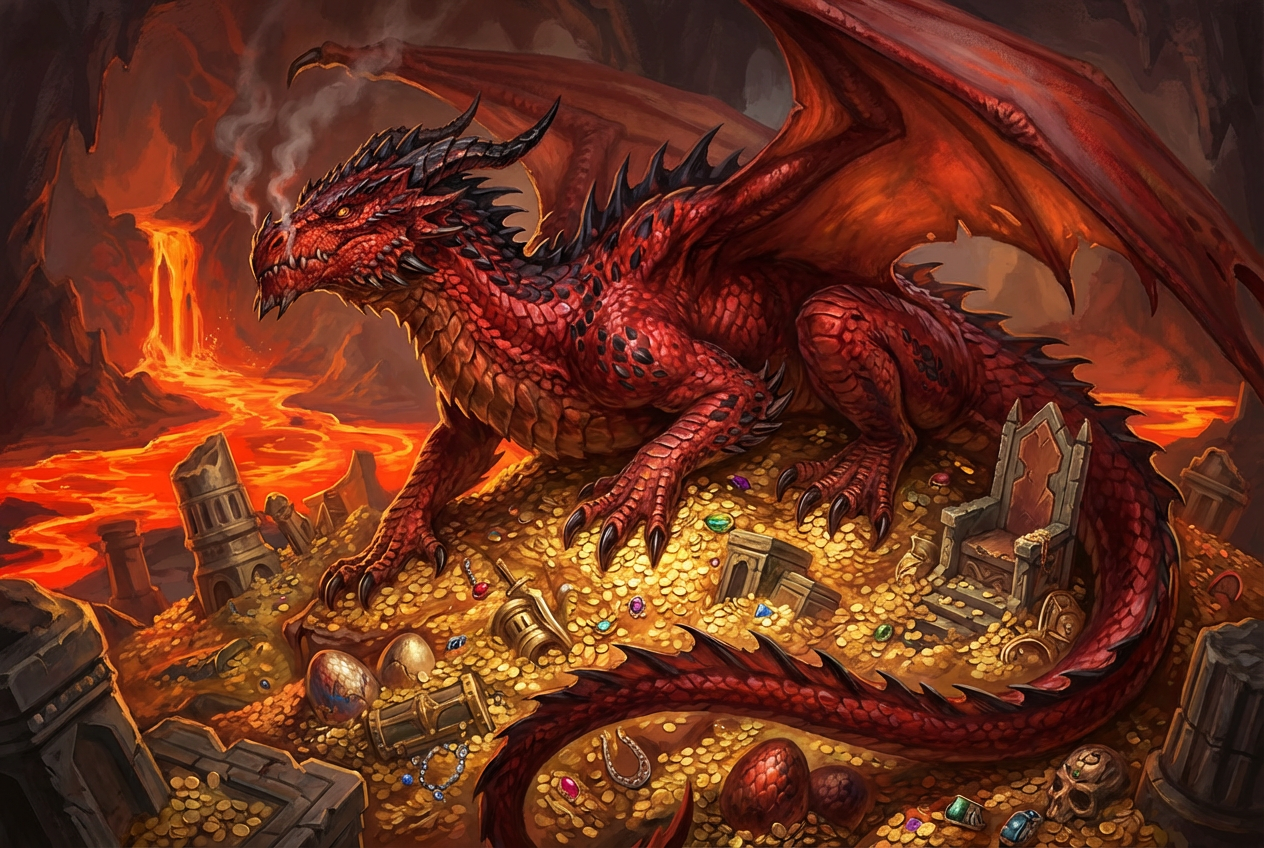
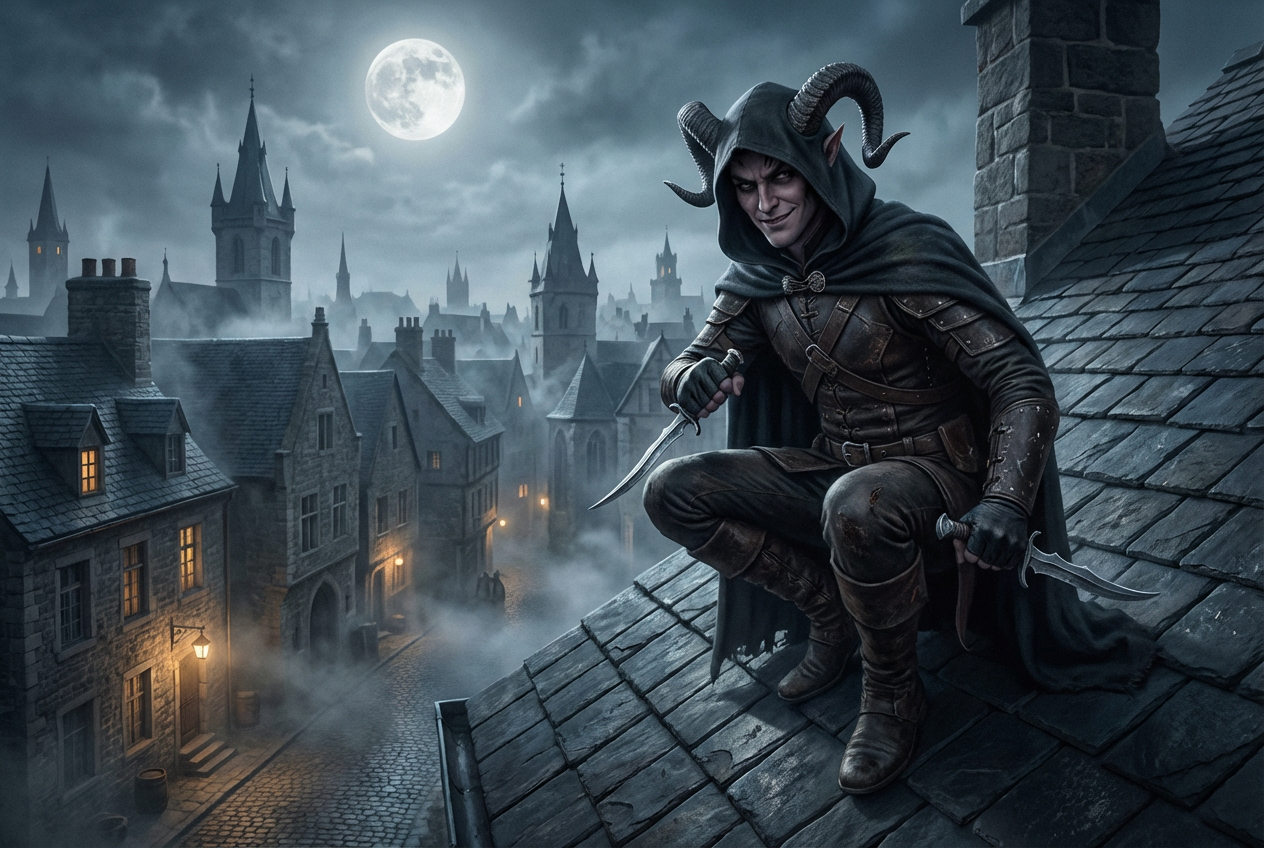
The agent gathers these inputs and preferences in the conversation before it starts.
Describe your D&D artwork idea...
Choices: Any Type, Character Portrait, Battle Scene, Location Map, Magical Item, Creature Illustration, Environment Art, Action Scene, Character Group, Dungeon Map, City Map
Choices: Any Setting, Dungeon, Forest, Castle, City, Tavern, Mountain, Desert, Underwater, Ethereal Plane, Battlefield
Choices: Any Lighting, Magical, Torchlight, Daylight, Moonlight, Dramatic, Ambient, Dark, Fire-lit
Create professional fantasy artwork for your D&D campaigns and characters.
Create your perfect D&D artwork in three simple steps:
Describe your character, scene, or map in detail.
Choose art style, setting, and lighting to match your campaign's atmosphere.
Let AI create stunning fantasy artwork based on your specifications.
Generate character portraits, battle scenes, maps, and magical items.
Choose from classic fantasy, dark fantasy, realistic, and more.
Download your artwork instantly for your campaign materials.
Create consistent artwork that matches your campaign's theme.
Create visual aids and maps for your campaigns.
Bring your characters to life with custom portraits.
Design locations and environments for your settings.
Generate artwork for D&D supplements and materials.
Create visual references for NPCs and encounters.
Illustrate key moments and locations in your narrative.
Include details about character appearance, equipment, and pose.
Describe the environment and atmosphere you want to convey.
Choose art styles that fit your campaign's tone and setting.
Consider how the artwork will be used in your campaign materials.
For battle scenes, describe the action and dramatic moments.
You can create character portraits, battle scenes, maps, magical items, creature illustrations, and environment art. Each type is optimized for D&D-style fantasy artwork.
Yes! Choose from various styles including classic fantasy, dark fantasy, realistic, comic book, and more to match your campaign's aesthetic.
Yes, all generated artwork is royalty-free and can be used in your commercial D&D content, streaming, or publications.
Absolutely! You can create detailed maps of dungeons, cities, and various locations, complete with fantasy elements and appropriate styling.
The more detailed your description, the better the results. Include information about appearance, setting, lighting, and mood for best results.
Yes, by using the same art style and description parameters, you can maintain consistency across multiple character portraits or scenes.
Images are generated in high resolution, suitable for both digital display and print materials for your campaign.
Yes, you own full rights to the generated artwork and can edit, modify, or enhance it using other tools as needed.


