Describe your D&D map
Tavern interior with tables and fireplace, forest clearing with river...

Create custom Dungeons & Dragons battle maps, world maps, and dungeon layouts for your campaigns
Reference media and sample results for this task.
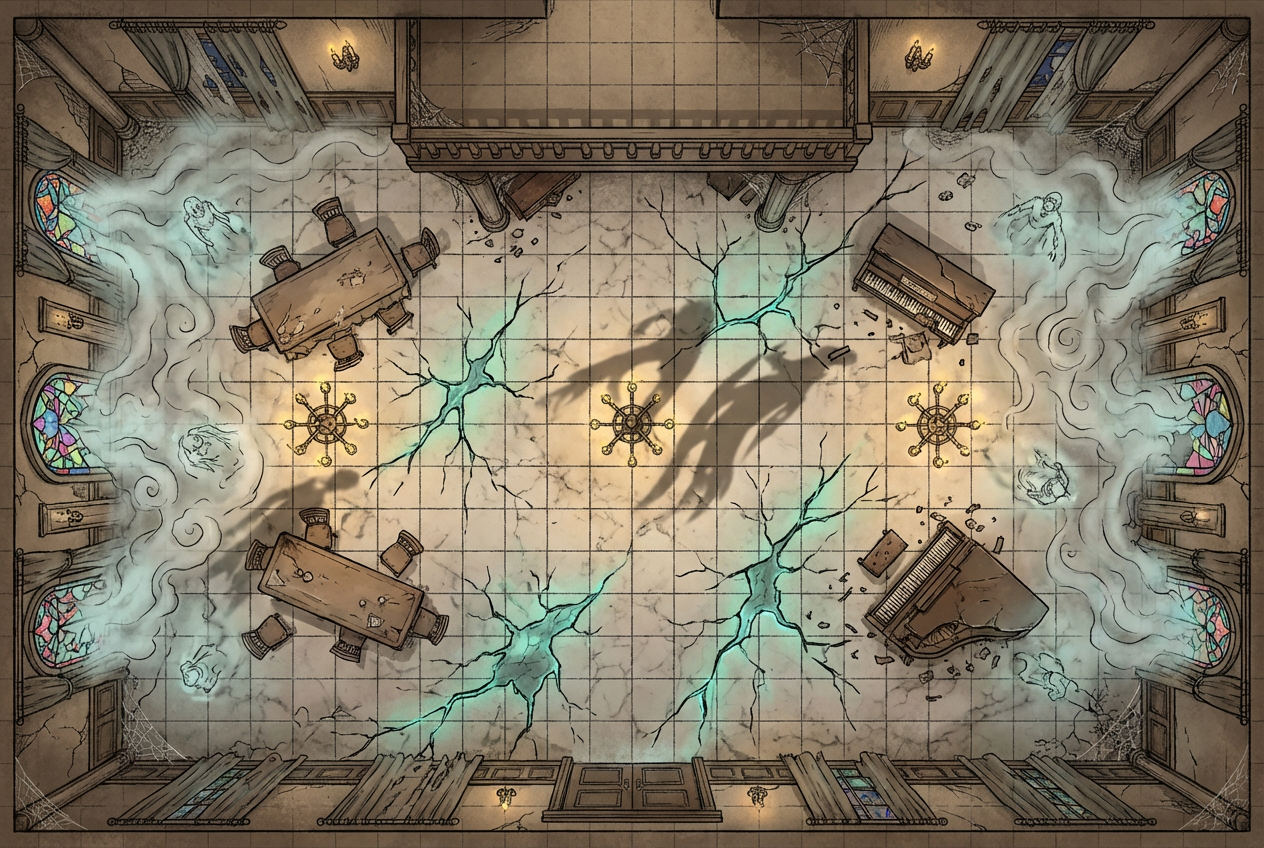
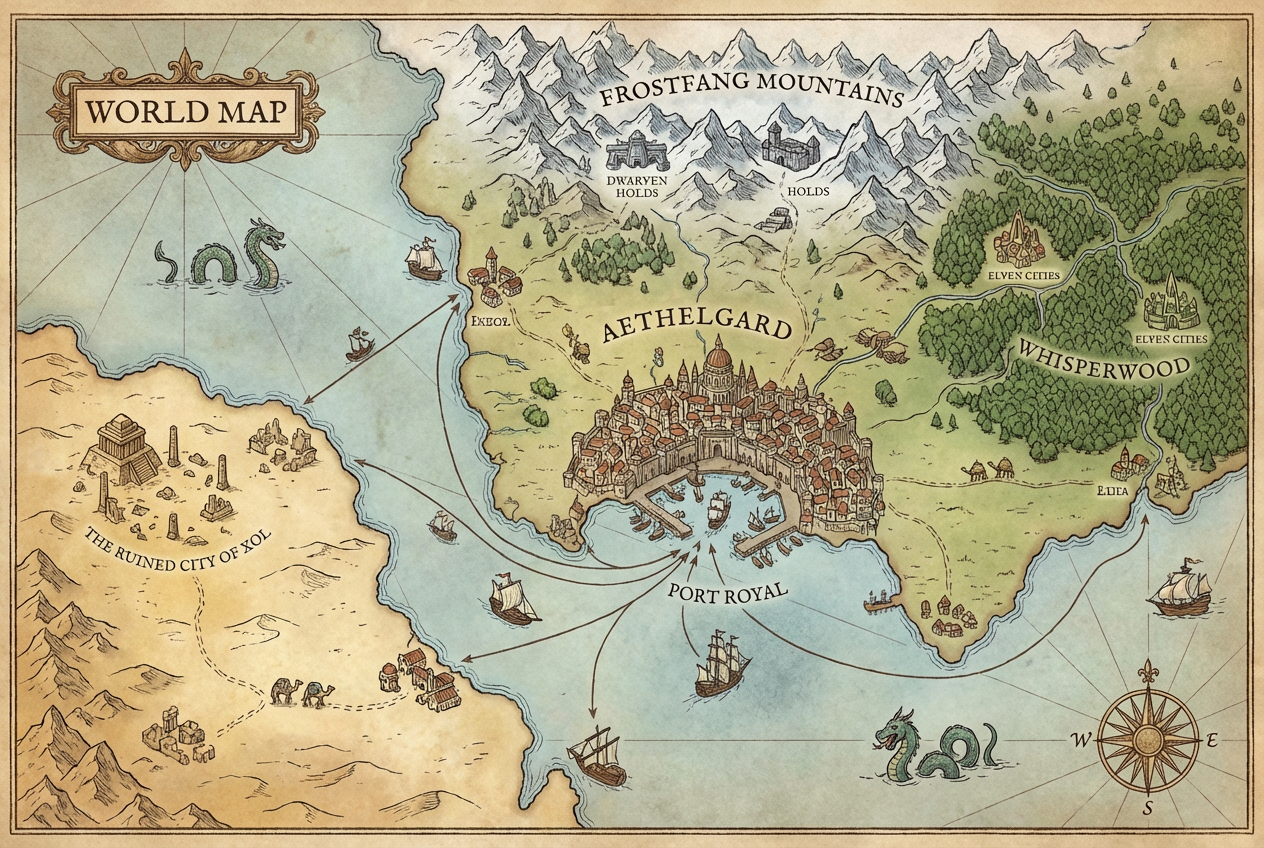
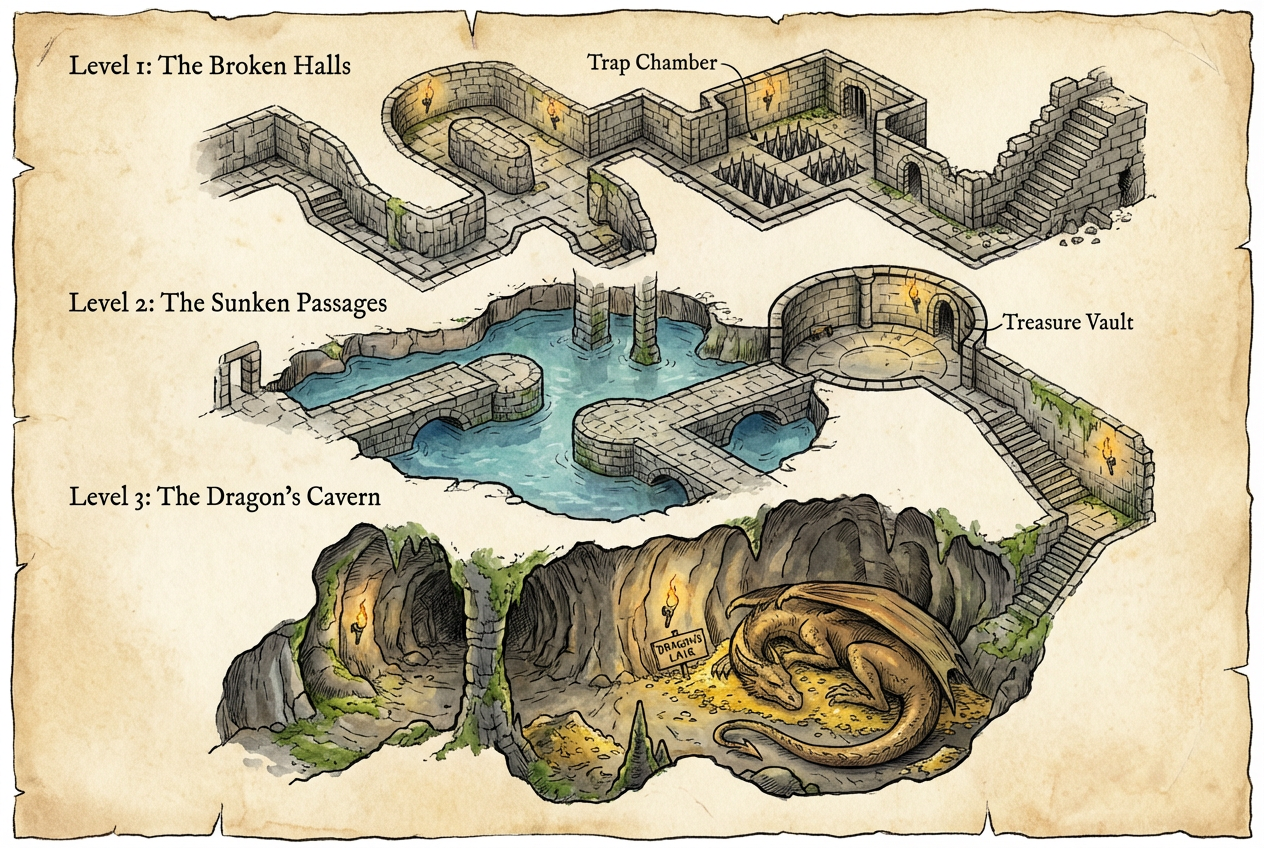
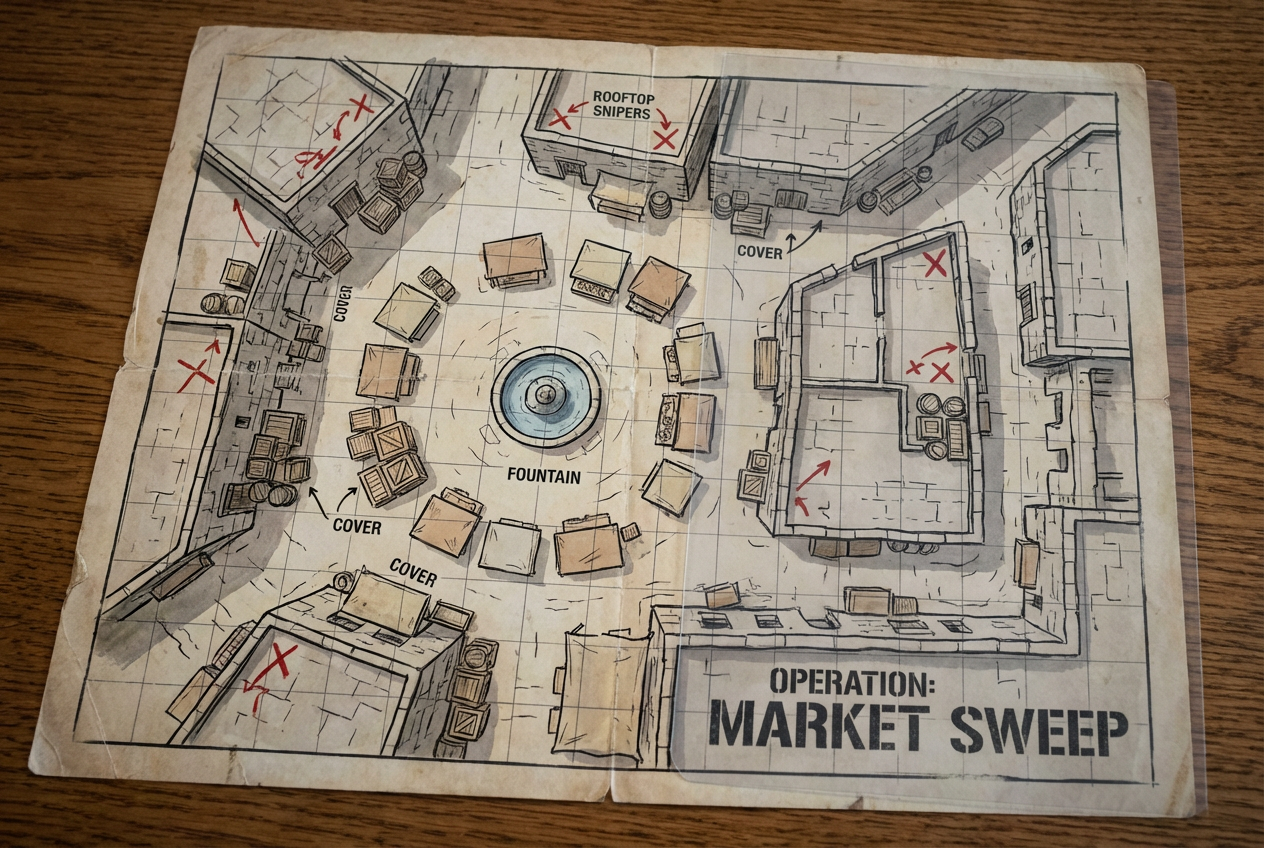
The agent gathers these inputs and preferences in the conversation before it starts.
Tavern interior with tables and fireplace, forest clearing with river...
Choose the type of D&D map
Choices: Any Map Type, Battle Map (Grid), Dungeon Layout, World/Region Map, Town/City Map, Building Interior, Wilderness Area, Cave System, Castle/Fortress
Choices: Any Terrain, Forest, Grassland, Mountain, Desert, Swamp, Snow/Ice, Underground, Coastal
Choices: Standard Detail, Minimal (Clean), Highly Detailed, Strategic (Simple)
Choices: Any Lighting, Bright/Daytime, Dim/Candlelit, Dark/Shadowy, Magical Lighting
Include grid overlay for tactical play
Include text labels for rooms/areas
Create professional tabletop RPG maps instantly with AI, perfect for Dungeon Masters running D&D, Pathfinder, and other fantasy campaigns.
Create professional RPG maps in three simple steps
Enter what you need - a tavern, dungeon room, forest clearing, or entire region.
Choose map type, terrain, style, detail level, and add grid or labels.
Download and import directly into Roll20, Fantasy Grounds, or print for tabletop.
Battle maps, dungeons, world maps, town maps, interiors, wilderness, caves, and castles.
Add tactical grid overlay perfect for D&D combat on virtual tabletops.
Forest, grassland, mountain, desert, swamp, snow, underground, and coastal terrains.
Hand-drawn, realistic, token-friendly, vintage parchment, or modern digital styles.
Bright daytime, dim candlelit, dark shadowy, or magical lighting effects.
Add text labels for rooms, areas, and points of interest on your maps.
Perfect for tabletop RPG enthusiasts and professionals
Quickly create maps for D&D, Pathfinder, and other RPG campaigns without spending hours drawing.
Generate regional and world maps for fantasy campaigns and homebrew settings.
Create maps optimized for Roll20, Fantasy Grounds, Foundry VTT, and other platforms.
Design maps for published adventures, one-shots, and campaign modules.
Generate maps for YouTube campaigns, Twitch streams, and actual play content.
Create professional maps for commercial RPG products and supplements.
Describe room sizes, connections, and key features like 'rectangular room with two doors and a fireplace on the north wall'.
Enable battle grid for tactical combat maps, but disable for world/region maps for cleaner aesthetics.
Token-friendly style works best for VTTs, hand-drawn for classic feel, realistic for immersive scenes.
Dark lighting for dungeons and night scenes, bright for outdoor encounters, magical for mystical locations.
Use detailed maps for important locations, minimal for quick encounters to keep file sizes manageable.
You can create battle maps with grids, dungeon layouts, world/region maps, town/city maps, building interiors, wilderness areas, cave systems, and castle/fortress maps.
Yes, the maps are compatible with Roll20, Fantasy Grounds, Foundry VTT, and other virtual tabletop platforms. The grid overlay aligns with standard 5ft squares.
Battle maps are tactical encounter maps with grids, dungeon layouts show room connections, world maps show large regions, and interior maps show building layouts in detail.
Yes, enable the battle grid option to add a tactical grid overlay perfect for D&D combat and measuring movement.
Choose from hand-drawn (classic RPG), realistic 3D, token-friendly (clear for miniatures), vintage parchment, or modern digital styles.
Yes, all generated maps are available for commercial use including published adventures, Patreon content, and RPG supplements.
You can choose minimal (clean and simple), standard, highly detailed (furniture and decorations), or strategic (focus on layout only).
Yes, enable location labels to add room names, area descriptions, and points of interest directly on the map.
Forest, grassland, mountain, desert, swamp, snow/ice, underground, and coastal terrains are all available.
Yes, the high-resolution output is perfect for printing physical maps for in-person tabletop games.


