Doodle Description
Describe what you want to create...

Transform your ideas into creative, hand-drawn style doodles with AI
Reference media and sample results for this task.
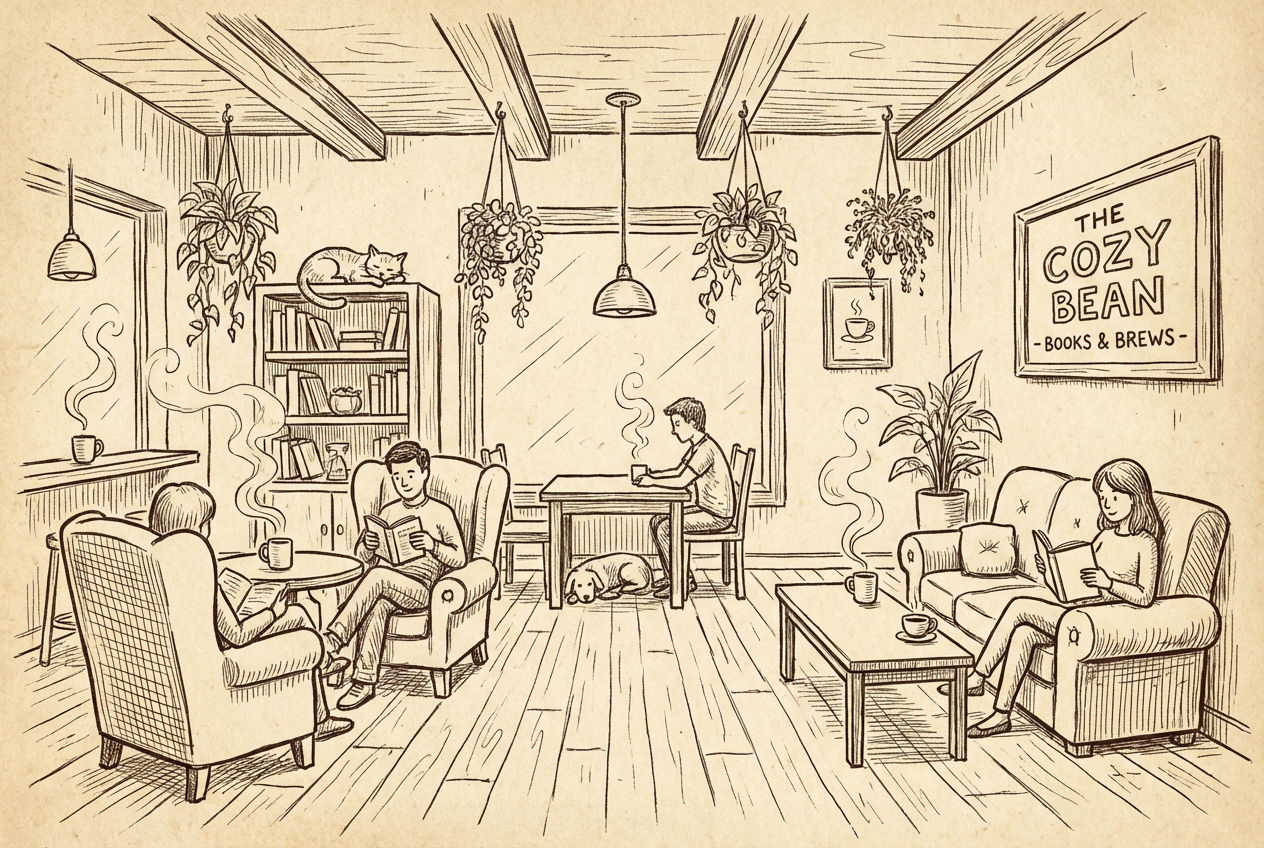
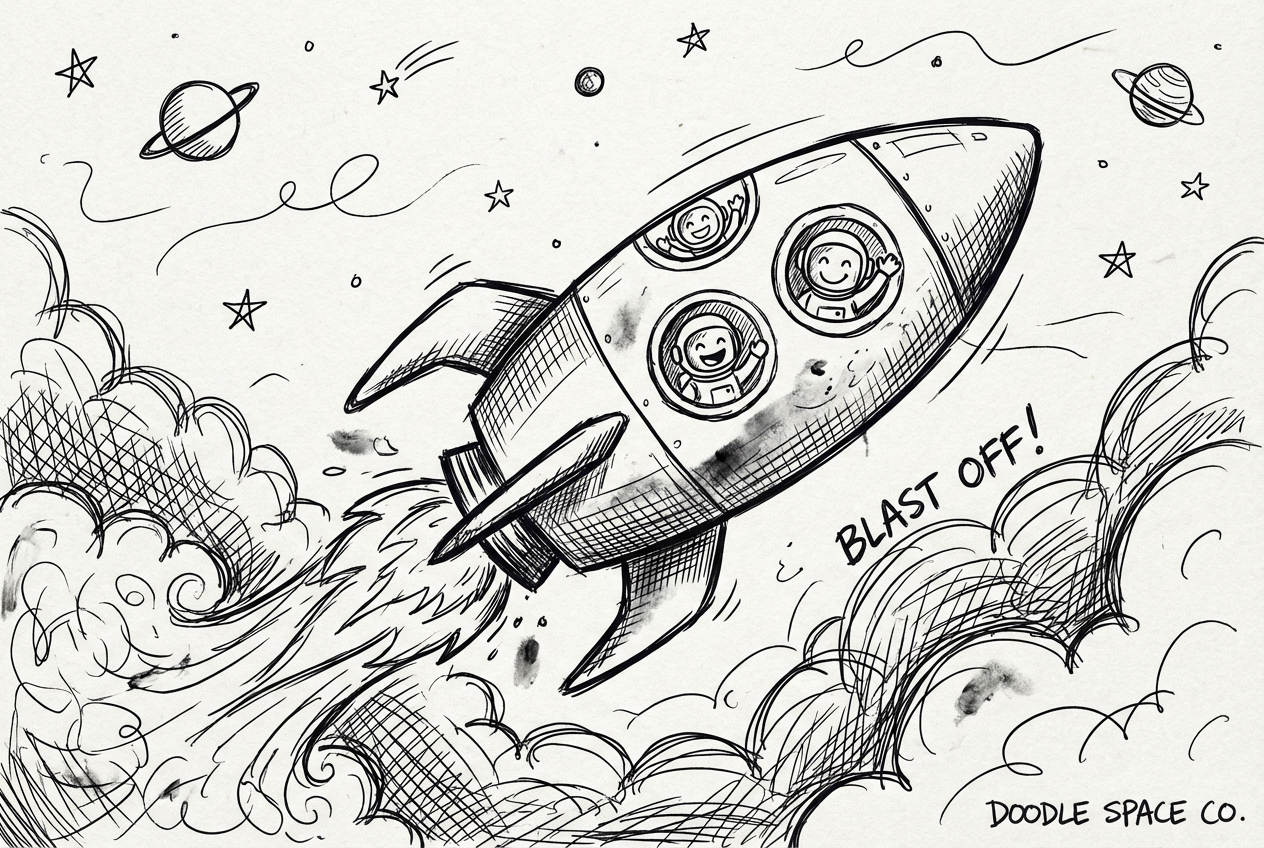
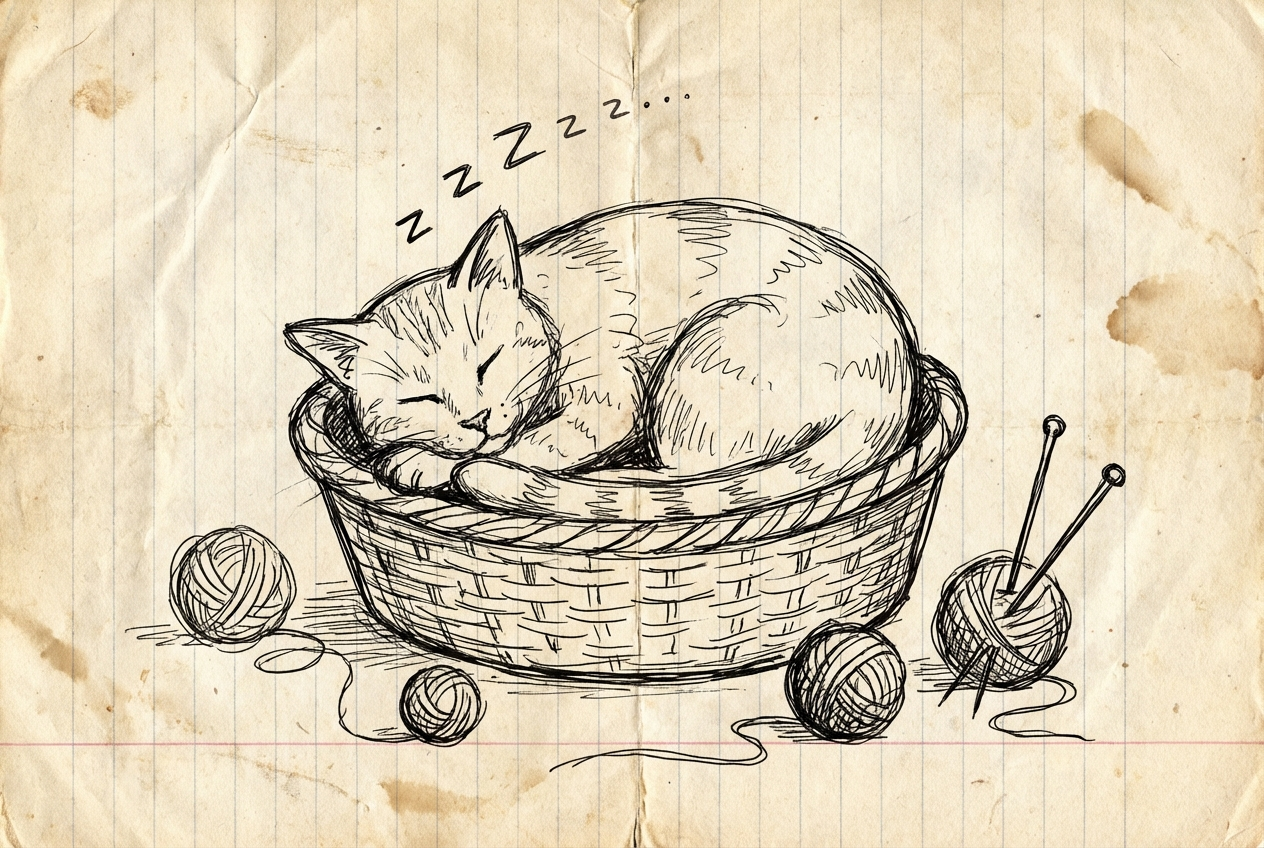
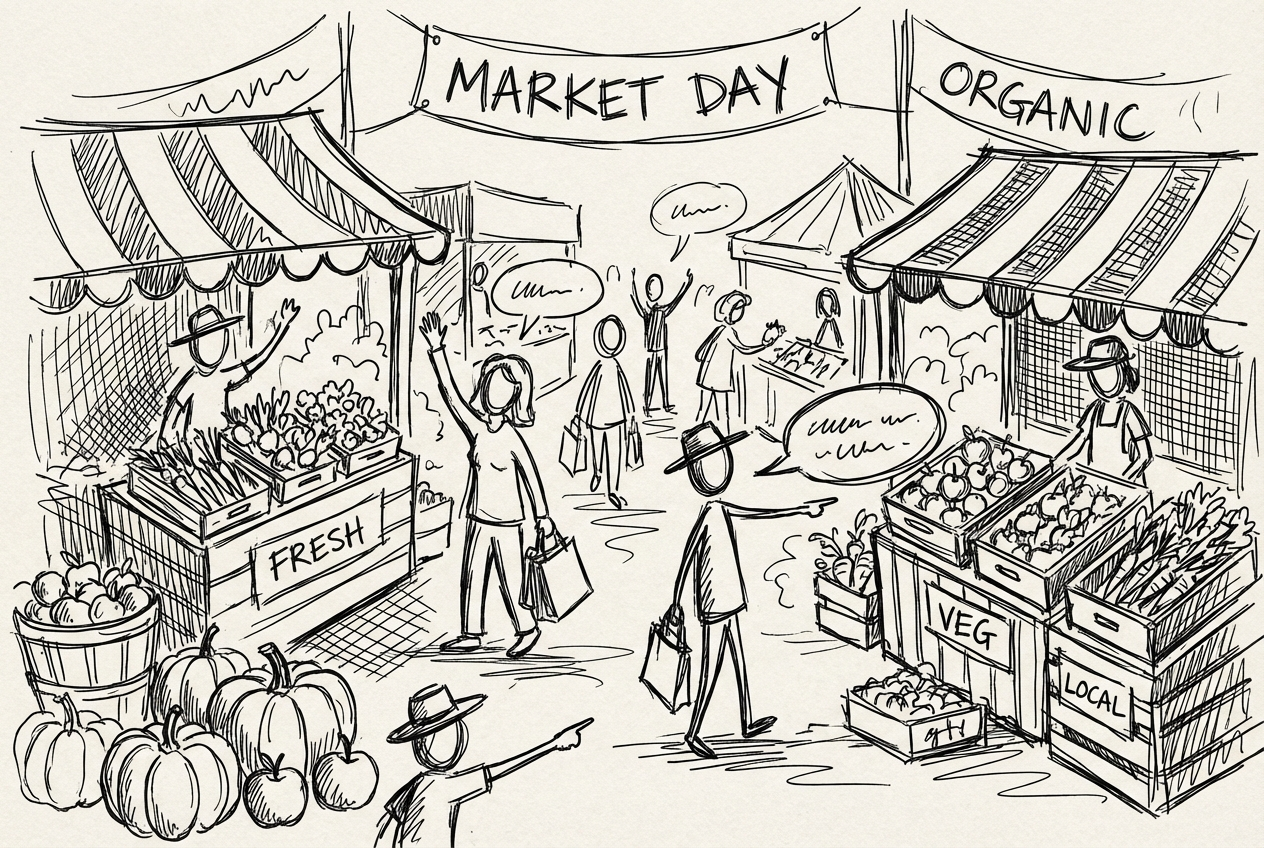
The agent gathers these inputs and preferences in the conversation before it starts.
Describe what you want to create...
Choices: Any Complexity, Simple, Moderate, Complex, Intricate
Choices: Any Medium, Pencil, Pen, Marker, Crayon, Charcoal
Choices: Any Colors, Monochrome, Colorful, Pastel, Bold, Muted
Choices: Any Mood, Playful, Relaxed, Energetic, Dreamy, Quirky
Create spontaneous, creative doodles with the power of AI assistance.
Create your perfect doodle in three simple steps:
Enter a description of what you'd like to doodle.
Select style, complexity, medium, and color preferences.
Let AI create unique doodles based on your specifications.
Choose from casual, cartoon, abstract, and other popular doodling styles.
Explore designs in monochrome or various color schemes.
Download your doodles instantly to share or use in projects.
Simulate different drawing tools from pencils to markers.
Express your ideas through spontaneous digital doodles.
Generate quick sketches and creative inspiration.
Create unique doodles for projects and presentations.
Add visual elements to your notes and journals.
Explore creative doodling without artistic training.
Generate unique visuals for social media and content.
Begin with basic ideas and gradually increase complexity.
Try different styles to find what best suits your vision.
Choose a drawing medium that matches your desired look.
Explore different color schemes to enhance your doodles.
Include specific elements you want to see in your doodle.
Our generator supports various styles including casual, cartoon, abstract, whimsical, geometric, zentangle, graffiti, and kawaii.
Yes! You can simulate different drawing tools like pencils, pens, markers, crayons, and charcoal.
You can control the complexity level from simple sketches to intricate designs with multiple elements.
Yes, you can generate multiple versions of your doodle to explore different interpretations and styles.
You can use them for personal projects, social media, presentations, or any creative purpose you have in mind.
Include details about the subject, style, complexity, and any specific elements you want to see in your doodle.
Yes! All doodles generated by our AI Doodle Generator are 100% free for commercial use.
No, there are no restrictions. You own full rights to the doodles you generate and can modify, share, or sell them as you wish.


