Dragon Description
Describe your desired dragon design...

Create majestic dragon designs with AI
Reference media and sample results for this task.
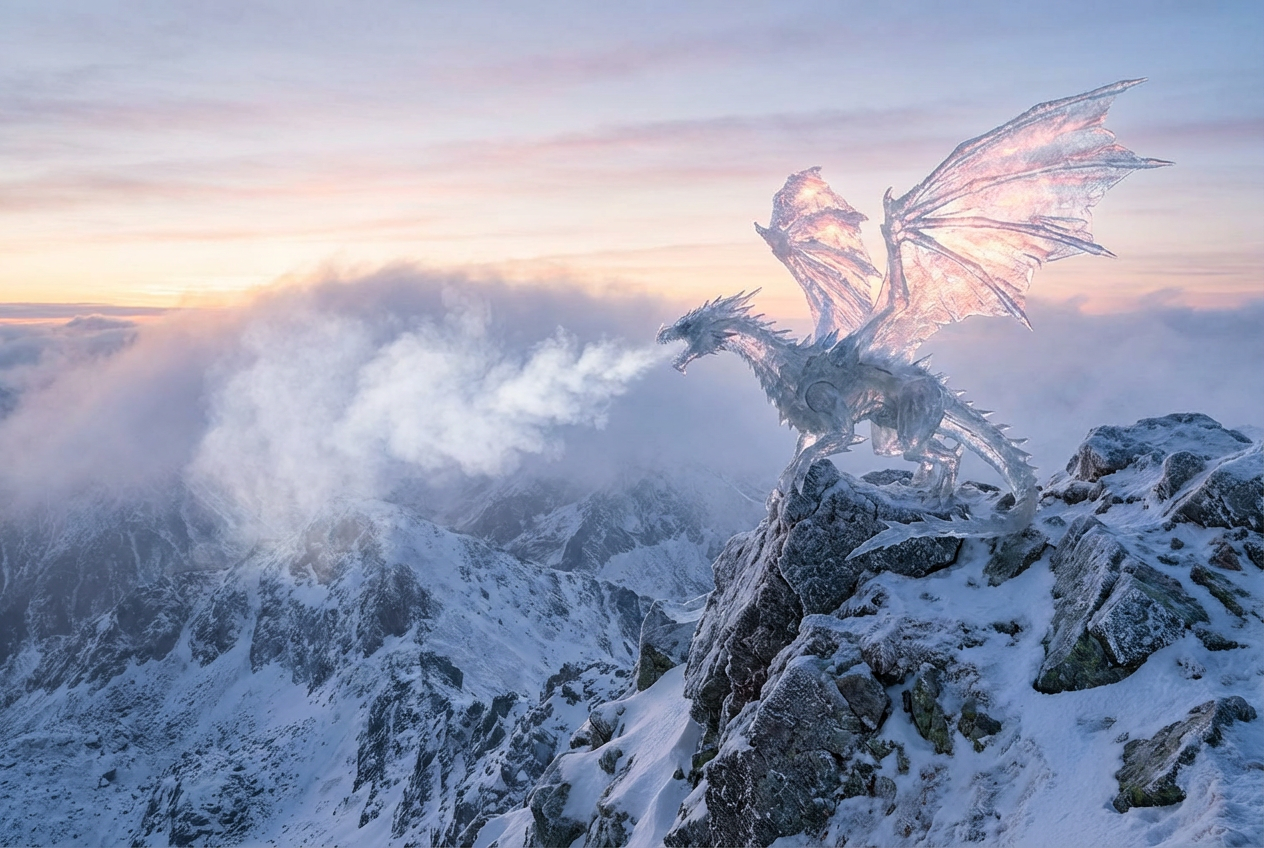
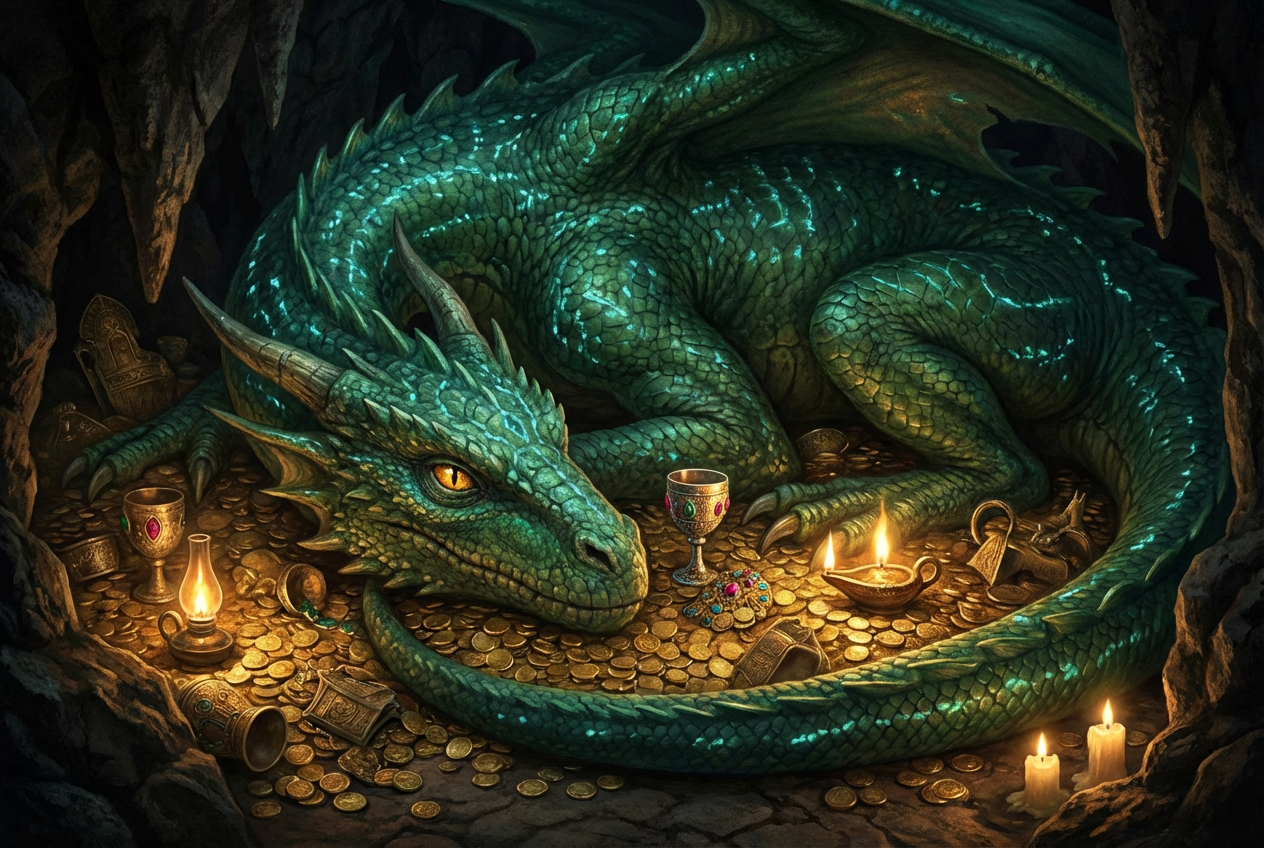
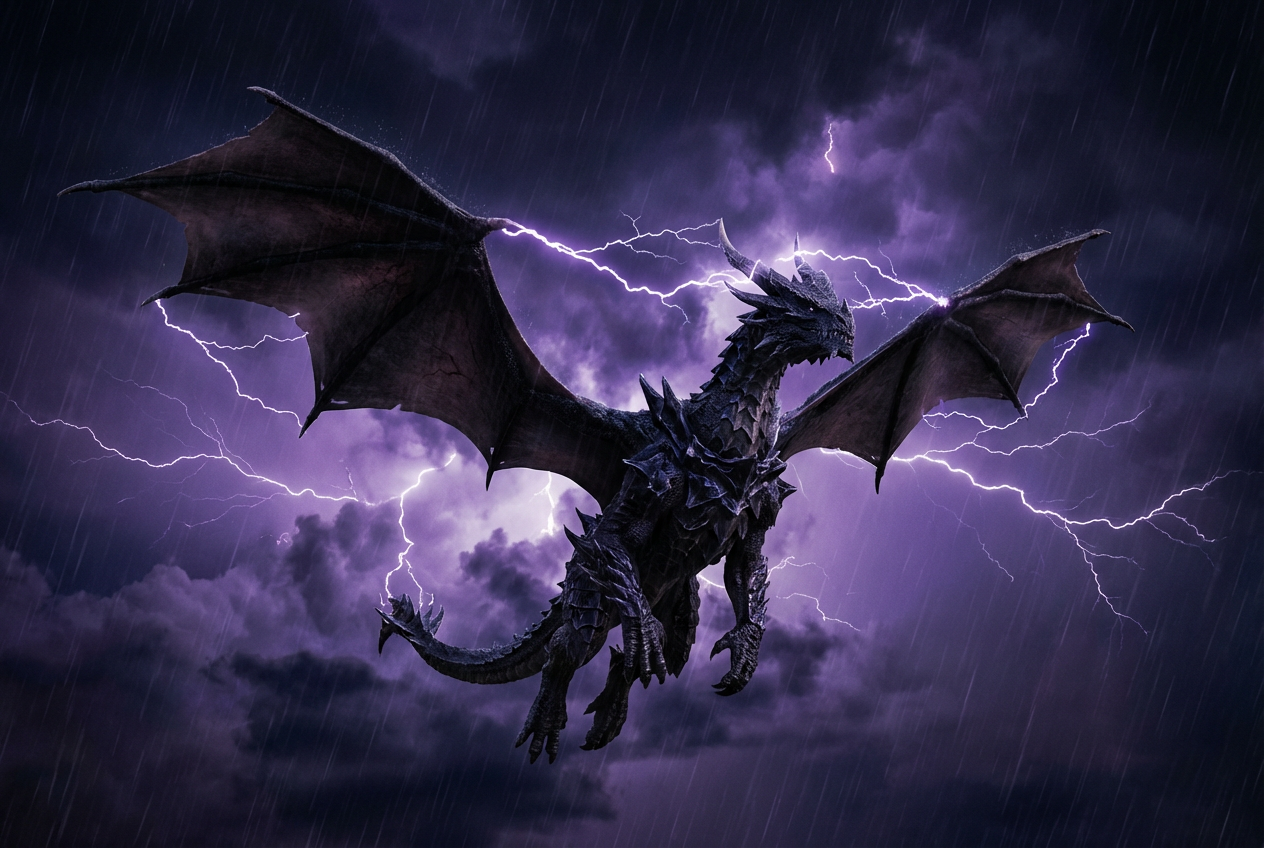
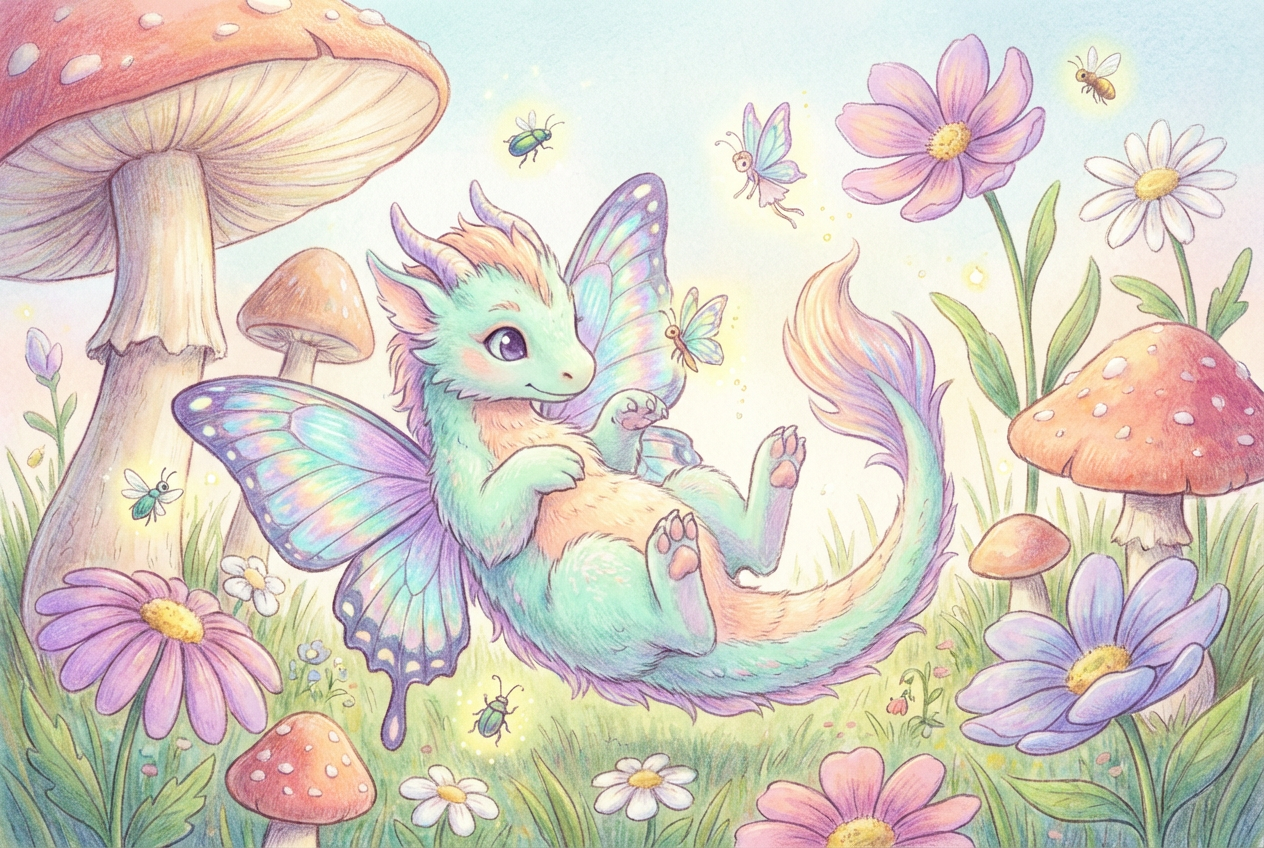
The agent gathers these inputs and preferences in the conversation before it starts.
Describe your desired dragon design...
Choices: Any Pose, Flying, Resting, Fighting, Perched, Sleeping, Roaring, Hunting
Choices: Any Environment, Mountains, Castle, Cave, Volcano, Forest, Ocean, Sky, Ancient Ruins
Choices: Any Element, Fire, Ice, Lightning, Shadow, Crystal, Wind, Earth
Choices: Any Colors, Red and Gold, Blue and Silver, Black and Purple, Green and Bronze, White and Ice Blue, Rainbow, Metallic
Create stunning, unique dragon designs tailored to your imagination.
Create your perfect dragon in three simple steps:
Enter a detailed description of your desired dragon design.
Select style, pose, environment, and elemental powers.
Let AI create unique dragon designs based on your specifications.
Choose from realistic, fantasy, eastern, western, and other popular dragon styles.
Customize your dragon with various elemental powers and effects.
Download your designs instantly for any creative project.
Place your dragon in various settings to enhance the design.
Get inspiration and reference material for dragon artwork.
Create unique dragon designs for games and applications.
Visualize dragons for book covers and story illustrations.
Generate dragon designs for various creative projects.
Bring your dragon ideas to life with AI assistance.
Create unique dragon artwork for social media and content.
Include specific features, colors, and characteristics you want in your dragon.
Choose a setting that complements your dragon's style and powers.
Combine different elemental powers for unique effects.
Specify the size and proportions you want for your dragon.
Include details about the dragon's personality in your description.
We support multiple styles including realistic, fantasy, eastern, western, mythological, and more. Each style has its own unique characteristics.
Yes! You can specify different elemental powers like fire, ice, lightning, and more to create unique dragon designs.
You can place your dragon in various environments including mountains, castles, caves, volcanoes, forests, and more.
Yes, you can generate multiple versions of your dragon to explore different interpretations and styles.
You can easily download your generated designs in high resolution for any use.
Include details about the style, size, powers, and personality. Also mention any specific features or colors you want.
Yes! All designs generated by our AI Dragon Generator are free for commercial use.
No, you own full rights to the designs you generate and can modify, share, or sell them as you wish.


