Drawing Description
Describe what you want to create...

Create beautiful, custom drawings with AI technology
Reference media and sample results for this task.
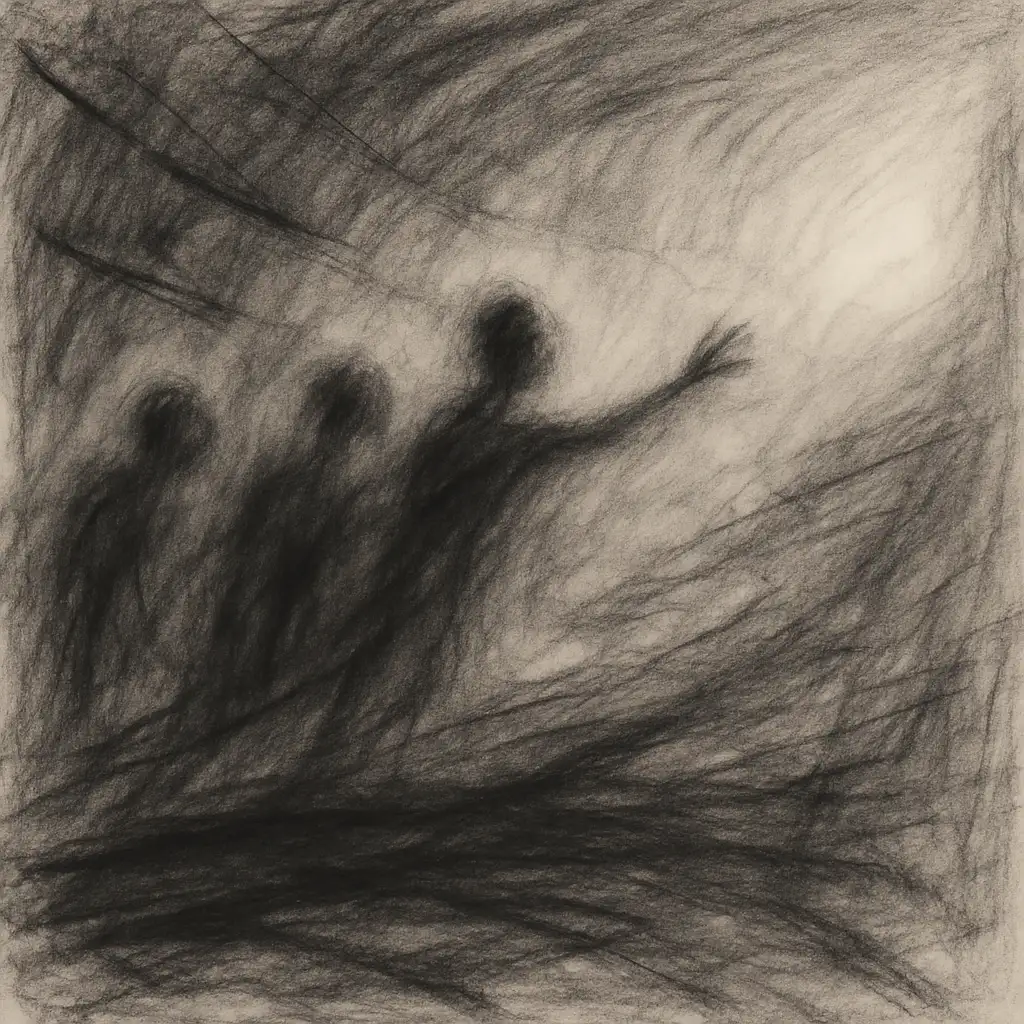
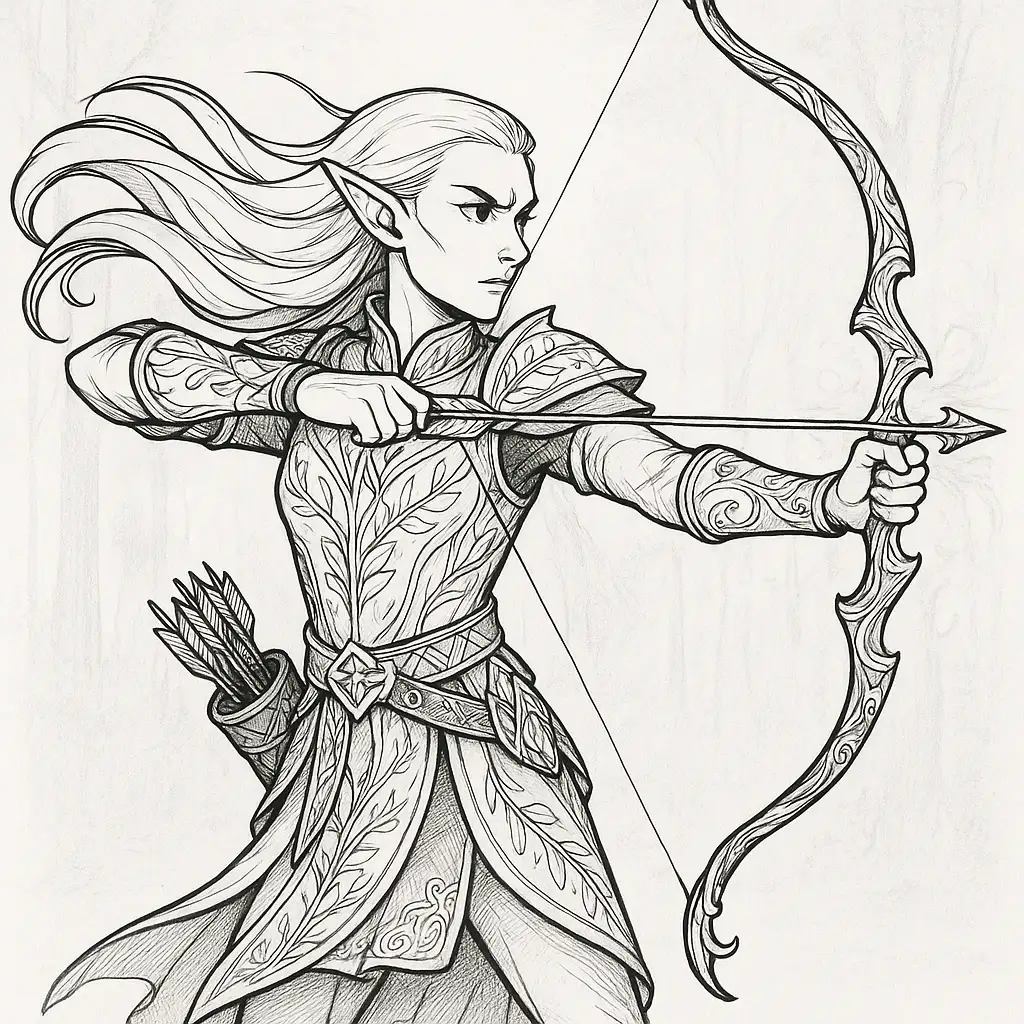
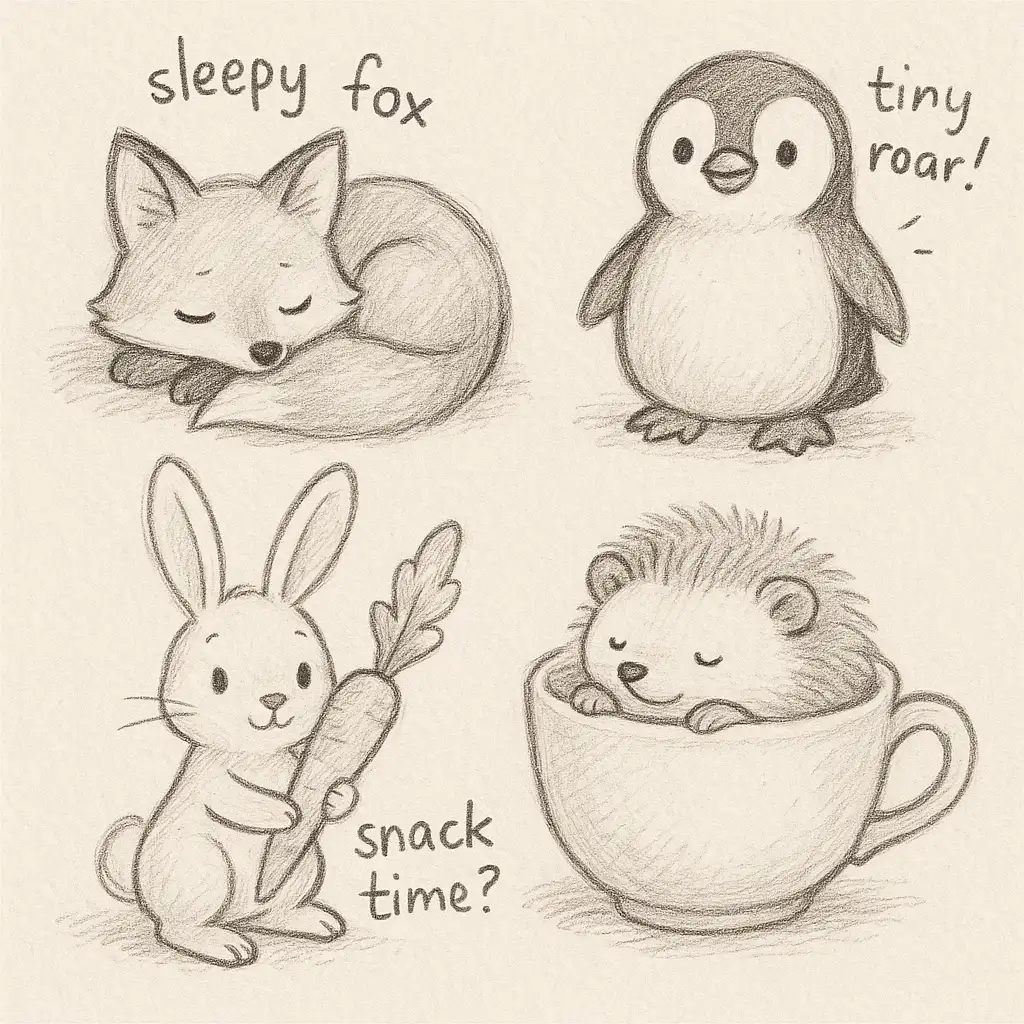
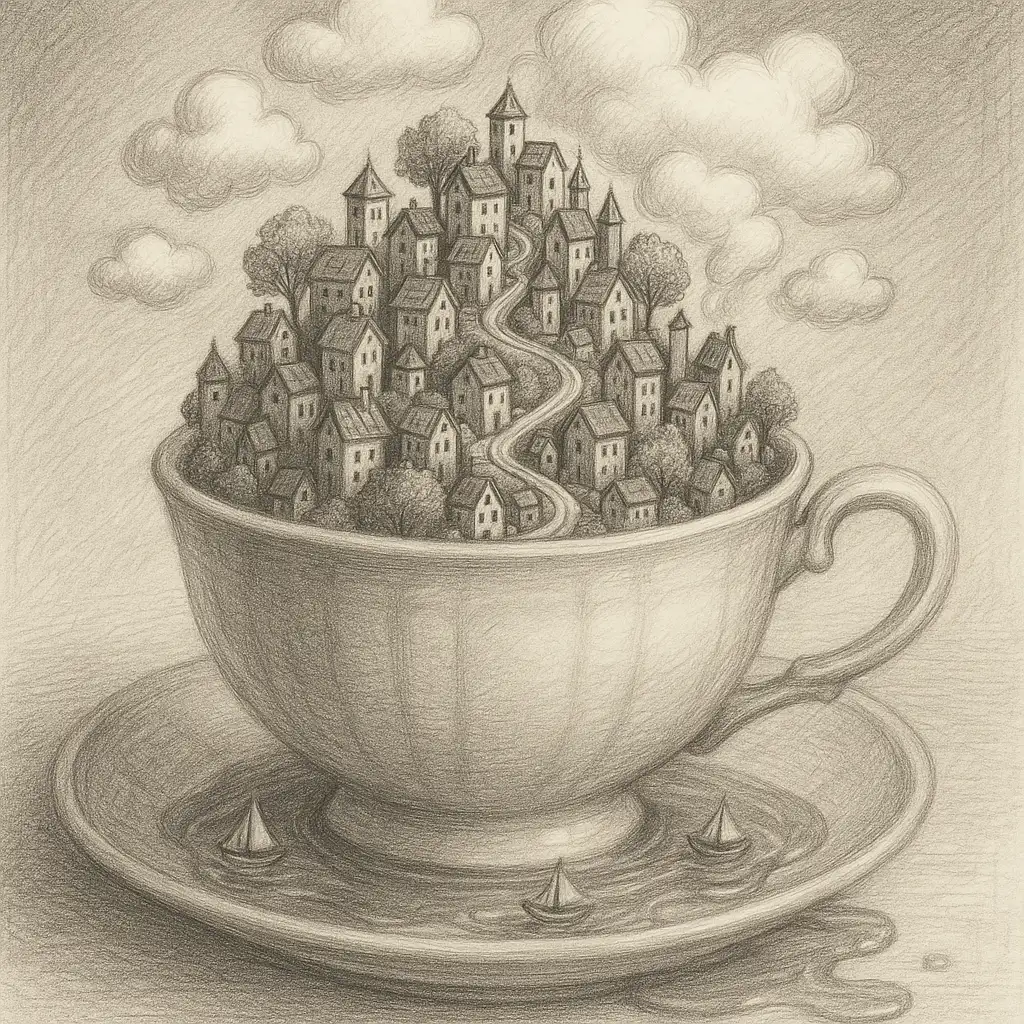
The agent gathers these inputs and preferences in the conversation before it starts.
Describe what you want to create...
Choices: Any Medium, Pencil, Charcoal, Pen and Ink, Colored Pencil, Watercolor, Oil Pastel, Digital, Mixed Media
Choices: Auto Complexity, Simple, Moderate, Complex, Highly Detailed
Choices: Any Mood, Cheerful, Peaceful, Dramatic, Mysterious, Energetic, Melancholic, Whimsical
Create stunning, personalized drawings with advanced AI technology.
Create your perfect drawing in three simple steps:
Enter a detailed description of what you want to draw.
Select style, medium, complexity, and mood preferences.
Let AI create unique drawings based on your specifications.
Choose from realistic, cartoon, manga, sketch, and other artistic styles.
Generate drawings in pencil, charcoal, watercolor, and more.
Adjust complexity from simple sketches to highly detailed artwork.
Control the emotional atmosphere of your generated drawings.
Practice and explore different styles and techniques.
Generate reference material and explore new creative directions.
Create beautiful artwork without years of training.
Bring your artistic visions to life with AI assistance.
Generate unique illustrations for your projects.
Include specific details about subjects, composition, and lighting.
Match the artistic style to your vision and intended use.
Select a medium that best suits your artistic goals.
Use mood settings to enhance the emotional impact of your drawing.
Adjust detail levels based on your needs and intended use.
We support multiple styles including realistic, cartoon, manga, sketch, abstract, impressionist, surrealist, minimalist, and pop art. Each style has its own unique characteristics.
Yes! You can select from various mediums including pencil, charcoal, pen and ink, colored pencil, watercolor, oil pastel, digital, and mixed media.
You can control the complexity level from simple sketches to highly detailed artwork, allowing you to match the detail level to your needs.
Yes, you can generate multiple versions of your drawing to explore different interpretations and styles.
Generated drawings can be easily downloaded in high resolution for printing or digital use.
Include details about the subject, composition, style, medium, and mood you want. The more specific your description, the better the results.
Yes! All drawings generated by our AI Drawing Generator are 100% free for commercial use. You can use them in your projects, portfolio, or any commercial work without any licensing restrictions.
No, there are no restrictions on how you can use the generated drawings. You own full rights to the artwork you generate and can modify, share, or sell them as you wish.


