Describe your engine
Enter your engine description...

Generate detailed engine designs and mechanical systems with AI
Reference media and sample results for this task.
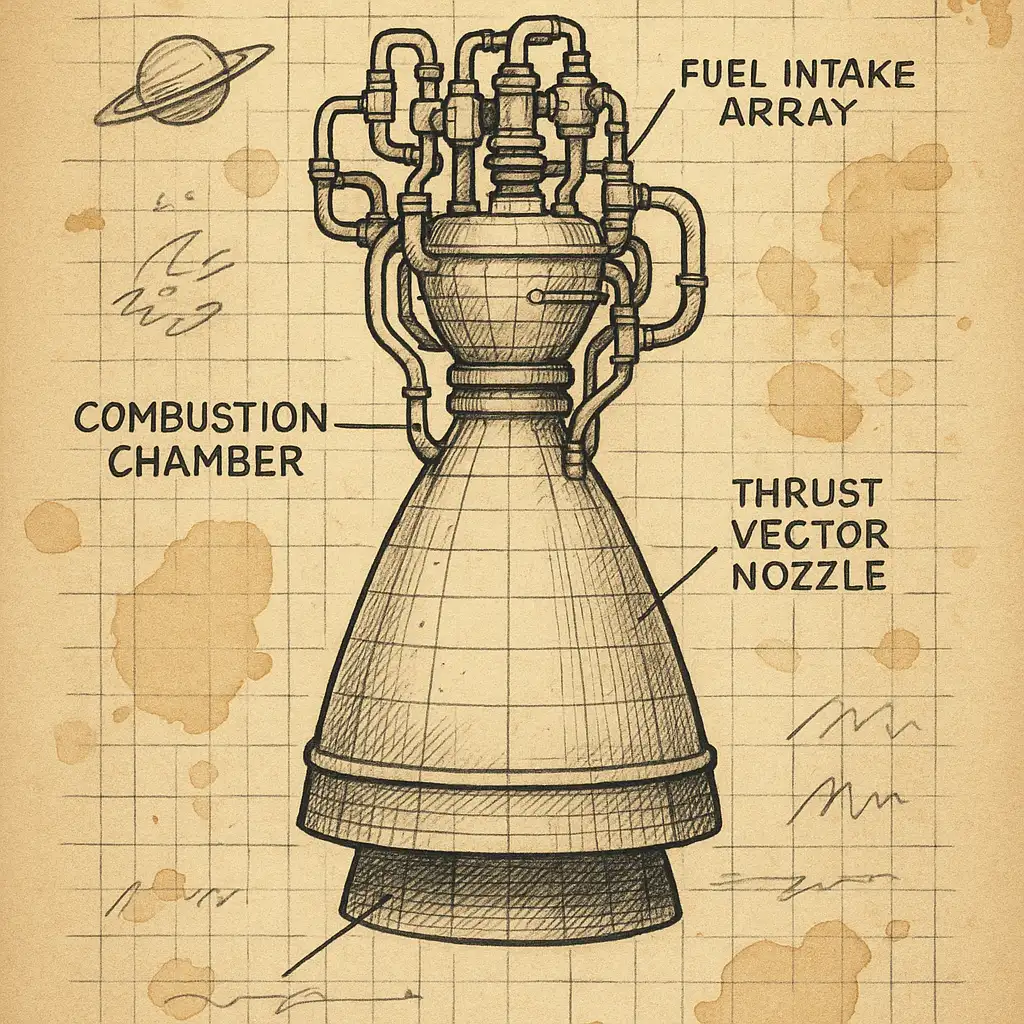
The agent gathers these inputs and preferences in the conversation before it starts.
Enter your engine description...
Choose the type of engine
Choices: Any Engine, Combustion Engine, Electric Motor, Jet Engine, Rocket Engine, Steam Engine, Diesel Engine, Turbine, Hybrid Engine, Futuristic Engine, Mechanical Engine
Choices: Standard View, Cross-Section, Isometric View, Close-Up Detail, Full Assembly
Choices: Standard Detail, Simplified, Moderate, Highly Detailed, Extremely Intricate
Create detailed, professional engine designs for technical illustrations and visualizations.
Create professional engine designs in three simple steps:
Enter details about the engine type, purpose, and key components.
Choose engine type, design style, view type, and level of detail.
Let AI create a detailed, technical engine illustration based on your specifications.
Generate combustion, electric, jet, rocket, steam, turbine, and futuristic engines.
Create realistic renders, technical drawings, blueprints, cutaways, or exploded views.
Generate cross-sections, isometric views, or close-up details of engine components.
High-resolution illustrations perfect for technical documentation and presentations.
Perfect for engineers, educators, and technical professionals.
Create technical illustrations for documentation, presentations, and proposals.
Generate visual aids for teaching mechanics, engineering, and physics concepts.
Illustrate manuals, guides, and educational materials with detailed engine diagrams.
Create engine designs for sci-fi games, simulators, or vehicle customization systems.
Mention important parts like pistons, cylinders, turbines, or power systems.
Describe the engine's application - automotive, aviation, marine, or industrial.
Use cross-sections to show internal workings, exploded views for assembly understanding.
High detail for technical documentation, simplified for educational overviews.
Mention size or power output to help convey the engine's scale and purpose.
You can create combustion engines, electric motors, jet engines, rocket engines, steam engines, diesel engines, turbines, hybrid engines, futuristic engines, and mechanical systems.
You can generate realistic renders, technical drawings, blueprints, cutaway views, exploded views, steampunk, sci-fi, and vintage styles.
Yes! You can generate cross-sections, isometric views, close-up details, or full assembly views of engines.
Absolutely! The high-resolution outputs with engineering precision are perfect for manuals, presentations, and educational materials.
Yes! Choose futuristic engine type or sci-fi style to create advanced, imaginative power systems.
You can control detail from simplified to extremely intricate, showing individual components, mechanisms, and internal structures.
Yes! The engine designs work great for sci-fi games, vehicle simulators, and mechanical design visualization.
Cutaway views show internal components while the engine is assembled. Exploded views separate components to show how they fit together.


