Describe your engraving
Vintage botanical engraving, medieval knight in woodcut style...

Create vintage engravings, woodcut art, and etching-style illustrations
Reference media and sample results for this task.
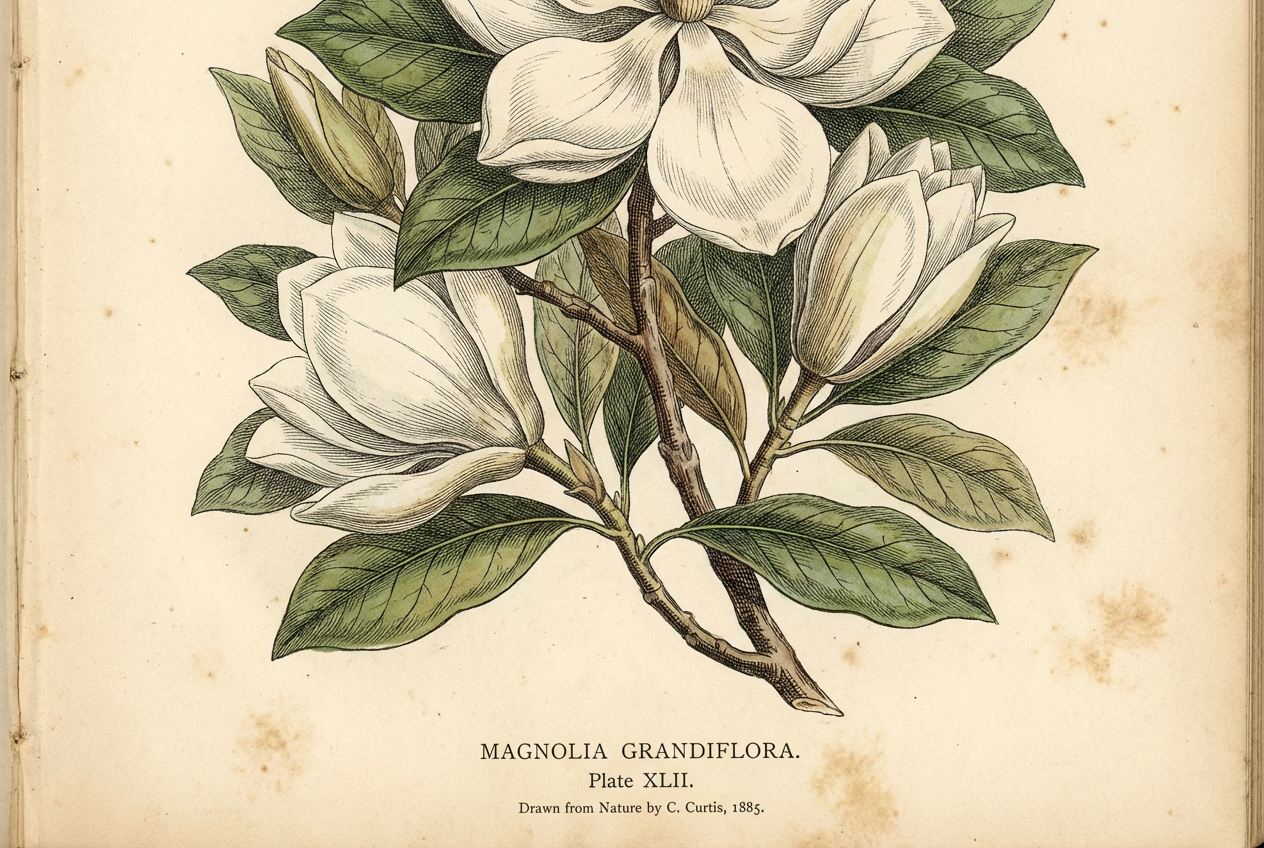
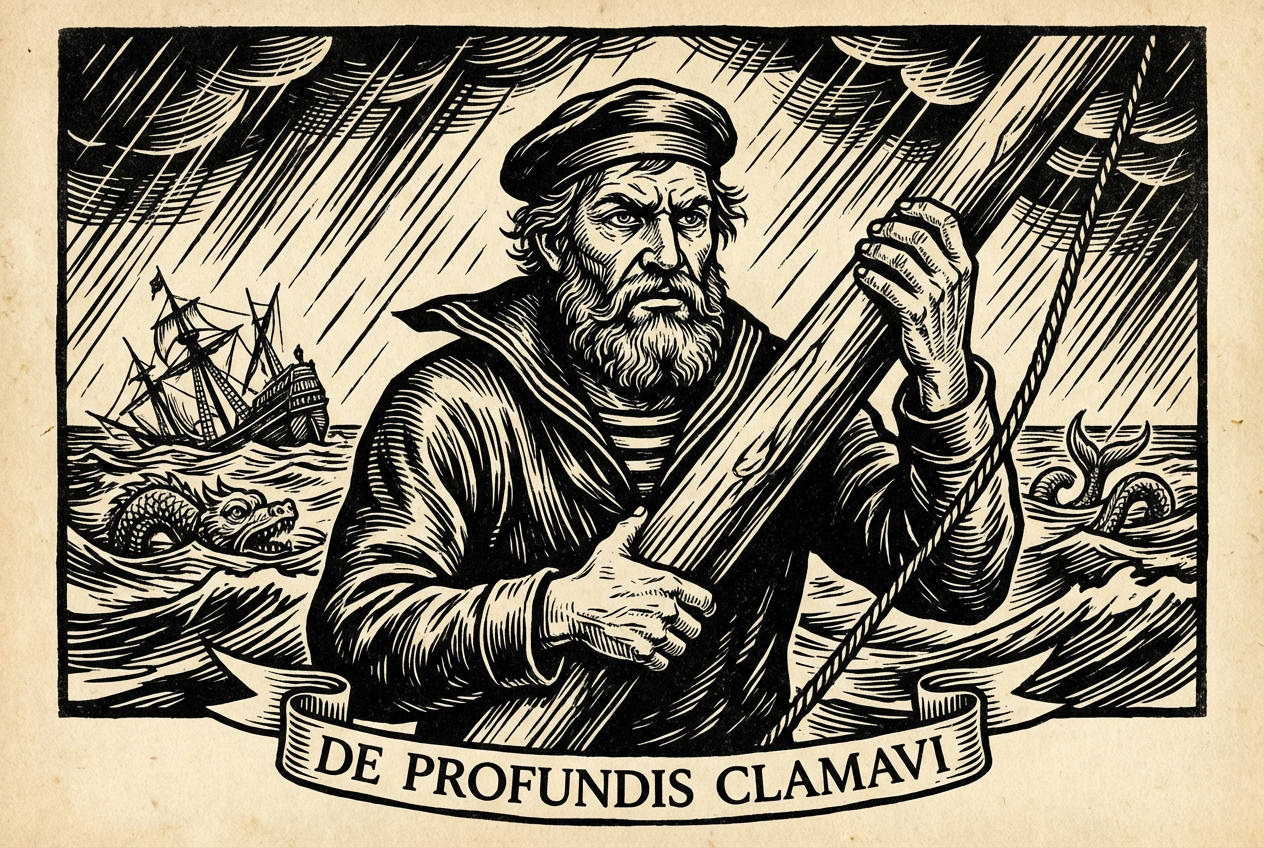
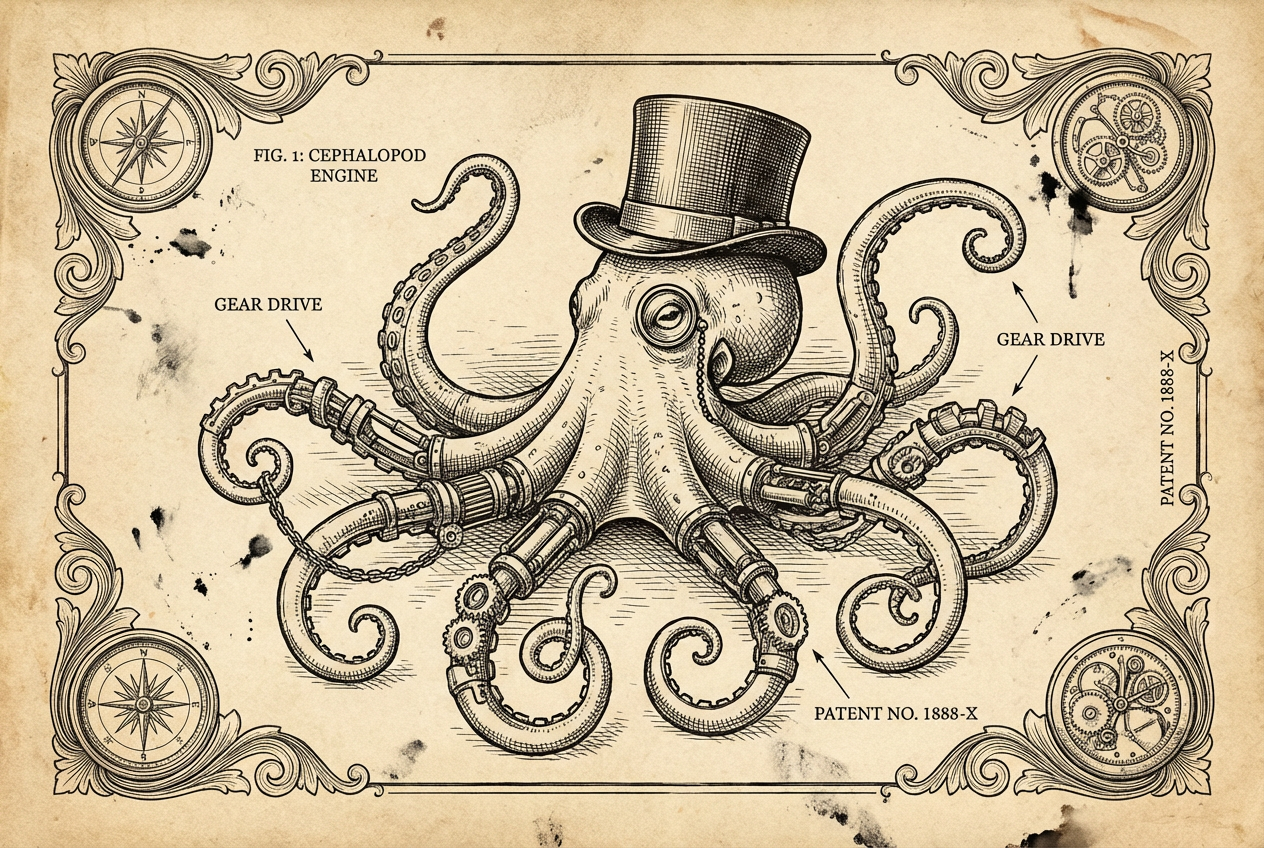
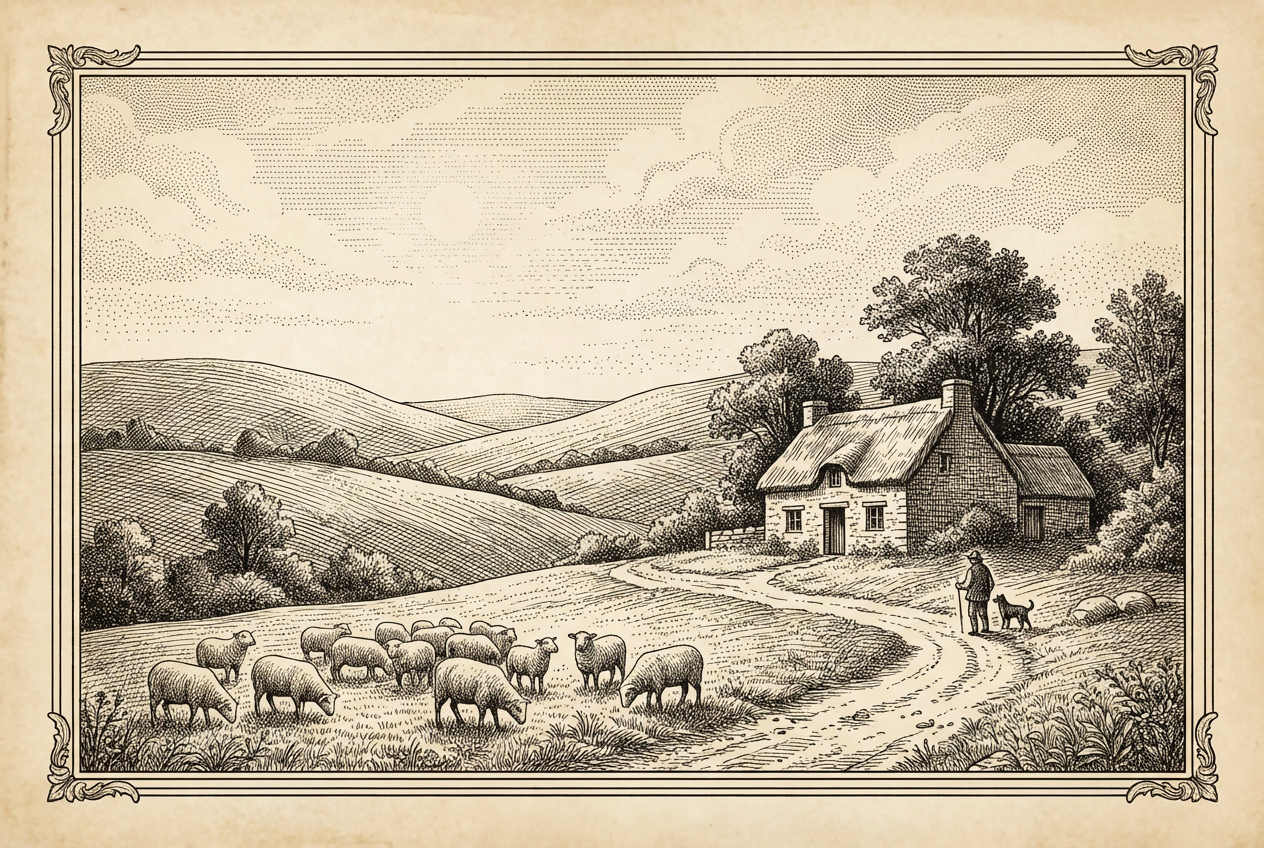
The agent gathers these inputs and preferences in the conversation before it starts.
Vintage botanical engraving, medieval knight in woodcut style...
Choose the type of engraving technique
Choices: Any Engraving Style, Woodcut, Copperplate Engraving, Etching, Linocut, Stipple Engraving, Cross-Hatching, Scratchboard
Choices: Any Subject, Botanical/Plants, Portrait, Landscape, Animal/Wildlife, Architectural, Mythological
Choices: Any Era, Medieval, Renaissance, Victorian, Baroque, 18th Century
Choices: Standard Detail, Simple/Bold Lines, Highly Detailed, Fine/Delicate Lines
Choices: Standard Contrast, High Contrast, Low/Subtle Contrast, Dramatic Black & White
Include ornate border or frame
Include vintage text labels
Create authentic vintage engravings and woodcut art instantly with AI, perfect for books, designs, and classical illustration projects.
Create vintage engravings in three simple steps
Enter what you want engraved - botanical, portrait, landscape, or any subject.
Select engraving style, historical era, detail level, and contrast options.
Download your vintage engraving ready for printing, books, or design projects.
Woodcut, copperplate, etching, linocut, stipple, cross-hatching, and scratchboard styles.
Botanical, portraits, landscapes, animals, architectural, and mythological subjects.
Medieval, Renaissance, Victorian, Baroque, and 18th century styling options.
Simple bold lines, standard detail, highly detailed, or fine delicate linework.
Standard, high contrast, low/subtle contrast, or dramatic black & white.
Add ornate borders, decorative frames, and vintage Latin text labels.
Perfect for publishers, designers, and vintage art enthusiasts
Create chapter illustrations and vintage artwork for books and novels.
Generate vintage engraving elements for logos, packaging, and design projects.
Create classical illustrations for history lessons and educational materials.
Design vintage-style prints, posters, and decorative wall art.
Create vintage labels, packaging designs, and branding elements.
Generate engraving-style references for classical tattoo designs.
Woodcut for bold subjects, copperplate for portraits, etching for landscapes.
Medieval for heraldry, Renaissance for anatomy, Victorian for botanical illustrations.
Simple for icons, detailed for scientific illustrations, fine for delicate subjects.
High contrast creates dramatic effect, low contrast for subtle vintage feel.
Enable borders and Latin text for authentic period illustration appearance.
You can create woodcut, copperplate engraving, etching, linocut, stipple engraving, cross-hatching, and scratchboard styles.
Botanical/plants, portraits, landscapes, animals/wildlife, architectural, and mythological subjects all work beautifully.
Yes, you can select Medieval, Renaissance, Victorian, Baroque, or 18th century era styling.
You can choose simple/bold lines, standard detail, highly detailed, or fine/delicate linework.
Yes, choose from standard, high contrast, low/subtle contrast, or dramatic black & white.
Yes, you can add ornate decorative borders and frames to your engravings.
Yes, you can add vintage Latin text labels for authentic period illustration style.
Yes, these engravings are perfect for book illustrations, chapter headers, and decorative elements.
Yes, all generated engravings are available for commercial use including books, packaging, and design projects.
Engravings are generated as high-resolution black and white images perfect for print and digital use.


