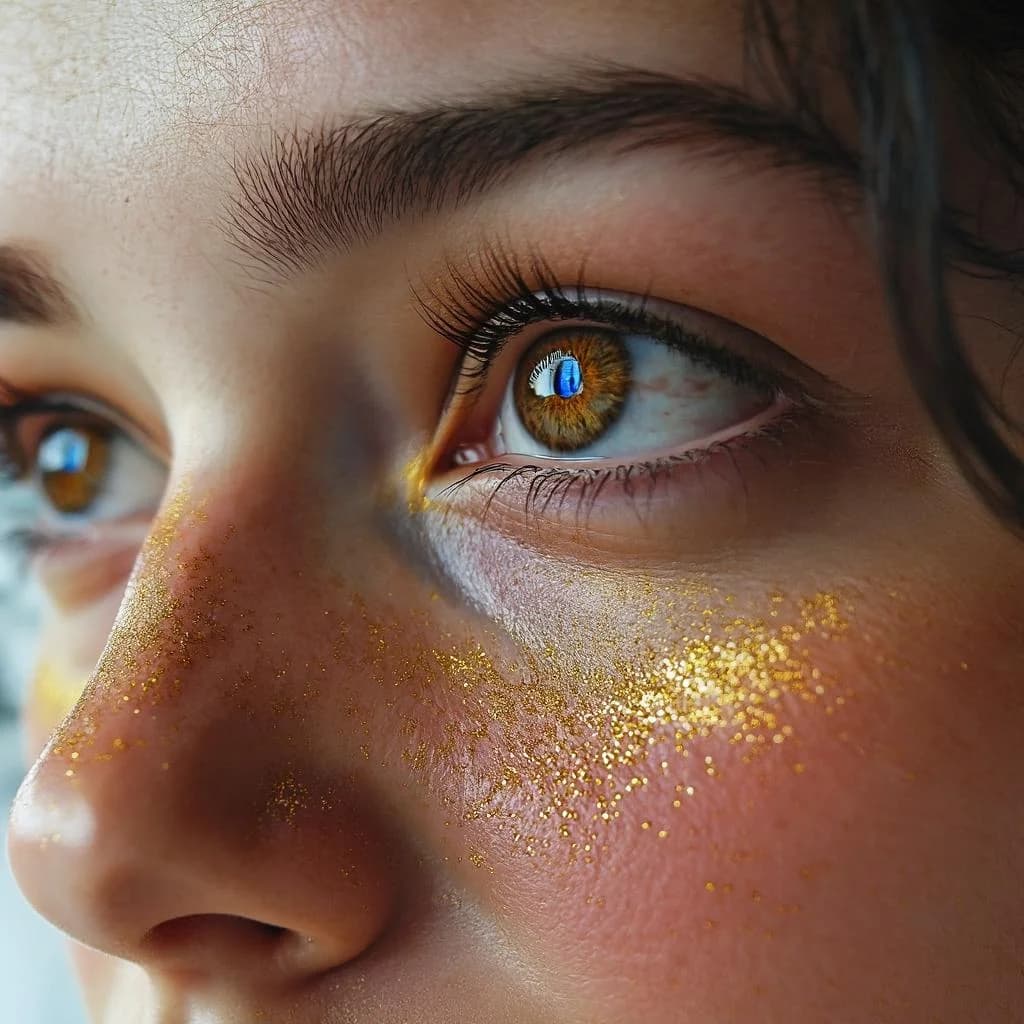
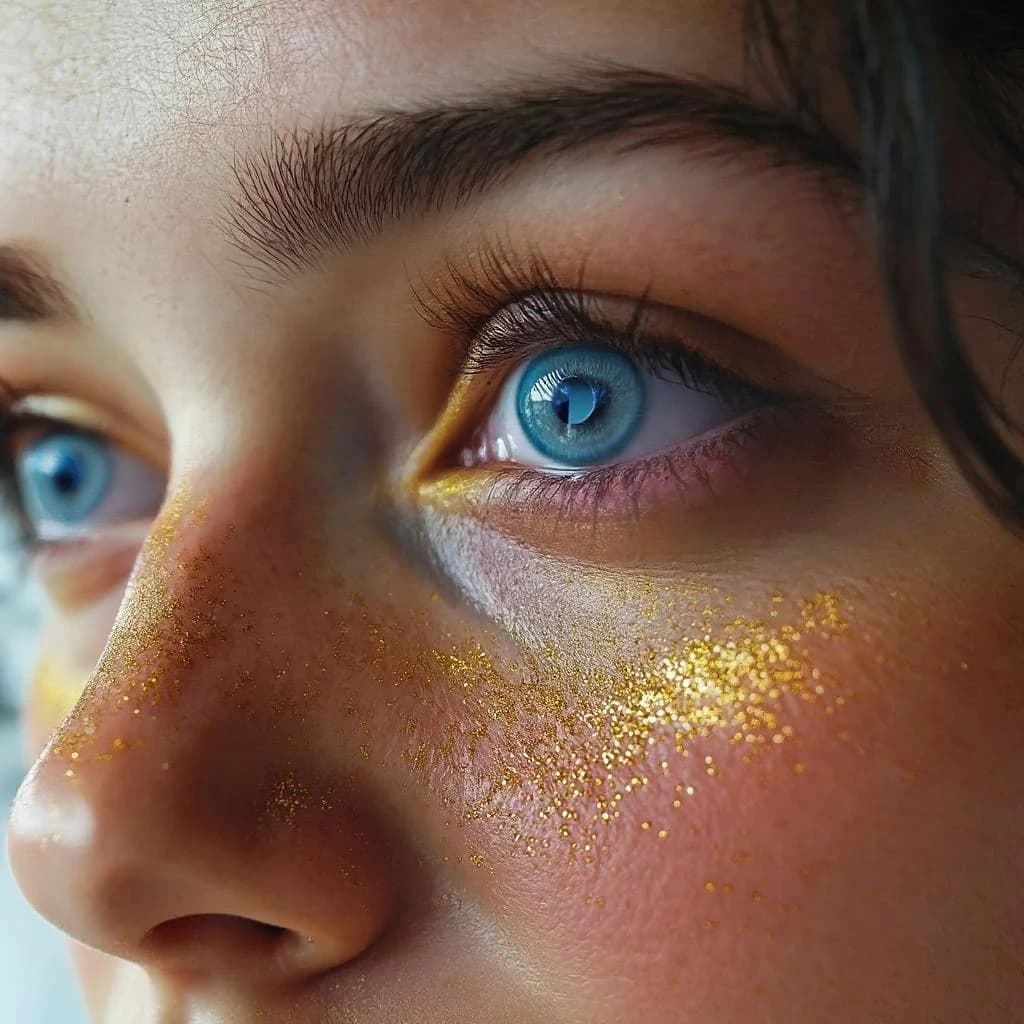
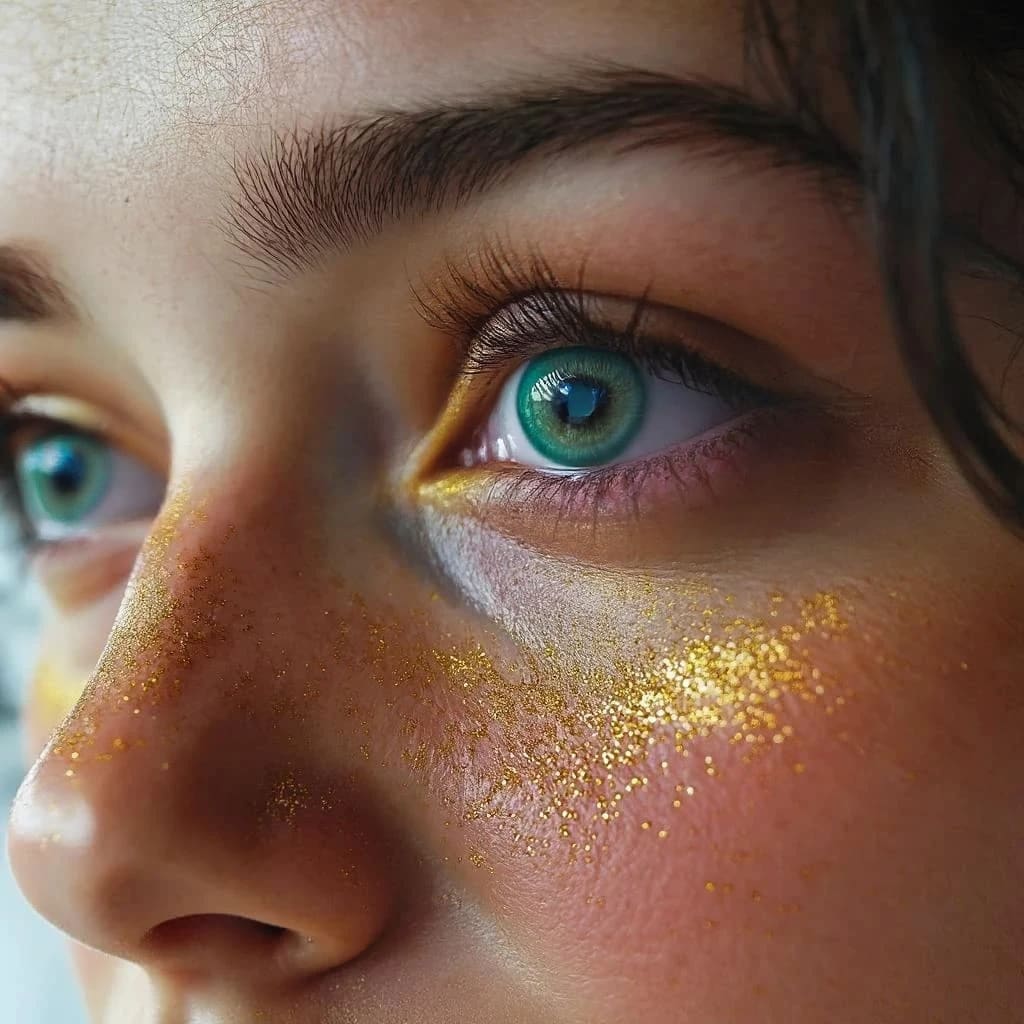
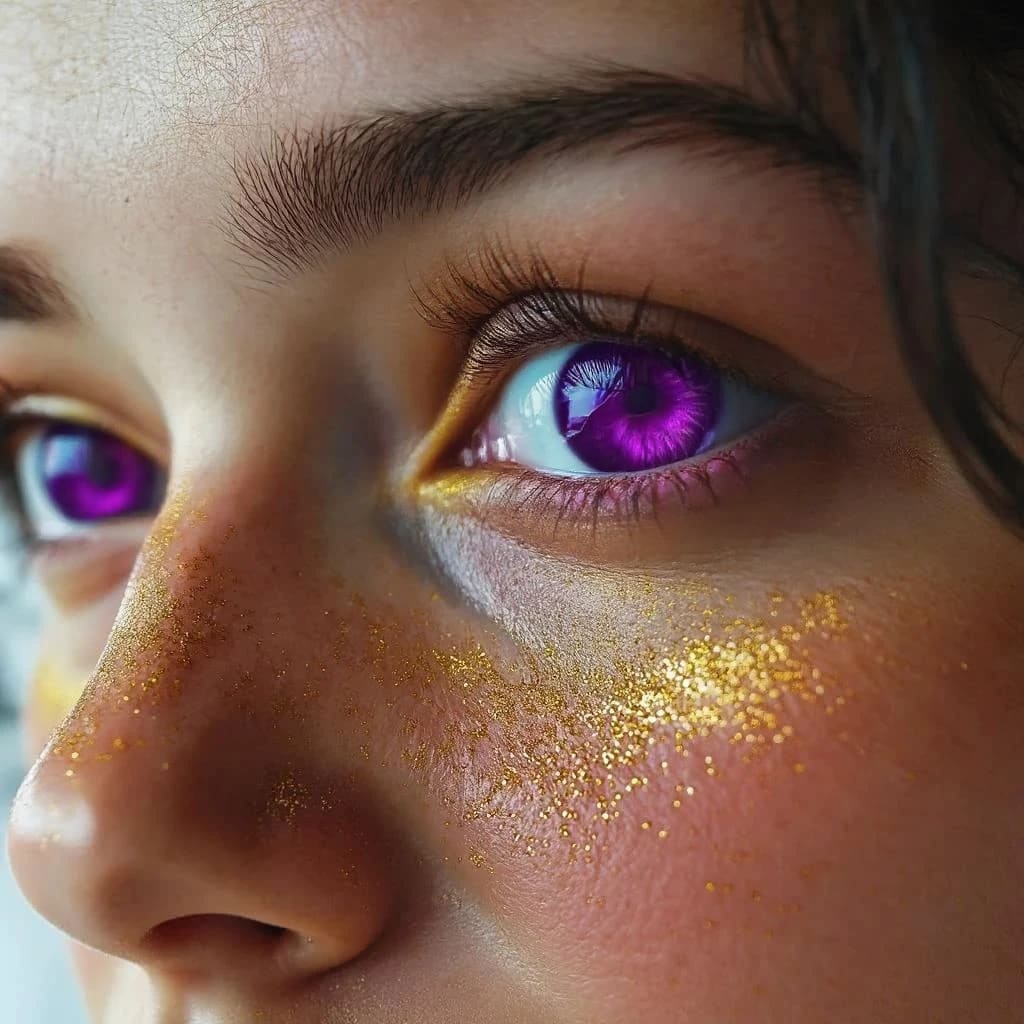
Compare the source image with each finished result.
Source image
Results
Result 1
Result 2
Result 3
What Magica will ask for
The agent gathers these inputs and preferences in the conversation before it starts.
Eye Color Description
Why Choose Our AI Eye Color Changer?
Transform eye colors naturally and realistically using advanced AI technology that preserves the eye's unique characteristics and maintains photographic quality.
Instant eye color transformation
Natural-looking results
Preserves eye details and reflections
High-quality output resolution
Multiple color variations
Realistic color blending
Maintains eye expressions
Professional-grade output
How Our AI Eye Color Changer Works
Transform eye colors in seconds with our simple three-step process
01
Upload Portrait
attach a clear photo where the eyes are visible and well-lit
02
Describe Desired Color
Specify the eye color you want using detailed descriptions
03
Download Result
Get your photo with naturally transformed eye colors
Key Features of Our AI Eye Color Changer
Natural Color Blending
Advanced AI ensures eye colors blend naturally with existing eye patterns and lighting
Preserves Eye Details
Maintains iris patterns, reflections, and natural eye characteristics
Unlimited Color Options
Create any eye color from natural shades to unique fantasy colors
Safe & Private
Your photos are processed securely and deleted after transformation
Fast Processing
Get results in seconds with our optimized AI processing
Professional Quality
High-resolution output suitable for professional use
Who Can Benefit from Our AI Eye Color Changer?
This Magica workflow is perfect for various creative and professional needs
Photographers
Enhance portraits and create stunning visual effects for clients
Social Media Creators
Create eye-catching content with unique eye colors
Fashion Industry
Test different looks for fashion shoots and campaigns
Curious Individuals
See how you'd look with different eye colors before making changes
Film & Video Creators
Create character looks without expensive contact lenses
Digital Artists
Use as reference for artwork or enhance digital portraits
Tips for Best Results with AI Eye Color Changer
Tip 1
Use High-Quality Photos
Upload clear, well-lit photos where eyes are clearly visible for best results
Tip 2
Front-Facing Images Work Best
Photos taken straight-on with both eyes visible produce the most natural results
Tip 3
Be Specific with Descriptions
Detailed color descriptions like 'deep ocean blue' work better than simple colors
Tip 4
Good Lighting Matters
Photos with natural lighting help the AI create more realistic color transformations
Frequently Asked Questions About AI Eye Color Changer
How realistic are the eye color changes?
Our AI creates highly realistic eye color changes that preserve natural eye patterns, reflections, and lighting. The results look as natural as if you were wearing colored contact lenses.
Can I change eye color to any shade?
Yes! You can change eye colors to any natural shade (blue, green, brown, hazel, gray) or even create unique fantasy colors like violet, amber, or multi-colored eyes.
Will it work on all types of photos?
The tool works best with clear, front-facing photos where eyes are visible. It can handle various photo types including selfies, portraits, and professional headshots.
How long does the transformation take?
The eye color transformation typically takes 10-30 seconds, depending on image size and complexity.
Is my photo data safe?
Yes, your photos are processed securely and automatically deleted from our servers after processing. We don't store or share your images.
Can I use the results commercially?
Yes, you retain full rights to the transformed images and can use them for personal or commercial purposes.
Does it work with glasses or sunglasses?
The tool works best when eyes are clearly visible. Photos with clear glasses may work, but sunglasses or heavily tinted lenses will prevent accurate eye color changes.
Can I change just one eye color?
Currently, the tool changes both eyes to maintain natural symmetry. For heterochromia effects, you can specify 'different colored eyes' in your description.