Face Swap Demonstration
Source media
Source Face 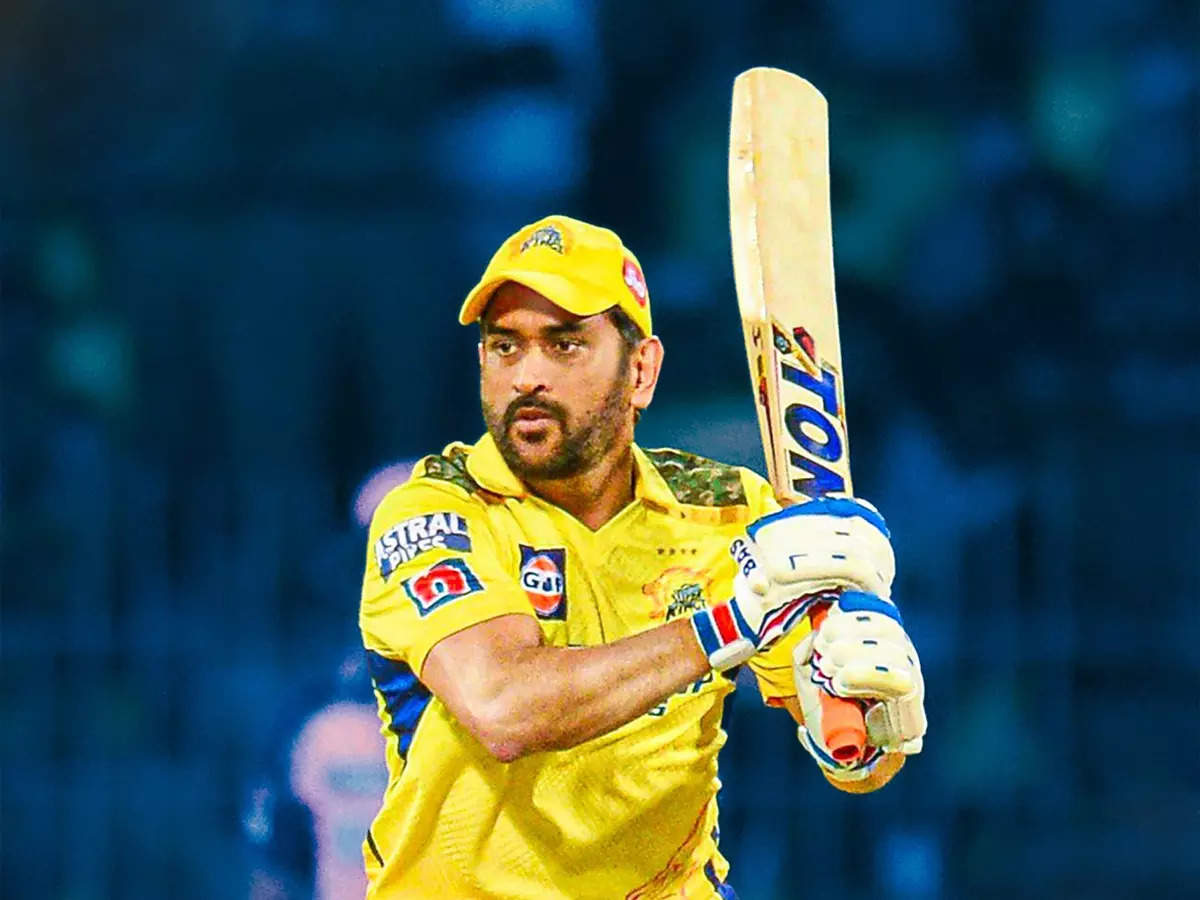
Target Photo
Swapped Result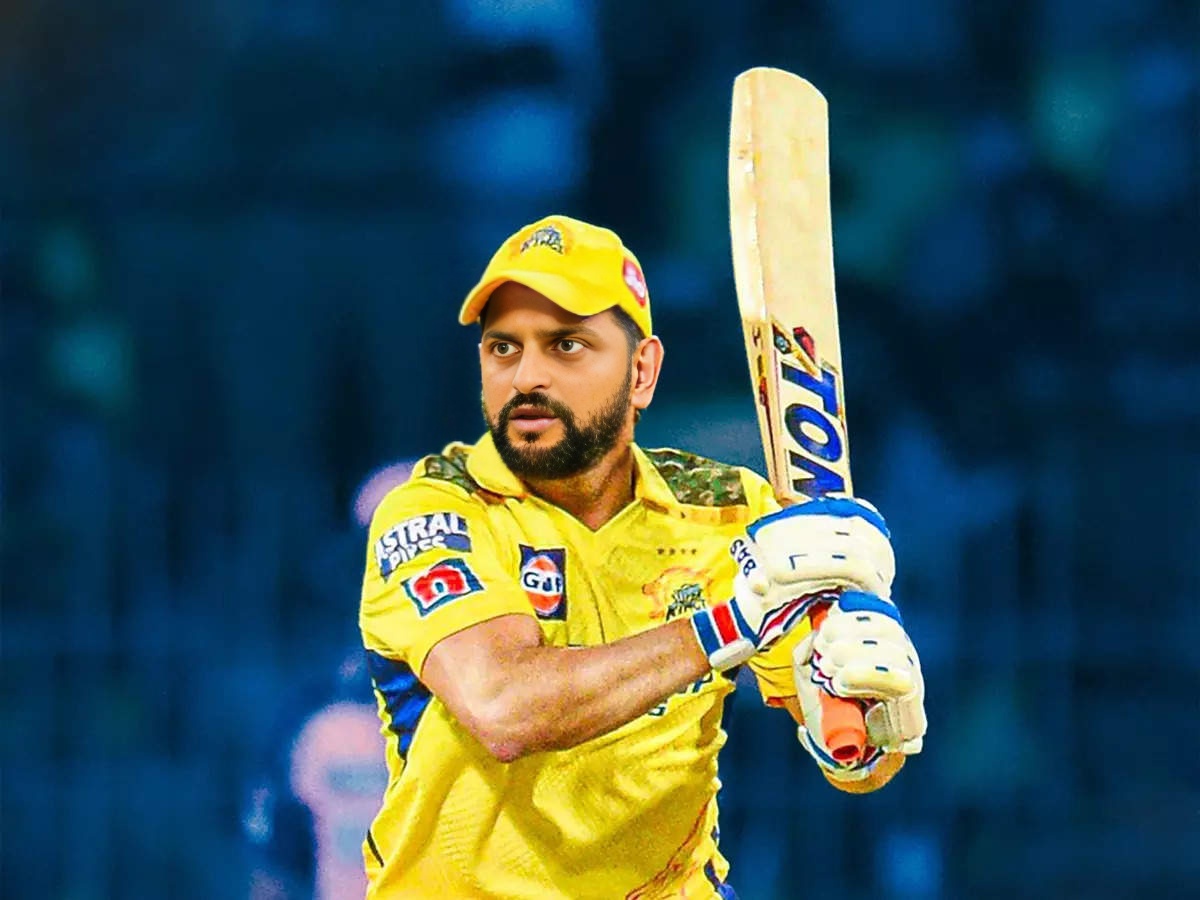

Swap faces between two photos with AI precision
See how our AI seamlessly swaps faces between different photos
The agent gathers these inputs and preferences in the conversation before it starts.
attach the photo containing the face you want to copy.
attach the photo where you want to replace the face.
Seamlessly swap faces between photos with professional-grade AI technology.
Swap faces between two photos in three simple steps using advanced AI technology.
attach a source image (face to copy) and a target image (face to replace)
Our AI detects faces in both images and analyzes facial features, expressions, and lighting
Receive the result with faces seamlessly swapped while maintaining natural appearance
AI accurately maps facial features for realistic and natural-looking face swaps
Maintains original facial expressions, emotions, and natural appearance
Preserves original image quality while seamlessly blending swapped faces
Quick face swap generation with professional-grade results in seconds
Create entertaining content and memes with realistic face swaps for social media
Experiment with different looks and create unique portrait compositions
Create promotional materials and visual effects for movies and shows
Have fun swapping faces with friends and family for entertainment
Photos taken from similar angles and distances will produce more natural swap results.
Well-lit photos with clear facial features work best for accurate face detection and swapping.
Ensure both faces are clearly visible and not obscured by hair, accessories, or shadows.
Using photos of similar resolution and quality will result in better blended swaps.
Our AI creates very realistic face swaps by carefully analyzing facial features, expressions, and lighting to ensure natural-looking results.
Yes! The AI can swap faces between any two people regardless of gender, age, or ethnicity while maintaining natural appearance.
Our AI can handle different angles, though faces at similar angles typically produce the most natural results.
We take privacy seriously. Images are processed securely and are not stored permanently on our servers.
Most face swaps are completed within 30-60 seconds, depending on image complexity and server load.


