Factory Description
Describe the factory you want (e.g.,

Generate industrial factories and manufacturing facilities with AI
Reference media and sample results for this task.
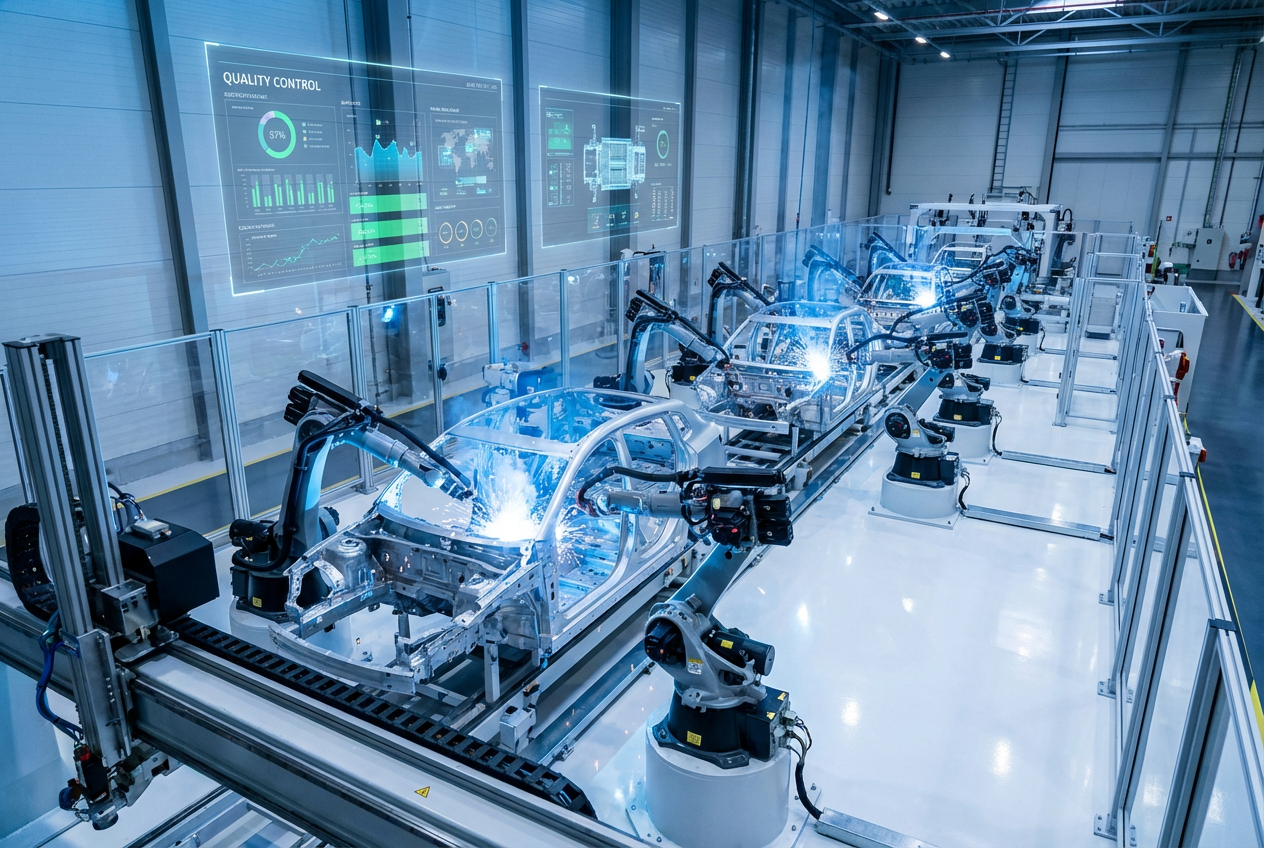
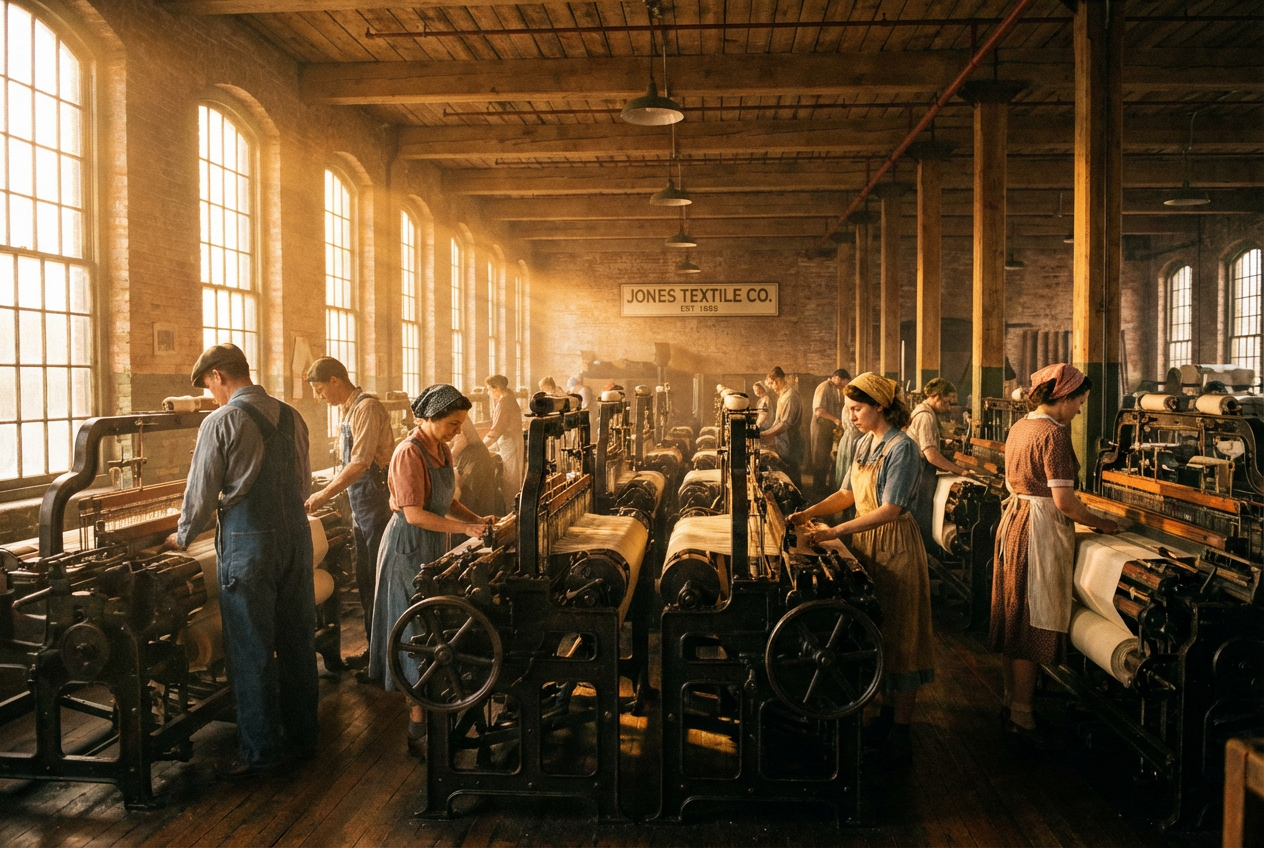
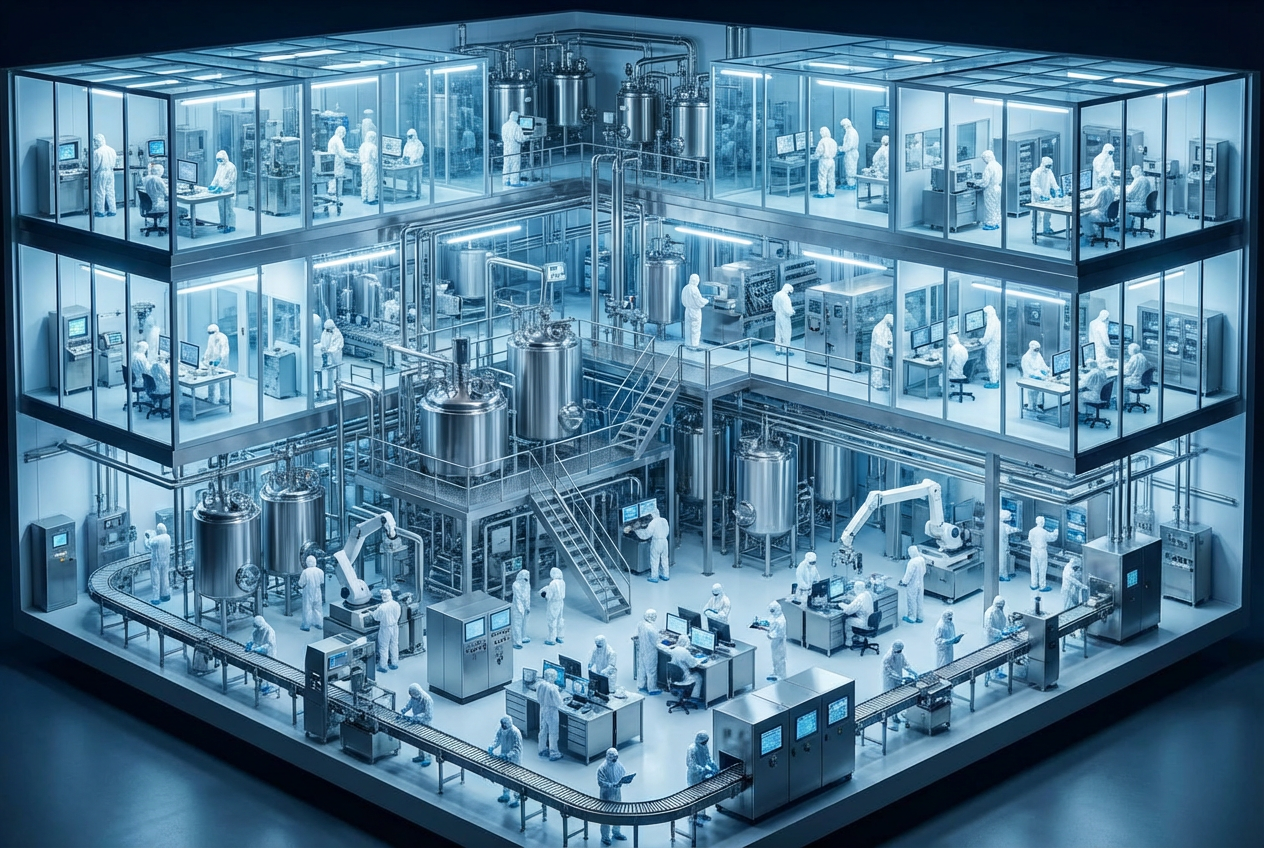
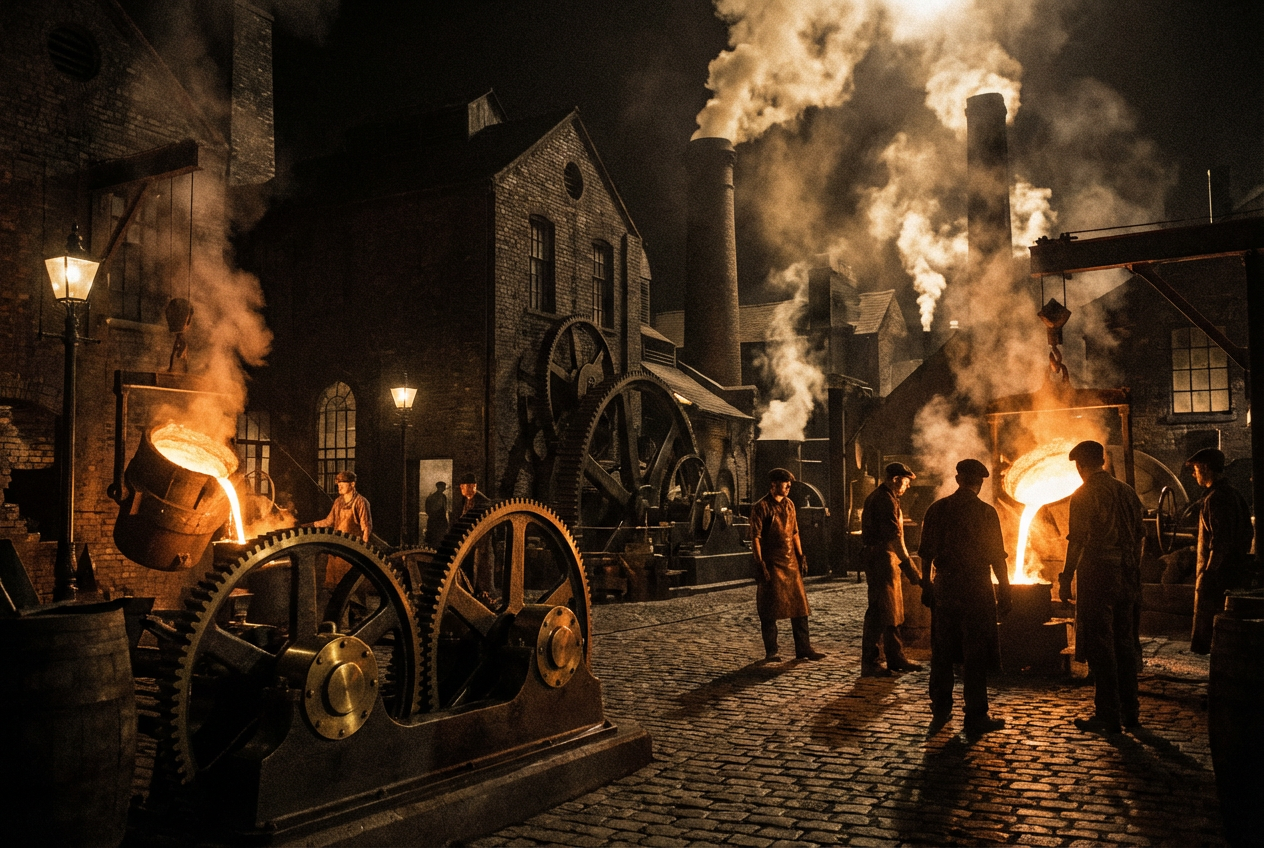
The agent gathers these inputs and preferences in the conversation before it starts.
Describe the factory you want (e.g.,
Choose the type of manufacturing facility
Choices: Any Factory, Automotive/Car Factory, Electronics Manufacturing, Steel Mill, Textile Factory, Food Processing, Chemical Plant, Assembly Line Plant, Warehouse/Distribution
Choices: Modern, Industrial Revolution, Mid-20th Century, Contemporary, Futuristic, Abandoned/Ruins
Choices: Exterior View, Interior Floor, Assembly Line Close-up, Aerial Overview, Factory Entrance, Control Room
Choices: Standard Industrial, Brutalist Concrete, Modern Glass & Steel, Traditional Brick, Corrugated Metal, High-Tech/Clean, Utilitarian
Choices: Active Operations, Busy/Peak Production, Quiet/Off-hours, Fully Automated, Abandoned, Under Construction
Choices: Day, Dawn, Morning, Afternoon, Sunset, Night
Choices: Clear, Overcast, Rainy, Foggy, Snowy, Stormy
Choices: Industrial District, Urban Area, Suburban, Rural/Countryside, Port/Waterfront, Isolated Location
Include factory workers in the scene
Add industrial smoke or steam effects
Create realistic industrial facilities and manufacturing plants instantly with advanced AI technology.
Generate industrial facilities in three simple steps
Enter what type of manufacturing facility you need and its purpose
Select factory type, era, architecture, activity level, and environment
Receive your detailed factory visualization ready for any project
Generate automotive, electronics, steel, textile, food processing, chemical, and assembly plants
From Industrial Revolution to futuristic facilities, create factories from any time period
Exterior facades, interior floors, assembly lines, aerial overviews, or control rooms
Brutalist concrete, modern glass, traditional brick, or high-tech clean designs
Include workers, machinery in operation, and realistic industrial activity
Add industrial smoke, steam, fog, weather effects for realistic ambiance
Perfect for professionals working with industrial and business themes
Create facility visualizations for proposals, presentations, and business plans
Design factory levels, industrial environments, and manufacturing settings
Generate concept designs for industrial facilities and manufacturing plants
Create background plates and concept art for industrial scenes
Visualize industrial history and manufacturing processes for students
Illustrate industrial settings for books, comics, and artwork
Industrial Revolution for historical context, futuristic for sci-fi, contemporary for realism
Aerial for scale, interior for detail, assembly line for process visualization
Overcast creates gritty realism, fog adds mystery, clear weather shows architectural detail
Human figures help convey the massive scale and operational nature of factories
Night shows industrial lights beautifully, dawn/dusk create dramatic silhouettes
Yes! All generated factory images can be used commercially in presentations, proposals, marketing materials, and business documents.
Create automotive plants, electronics manufacturing, steel mills, textile factories, food processing, chemical plants, assembly lines, and warehouses.
Absolutely! Select 'Abandoned/Ruins' for era or 'Abandoned' for activity level to create derelict industrial spaces.
Generate factories from the Industrial Revolution, mid-20th century, contemporary, or futuristic eras.
Yes! Choose 'Interior Floor', 'Assembly Line Close-up', or 'Control Room' views to see inside facilities.
Yes! Select 'Futuristic' era and 'Fully Automated' activity level for advanced robotic manufacturing facilities.
You can set clear, overcast, rainy, foggy, snowy, or stormy weather conditions.
Yes! Select 'Night' for time of day to show illuminated factories with industrial lighting.
Absolutely! The high-quality renders work perfectly as environment references, backgrounds, or concept art for games.
Yes! Select 'Port/Waterfront' in environmental setting for factories located near water with shipping access.


