Describe your family photo
Happy family of four at the beach during sunset...

Create beautiful family photos and group portraits with AI
Reference media and sample results for this task.
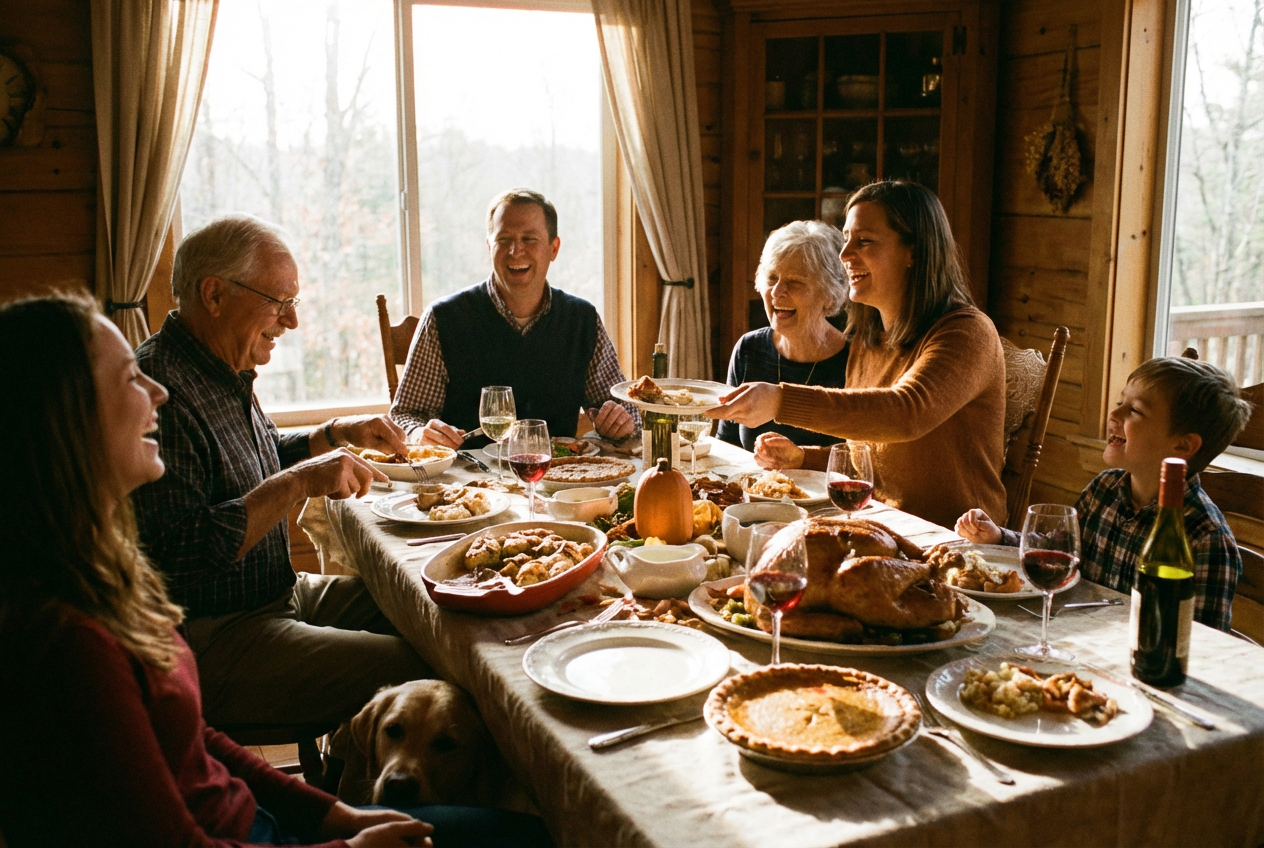
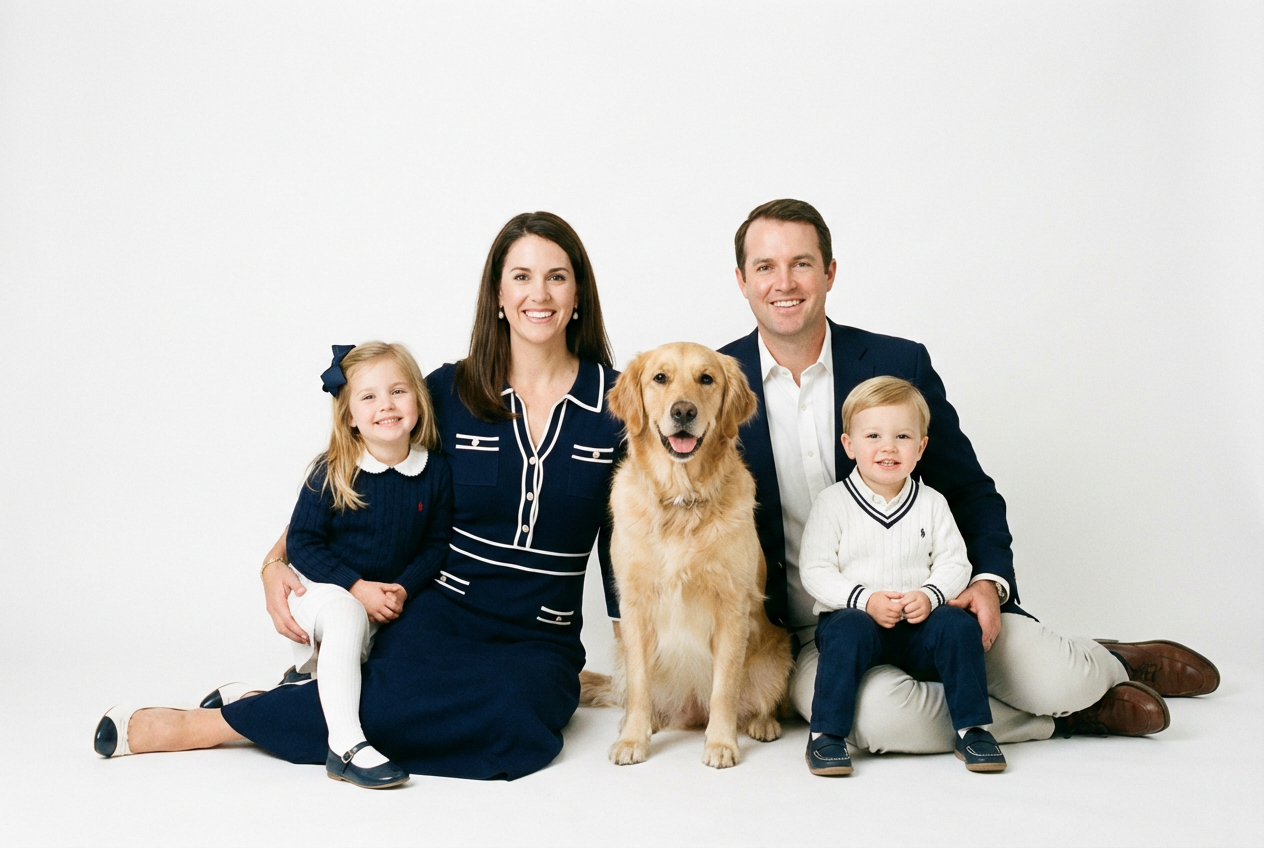
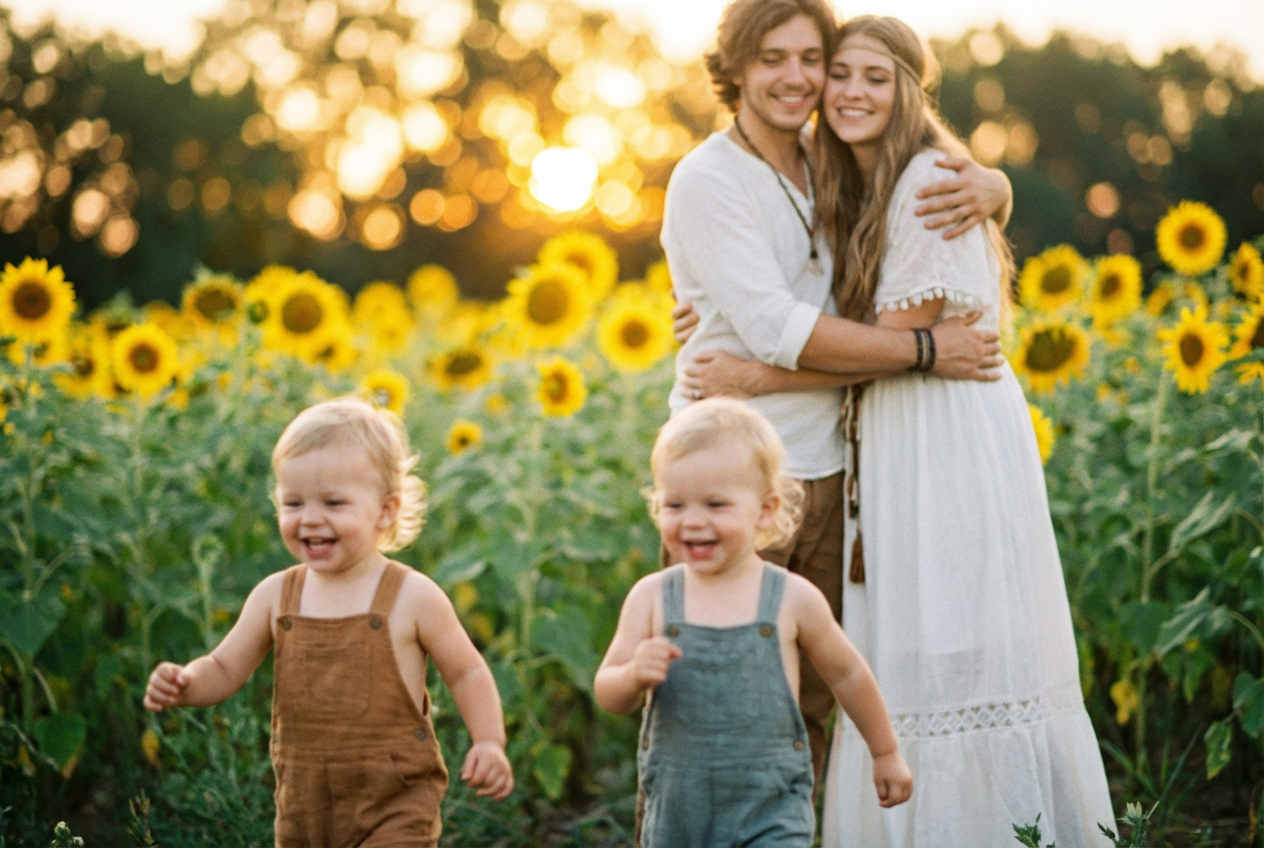
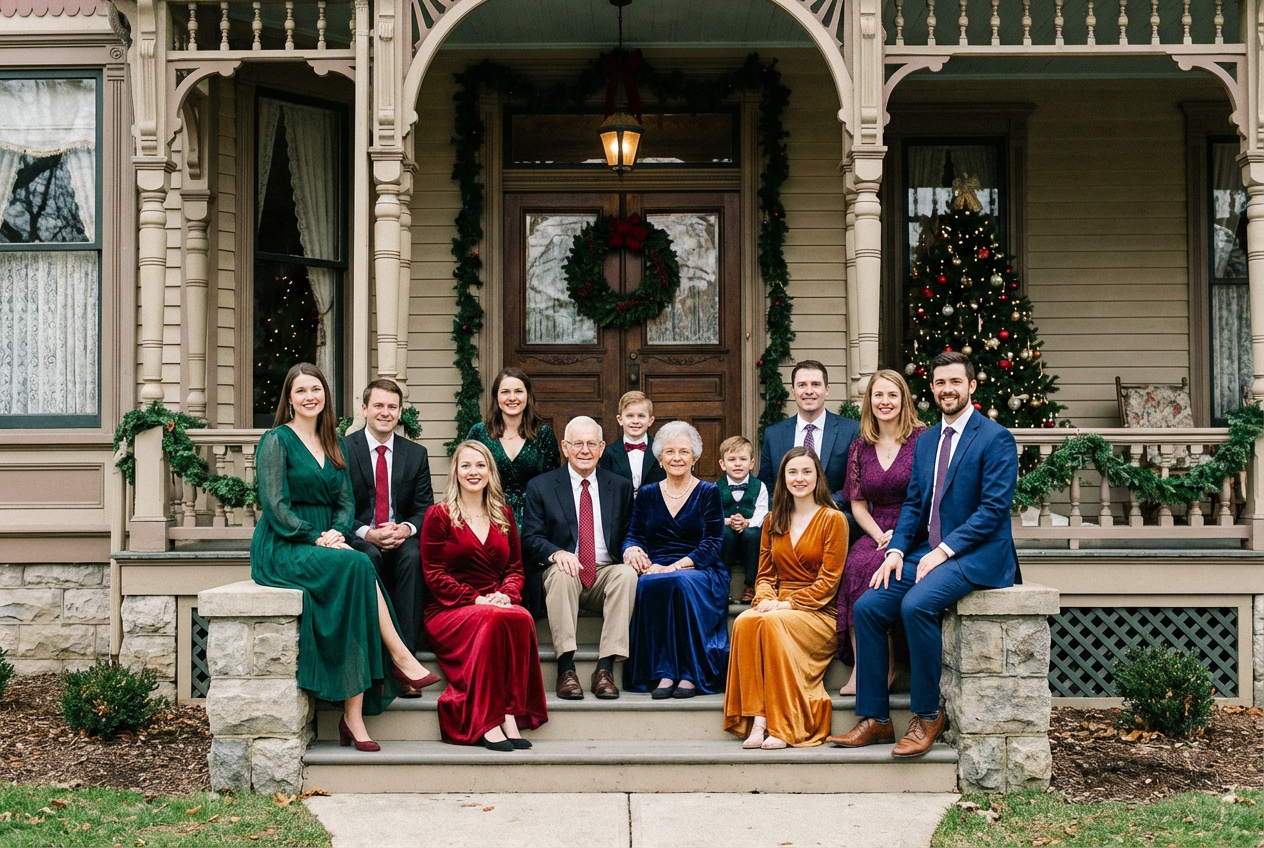
The agent gathers these inputs and preferences in the conversation before it starts.
Happy family of four at the beach during sunset...
Choices: Any Size, Couple (2 people), Small Family (3-4 people), Medium Family (5-6 people), Large Family (7+ people), Extended Family
Choices: Any Setting, Beach, Park, At Home, Garden, Mountains, Urban/City, Studio, Holiday Setting, Outdoor Nature
Choices: Natural Photo, Professional Portrait, Candid Moment, Formal Portrait, Lifestyle Photo, Artistic
Choices: Happy & Natural, Very Joyful, Peaceful & Serene, Playful & Fun, Elegant, Casual & Relaxed
Choices: Any Time, Golden Hour, Bright Daytime, Sunset, Evening
Choices: Any Season, Spring, Summer, Autumn/Fall, Winter
Choices: Standard Group, Close Together, Arranged Portrait, Doing Activity, Relaxed Casual
Choices: Any Clothing, Casual Wear, Smart Casual, Formal Attire, Coordinated Colors, Seasonal Appropriate
Add family pets to the photo
Enhanced professional photo quality
Create beautiful, realistic family photos for any occasion with AI technology.
Create your family photo in three simple steps:
Describe your family members and the photo you want
Select location, photo style, mood, and composition
Get your beautiful family photo in high quality
From couples to extended families with 7+ members
Beach, park, home, garden, mountains, city, studio, and more
Professional portraits, candid moments, formal, lifestyle, and artistic
Golden hour, daytime, sunset, and evening lighting options
Joyful, serene, playful, elegant, or casual atmospheres
Add beloved family pets to your family photos
Perfect for anyone wanting to create family memories
Create beautiful family photos for any occasion
Generate family photos for holiday cards and gifts
Create family-themed content and stock photos
Generate family imagery for design projects
Visualize family scenes for stories and books
Create imagined family moments and scenarios
Match the location to your family's personality and the occasion
Golden hour and sunset provide the most flattering natural light
Coordinated colors create a cohesive, polished look
Playful for casual, elegant for formal family photos
Professional style for portraits, candid for natural memories
You can create photos of couples, small families (3-4 people), medium families (5-6 people), large families (7+ people), or extended families.
Choose from beach, park, home, garden, mountains, urban/city, studio, holiday settings, or outdoor nature locations.
Yes! Select from professional portrait, candid moment, formal portrait, lifestyle photo, or artistic styles.
Absolutely! Enable the 'Include Pets' option to add family dogs, cats, or other pets to your photo.
Choose from happy & natural, very joyful, peaceful & serene, playful & fun, elegant, or casual & relaxed moods.
Yes! Select from golden hour, bright daytime, sunset, or evening to get the perfect lighting for your photo.
Yes! Choose from casual wear, smart casual, formal attire, coordinated colors, or seasonal appropriate clothing.
Yes! All generated family photos are 100% free for commercial use in any projects, marketing materials, or publications.
With 'Professional Quality' enabled, the AI generates highly realistic, high-quality family photos with natural expressions and professional lighting.
Yes! Generate unlimited variations by adjusting your description and settings to explore different family photo scenarios.


