Describe your family portrait
Happy family of four with parents and two children, smiling together...

Create beautiful family portraits with custom styles, poses, and backgrounds
Reference media and sample results for this task.
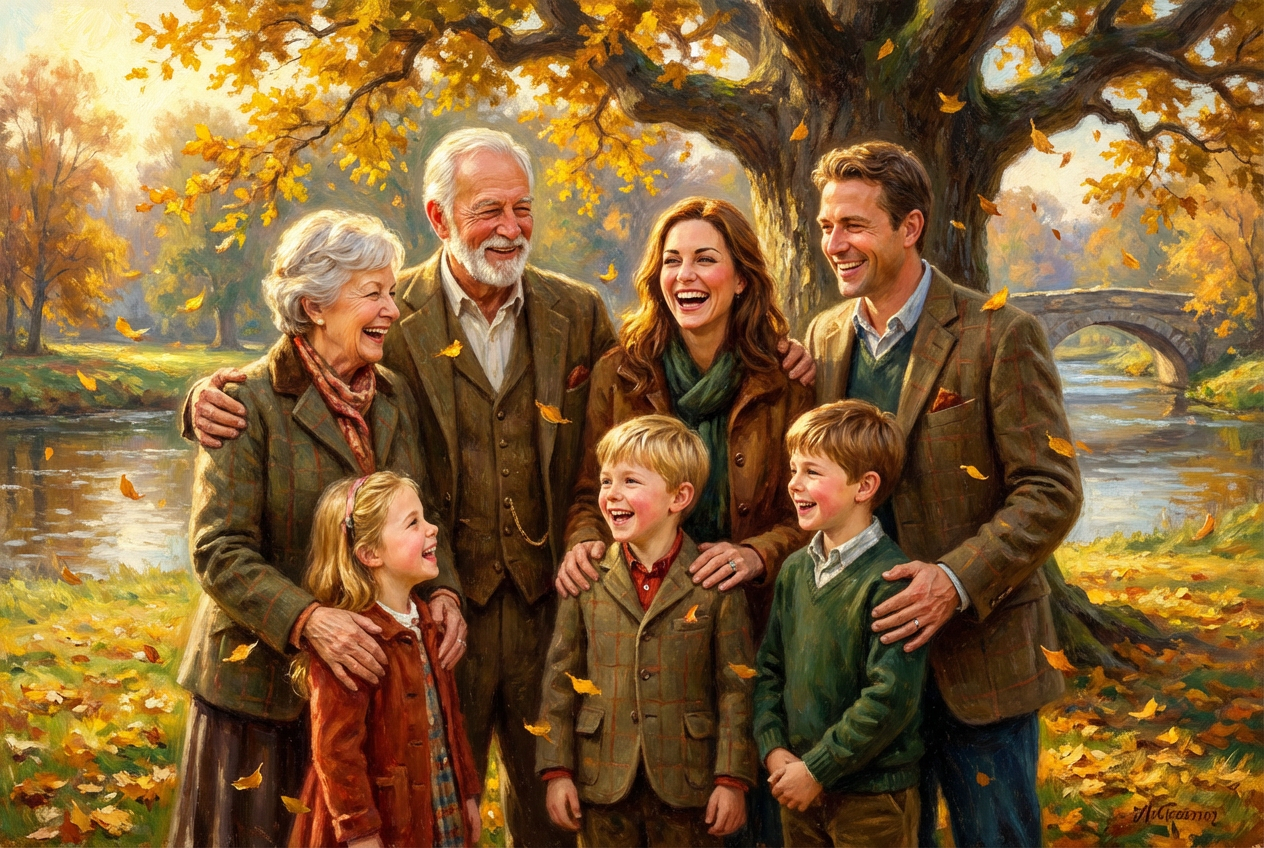
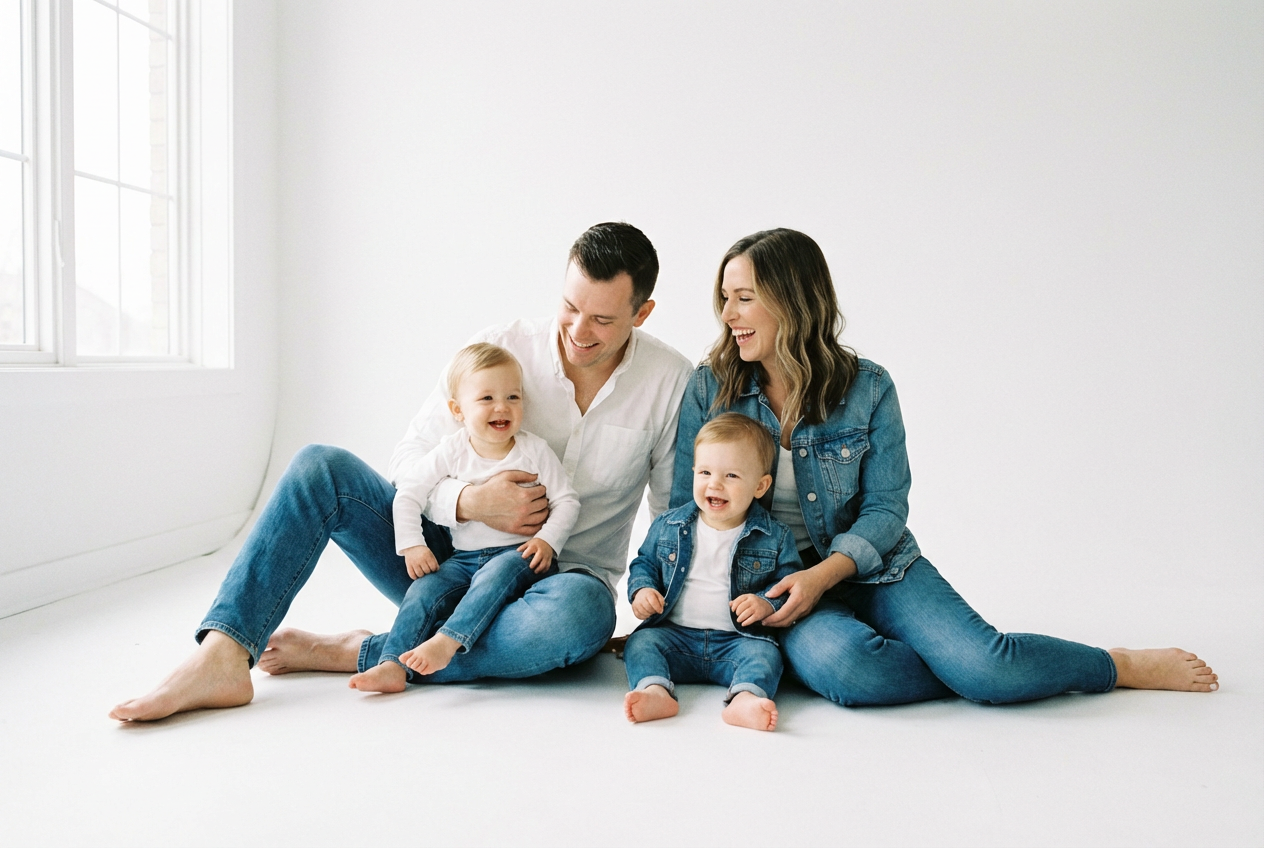
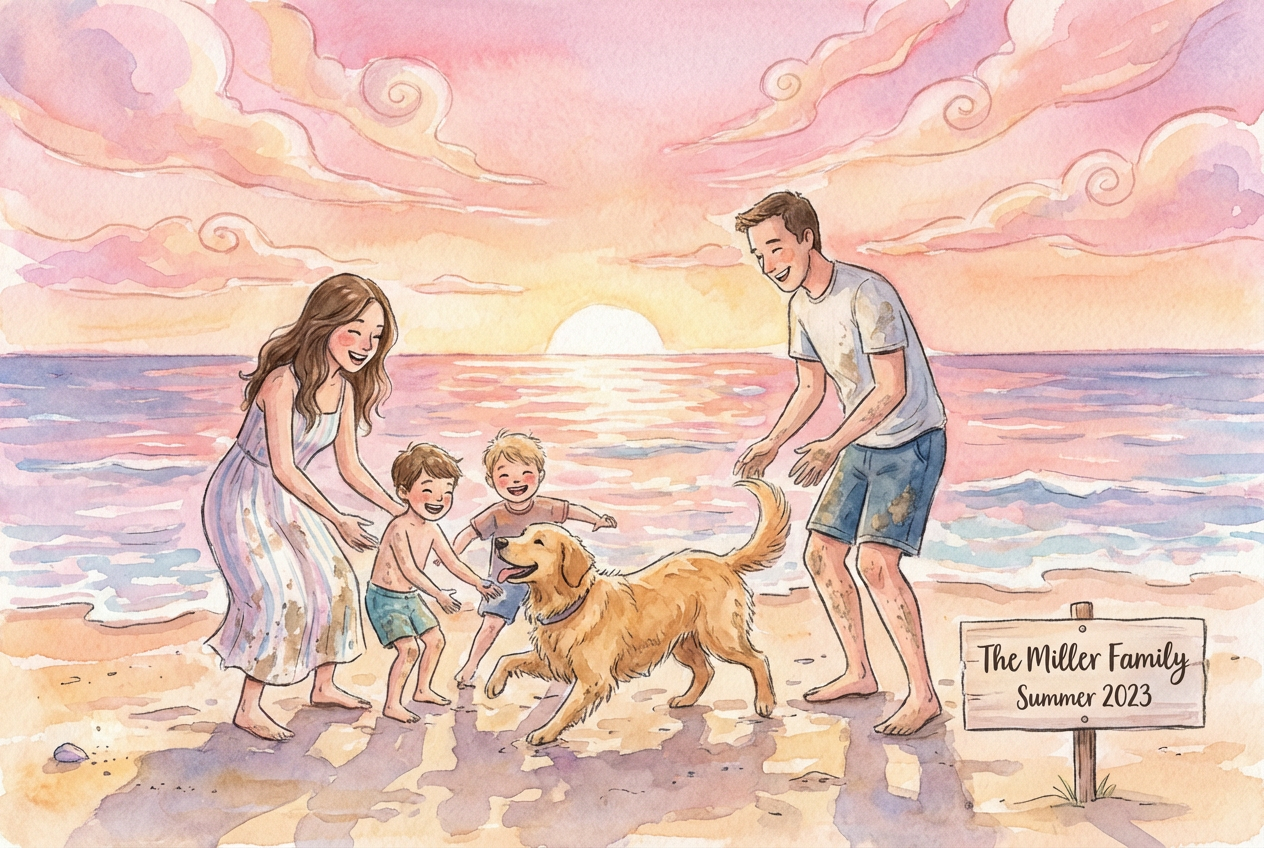
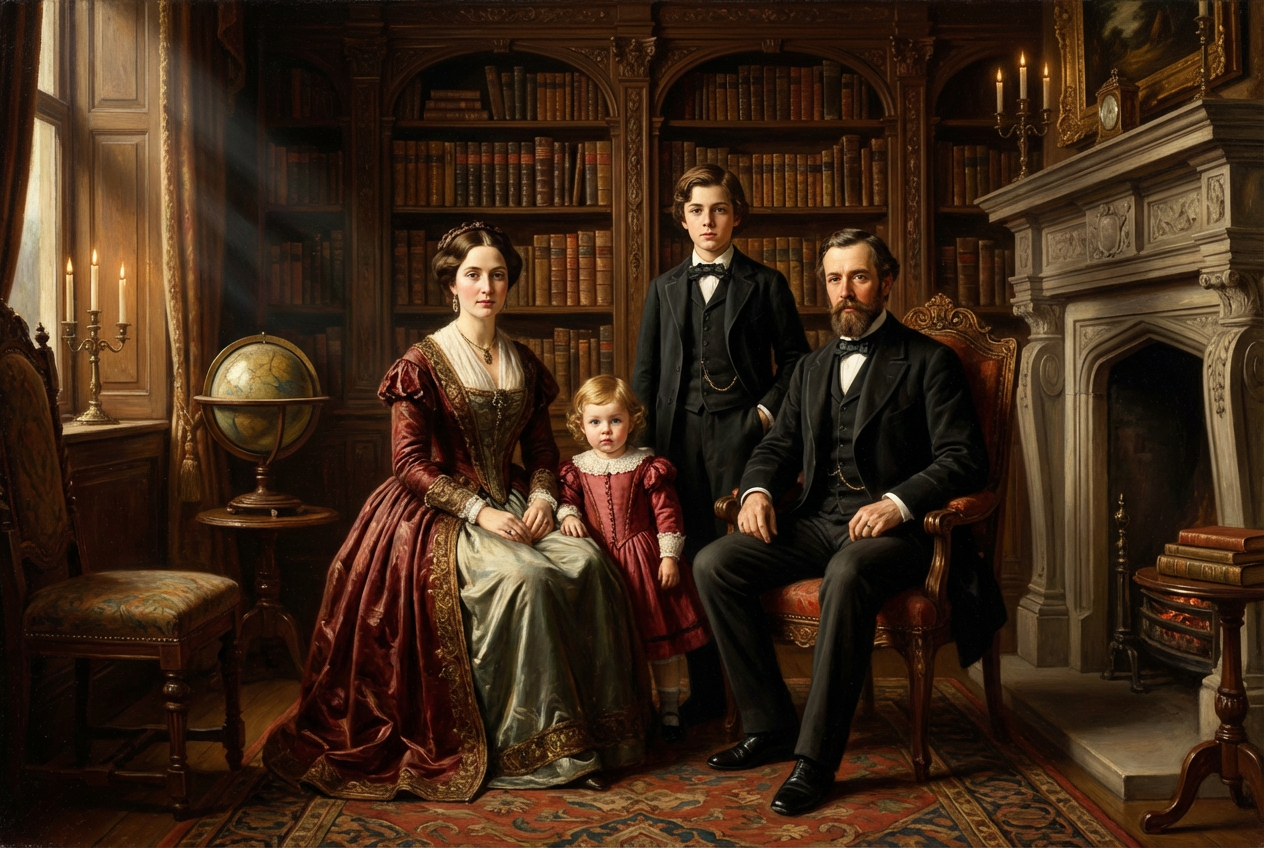
The agent gathers these inputs and preferences in the conversation before it starts.
Happy family of four with parents and two children, smiling together...
Number of people in the portrait
Choices: Any Size, Couple (2 people), Small Family (3 people), Family of Four, Family of Five, Family of Six, Large Family (7+ people), Extended Family, Multi-Generational
Choices: Any Style, Traditional Formal, Casual Relaxed, Modern Contemporary, Vintage Classic, Artistic Creative, Documentary Natural, Studio Professional, Lifestyle Candid, Royal Elegant, Fun & Playful
Choices: Any Setting, Studio Background, Home Interior, Garden/Backyard, Park Setting, Beach Scene, Forest/Woods, Urban/City, Farm/Country, Holiday Themed, Abstract Background
Choices: Any Clothing, Formal Attire, Color Coordinated, Matching Outfits, Casual Wear, Seasonal Theme, White & Denim, Holiday Outfits, Traditional/Cultural
Choices: Any Pose, Standing Together, Sitting/Seated, Mixed Heights, Natural Poses, Formal Arrangement, Embracing/Hugging, Walking Together, Playing/Interactive
Choices: Any Lighting, Soft Natural, Golden Hour, Studio Lighting, Dramatic, Bright & Airy, Window Light, Outdoor Natural
Choices: Any Colors, Warm Tones, Cool Tones, Neutral Colors, Soft Pastels, Vibrant Colors, Earth Tones, Black & White, Sepia Vintage
Add any specific details about your family
Add family pets to the portrait
Include seasonal decorations or themes
Create timeless family portraits that capture love, connection, and precious memories
Create your perfect family portrait in three simple steps
Tell us about your family members and the type of portrait you envision
Choose portrait style, background, clothing, poses, and lighting preferences
AI creates a beautiful family portrait capturing your unique bond
From intimate couple portraits to large extended family gatherings, accommodate any family size
Choose from traditional formal, casual lifestyle, artistic, or documentary photography styles
Select from studio, home, outdoor, beach, park, or seasonal themed backgrounds
Create cohesive family looks with matching, coordinated, or themed clothing options
Perfect for families wanting to capture and celebrate their bonds
Document family milestones and capture memories as children grow
Create meaningful family portraits as gifts for grandparents and relatives
Design perfect family photos for holiday cards and announcements
Generate beautiful family portraits for home walls and galleries
Bring together family members for virtual reunion portraits
Include details like ages, relationships, and any special characteristics for more accurate portraits
Choose 2-3 main colors for clothing to create visual harmony without being too matchy
Golden hour lighting creates warm, flattering portraits while studio lighting offers consistency
Choose poses that show natural interaction and genuine emotion between family members
Yes! Use the special details field to specify ages, relationships (parents, children, grandparents), and any unique characteristics you want included.
For large families, traditional formal or mixed height arrangements work well. Consider outdoor settings like parks or beaches for more space and natural groupings.
Absolutely! Toggle the 'Include Family Pets' option and mention your pets in the description for them to be naturally incorporated into the family portrait.
Color-coordinated outfits work best - choose a color palette and have family members wear different shades within that palette rather than identical outfits.
Yes! Select holiday settings, seasonal clothing options, and toggle seasonal elements to create perfect portraits for Christmas cards, fall photos, or any celebration.


