Describe Your Fantasy Portrait
An elven warrior with silver hair and glowing eyes...

Create stunning fantasy character portraits with AI
Reference media and sample results for this task.
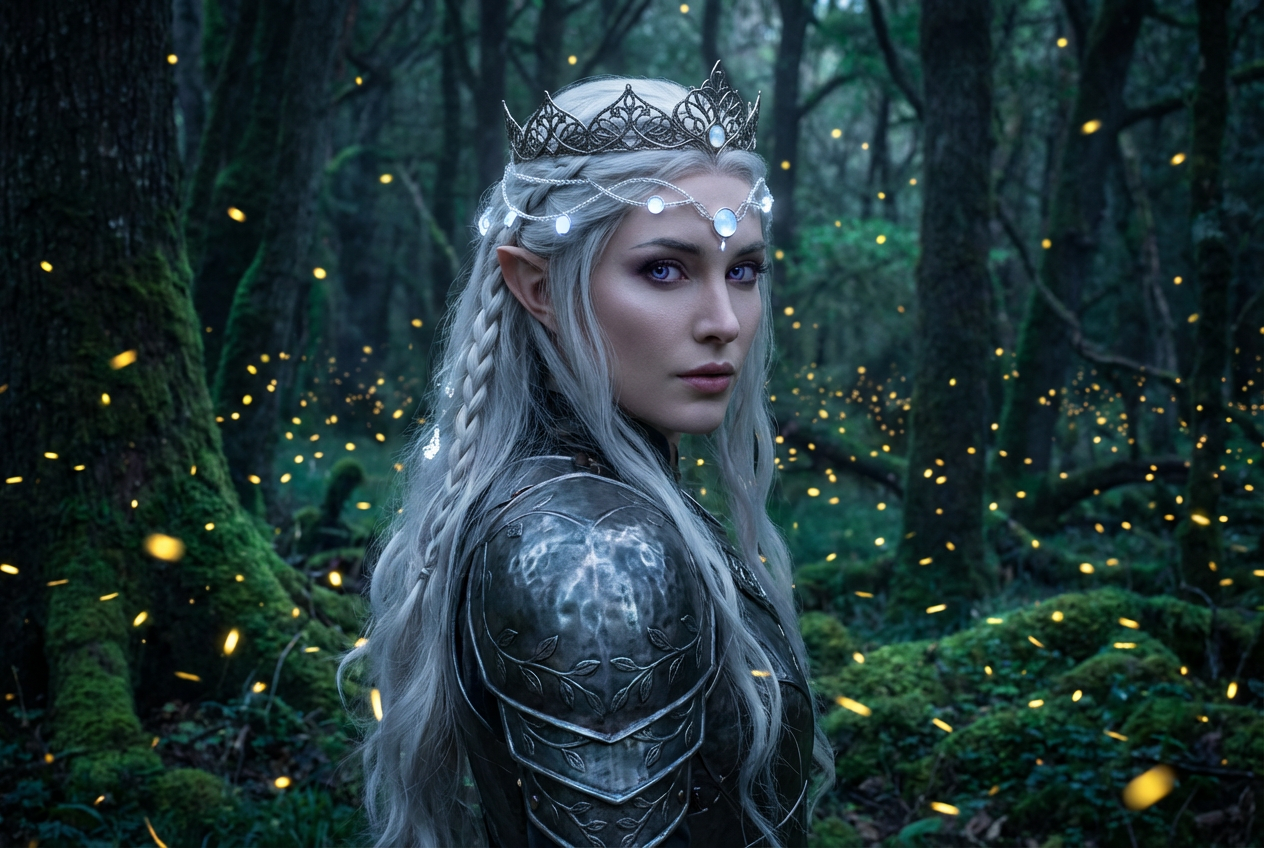
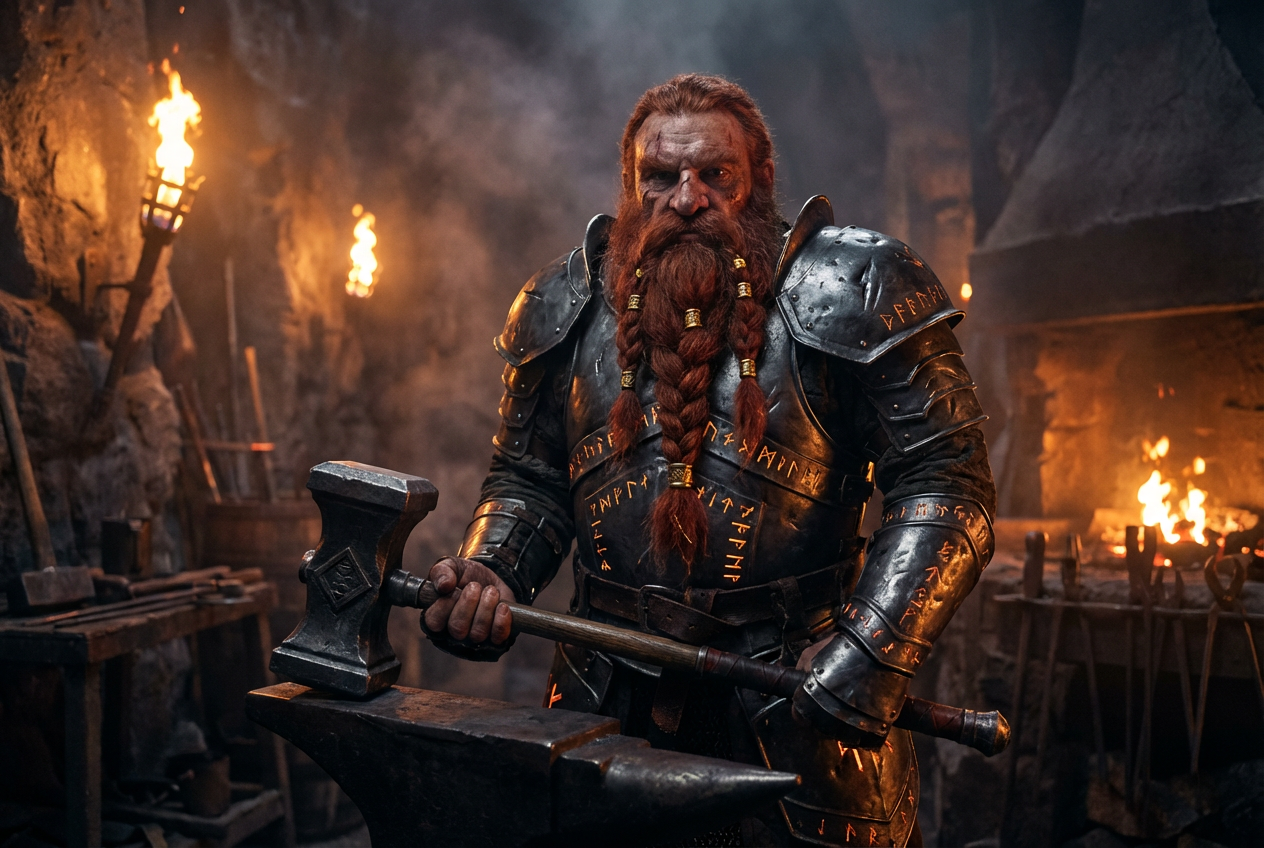
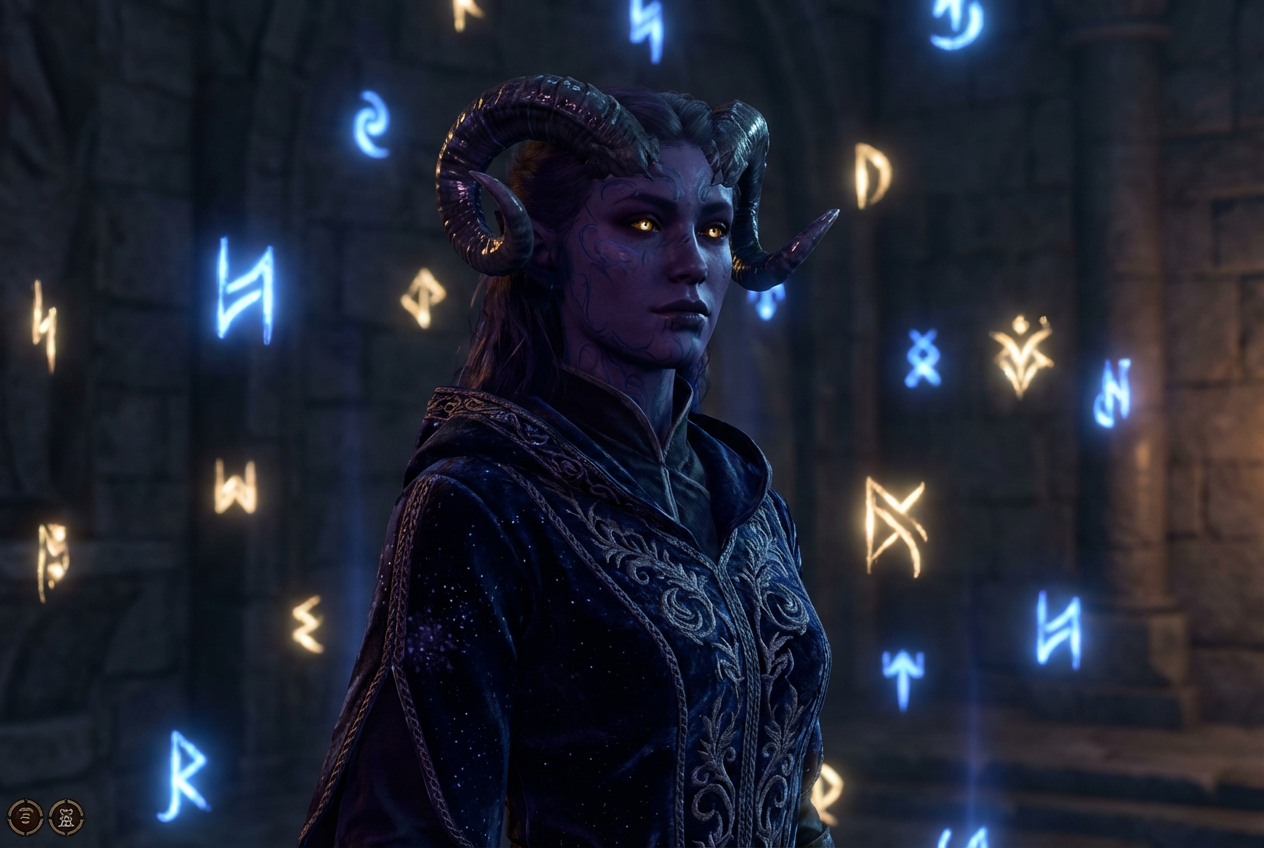
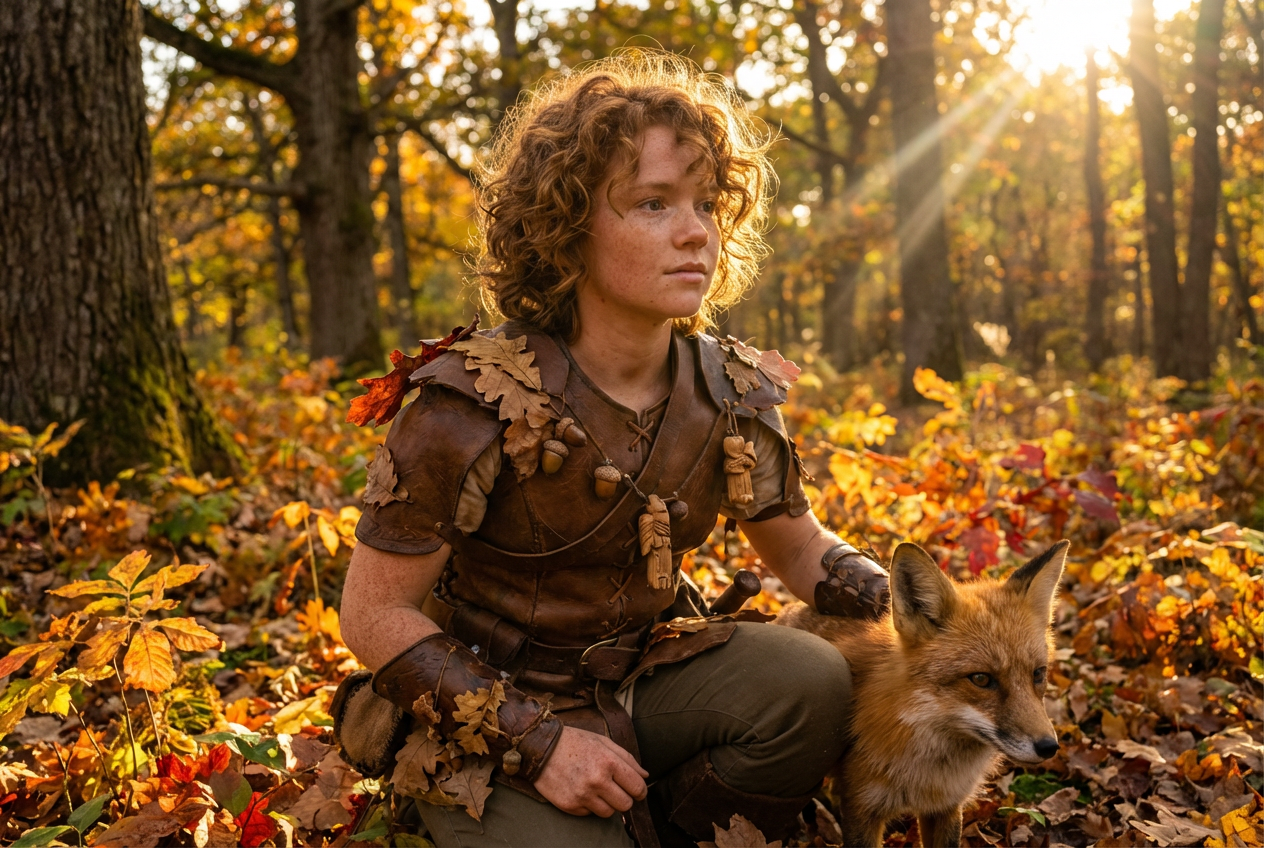
The agent gathers these inputs and preferences in the conversation before it starts.
An elven warrior with silver hair and glowing eyes...
Choose the type of fantasy character
Choices: Any Character, Elf, Warrior, Wizard/Mage, Rogue/Assassin, Paladin/Knight, Sorceress/Witch, Ranger, Necromancer, Druid, Vampire, Fae/Fairy, Demon, Angel
Choices: Any Gender, Female, Male, Non-Binary
Choices: Realistic Fantasy, Digital Painting, Oil Painting, Anime/Manga, Concept Art, Comic Book, Watercolor
Choices: Face Forward, Three-Quarter View, Profile, Looking Away, Slight Head Tilt
Choices: Neutral/Confident, Fierce, Mysterious, Serene, Determined, Menacing, Wise, Mischievous
Choices: Dramatic Fantasy, Rim Lighting, Soft Glow, Moody/Dark, Magical Glow, Natural Light, Backlit
Choices: Fantasy Environment, Simple Gradient, Bokeh/Blurred, Magical Effects, Dark Atmospheric, Nature Scene, Castle/Interior
Add appropriate fantasy armor or clothing
Professional character art quality
Create epic fantasy character portraits with AI that understands character design, fantasy aesthetics, and professional art techniques.
Create your character in three simple steps
Select from elves, warriors, wizards, vampires, and many other fantasy character types
Set art style, expression, lighting, and background to match your vision
AI creates your professional fantasy character portrait in seconds
Create elves, warriors, wizards, rogues, vampires, angels, demons, and more fantasy beings
Choose from digital painting, oil painting, anime, concept art, comic book, or watercolor styles
Set fierce, mysterious, serene, determined, menacing, wise, or mischievous expressions
Apply rim lighting, magical glows, moody darkness, or cinematic backlit effects
Include detailed fantasy armor, robes, or character-appropriate clothing
Generate cinematic character art suitable for professional projects and portfolios
Perfect for storytellers, gamers, and fantasy creators
Create character portraits for D&D, Pathfinder, and other tabletop RPG campaigns
Design book covers and character visualizations for fantasy novels and series
Generate character concept art and reference materials for fantasy projects
Create character designs for video games, visual novels, and indie game projects
Design fantasy characters for streams, videos, and social media content
Create character art for fantasy metal bands and concept album artwork
Describe hair color, eye color, scars, tattoos, and unique features for distinctive characters
Use concept art for professional work, anime for gaming, digital painting for book covers
Rim lighting and magical glows create stunning, professional-looking fantasy portraits
Simple gradients focus on the character, while environmental backgrounds tell a story
Enable armor/costume to add authenticity and depth to your fantasy character
Generate elves, warriors, wizards, rogues, paladins, sorceresses, rangers, necromancers, druids, vampires, fae, demons, angels, and more.
Yes! Select from realistic fantasy, digital painting, oil painting, anime/manga, concept art, comic book, or watercolor styles.
Absolutely! Choose from fierce, mysterious, serene, determined, menacing, wise, or mischievous expressions.
Yes! Perfect for creating character portraits for D&D, Pathfinder, and other tabletop RPG campaigns.
Yes, with cinematic quality enabled, portraits are professional-grade and perfect for fantasy book covers and marketing.
Yes! Enable 'Include Armor/Costume' to add character-appropriate armor, robes, or fantasy clothing.
Choose from fantasy environments, simple gradients, bokeh blur, magical effects, dark atmospheric, nature scenes, or castle interiors.
Yes, all generated fantasy portraits can be used for commercial projects including games, books, products, and marketing.
Select the character type (like elf or vampire) and describe racial features like pointed ears, fangs, or magical markings in your description.
Rim lighting creates stunning edge definition, magical glow adds fantasy appeal, and moody/dark creates mysterious atmosphere.


