Describe your fashion design
An elegant evening gown with flowing fabric and intricate beading...

Create professional fashion design sketches and illustrations for clothing and accessories
Reference media and sample results for this task.
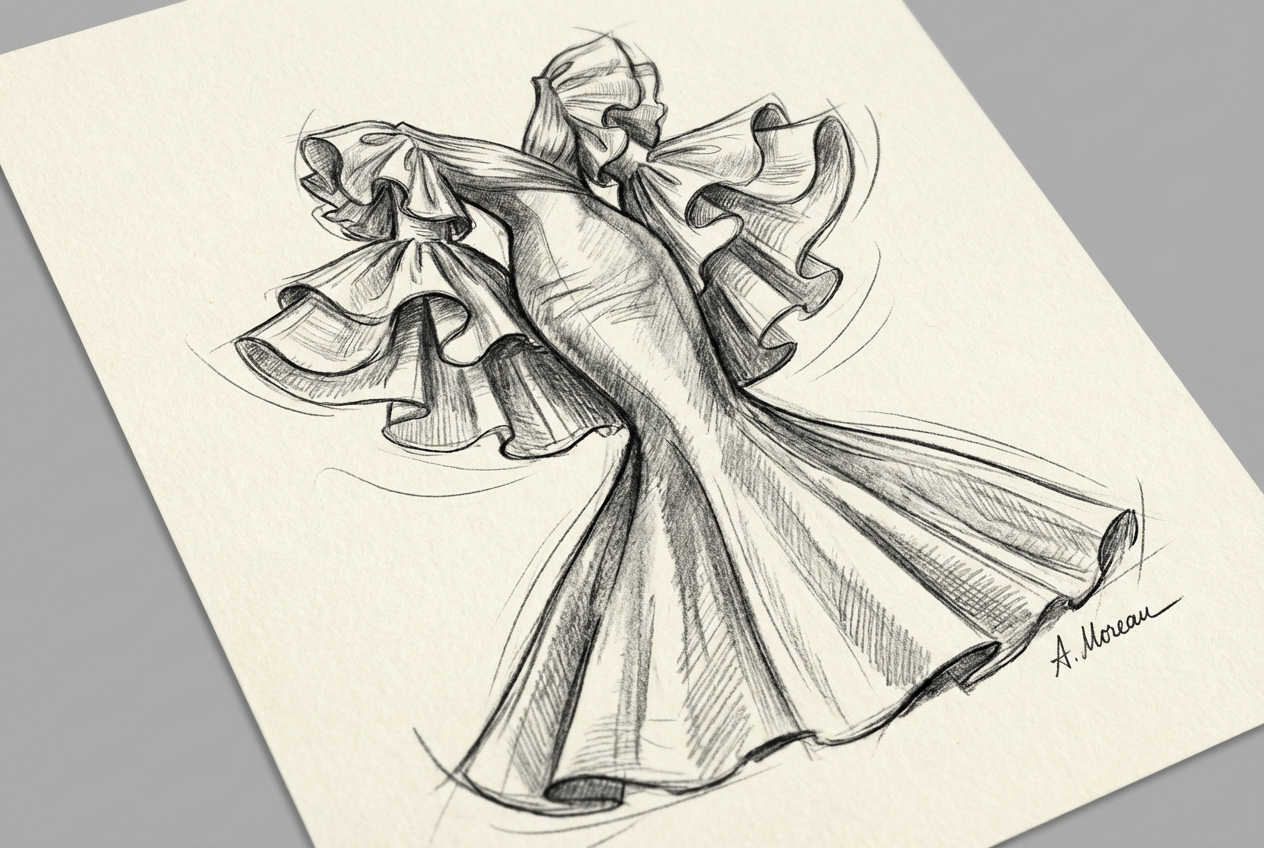
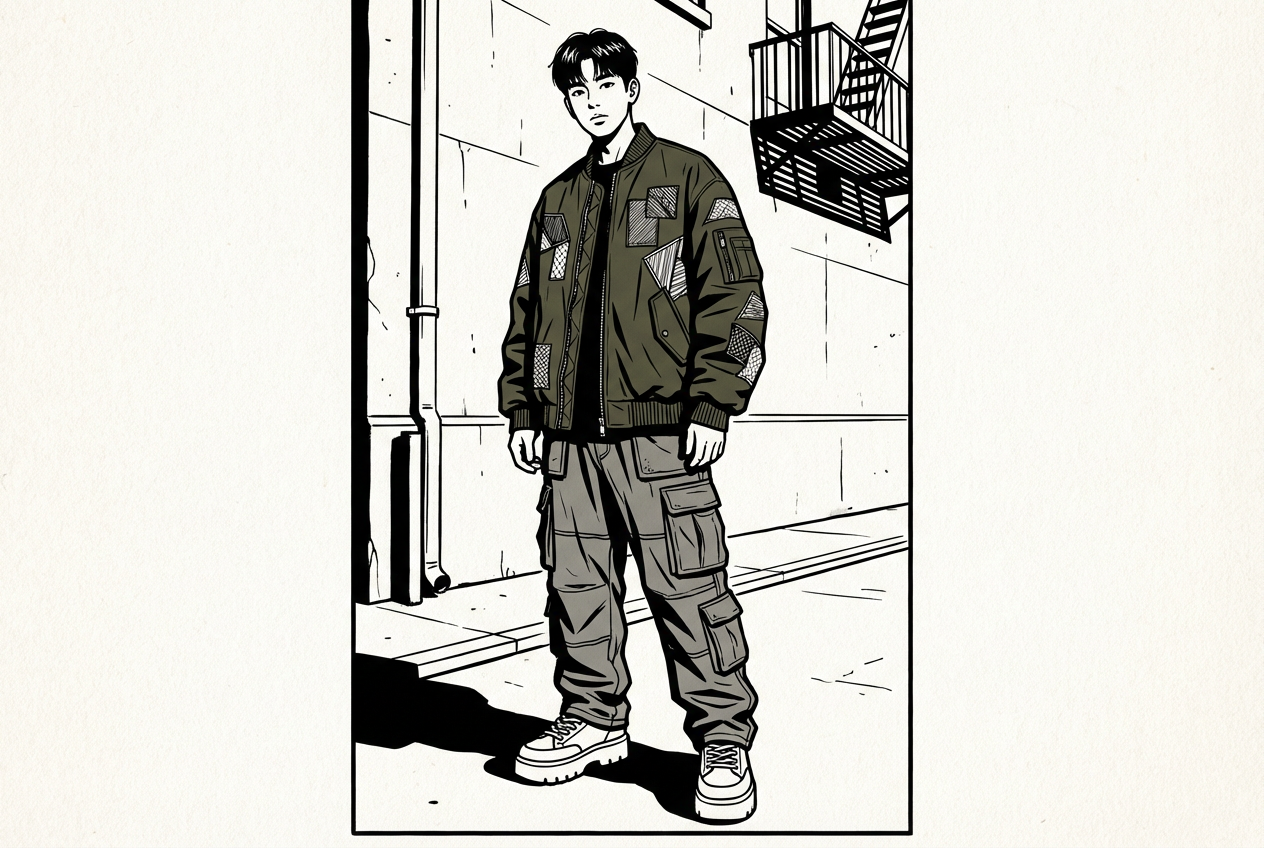
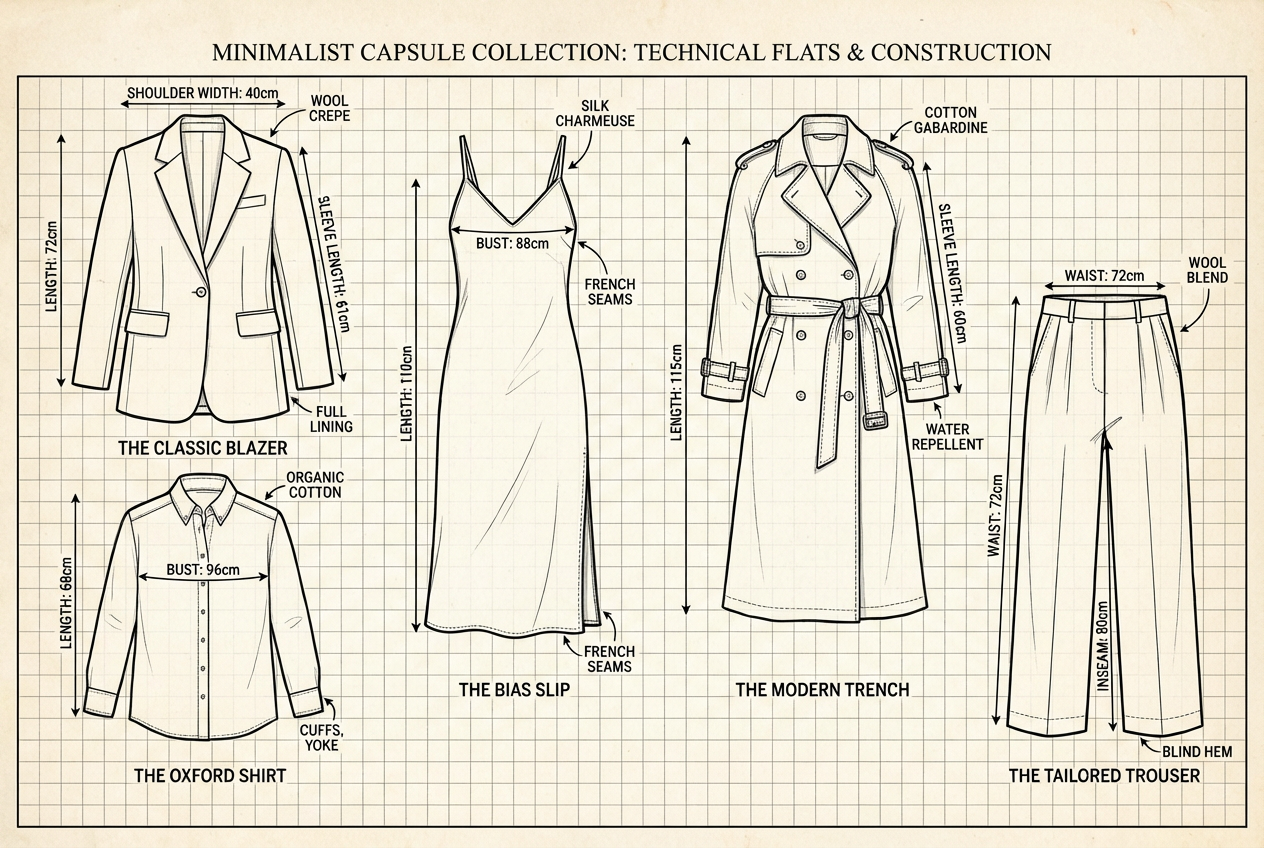
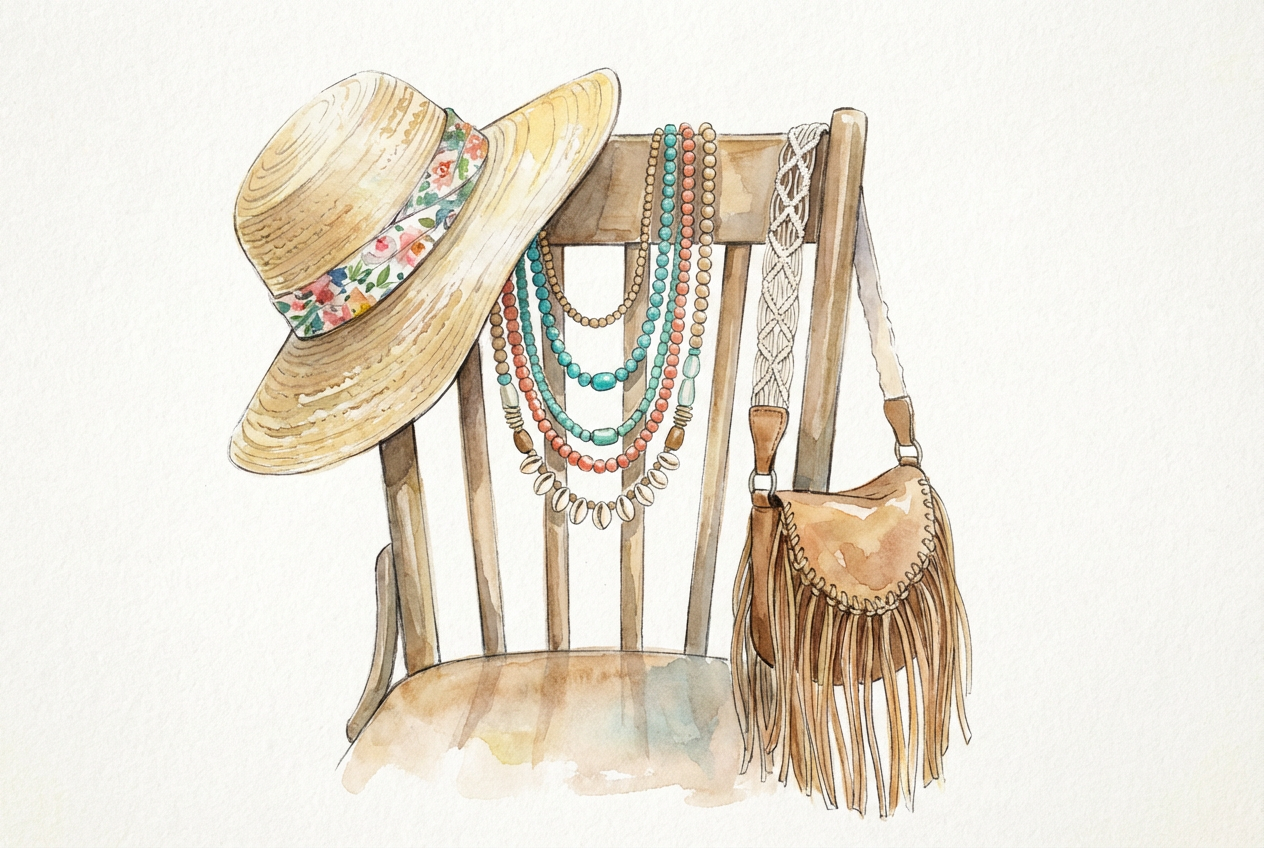
The agent gathers these inputs and preferences in the conversation before it starts.
An elegant evening gown with flowing fabric and intricate beading...
Choose the type of clothing to sketch
Choices: Any Garment, Dress, Suit, Blouse/Shirt, Skirt, Pants/Trousers, Jacket/Blazer, Coat/Outerwear, Jumpsuit, Accessories, Shoes, Handbag
Choices: Professional Fashion, Technical Flat, Artistic Illustration, Fashion Croquis, Minimal Line Art, Highly Detailed, Watercolor Style, Pencil Sketch
Choices: Standing Pose, Walking Pose, Sitting Pose, Dynamic Pose, Profile View, Back View, Three-Quarter View, Runway Pose
Choices: Contemporary, 1920s Vintage, 1950s Vintage, 1960s Mod, 1970s Boho, 1980s Power, 1990s Grunge, Futuristic, Timeless Classic
Choices: Any Fabric, Silk, Cotton, Wool, Denim, Leather, Chiffon, Velvet, Lace, Knit
Choices: Monochrome Sketch, Full Color, Single Accent Color, Sepia Tones, Pastel Colors, Bold Colors
Choices: Balanced Detail, Construction Details, Embellishments, Silhouette Focus, Fabric Texture, Proportions
Control the precision and refinement of the sketch lines
Include technical construction guidelines
Include fabric notes and design annotations
Create professional fashion design sketches and illustrations with designer-quality precision and artistic flair
Transform your fashion ideas into professional sketches in three creative steps
Describe your garment idea and select the type of clothing or accessory you want to sketch
Select sketch style, figure pose, era inspiration, fabric textures, and detail focus
Our AI creates a professional fashion illustration with proper proportions and designer quality
Sketch dresses, suits, accessories, shoes, handbags, and all types of clothing designs
Choose from technical flats, fashion croquis, artistic illustrations, and detailed renderings
Authentic fashion figure proportions and poses used by professional fashion illustrators
Represent different fabric textures like silk, denim, leather, chiffon, and more
Create monochrome sketches, full color illustrations, or accent color renderings
Include construction lines, seam details, and technical annotations for manufacturing
Perfect for fashion professionals and aspiring designers who need quality fashion illustrations
Create concept sketches, design portfolios, and client presentations with professional quality
Develop portfolio pieces, study different styles, and practice fashion illustration techniques
Generate design concepts, seasonal collections, and marketing materials for fashion lines
Create technical sketches and production guidelines for garment manufacturing
Generate base sketches and concept art for fashion illustration and editorial work
Visualize personal style ideas and create custom fashion designs for personal projects
Include specific design elements like necklines, sleeves, hemlines, and embellishments for accurate sketches
Select poses that best showcase your design - front view for details, profile for silhouette
Match fabric textures to your design - flowing fabrics for dresses, structured for tailoring
Monochrome for technical sketches, full color for presentation, accent colors for highlights
Technical flats for manufacturing, artistic style for portfolios, croquis for concept development
You can create sketches for all types of clothing including dresses, suits, blouses, skirts, pants, jackets, coats, jumpsuits, shoes, handbags, and accessories.
Yes! Choose the 'Technical Flat' style to create detailed technical sketches suitable for manufacturing and production specifications.
Absolutely! Our AI uses proper fashion illustration proportions (typically 9-heads tall) that are standard in professional fashion design.
Yes, select from various fabric options like silk, cotton, wool, denim, leather, chiffon, velvet, lace, and knit to show appropriate texture rendering.
Choose from professional fashion, technical flat, artistic illustration, fashion croquis, minimal line art, detailed rendering, watercolor, and pencil sketch styles.
Yes, enable 'Show Construction Lines' to include technical guidelines, seam placements, and manufacturing details in your sketches.
Absolutely! All sketches are generated with professional fashion illustration quality suitable for design portfolios and client presentations.
Yes, choose from different eras including 1920s, 1950s, 1960s Mod, 1970s Boho, 1980s Power, 1990s Grunge, or futuristic styles.
Create monochrome sketches, full color illustrations, single accent colors, sepia tones, pastels, or bold color renderings.
Yes, enable 'Add Design Notes' to include fabric specifications, construction notes, and design annotations on your sketches.


