Pose Description
Describe the figure pose (e.g., 'dynamic running pose with arms extended' or 'seated meditation pose')...

Generate dynamic figure poses for art reference
Reference media and sample results for this task.
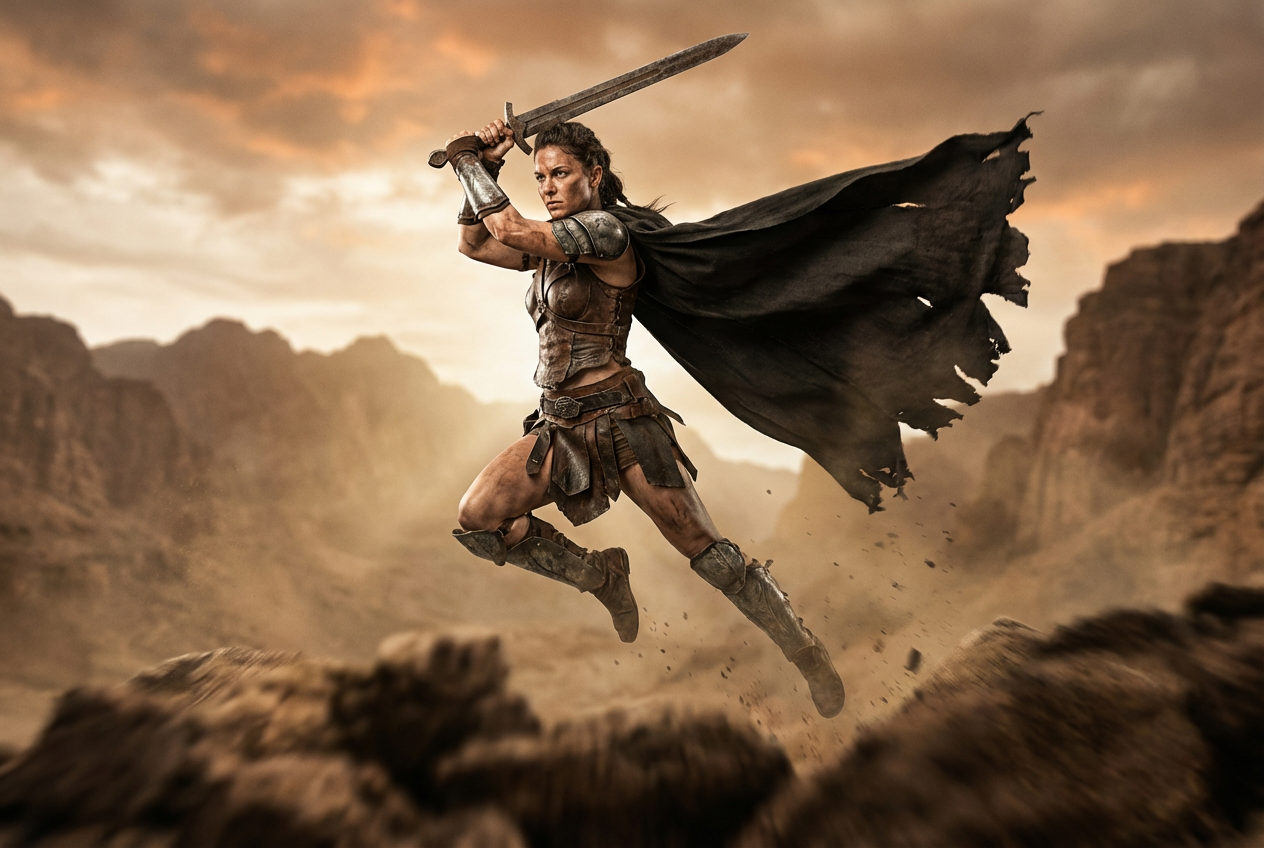
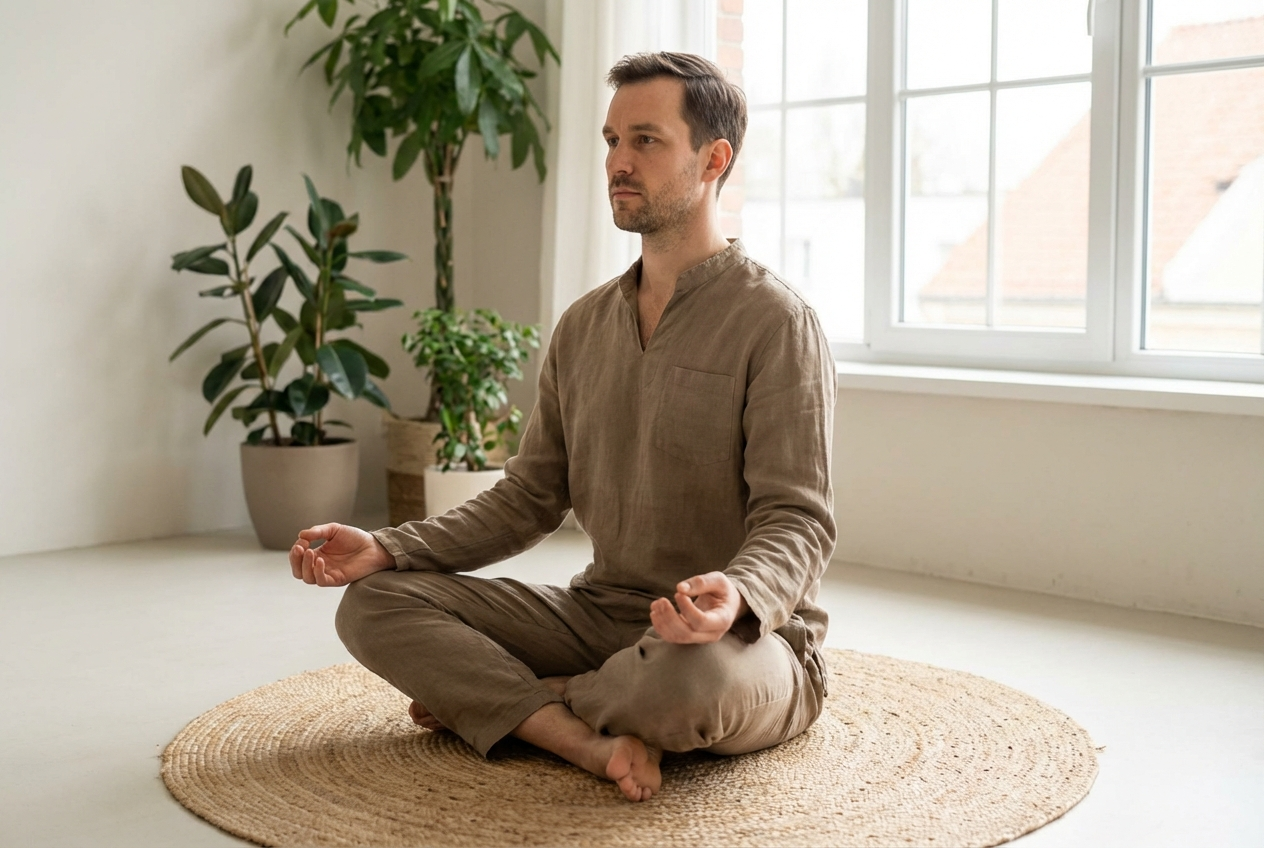
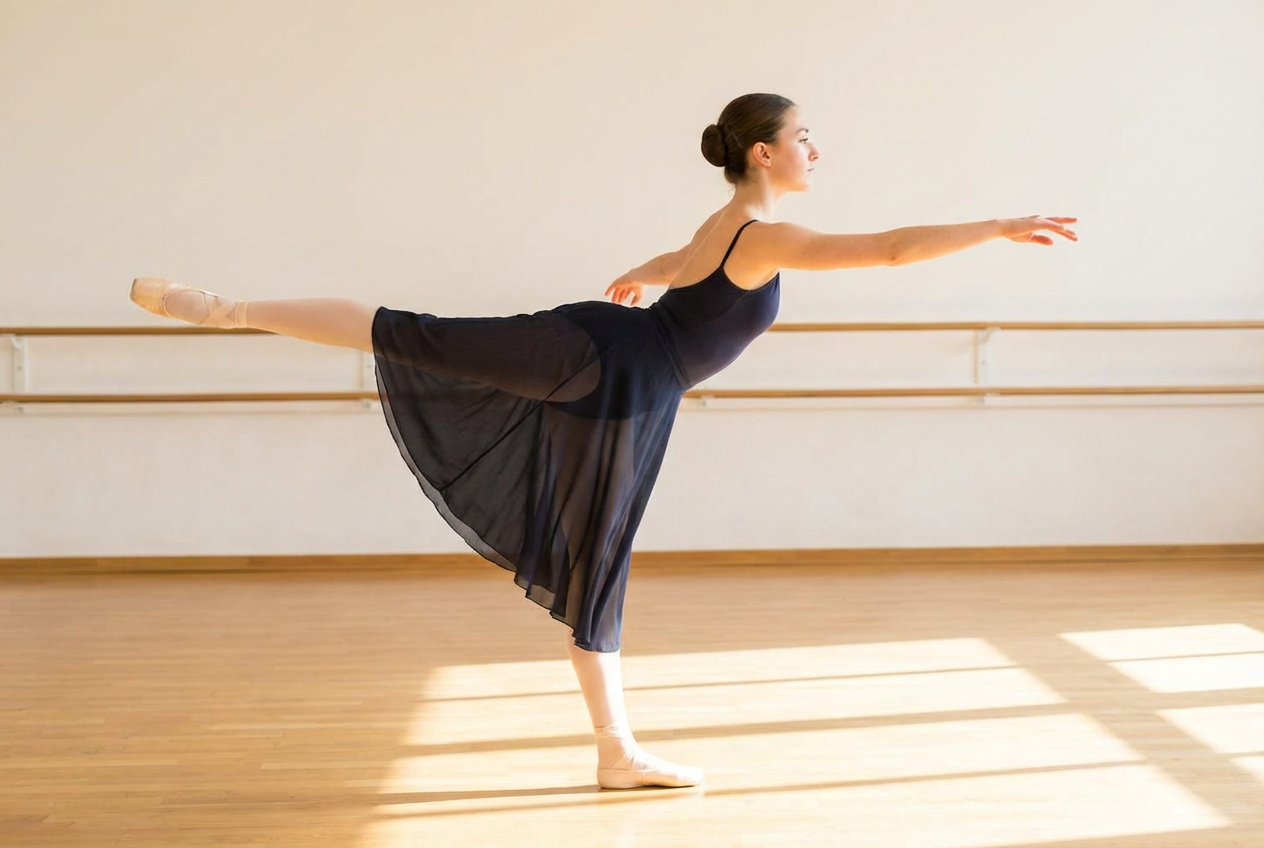
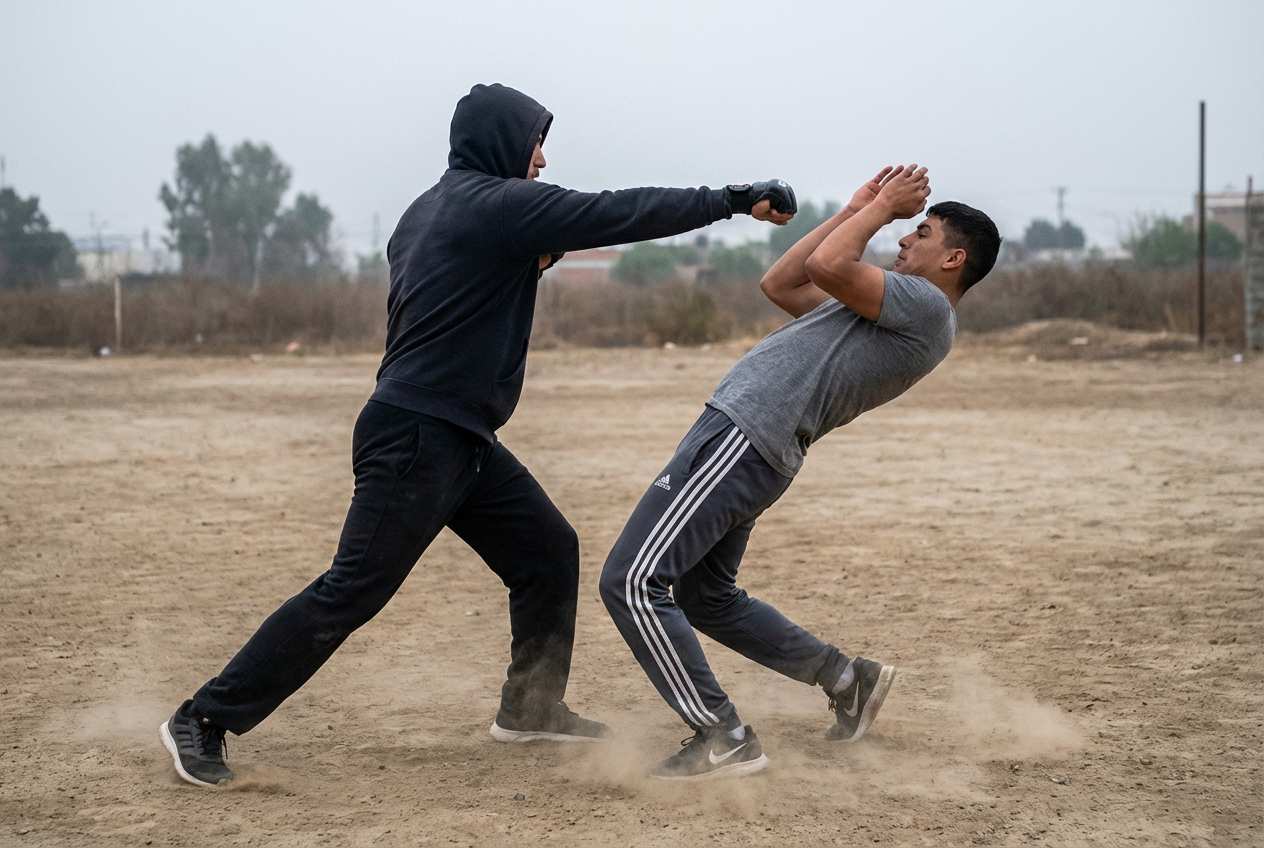
The agent gathers these inputs and preferences in the conversation before it starts.
Describe the figure pose (e.g., 'dynamic running pose with arms extended' or 'seated meditation pose')...
Choose the style of the figure reference
Choices: Any Style (Flexible), Anatomical (Realistic Muscles), Mannequin (Simple Form), Skeleton (Bone Structure), Wireframe (3D Framework), Stylized (Artistic Interpretation)
Select the complexity level of the pose
Choices: Balanced (Natural Difficulty), Simple (Basic Standing/Sitting), Moderate (Common Actions), Dynamic (Active Movement), Extreme (Advanced Acrobatic)
Select the camera angle for the pose
Choices: Standard View (Three-Quarter), Front View (Face Forward), Back View (Rear Angle), Side View (Profile), Three-Quarter (45° Angle), Low Angle (Looking Up), High Angle (Looking Down)
Choose body proportions for the figure
Choices: Standard (Average Build), Athletic (Fit & Muscular), Slender (Lean Build), Stocky (Broad & Solid), Heroic (8-Head Proportion)
Select the rendering approach for the pose
Choices: Clean Reference (Clear Lines), Grayscale (Shaded Forms), Line Art (Outlines Only), Gesture (Quick Sketch), Detailed (Full Anatomy)
Generate accurate, dynamic figure poses for art reference with AI-powered pose creation that saves time and improves your artistic workflow.
Create professional figure pose references in simple steps:
Enter a detailed description of the pose you need including action, body position, and any specific requirements
Select from anatomical, mannequin, skeleton, wireframe, or stylized figure styles
Adjust pose complexity, view angle, body proportions, and rendering style
AI creates professional figure pose references ready for your artistic projects
Generate figures with anatomically correct proportions, muscle structure, and bone alignment for realistic art reference
Choose from anatomical, mannequin, skeleton, wireframe, or stylized figures to match your reference needs
Generate poses from front, back, side, three-quarter, high angle, or low angle perspectives
Create everything from simple standing poses to extreme acrobatic positions with accurate weight distribution
Select pose complexity from simple static poses to dynamic action sequences with multiple difficulty levels
High-quality renders suitable for professional art reference, animation keyframes, and character design
This Magica workflow is essential for artists, animators, and designers who need accurate figure pose references for their creative work.
Get accurate pose references for character drawings, paintings, and illustrations without expensive photo shoots or models.
Generate keyframe poses and action sequences for 2D and 3D animation with accurate body mechanics and weight distribution.
Create diverse character poses to showcase designs from multiple angles and in various action states for portfolios.
Generate dynamic action poses and reference panels for manga, comics, and graphic novels with perfect anatomy.
Study anatomy, proportion, and pose dynamics with unlimited reference material for figure drawing practice and assignments.
Create character pose references for game sprites, concept art, and animation keyframes with consistent proportions.
Describe the exact action and body position clearly (e.g., 'reaching upward with left arm' instead of just 'reaching').
Mention weight distribution in dynamic poses (e.g., 'weight on left leg, right leg extended') for more realistic results.
Include details about hand gestures and foot placement as these are crucial for believable poses.
Choose the anatomical style when studying muscle structure and bone placement for educational purposes.
Begin with simple complexity poses to understand the tool, then progress to dynamic and extreme poses as needed.
Create the same pose from different view angles (front, side, back) to fully understand the three-dimensional form.
The AI Figure Pose Generator is a tool that creates anatomically accurate figure references in various poses using artificial intelligence. It's designed specifically for artists, animators, and designers who need reliable pose references for their creative work without hiring models or conducting photoshoots.
Yes! Simply describe the pose you need in plain language, select your preferred figure style (anatomical, mannequin, skeleton, etc.), choose the viewing angle, and generate. The intuitive interface makes it accessible for beginners while offering advanced customization for professionals.
Our AI generates poses with accurate anatomical proportions, proper bone structure, and realistic muscle positioning. The anatomical figure style shows detailed musculature, while other styles maintain correct proportions suited to their specific reference purposes.
Absolutely! The tool can generate everything from simple standing poses to extreme dynamic action poses including running, jumping, fighting, dancing, and acrobatic movements. Select the dynamic or extreme complexity level for more challenging poses.
You can choose from anatomical (detailed muscles), mannequin (simple form), skeleton (bone structure), wireframe (3D framework), and stylized (artistic interpretation) figures. Each style serves different reference needs for artists.
Yes! Generate the same pose from front, back, side, three-quarter, high angle, or low angle views. This helps you understand the three-dimensional form and is especially useful for animation and character design.
Yes, the generated figures are professional-quality references suitable for commercial art projects, animation studios, game development, illustration work, and professional portfolios. Many professional artists use AI pose references to improve workflow efficiency.
Yes, you can select from standard, athletic, slender, stocky, or heroic (8-head) proportions. This allows you to match the body type to your specific character design or artistic needs.
Include detailed descriptions of hand positions in your pose description (e.g., 'pointing with right index finger' or 'clenched fist at hip level'). The more specific you are about hand and finger positioning, the better the results.
Absolutely! Generate multiple poses in sequence to create animation keyframes. Many animators use the tool to plan out action sequences and establish proper timing for character movements.
Provide a detailed description including body angles, weight distribution, limb positions, and any reference points. For unusual poses, you might need to generate a few variations and select the one closest to your needs.
Yes, the pose references can be used in commercial artwork, animations, games, comics, and other professional projects. They serve as reference material for your original creative work.


