Filigree Description
Elegant Victorian filigree with flowing vines and roses...

Create intricate filigree patterns and decorative metalwork designs
Reference media and sample results for this task.
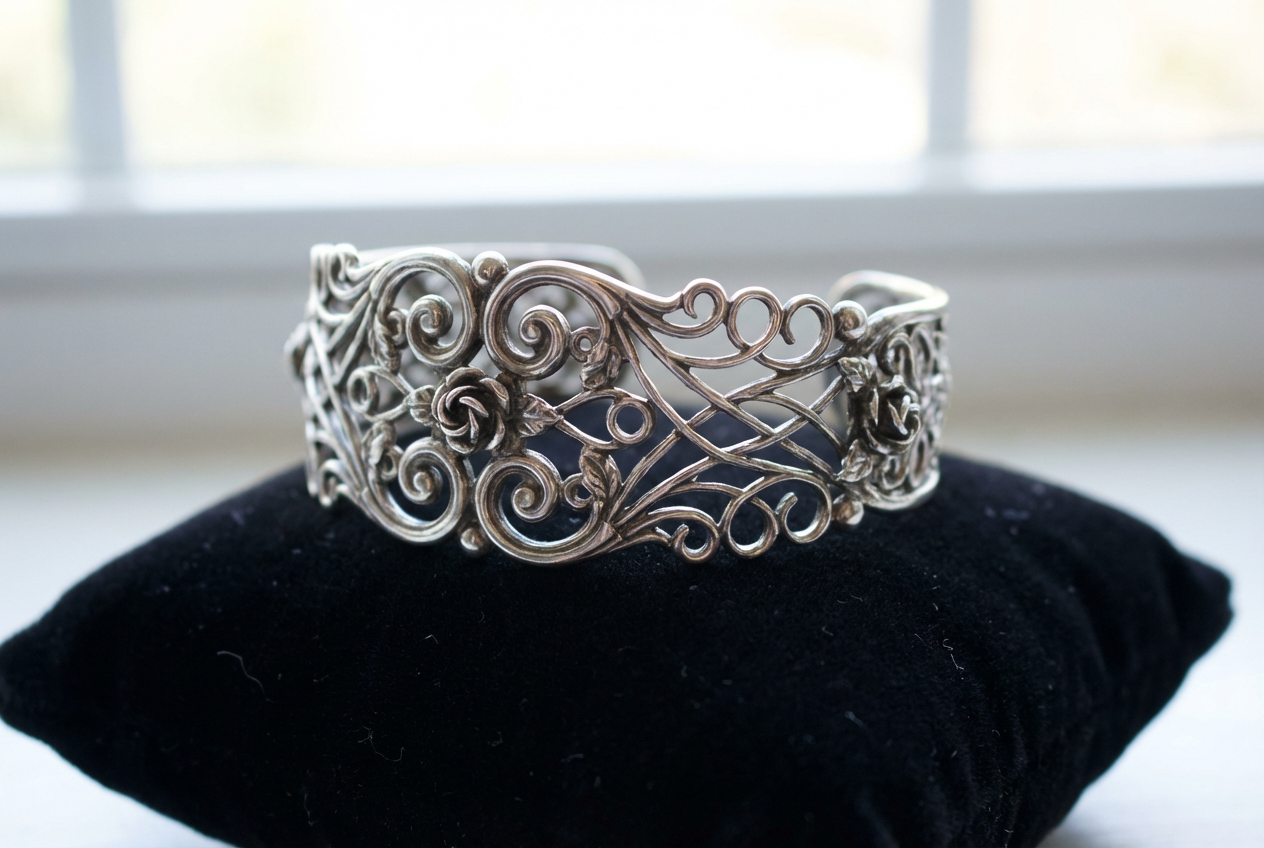
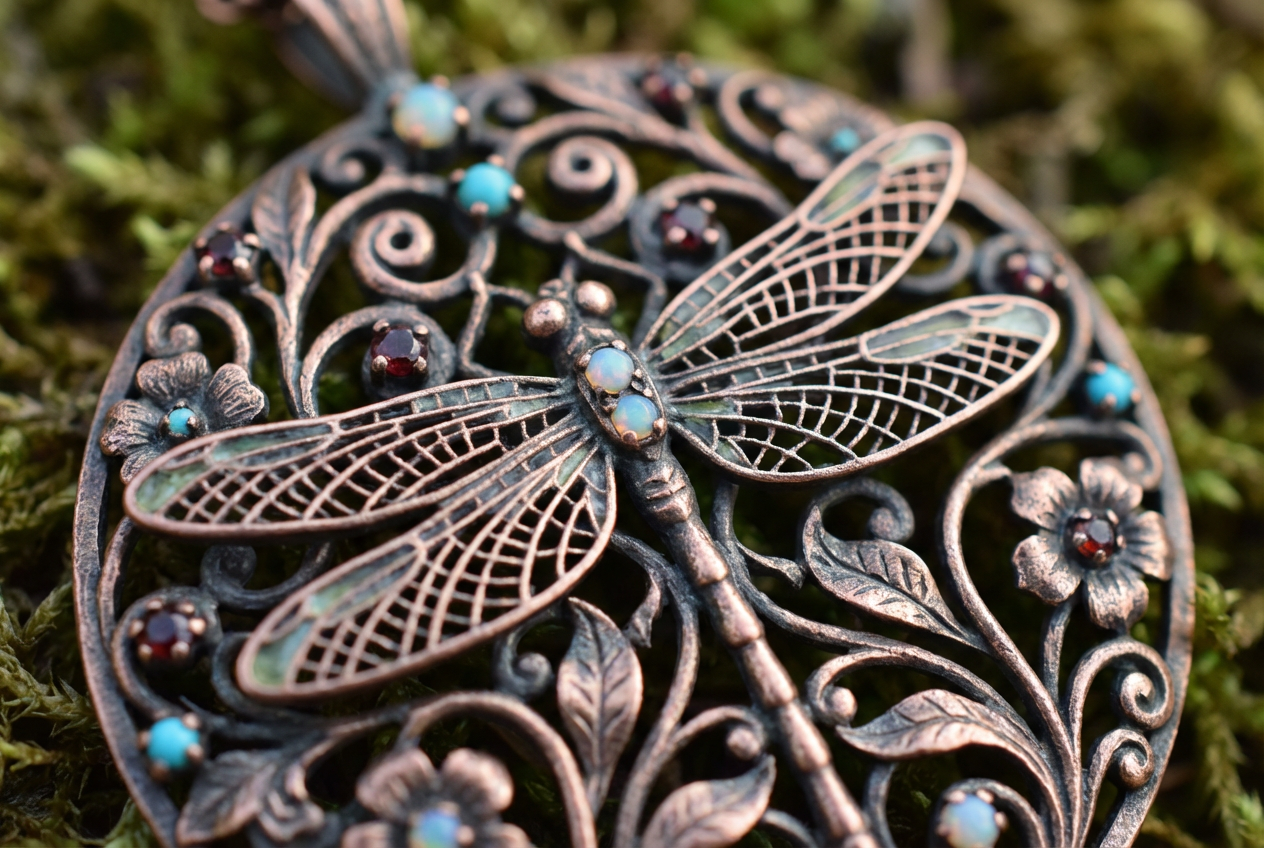
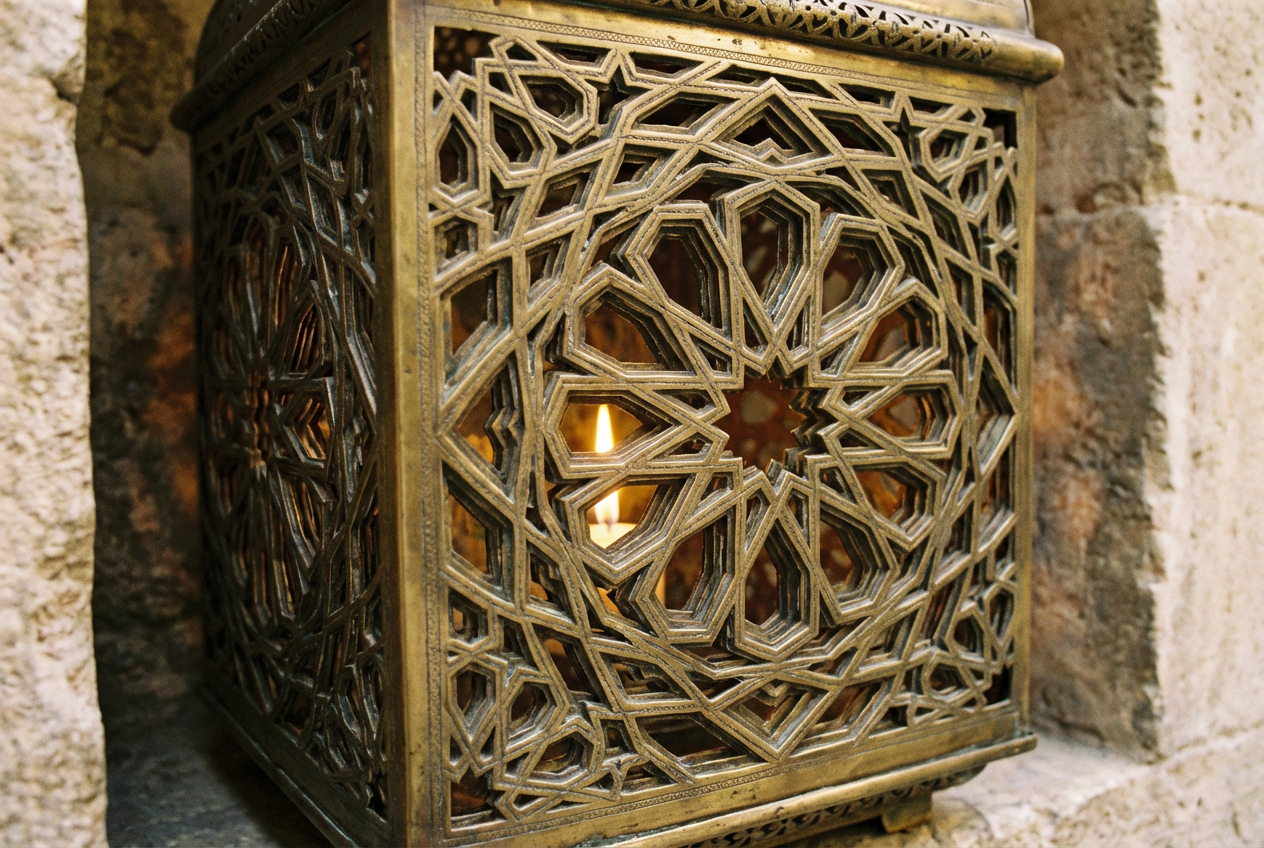
The agent gathers these inputs and preferences in the conversation before it starts.
Elegant Victorian filigree with flowing vines and roses...
Choose the filigree pattern style
Choices: Any Style, Victorian, Baroque, Art Nouveau, Rococo, Gothic, Oriental, Celtic, Islamic, Modern
Choose the primary decorative motif
Choices: Any Motif, Floral, Vines & Leaves, Scrollwork, Geometric, Birds, Butterflies, Hearts, Stars, Swirls
Choices: Any Metal, Gold, Silver, Copper, Bronze, Platinum, Rose Gold, Antique Finish
Choices: Any Complexity, Simple, Moderate, Intricate, Ultra Detailed
Choices: Any Density, Sparse, Balanced, Dense, Tightly Packed
Choices: Any Shape, Circular, Oval, Square, Rectangular, Heart, Star, Border Pattern, Corner Design
Add gemstones or pearls to the design
Create a perfectly symmetrical pattern
Create stunning filigree patterns and decorative metalwork with advanced AI technology
Create your perfect filigree design in three simple steps
Enter details about the filigree pattern you want, including style and decorative elements
Select pattern style, motifs, metal type, complexity, and overall shape
Our AI creates an intricate filigree design with fine metalwork details
Victorian, Baroque, Art Nouveau, Rococo, Gothic, and other classic filigree styles
Floral, vines, scrollwork, geometric, birds, butterflies, and decorative patterns
Gold, silver, copper, bronze, platinum, rose gold, and antique finishes
From simple patterns to ultra-detailed intricate designs
Circular, oval, square, heart, star, border, and corner designs
Option to include gemstones, pearls, and precious stone accents
Perfect for jewelers, artists, and craftspeople who need intricate patterns
Create detailed filigree patterns for rings, necklaces, brooches, and earrings
Generate patterns for metalwork, embossing, engraving, and decorative arts
Create ornate patterns for architectural details and interior design elements
Use filigree patterns in logos, invitations, and decorative design projects
Create elegant patterns for wedding invitations, decorations, and stationery
Study and recreate historical filigree patterns from different eras
Choose Victorian for elegant jewelry, Gothic for dramatic pieces, or Modern for contemporary designs
Start with moderate complexity and adjust based on the intended size and use of the pattern
Gold for luxury, silver for elegance, copper for warmth, antique for vintage appeal
Choose shapes that complement your intended use - circular for brooches, border for frames
Symmetrical designs are classic and balanced, asymmetrical can be more dynamic and modern
Filigree is a delicate kind of jewelry metalwork made with twisted threads of precious metal, often gold or silver. It's used in jewelry, decorative objects, and architectural details.
You can create patterns in Victorian, Baroque, Art Nouveau, Rococo, Gothic, Oriental, Celtic, Islamic, and Modern styles.
Absolutely! The patterns are perfect for jewelry design, including rings, necklaces, brooches, earrings, and decorative elements.
Available finishes include gold, silver, copper, bronze, platinum, rose gold, and antique finishes.
You can choose from simple to ultra-detailed complexity levels, allowing for everything from basic patterns to intricate masterpieces.
Yes, you can opt to include gemstones and pearls as accent elements in your filigree design.
You can create circular, oval, square, rectangular, heart, star shapes, as well as border patterns and corner designs.
You can choose to create either symmetrical (balanced) or asymmetrical (dynamic) patterns based on your preference.
Yes, the generated filigree patterns can be used for both personal and commercial jewelry and craft projects.
All patterns are generated at high resolution with fine detail preservation, suitable for professional jewelry design and manufacturing.


