Flashcard Content
Describe the concept or information for your flashcard...

Create educational flashcards with AI for effective learning
Reference media and sample results for this task.
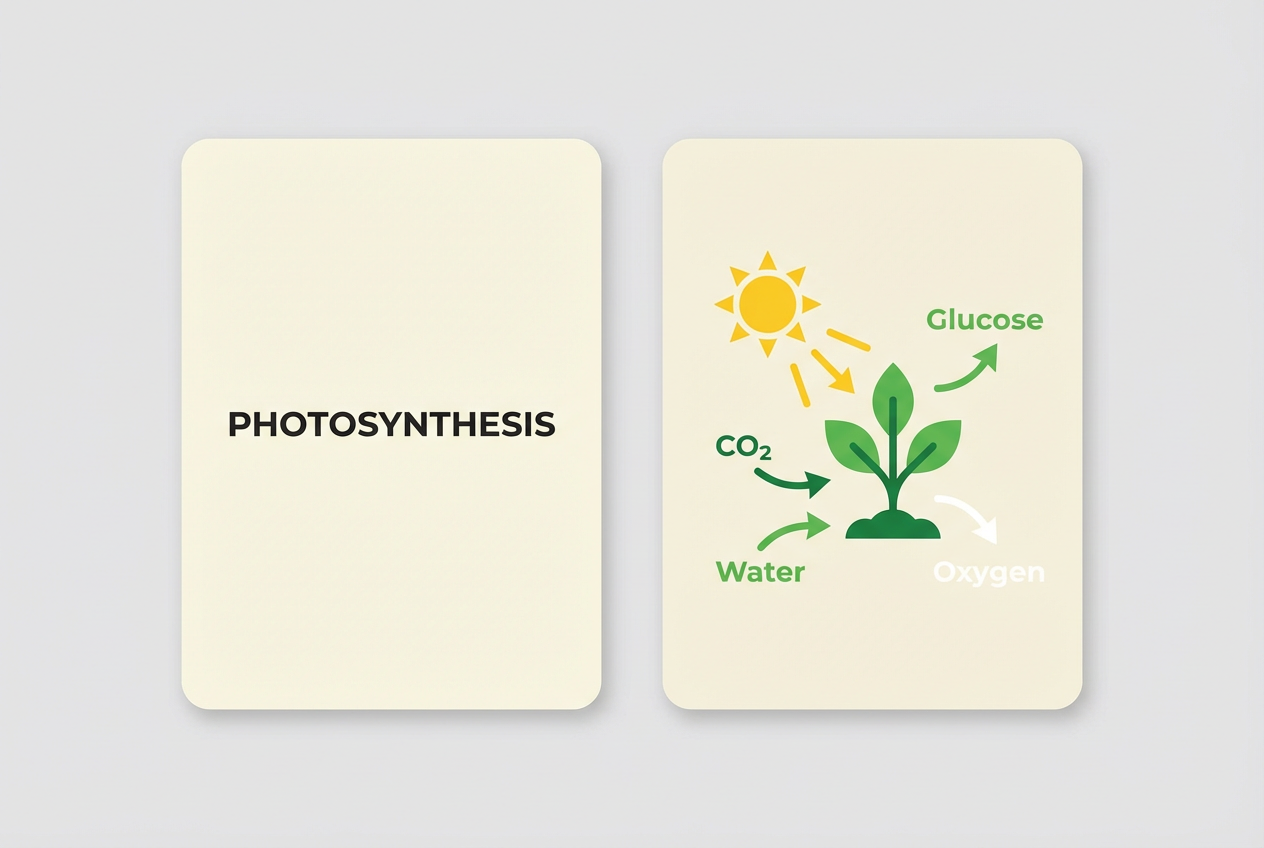
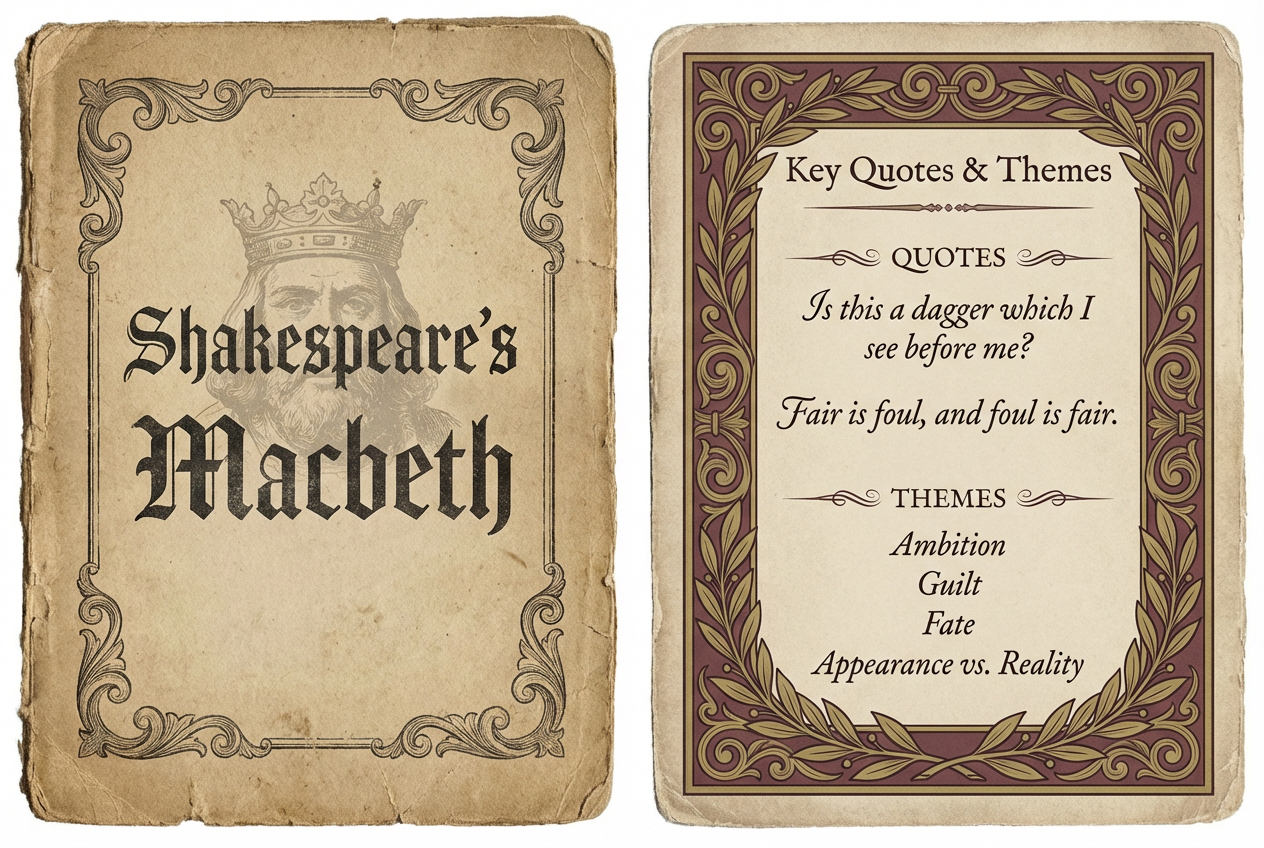
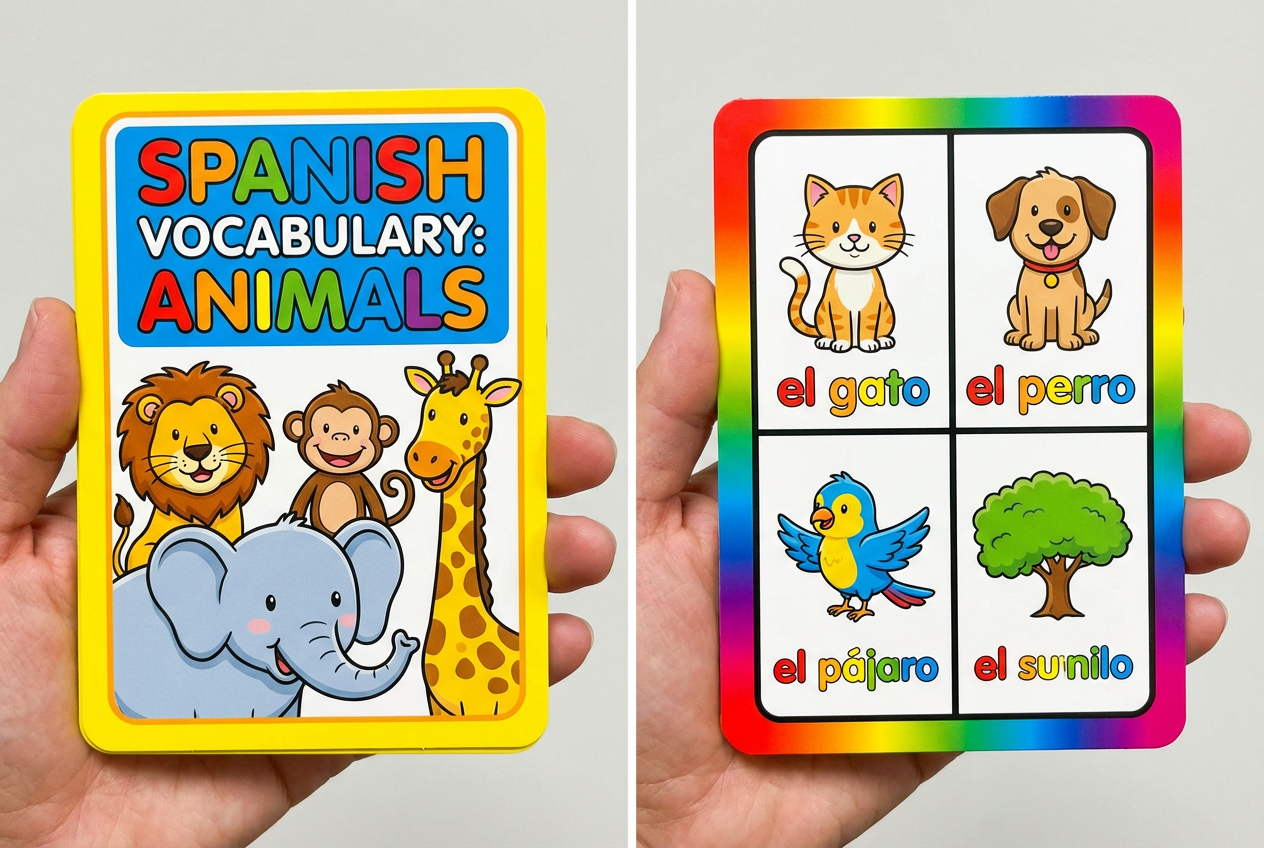
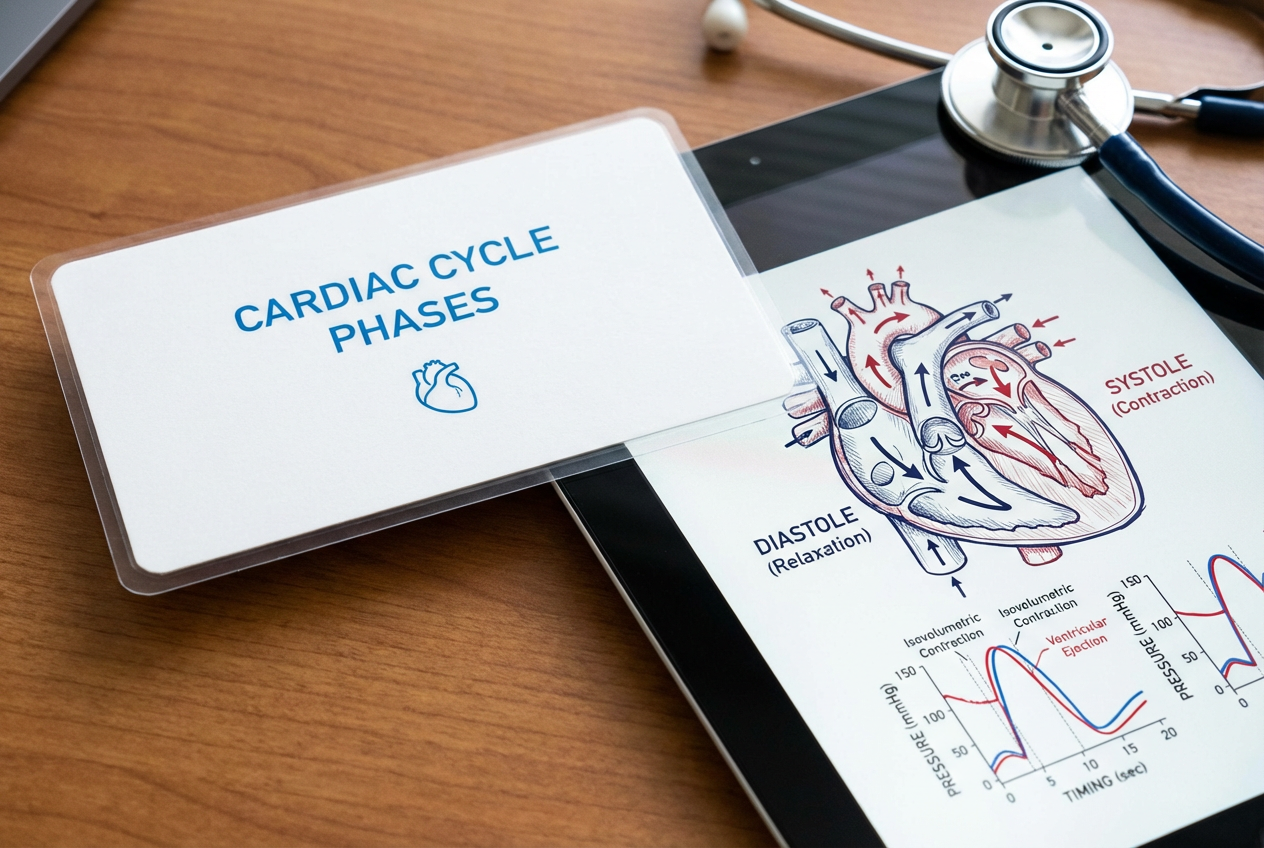
The agent gathers these inputs and preferences in the conversation before it starts.
Describe the concept or information for your flashcard...
Choices: Any Subject, Mathematics, Science, History, Language, Geography, Literature, Computer Science, Biology, Chemistry, Physics
Choices: Any Difficulty, Beginner, Intermediate, Advanced, Expert
Create effective, visually engaging flashcards for enhanced learning.
Create educational flashcards in three simple steps:
Input the concept, fact, or information you want to learn.
Choose subject area, visual style, and difficulty level.
Let AI create visually engaging flashcards optimized for learning.
AI organizes information in a clear, memorable format.
Choose from various styles to match your learning preferences.
Download and share your flashcards instantly.
Create flashcards for any subject or topic.
Create effective study materials for any subject.
Generate engaging educational materials for classes.
Build custom flashcards for personal development.
Create vocabulary and grammar flashcards.
Share and collaborate on learning materials.
Organize key concepts for efficient revision.
Focus on key points and avoid overcrowding the flashcard.
Write content in simple, easy-to-understand terms.
Add relevant images or diagrams to enhance memory retention.
Group related concepts together for better learning flow.
Set up a consistent review schedule for better retention.
You can create flashcards for any subject including mathematics, science, history, languages, and more. The AI adapts to your chosen subject area.
Yes! Choose from multiple styles including modern, minimalist, colorful, infographic, and more to match your learning preferences.
The number of flashcards you can generate depends on your plan. Free users can generate a limited number daily, while premium users get more generations.
Yes, you can download the flashcards and edit them using your preferred image editing software.
Yes, all generated flashcards are high-quality and perfectly suitable for printing.
Focus on one concept per flashcard, use clear language, and specify any particular visual elements you'd like to include.
Yes! You can download and share your flashcards with friends, classmates, or students. They're perfect for collaborative learning.
Select a difficulty level that matches your current understanding of the subject. Start with beginner if you're new to the topic, and progress to more advanced levels as you learn.


