Flower Description
Describe your desired flower design...

Create stunning flower designs and arrangements with AI
Reference media and sample results for this task.
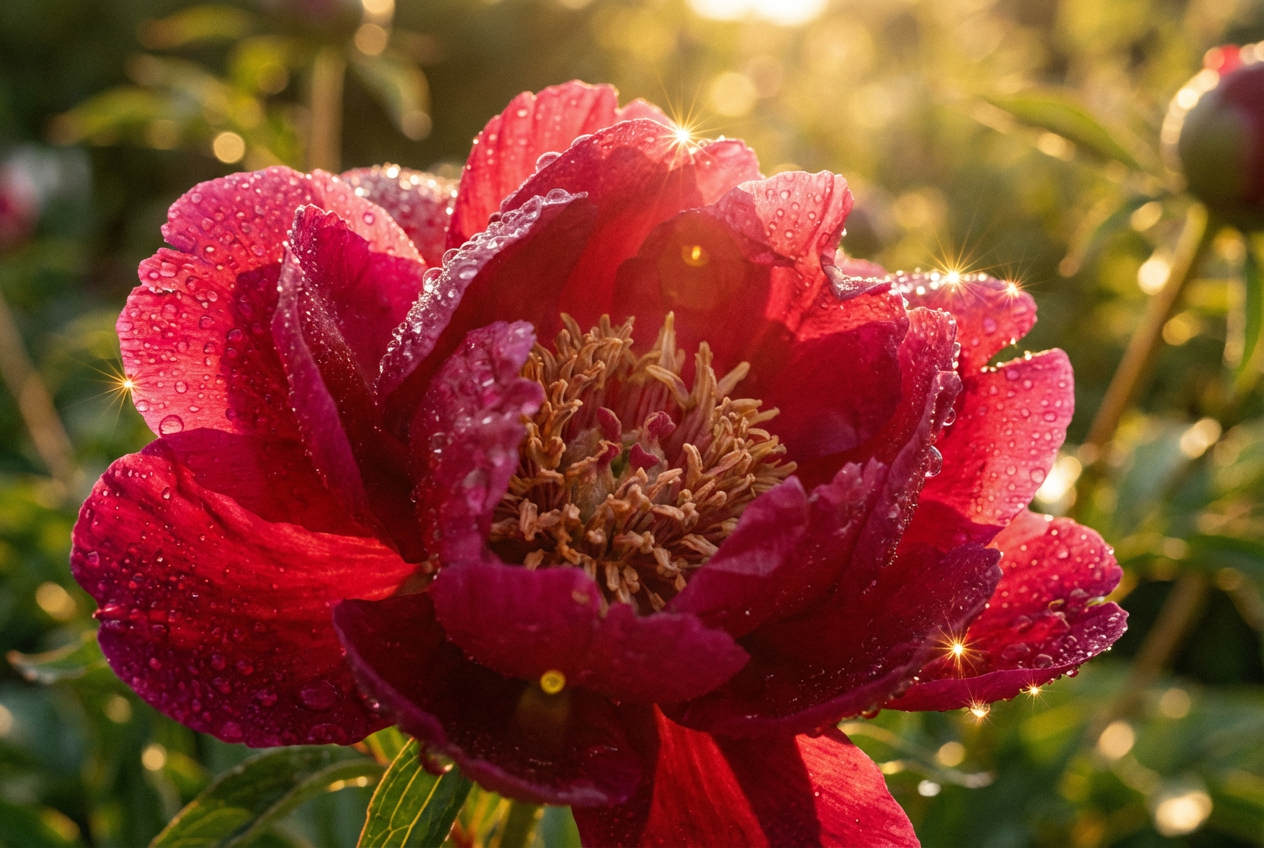
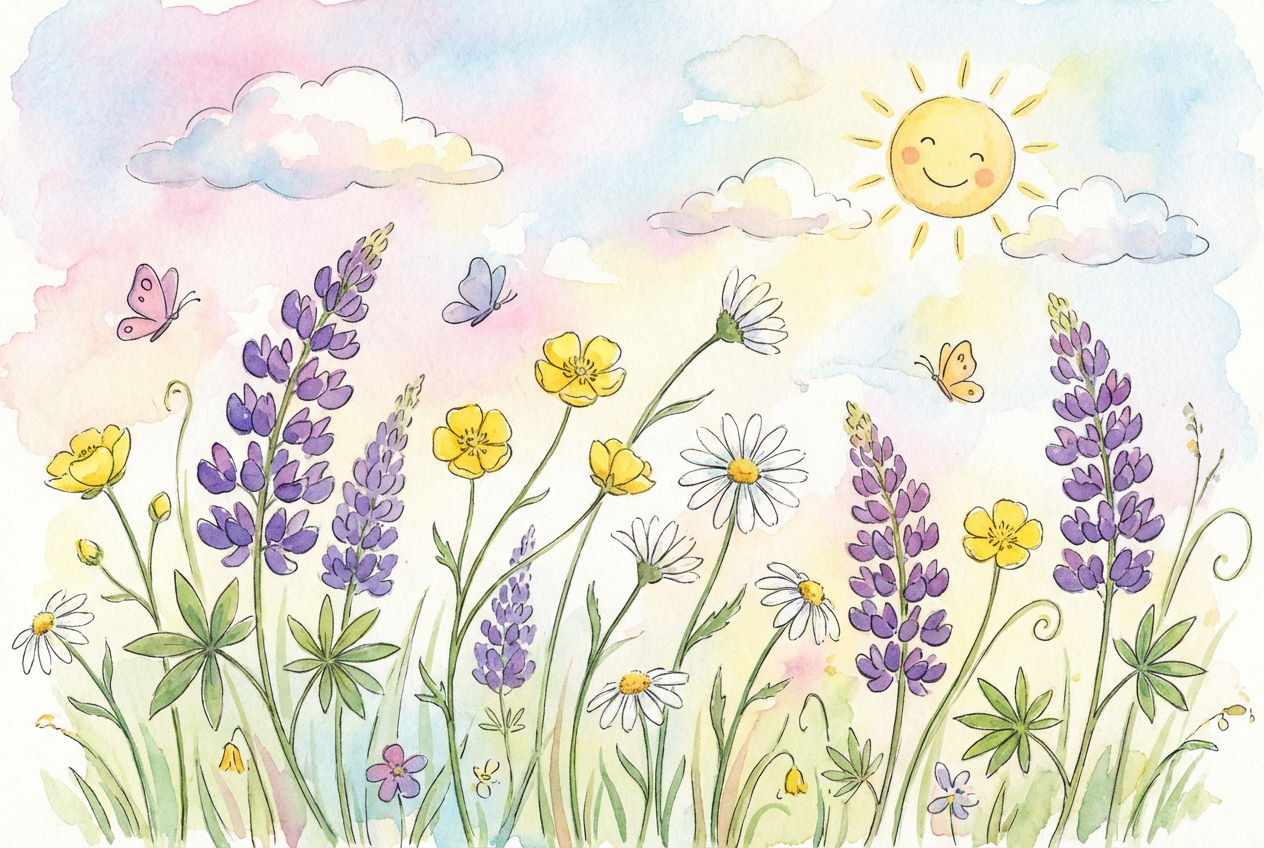
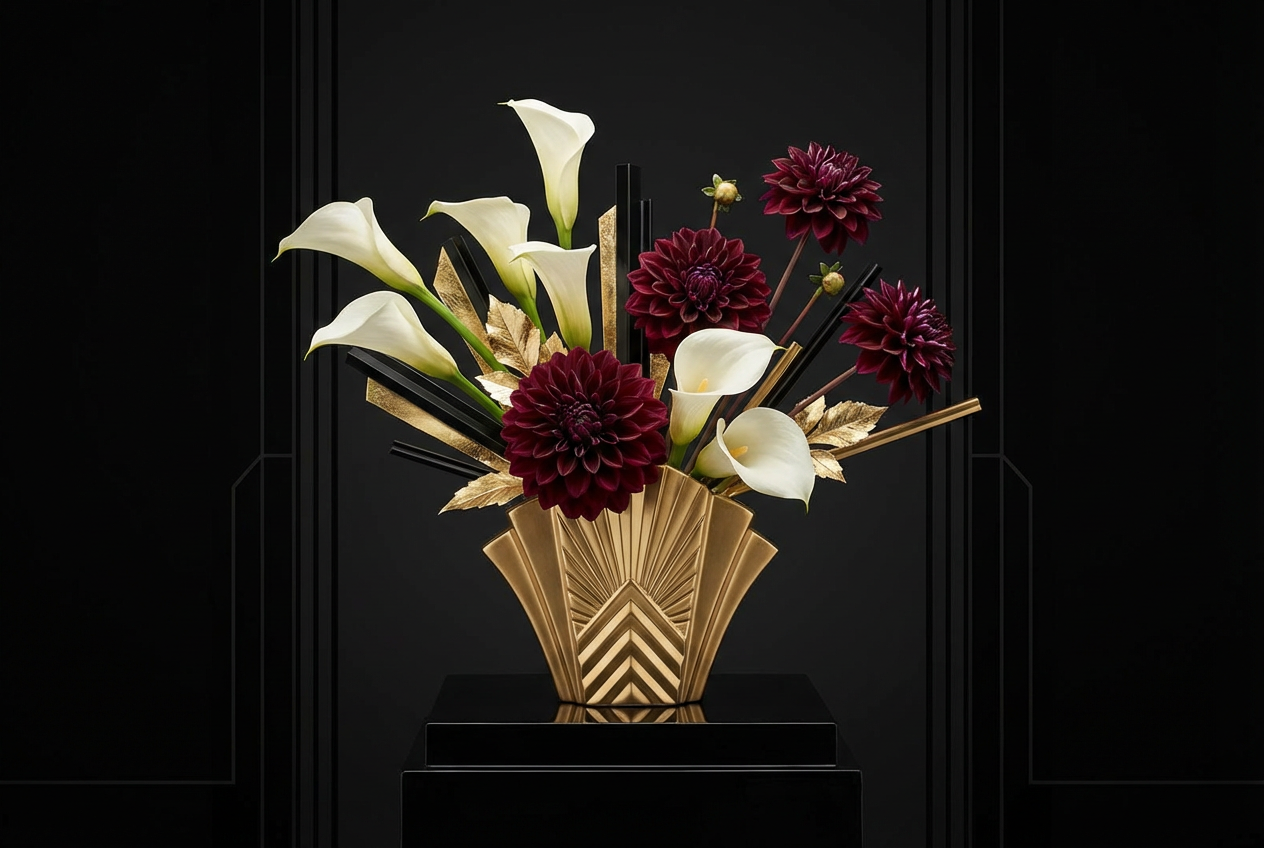
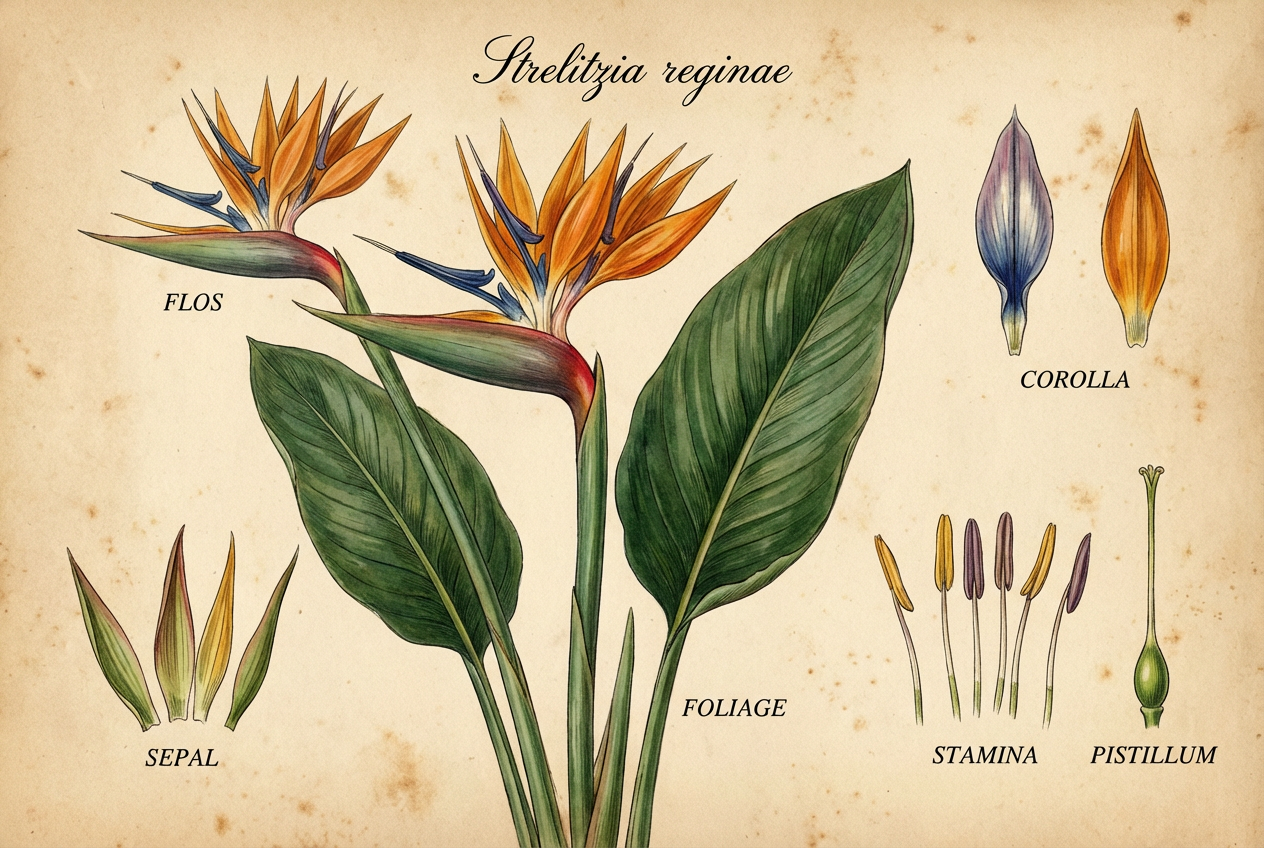
The agent gathers these inputs and preferences in the conversation before it starts.
Describe your desired flower design...
Choices: Any Arrangement, Bouquet, Single Stem, Wreath, Garden Bed, In Vase, Wildflower
Choices: Any Environment, Garden, Studio, Nature, Indoor, Meadow
Choices: Any Lighting, Natural, Soft, Dramatic, Morning, Sunset
Choices: Any Colors, Vibrant, Pastel, Monochromatic, Warm, Cool
Choices: Any Mood, Romantic, Peaceful, Cheerful, Mysterious, Elegant
Create beautiful, unique flower designs tailored to your vision.
Create your perfect flower design in three simple steps:
Enter a detailed description of your desired flower design.
Select style, arrangement, environment, and color preferences.
Let AI create unique flower designs based on your specifications.
Choose from realistic, watercolor, botanical illustration, and other artistic styles.
Explore designs with various color schemes to match your preferences.
Download your designs instantly for various uses.
Generate high-resolution images suitable for printing and digital use.
Create reference images and explore new floral designs.
Generate inspiration for arrangements and presentations.
Create unique floral patterns for various projects.
Visualize garden layouts and combinations.
Design floral arrangements for special occasions.
Explore floral art and create beautiful designs.
Include specific flower types, colors, and arrangement styles you want.
Mention seasonal elements to create more authentic designs.
Specify the size and scope of your arrangement.
Describe the setting or purpose of the flower design.
Mention the emotional feel you want to convey.
You can create various styles including realistic, watercolor, botanical illustration, impressionist, minimalist, abstract, vintage, and more.
Yes! You can mention specific flower types in your description, and the AI will incorporate them into the design.
Yes, all generated designs are free for both personal and commercial use.
Absolutely! You can specify seasonal flowers and themes in your description.
Provide detailed descriptions, specify your preferred style, and use the advanced options to customize the arrangement, environment, and color scheme.
Yes, you can generate multiple versions of your design to explore different interpretations and styles.
The generated images are high-resolution and suitable for both digital and print use.
Yes! All generated designs are 100% free for commercial use in your business, portfolio, or any other projects.


